 Русский
 English
Create thumbnails based on your video’s content
Bloggers.tools reads the video’s full subtitles instead of guessing from the title. Horizontal 16:9 for YouTube and vertical 9:16 for Shorts – then refine either one in plain words.
 16:9Drawing · 0%Reading the description and picking a scene

 9:160%
Finished thumbnails – and where they started
90 horizontal thumbnails from the generator for every YouTube category – in automatic and professional mode – plus 90 vertical ones for Shorts. Click any thumbnail to see what the creator entered.
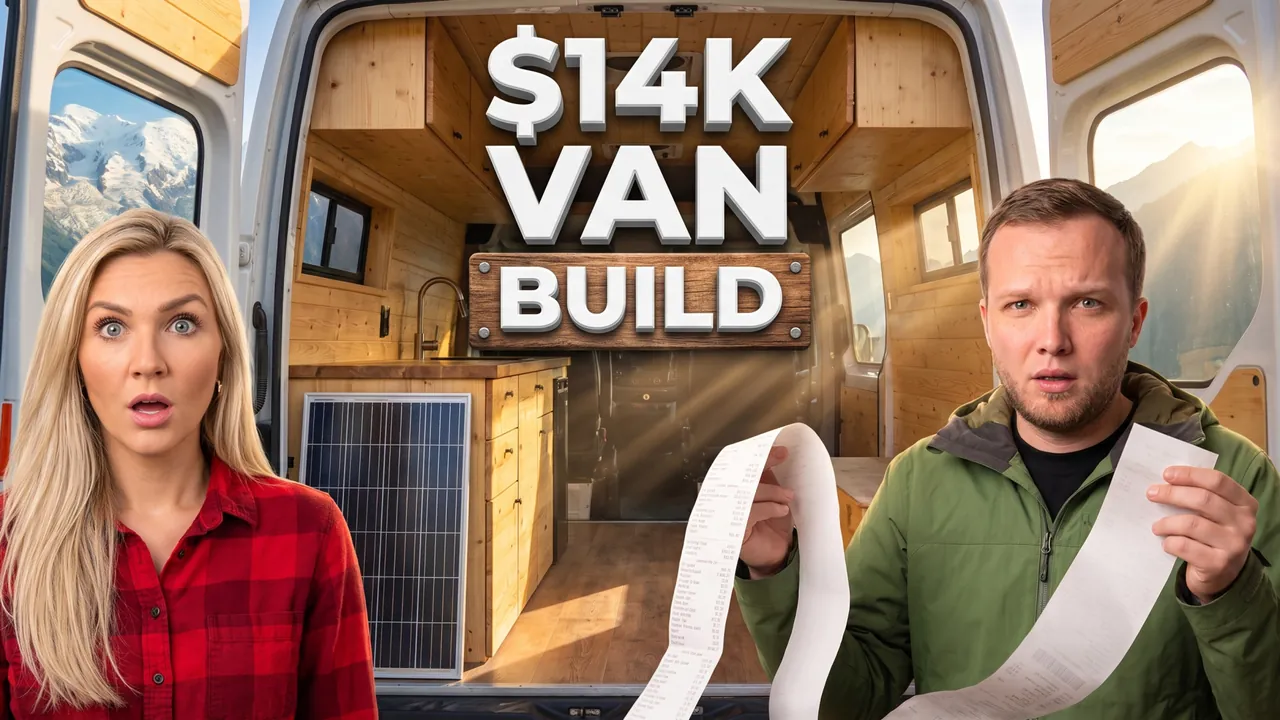
Van build for a summer in the Alps
Auto Automatic mode What the creator entered: video descriptionTitleVan build for a summer in the Alps
DescriptionWe turned a 2018 Ford Transit into a camper van in 6 weeks for $14,000 and lived in it for a summer in the Alps. Built the bed and kitchen ourselves, installed 400W of solar and found free spots with a view of Mont Blanc. At the end – the full build cost and the mistakes that nearly ruined the trip.
Automatic mode: the creator only described the video – the service came up with the idea, composition and thumbnail text on its own.
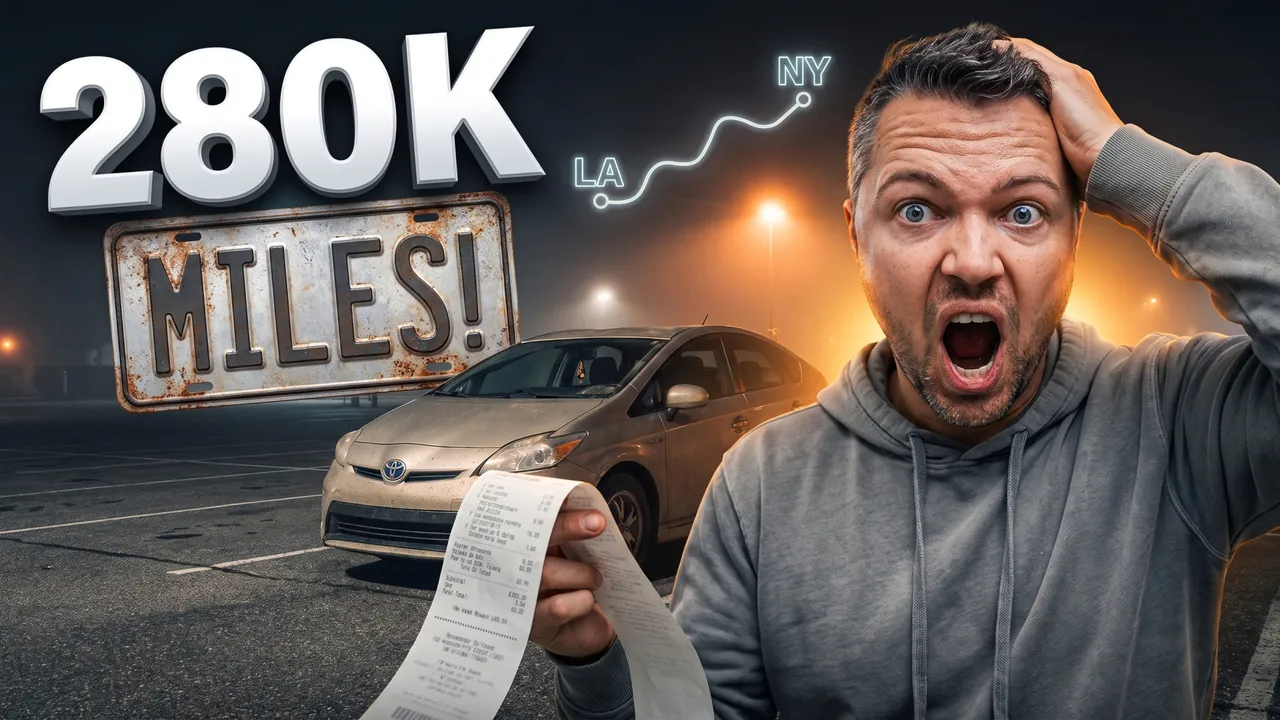
280k-mile Prius coast to coast
Auto Automatic mode What the creator entered: video descriptionTitle280k-mile Prius coast to coast
DescriptionMy video about buying a 2012 Toyota Prius with 280,000 miles for $4,500 and driving it from New York to LA in 6 days. Tracked every gallon, slept in the back seat in a Walmart parking lot in Oklahoma and averaged 47 mpg. At the end – the total trip cost and whether a high-mileage Prius is actually a smart buy.
Automatic mode: the creator only described the video – the service came up with the idea, composition and thumbnail text on its own.
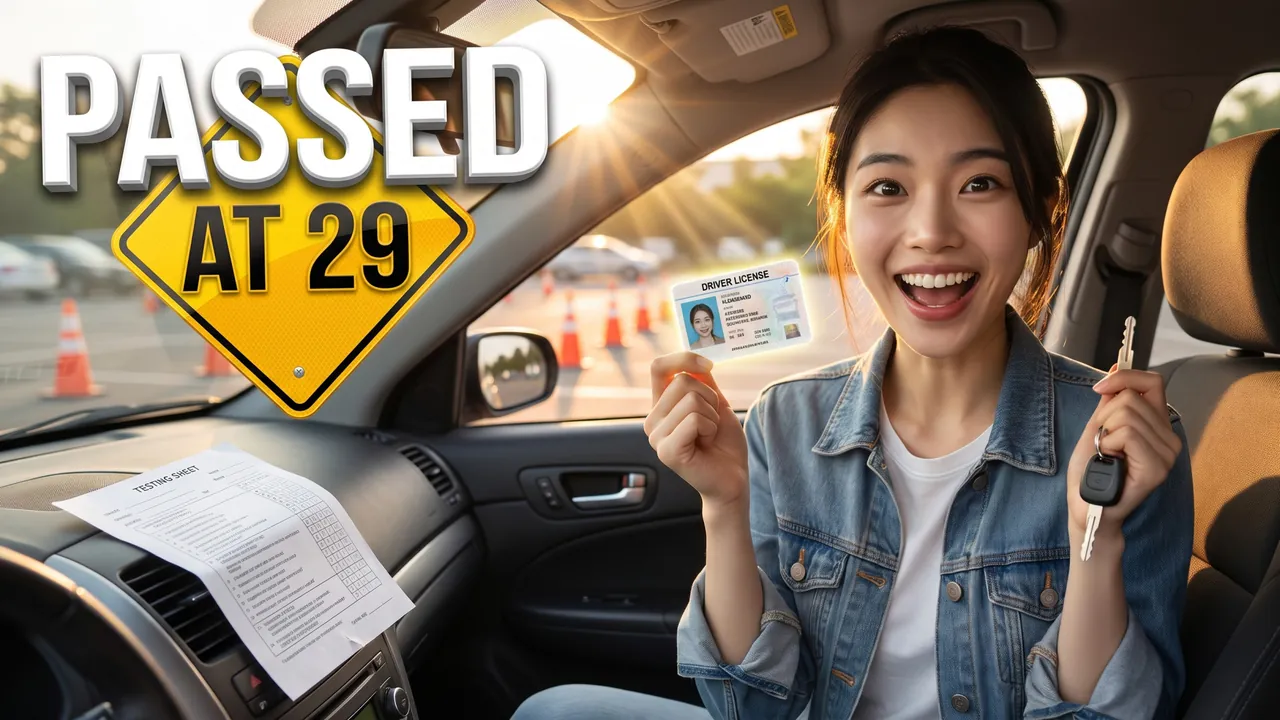
Driver's license at 29
Auto Automatic mode What the creator entered: video descriptionTitleDriver's license at 29
DescriptionMy video about getting my driver's license at 29 after years of driving anxiety. Took 12 lessons for $660, failed my first road test on parallel parking and passed the second one with zero points off. At the end – 7 tips that finally got me through and what helped me stop shaking behind the wheel.
Automatic mode: the creator only described the video – the service came up with the idea, composition and thumbnail text on its own.
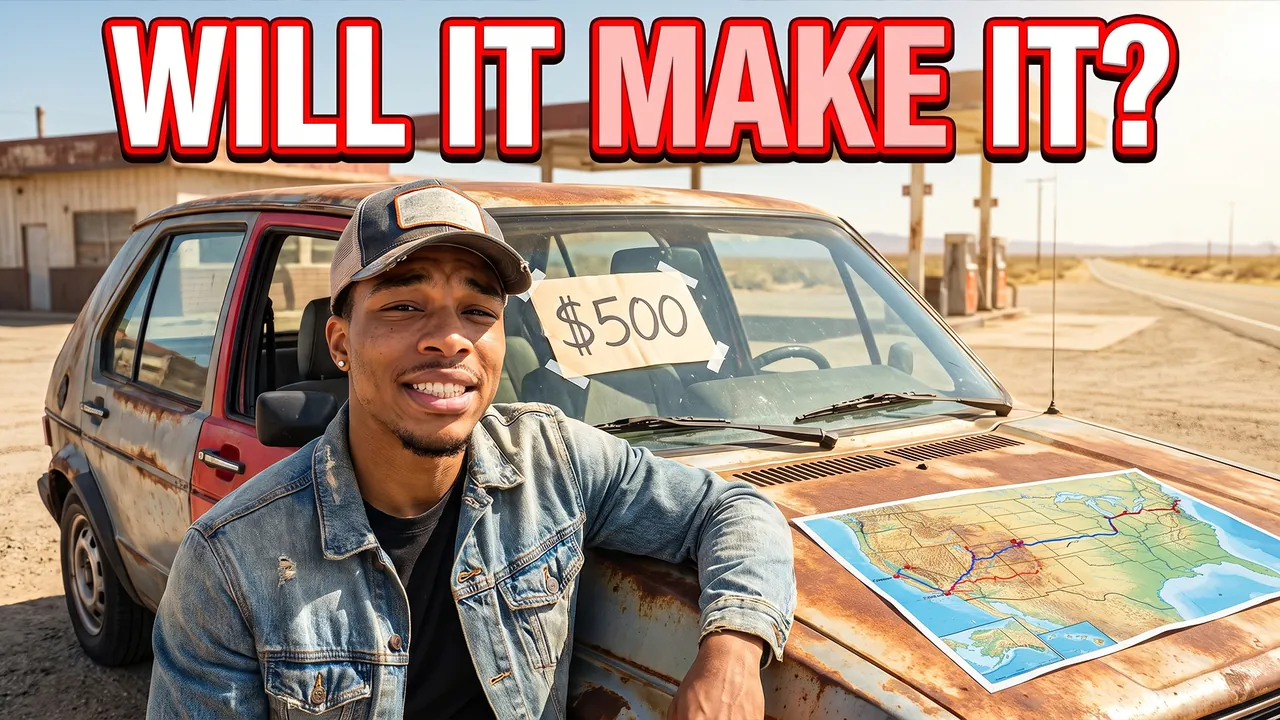
I Bought a $500 Car and Drove It Across the Country
Pro Professional mode Prompt for the chosen conceptCharacterUse the person from the uploaded photo as the main character. Preserve maximum facial likeness: eye shape, nose, lips, hairstyle and age.
ThemeCreate a viral YouTube thumbnail about buying a $500 car and driving it coast to coast.
OutfitFully replace the clothing with a worn denim jacket and a trucker cap.
Main characterClose-up of the hero on the right side of the frame, leaning on the car, looking straight into the camera with a hopeful but nervous grin.
Face size and eye contactThe face is large because of the framing, not because of head size: the camera is close, the shot is chest-up or shoulders-up, the body is cropped by the bottom edge, no legs or shoes in frame. Natural, realistic head-to-body proportions like a real photo; the head is not enlarged. He looks directly into the lens. The emotion is strong and readable even at small size.
ObjectsAn old rusty hatchback with a dented bumper and one different-colored door, a sign on the windshield $500. A map with a route from coast to coast on the hood. Above, large bold text WILL IT MAKE IT? in white with a thick red outline.
BackgroundA dusty gas station on an empty highway, bright sun.
CompositionComposition like a viral car challenge video. The hero takes about 40% of the frame, the car about 45%. Everything reads at small size.
StylePhotorealism. Very high detail of rust and dust. Colors: rust orange, denim blue, sunny yellow. High contrast. Cinematic lighting.
RestrictionsNo enlarged heads or caricature proportions. No car brand logos. No extra text. No watermarks.
Professional mode: the service suggested concepts, the creator picked one and edited the description – the thumbnail was generated from it.

My First Time Driving a Monster Truck
Pro Professional mode Prompt for the chosen conceptCharacterUse the person from the uploaded photo as the main character (a woman). Preserve maximum facial likeness: eye shape, nose, lips, hairstyle and age.
ThemeCreate a viral YouTube thumbnail about a woman driving a monster truck for the first time.
OutfitFully replace the clothing with a racing suit in purple and white; the helmet is under her arm.
Main characterClose-up of the heroine on the right side of the frame, standing in front of the truck, looking straight into the camera with an excited, fearless smile.
Face size and eye contactThe face is large because of the framing, not because of head size: the camera is close, the shot is chest-up or shoulders-up, the body is cropped by the bottom edge, no legs or shoes in frame. Natural, realistic head-to-body proportions like a real photo; the head is not enlarged. This is not a selfie: someone else takes the photo, she does not hold a camera or phone or reach toward the lens. She looks directly into the lens. The emotion is strong and readable even at small size.
ObjectsA huge purple monster truck with giant tires flies over a pile of crushed cars behind her, mud spraying.
Text on thumbnailThe only text on the thumbnail: MONSTER TRUCK – word for word, nothing added; do not turn the theme or video title into text. Only numbers on objects from OBJECTS are allowed besides it. Placement: in the upper part of the frame on an area free of faces, large, in 1–2 lines; never in the bottom-right corner and never over faces. Styling: a bold modern sans-serif font like Montserrat Black or Bebas Neue, all caps, even lines and clean letter spacing. Colors: mostly white, purple accent color on one key word; colors harmonize with the frame's palette. Thin dark outline and a soft shadow for readability. No acid yellow or muddy color combos, no rainbow gradients, arrows, banners, emoji or flags.
BackgroundA dirt arena with stadium lights and a cheering crowd.
CompositionComposition like a viral motorsport video. The heroine takes about 40% of the frame, the flying truck creates action. Everything reads at small size.
StylePhotorealism. Very high detail. Colors: purple, mud brown, bright white lights. High contrast. Cinematic lighting. Frozen-motion effect.
RestrictionsNo enlarged heads or caricature proportions. No brand logos. No text except the caption from TEXT ON THUMBNAIL. No watermarks.
Professional mode: the service suggested concepts, the creator picked one and edited the description – the thumbnail was generated from it.
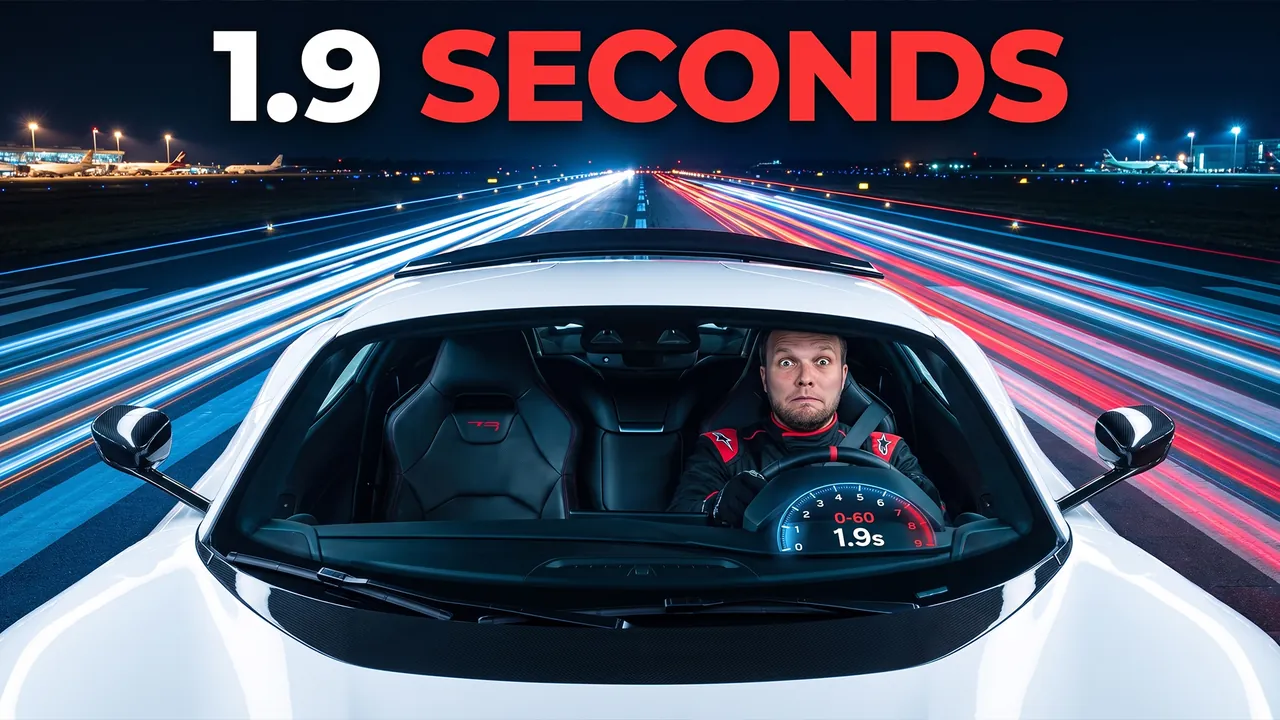
0 to 60 in 1.9 Seconds
Pro Professional mode Prompt for the chosen conceptCharacterUse the person from the uploaded photo as the main character. Preserve maximum facial likeness: eye shape, nose, lips, hairstyle and age.
ThemeCreate a viral YouTube thumbnail about testing the fastest electric hypercar.
OutfitFully replace the clothing with a black racing jacket with red details.
Main characterThe hero sits in the driver's seat on the right side of the frame, pressed back by acceleration, looking into the camera with extreme shock, cheeks pulled back.
Face size and eye contactThe face is large because of the framing, not because of head size: the camera is close, the shot is chest-up or shoulders-up, the body is cropped by the bottom edge, no legs or shoes in frame. Natural, realistic head-to-body proportions like a real photo; the head is not enlarged. This is not a selfie: someone else takes the photo, he does not hold a camera or phone or reach toward the lens. He looks directly into the lens. The emotion is strong and readable even at small size.
ObjectsA futuristic white hypercar without logos speeds down a runway with motion blur and light trails. A digital speedometer reads 0-60 1.9s.
Text on thumbnailThe only text on the thumbnail: 1.9 SECONDS – word for word, nothing added; do not turn the theme or video title into text. Only numbers on objects from OBJECTS are allowed besides it. Placement: in the upper part of the frame on an area free of faces, large, in 1–2 lines; never in the bottom-right corner and never over faces. Styling: a bold modern sans-serif font like Montserrat Black or Bebas Neue, all caps, even lines and clean letter spacing. Colors: mostly white, red accent color on one key word; colors harmonize with the frame's palette. Thin dark outline and a soft shadow for readability. No acid yellow or muddy color combos, no rainbow gradients, arrows, banners, emoji or flags.
BackgroundA night airport runway with lights stretched into streaks.
CompositionComposition like a viral car test video. The hero takes about 40% of the frame, the car about 40%. Everything reads at small size.
StylePhotorealism. Very high detail. Colors: white, red, night blue. High contrast. Cinematic lighting. Motion effect.
RestrictionsNo enlarged heads or caricature proportions. No car brand logos. No text except the caption from TEXT ON THUMBNAIL. No watermarks.
Professional mode: the service suggested concepts, the creator picked one and edited the description – the thumbnail was generated from it.
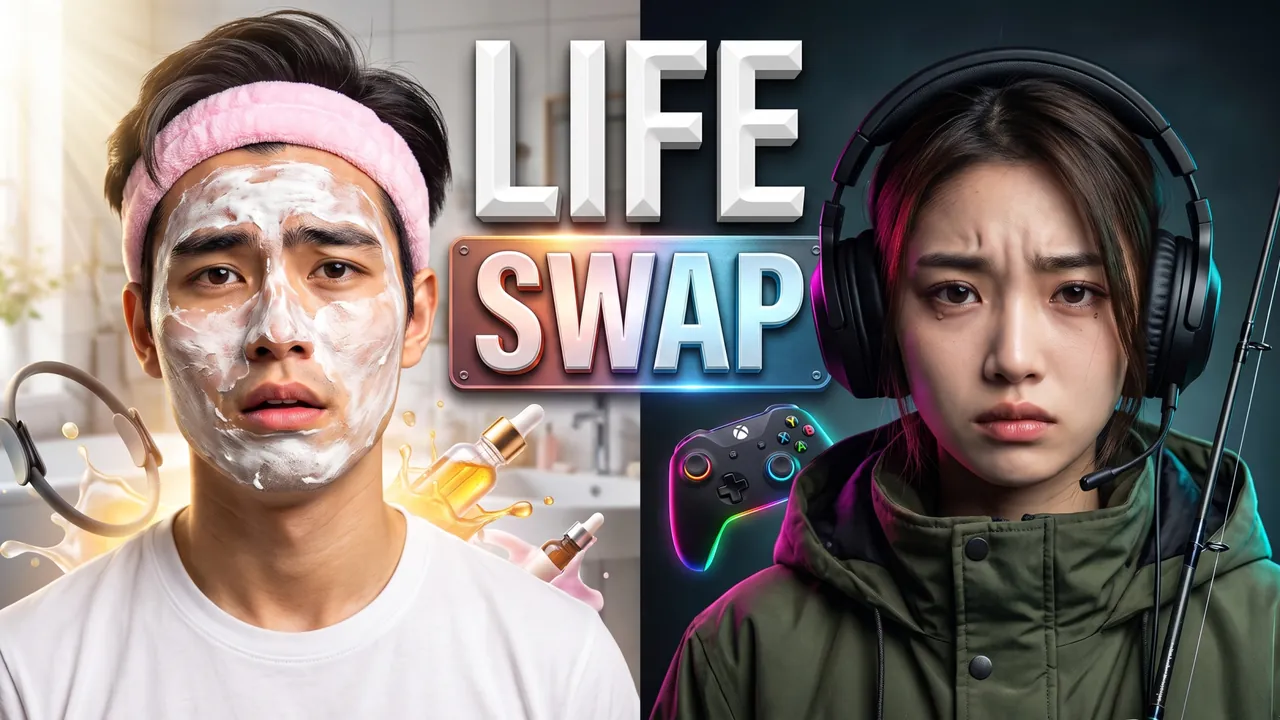
We swapped lives for 24 hours
Auto Automatic mode What the creator entered: video descriptionTitleWe swapped lives for 24 hours
DescriptionMy boyfriend and I swapped lives for 24 hours: he did my 10-step skincare routine and a Pilates class, I played Call of Duty with his friends and went fishing at 5 a.m. At the end – whose life turned out harder and who gave up first.
Automatic mode: the creator only described the video – the service came up with the idea, composition and thumbnail text on its own.

Tourist in my own city
Auto Automatic mode What the creator entered: video descriptionTitleTourist in my own city
DescriptionMy video about pretending to be a tourist in my own city, New York, for a whole day. Bought an I ♥ NY shirt, asked locals for directions to Times Square while standing in it and paid $80 for a horse carriage ride through Central Park. At the end – the funniest reactions and the tourist traps that are actually worth it.
Automatic mode: the creator only described the video – the service came up with the idea, composition and thumbnail text on its own.

7 days of viral life hacks
Auto Automatic mode What the creator entered: video descriptionTitle7 days of viral life hacks
DescriptionMy video about following every viral life hack for 7 days straight – celery juice, silk pillowcases, ice facials and a 12-step skincare routine. Spent $310 on hacks that promised to change my life. At the end – what actually worked and what was a total scam.
Automatic mode: the creator only described the video – the service came up with the idea, composition and thumbnail text on its own.
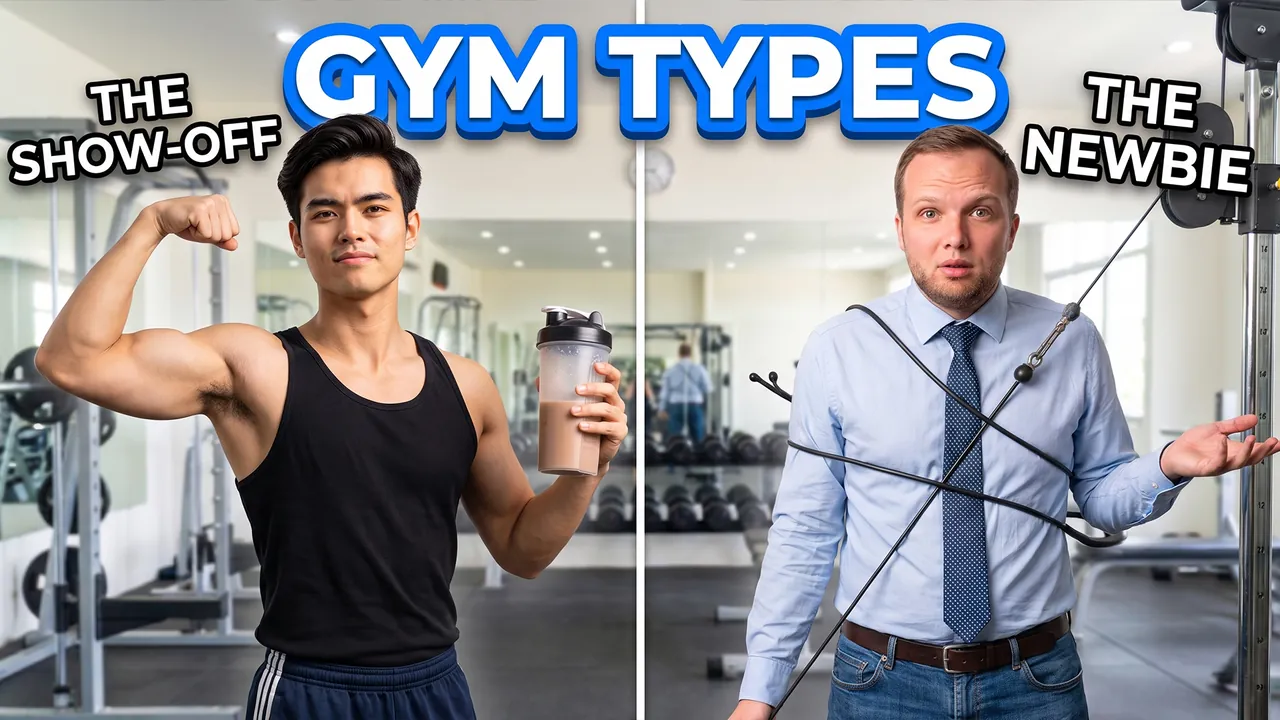
Types of People at the Gym
Pro Professional mode Prompt for the chosen conceptCharactersUse the two people from the uploaded photos as the main characters: the person from the first photo on the left, the person from the second photo on the right. Preserve maximum likeness of each face: eye shape, nose, lips, hairstyle and age. Do not blend their features.
ThemeCreate a viral YouTube thumbnail for a comedy sketch about types of people at the gym.
OutfitThe left hero is a huge show-off in a tiny tank top with a giant protein shaker; the right one is a confused beginner in jeans and a business shirt.
Main charactersClose-ups of both heroes on both sides of the frame. The left one flexes and looks into the camera with smug pride. The right one is tangled in a machine and looks into the camera with total confusion.
Face size and eye contactThe faces are large because of the framing, not because of head size: the camera is close, both heroes are framed chest-up or shoulders-up, bodies cropped by the bottom edge, no legs or shoes in frame. Natural, realistic head-to-body proportions like a real photo; heads are not enlarged. Both look directly into the lens, not at each other. The emotions are strong and readable even at small size.
ObjectsLabels above them: THE SHOW-OFF and THE NEWBIE. Above, large bold text GYM TYPES in white with a thick blue outline.
BackgroundA bright gym with mirrors and equipment.
CompositionComposition like a viral comedy sketch. Each hero takes about 35% of the frame. Everything reads at small size.
StylePhotorealism with exaggerated comedic expressions. Very high detail. Bright colors. High contrast. Bright lighting.
RestrictionsNo enlarged heads or caricature proportions. No brand logos. No extra text. No watermarks.
Professional mode: the service suggested concepts, the creator picked one and edited the description – the thumbnail was generated from it.

When Dad Tries to Use Technology
Pro Professional mode Prompt for the chosen conceptCharacterUse the person from the uploaded photo as the main character. Preserve maximum facial likeness: eye shape, nose, lips, hairstyle and age.
ThemeCreate a viral YouTube thumbnail for a comedy sketch about a dad trying to use modern technology.
OutfitFully replace the clothing with a polo shirt buttoned to the top and reading glasses on a cord.
Main characterClose-up of the hero on the right side of the frame. He holds a smartphone far from his face, squinting in confusion, looking into the camera helplessly.
Face size and eye contactThe face is large because of the framing, not because of head size: the camera is close, the shot is chest-up or shoulders-up, the body is cropped by the bottom edge, no legs or shoes in frame. Natural, realistic head-to-body proportions like a real photo; the head is not enlarged. This is not a selfie: someone else takes the photo, he does not hold a camera or phone or reach toward the lens. He looks directly into the lens. The emotion is strong and readable even at small size.
ObjectsFloating error pop-ups and question marks around him.
Text on thumbnailThe only text on the thumbnail: DAD vs TECH – word for word, nothing added; do not turn the theme or video title into text. Only numbers on objects from OBJECTS are allowed besides it. Placement: in the upper part of the frame on an area free of faces, large, in 1–2 lines; never in the bottom-right corner and never over faces. Styling: a bold modern sans-serif font like Montserrat Black or Bebas Neue, all caps, even lines and clean letter spacing. Colors: mostly white, warm amber accent color on one key word; colors harmonize with the frame's palette. Thin dark outline and a soft shadow for readability. No acid yellow or muddy color combos, no rainbow gradients, arrows, banners, emoji or flags.
BackgroundA suburban living room with a big TV and a recliner.
CompositionComposition like a viral comedy sketch. The hero takes about 45% of the frame. Everything reads at small size.
StylePhotorealism with exaggerated comedic expressions. Very high detail. Bright warm colors. High contrast. Bright lighting.
RestrictionsNo enlarged heads or caricature proportions. No brand logos. No watermarks.
Professional mode: the service suggested concepts, the creator picked one and edited the description – the thumbnail was generated from it.
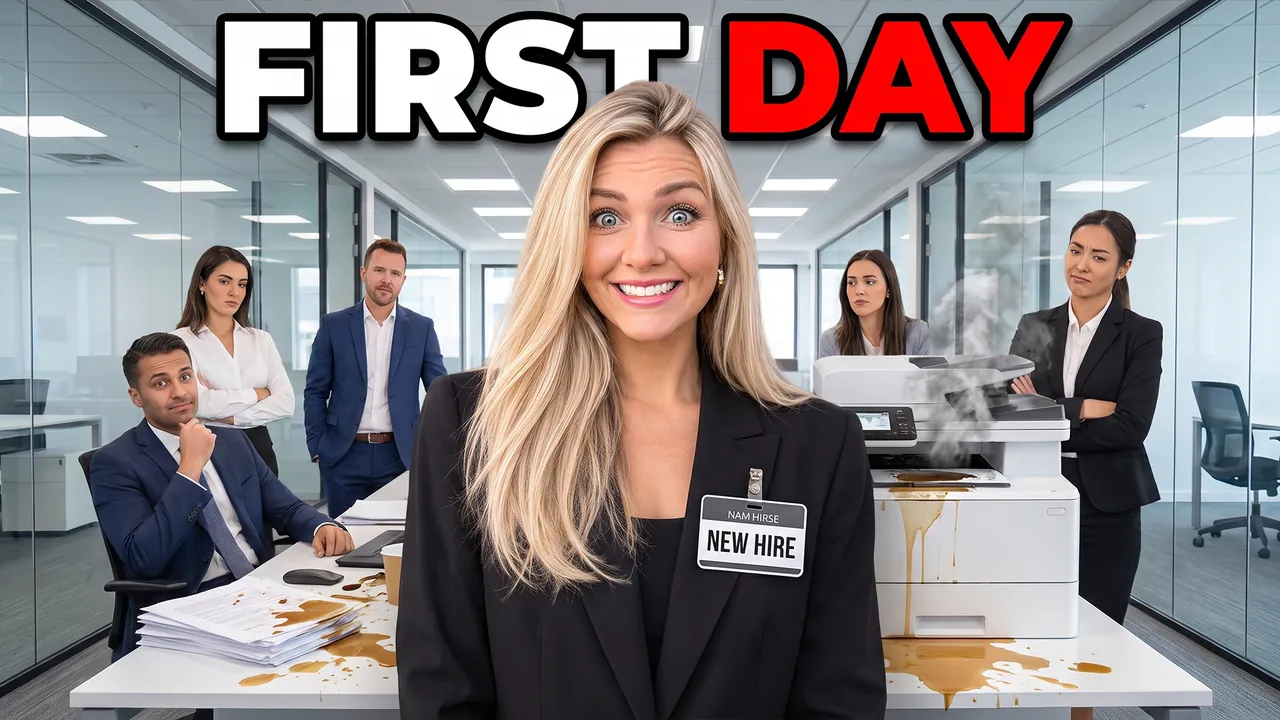
POV Your First Day at a New Job
Pro Professional mode Prompt for the chosen conceptCharacterUse the person from the uploaded photo as the main character (a woman). Preserve maximum facial likeness: eye shape, nose, lips, hairstyle and age.
ThemeCreate a viral YouTube thumbnail for a comedy sketch about the first day at a new job.
OutfitFully replace the clothing with an over-ironed formal suit and a giant name badge.
Main characterClose-up of the heroine on the right side of the frame, standing awkwardly, smiling too hard and looking into the camera with nervous panic.
Face size and eye contactThe face is large because of the framing, not because of head size: the camera is close, the shot is chest-up or shoulders-up, the body is cropped by the bottom edge, no legs or shoes in frame. Natural, realistic head-to-body proportions like a real photo; the head is not enlarged. This is not a selfie: someone else takes the photo, she does not hold a camera or phone or reach toward the lens. She looks directly into the lens. The emotion is strong and readable even at small size.
ObjectsCoffee spilled on her papers, a printer jammed and smoking behind her, coworkers staring.
Text on thumbnailThe only text on the thumbnail: FIRST DAY – word for word, nothing added; do not turn the theme or video title into text. Only numbers on objects from OBJECTS are allowed besides it. Placement: in the upper part of the frame on an area free of faces, large, in 1–2 lines; never in the bottom-right corner and never over faces. Styling: a bold modern sans-serif font like Montserrat Black or Bebas Neue, all caps, even lines and clean letter spacing. Colors: mostly white, red accent color on one key word; colors harmonize with the frame's palette. Thin dark outline and a soft shadow for readability. No acid yellow or muddy color combos, no rainbow gradients, arrows, banners, emoji or flags.
BackgroundA modern office with glass walls.
CompositionComposition like a viral relatable comedy sketch. The heroine takes about 45% of the frame. Everything reads at small size.
StylePhotorealism with exaggerated comedic expressions. Very high detail. Bright colors. High contrast. Bright lighting.
RestrictionsNo enlarged heads or caricature proportions. No company logos. No watermarks.
Professional mode: the service suggested concepts, the creator picked one and edited the description – the thumbnail was generated from it.

SAT from 1180 to 1480 without a tutor
Auto Automatic mode What the creator entered: video descriptionTitleSAT from 1180 to 1480 without a tutor
DescriptionMy video about studying for the SAT for 8 weeks and raising my score from 1180 to 1480 without a tutor. Used Khan Academy, took a full practice test every Saturday and logged every mistake in a Notion spreadsheet. At the end – my exact study schedule and the question types that gave me the biggest jump.
Automatic mode: the creator only described the video – the service came up with the idea, composition and thumbnail text on its own.

Spanish in 90 days for under $100
Auto Automatic mode What the creator entered: video descriptionTitleSpanish in 90 days for under $100
DescriptionMy video about learning Spanish in 90 days for under $100 and going from zero to a 20-minute conversation in Mexico City. Used Duolingo, watched Money Heist with Spanish subtitles and booked $8 lessons on italki. At the end – my week-by-week plan and the real conversation, unedited.
Automatic mode: the creator only described the video – the service came up with the idea, composition and thumbnail text on its own.

$5 latte vs the S&P 500
Auto Automatic mode What the creator entered: video descriptionTitle$5 latte vs the S&P 500
DescriptionI explain compound interest with one simple question: what happens if you skip a $5 daily latte and put that money into an S&P 500 index fund for 30 years? Real numbers, a whiteboard and zero finance jargon. At the end – the final number that shocked me and 3 money rules I wish I'd learned in school.
Automatic mode: the creator only described the video – the service came up with the idea, composition and thumbnail text on its own.
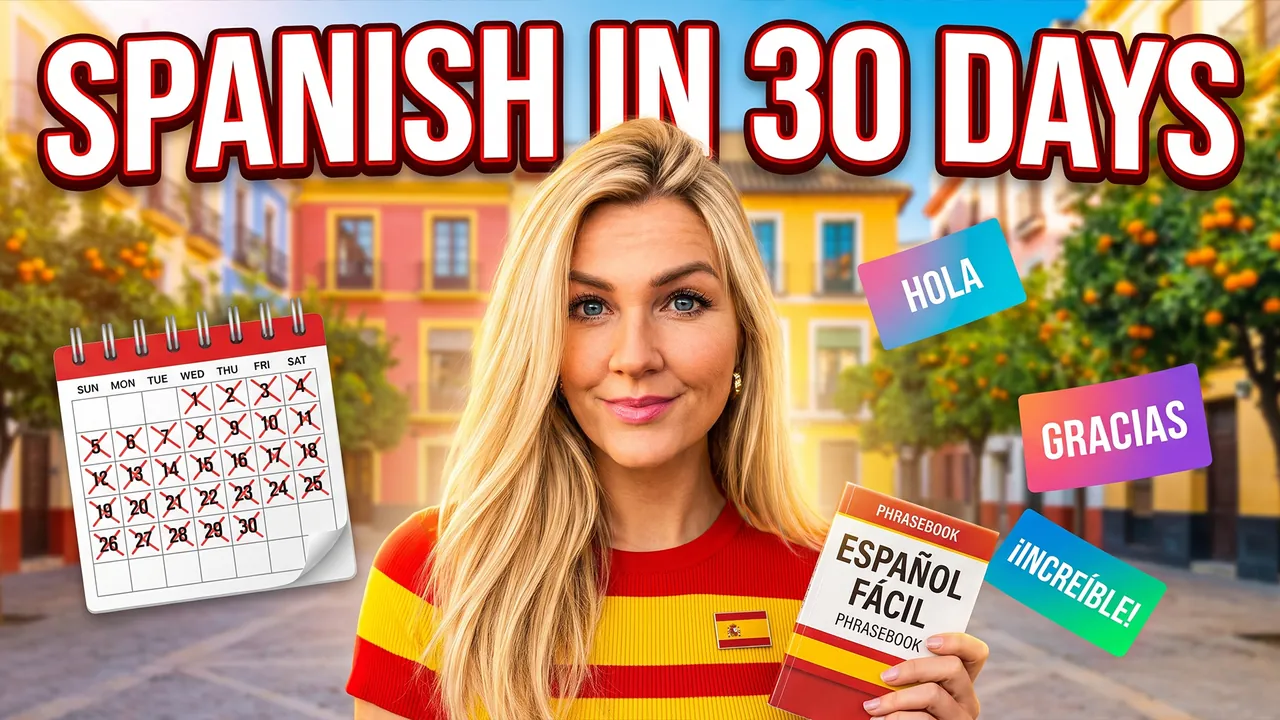
I Learned Spanish in 30 Days
Pro Professional mode Prompt for the chosen conceptCharacterUse the person from the uploaded photo as the main character (a woman). Preserve maximum facial likeness: eye shape, nose, lips, hairstyle and age.
ThemeCreate a viral YouTube thumbnail about learning Spanish from zero in 30 days.
OutfitFully replace the clothing with a red and yellow striped top and a small flag of Spain pin.
Main characterClose-up of the heroine on the right side of the frame. She looks straight into the camera with a confident smile, holding a phrasebook.
Face size and eye contactThe heroine's face is the main element of the thumbnail: a close-up, the face takes at least one third of the frame height and is closer to the camera than everything else except an object held toward the lens. She looks directly into the lens. The emotion is exaggerated and readable even at small size.
ObjectsColorful flashcards with Spanish words fly around her head: HOLA, GRACIAS, ¡INCREÍBLE!. A calendar on the left shows 30 days crossed out. Above, large bold text SPANISH IN 30 DAYS in white with a thick red outline.
BackgroundA sunny Spanish plaza with colorful buildings and orange trees, blurred.
CompositionComposition like a viral language learning video. The heroine takes about 40% of the frame, the flashcards add energy. Everything reads at small size.
StylePhotorealism. Very high detail. Warm colors (red, yellow, terracotta). High contrast. Cinematic lighting.
RestrictionsNo app logos. No extra text. No watermarks.
Professional mode: the service suggested concepts, the creator picked one and edited the description – the thumbnail was generated from it.

How Your Brain Actually Learns
Pro Professional mode Prompt for the chosen conceptCharacterUse the person from the uploaded photo as the main character. Preserve maximum facial likeness: eye shape, nose, lips, hairstyle and age.
ThemeCreate a viral YouTube thumbnail explaining how the human brain learns and remembers.
OutfitFully replace the clothing with a white shirt with rolled-up sleeves.
Main characterClose-up of the hero on the right side of the frame. He looks straight into the camera with a mind-blown expression, hands spread near his head.
Face size and eye contactThe face is large because of the framing, not because of head size: the camera is close, the shot is chest-up or shoulders-up, the body is cropped by the bottom edge, no legs or shoes in frame. Natural, realistic head-to-body proportions like a real photo; the head is not enlarged. This is not a selfie: someone else takes the photo, he does not hold a camera or phone or reach toward the lens. He looks directly into the lens. The emotion is strong and readable even at small size.
ObjectsA large glowing translucent brain hologram floats on the left, with lightning-like neural connections lighting up.
Text on thumbnailThe only text on the thumbnail: YOUR BRAIN ON LEARNING – word for word, nothing added; do not turn the theme or video title into text. Only numbers on objects from OBJECTS are allowed besides it. Placement: in the upper part of the frame on an area free of faces, large, in 1–2 lines; never in the bottom-right corner and never over faces. Styling: a bold modern sans-serif font like Montserrat Black or Bebas Neue, all caps, even lines and clean letter spacing. Colors: mostly white, cyan accent color on one key word; colors harmonize with the frame's palette. Thin dark outline and a soft shadow for readability. No acid yellow or muddy color combos, no rainbow gradients, arrows, banners, emoji or flags.
BackgroundA dark classroom with a chalkboard full of diagrams, blue glow.
CompositionComposition like a viral science education video. The hero takes about 40% of the frame, the brain about 40%. Everything reads at small size.
StylePhotorealism with holographic elements. Very high detail. Colors: cyan, deep blue, white. High contrast. Cinematic lighting.
RestrictionsNo enlarged heads or caricature proportions. No extra objects. No text except the caption from TEXT ON THUMBNAIL. No watermarks.
Professional mode: the service suggested concepts, the creator picked one and edited the description – the thumbnail was generated from it.

What Life Was Really Like for a Viking
Pro Professional mode Prompt for the chosen conceptCharacterUse the person from the uploaded photo as the main character. Preserve maximum facial likeness: eye shape, nose, lips, hairstyle and age.
ThemeCreate a viral YouTube thumbnail a history explainer about the real daily life of Vikings.
OutfitFully replace the clothing with a Viking outfit: fur cloak, leather armor and a simple iron helmet without horns.
Main characterClose-up of the hero on the right side of the frame. He looks straight into the camera with an intense, intriguing expression, as if revealing a secret.
Face size and eye contactThe face is large because of the framing, not because of head size: the camera is close, the shot is chest-up or shoulders-up, the body is cropped by the bottom edge, no legs or shoes in frame. Natural, realistic head-to-body proportions like a real photo; the head is not enlarged. This is not a selfie: someone else takes the photo, he does not hold a camera or phone or reach toward the lens. He looks directly into the lens. The emotion is strong and readable even at small size.
ObjectsHe holds a round painted wooden shield and an axe close to the lens. A Viking longship with a dragon head sails on the left.
Text on thumbnailThe only text on the thumbnail: VIKING LIFE – word for word, nothing added; do not turn the theme or video title into text. Only numbers on objects from OBJECTS are allowed besides it. Placement: in the upper part of the frame on an area free of faces, large, in 1–2 lines; never in the bottom-right corner and never over faces. Styling: a bold modern sans-serif font like Montserrat Black or Bebas Neue, all caps, even lines and clean letter spacing. Colors: mostly white, blue accent color on one key word; colors harmonize with the frame's palette. Thin dark outline and a soft shadow for readability. No acid yellow or muddy color combos, no rainbow gradients, arrows, banners, emoji or flags.
BackgroundA misty Scandinavian fjord with mountains and cold dawn light.
CompositionComposition like an expensive history documentary. The hero takes about 40% of the frame, the longship creates scale. Everything reads at small size.
StylePhotorealism. Very high detail. Cold colors (steel blue, fur brown, misty grey). High contrast. Cinematic lighting.
RestrictionsNo enlarged heads or caricature proportions. No extra objects. No text except the caption from TEXT ON THUMBNAIL. No watermarks.
Professional mode: the service suggested concepts, the creator picked one and edited the description – the thumbnail was generated from it.
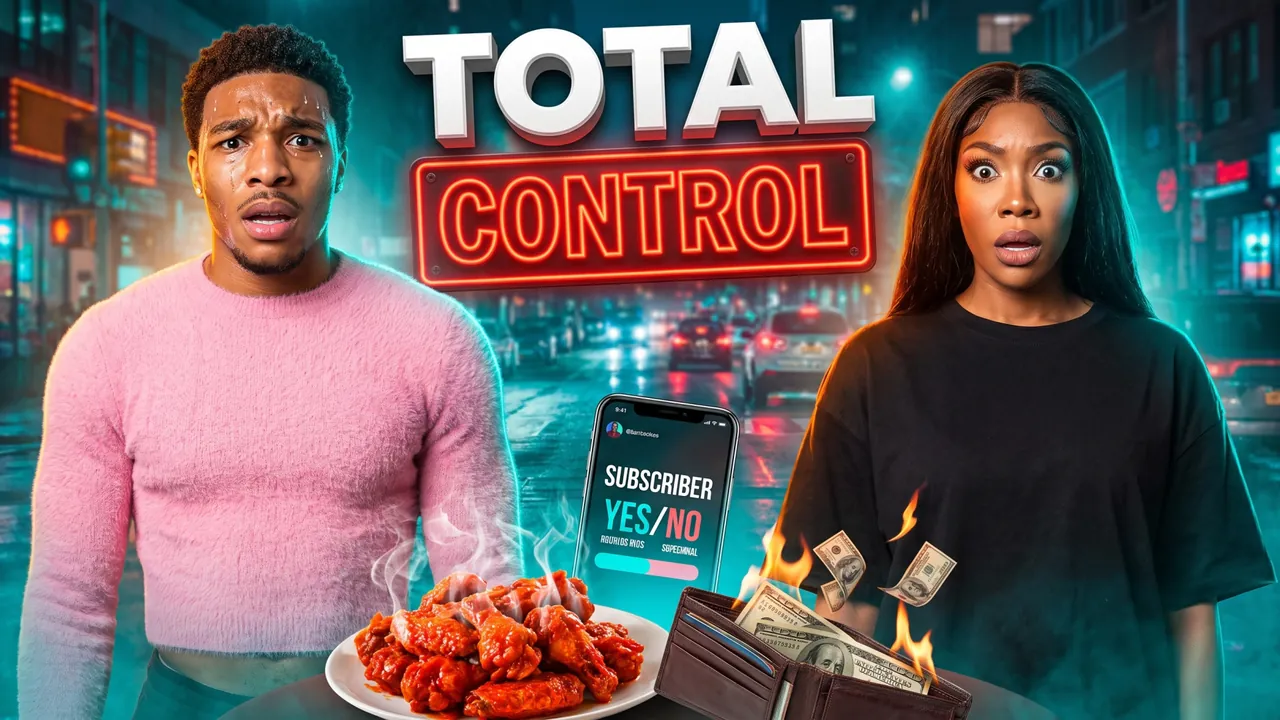
Subscribers control our day
Auto Automatic mode What the creator entered: video descriptionTitleSubscribers control our day
DescriptionWe let our subscribers control our entire day for 24 hours – and we couldn't say no to anything. Ate the spiciest wings in Philadelphia, swapped wardrobes and had to talk only in rhymes for a whole hour. At the end – the craziest dare and the total damage to our wallets.
Automatic mode: the creator only described the video – the service came up with the idea, composition and thumbnail text on its own.

Every Taco Bell item in one day
Auto Automatic mode What the creator entered: video descriptionTitleEvery Taco Bell item in one day
DescriptionMy video about trying every single item on the Taco Bell menu in one day – all 42 of them. Started with a Crunchwrap at 9 a.m., hit a wall at item 23 and finished with a Baja Blast at midnight. At the end – my top 5, my bottom 5 and what the entire menu actually cost.
Automatic mode: the creator only described the video – the service came up with the idea, composition and thumbnail text on its own.
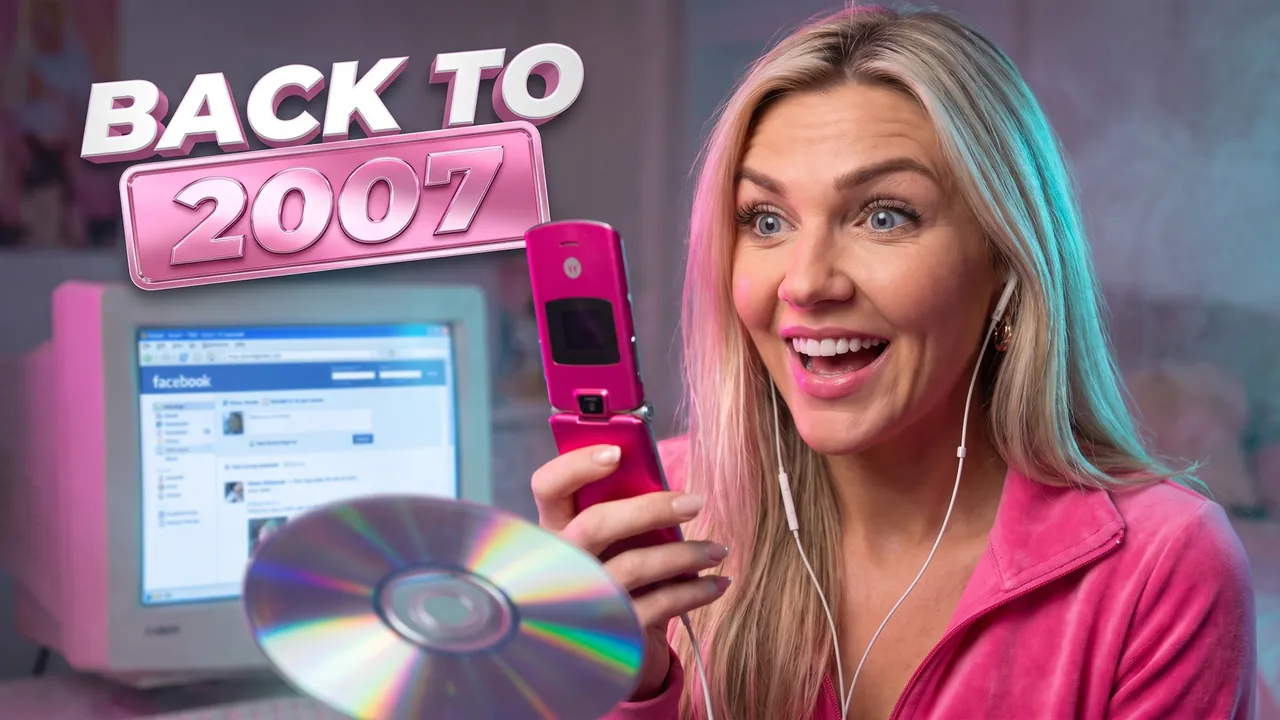
Living like it's 2007 for 24 hours
Auto Automatic mode What the creator entered: video descriptionTitleLiving like it's 2007 for 24 hours
DescriptionMy video about living like it's 2007 for 24 hours: a Motorola Razr, an iPod nano, MySpace and a full Juicy Couture tracksuit. Burned a CD playlist, printed MapQuest directions and tried to meet friends without texting. At the end – the things from the 2000s I'd actually bring back.
Automatic mode: the creator only described the video – the service came up with the idea, composition and thumbnail text on its own.

Last to Leave the Pool Wins $10,000
Pro Professional mode Prompt for the chosen conceptCharactersUse the two people from the uploaded photos as the main characters: the person from the first photo on the left, the person from the second photo on the right. Preserve maximum likeness of each face: eye shape, nose, lips, hairstyle and age. Do not blend their features.
ThemeCreate a viral YouTube thumbnail about a challenge where the last person to leave the pool wins $10,000.
OutfitFully replace the clothing with bright swim rash guards, one red and one blue.
Main charactersBoth heroes are in the pool on both sides of the frame. The left one is shivering and exhausted, the right one floats confidently and smirks at the camera.
Face size and eye contactThe faces are large because of the framing, not because of head size: the camera is close, both heroes are framed chest-up or shoulders-up, bodies cropped by the bottom edge, no legs or shoes in frame. Natural, realistic head-to-body proportions like a real photo; heads are not enlarged. Both look directly into the lens, not at each other. The emotions are strong and readable even at small size.
ObjectsA giant inflatable dollar sign floats in the center, and stacks of cash sit on a pool float. Above, large bold text $10,000 in gold and below it LAST TO LEAVE WINS in white.
BackgroundA luxury pool at night with underwater lights and palm trees.
CompositionComposition like a huge viral challenge show. Each hero takes about 30% of the frame, the money is the hook. Everything reads at small size.
StylePhotorealism. Very high detail. Colors: turquoise, gold, red, blue. High contrast. Cinematic lighting.
RestrictionsNo enlarged heads or caricature proportions. No extra objects. No extra text. No watermarks.
Professional mode: the service suggested concepts, the creator picked one and edited the description – the thumbnail was generated from it.
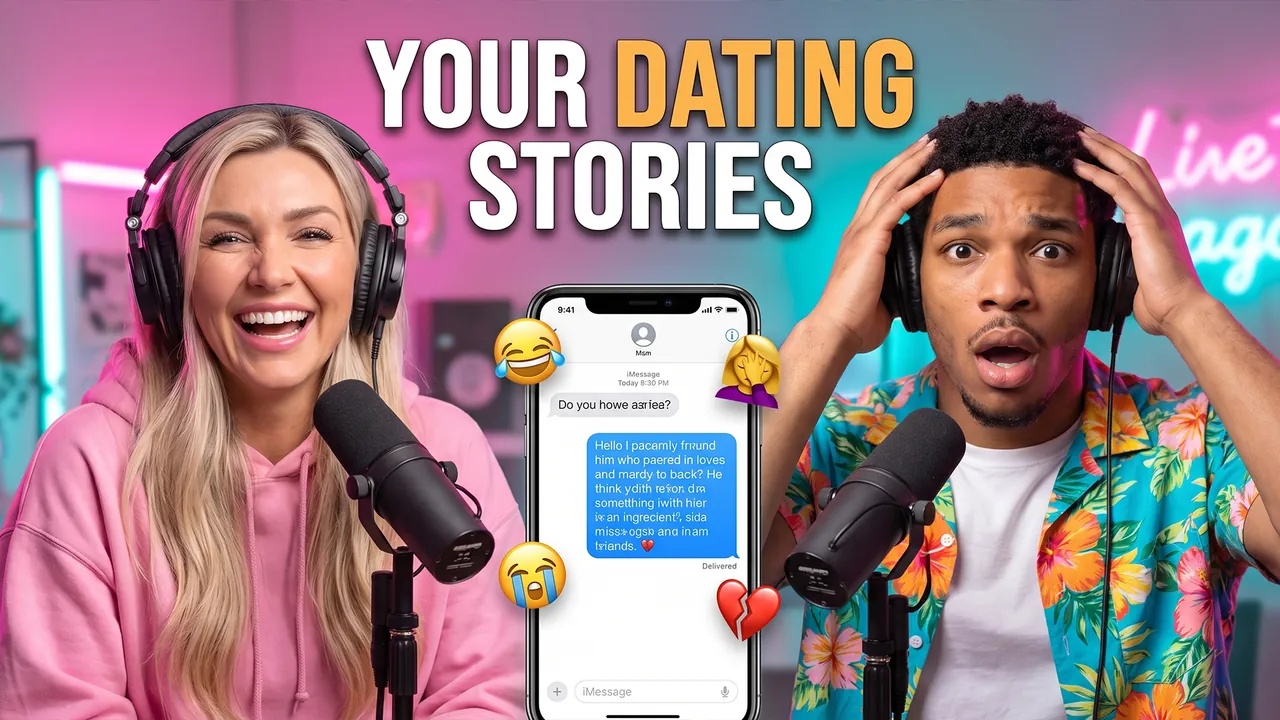
Podcast Reading Your Craziest Dating Stories
Pro Professional mode Prompt for the chosen conceptCharactersUse the two people from the uploaded photos as the main characters: the person from the first photo on the left, the person from the second photo on the right. Preserve maximum likeness of each face: eye shape, nose, lips, hairstyle and age. Do not blend their features.
ThemeCreate a viral YouTube thumbnail for an entertainment podcast where the hosts read viewers' craziest dating stories.
OutfitHe wears a bright Hawaiian shirt, she wears a pink oversized hoodie. Both wear big headphones.
Main charactersClose-ups of both faces on both sides of the frame, a podcast microphone in front of each. He looks into the camera in total shock, holding his head. She looks straight into the camera laughing to tears.
Face size and eye contactThe faces are large because of the framing, not because of head size: the camera is close, both heroes are framed chest-up or shoulders-up, bodies cropped by the bottom edge, no legs or shoes in frame. Natural, realistic head-to-body proportions like a real photo; heads are not enlarged. This is not a selfie: someone else takes the photo, nobody holds a camera or phone. Both look directly into the lens, not at each other. The emotions are strong and readable even at small size.
ObjectsBetween them a phone screen showing a message with floating emoji reactions.
Text on thumbnailThe only text on the thumbnail: YOUR DATING STORIES – word for word, nothing added; do not turn the theme or video title into text. Only numbers on objects from OBJECTS are allowed besides it. Placement: in the upper part of the frame on an area free of faces, large, in 1–2 lines; never in the bottom-right corner and never over faces. Styling: a bold modern sans-serif font like Montserrat Black or Bebas Neue, all caps, even lines and clean letter spacing. Colors: mostly white, warm amber accent color on one key word; colors harmonize with the frame's palette. Thin dark outline and a soft shadow for readability. No acid yellow or muddy color combos, no rainbow gradients, arrows, banners, emoji or flags.
BackgroundA bright podcast studio with pink and turquoise neon lights.
CompositionComposition like a viral entertainment podcast. Each hero, framed chest-up, takes about 40% of the frame. Everything reads at small size.
StylePhotorealism. Very high skin and hair detail. Warm rim light with neon accents in the background. High contrast. Professional color grading. Shallow depth of field: faces sharp, background softly blurred.
RestrictionsNo enlarged heads or caricature proportions. No social media logos. No text except the caption from TEXT ON THUMBNAIL. No watermarks.
Professional mode: the service suggested concepts, the creator picked one and edited the description – the thumbnail was generated from it.
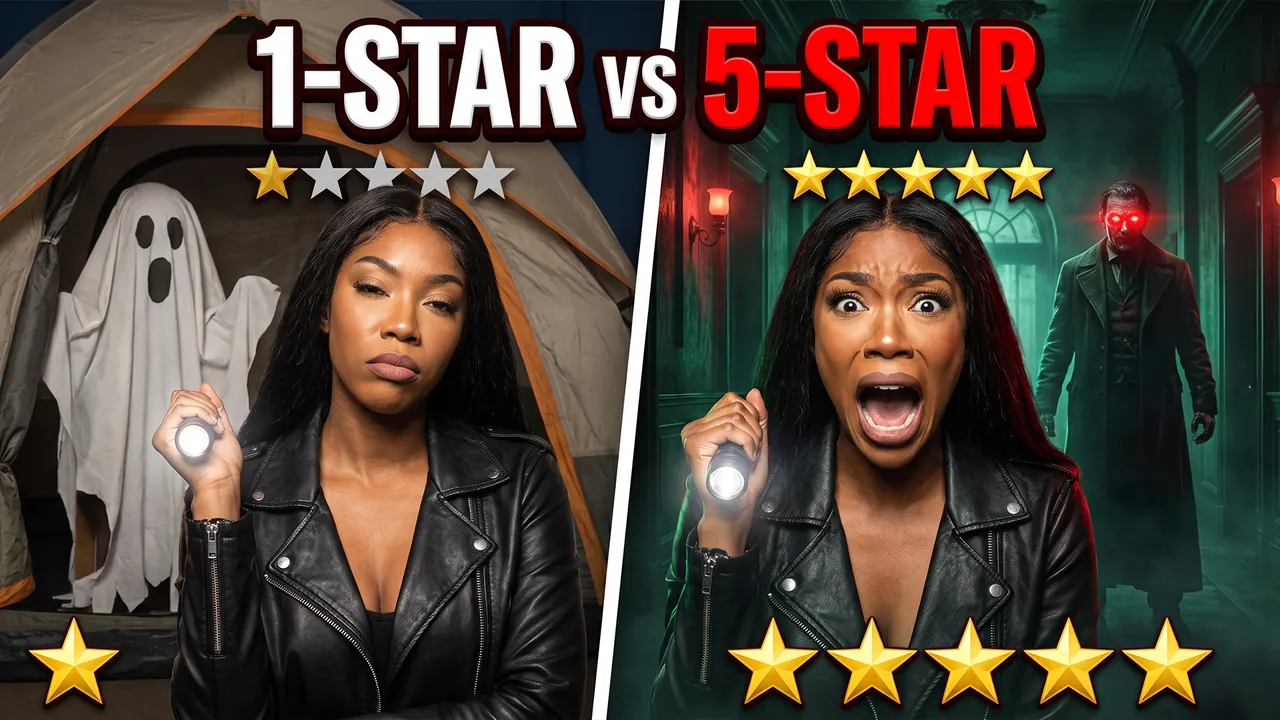
1-Star vs 5-Star Haunted House
Pro Professional mode Prompt for the chosen conceptCharacterUse the person from the uploaded photo as the main character (a woman). Preserve maximum facial likeness: eye shape, nose, lips, hairstyle and age.
ThemeCreate a viral YouTube thumbnail comparing the worst-rated and the best-rated haunted houses.
OutfitFully replace the clothing with a black leather jacket and a flashlight in hand.
Main characterThe frame is split. On the left the heroine looks bored and unimpressed. On the right she screams in terror and looks into the camera with wide eyes.
Face size and eye contactThe face is large because of the framing, not because of head size: the camera is close, the shot is chest-up or shoulders-up, the body is cropped by the bottom edge, no legs or shoes in frame. Natural, realistic head-to-body proportions like a real photo; the head is not enlarged. This is not a selfie: someone else takes the photo, she does not hold a camera or phone or reach toward the lens. She looks directly into the lens. The emotion is strong and readable even at small size.
ObjectsLeft: a cheap cardboard ghost and a single star rating. Right: a terrifying figure in a long coat with glowing eyes and five star rating.
Text on thumbnailThe only text on the thumbnail: 1-STAR vs 5-STAR – word for word, nothing added; do not turn the theme or video title into text. Only numbers on objects from OBJECTS are allowed besides it. Placement: in the upper part of the frame on an area free of faces, large, in 1–2 lines; never in the bottom-right corner and never over faces. Styling: a bold modern sans-serif font like Montserrat Black or Bebas Neue, all caps, even lines and clean letter spacing. Colors: mostly white, red accent color on one key word; colors harmonize with the frame's palette. Thin dark outline and a soft shadow for readability. No acid yellow or muddy color combos, no rainbow gradients, arrows, banners, emoji or flags.
BackgroundLeft: a cheap tent. Right: a dark Victorian mansion corridor with fog.
CompositionComposition like a viral comparison video. Each side takes about half the frame, the contrast reads instantly. Everything reads at small size.
StylePhotorealism. Very high detail. Dull colors on the left, deep green and red on the right. High contrast. Cinematic lighting.
RestrictionsNo enlarged heads or caricature proportions. No blood or violence. No text except the caption from TEXT ON THUMBNAIL. No watermarks.
Professional mode: the service suggested concepts, the creator picked one and edited the description – the thumbnail was generated from it.
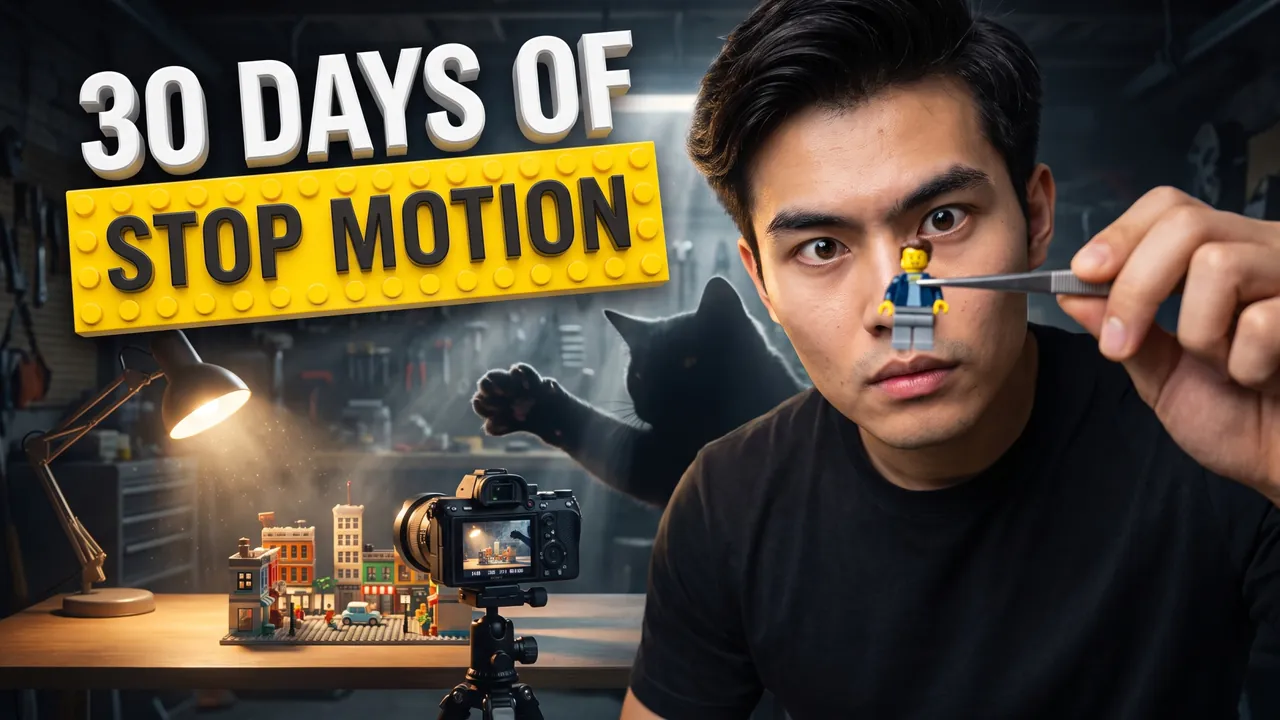
LEGO stop-motion in 30 days
Auto Automatic mode What the creator entered: video descriptionTitleLEGO stop-motion in 30 days
DescriptionMy video about learning stop-motion in 30 days and making my first 60-second short with LEGO minifigures. Shot 1,440 frames on a Canon M50 in my garage and rebuilt the set three times after my cat attacked it. At the end – day 1 vs day 30 and the beginner kit I'd recommend.
Automatic mode: the creator only described the video – the service came up with the idea, composition and thumbnail text on its own.

Ranking 20 years of Best Picture winners
Auto Automatic mode What the creator entered: video descriptionTitleRanking 20 years of Best Picture winners
DescriptionMe and my roommate watched every Best Picture winner from the last 20 years in one month and ranked them from worst to best. Scored each one on story, acting and rewatchability and argued for hours over the top 3. At the end – our full ranking and the winner nobody remembers but everyone should watch.
Automatic mode: the creator only described the video – the service came up with the idea, composition and thumbnail text on its own.
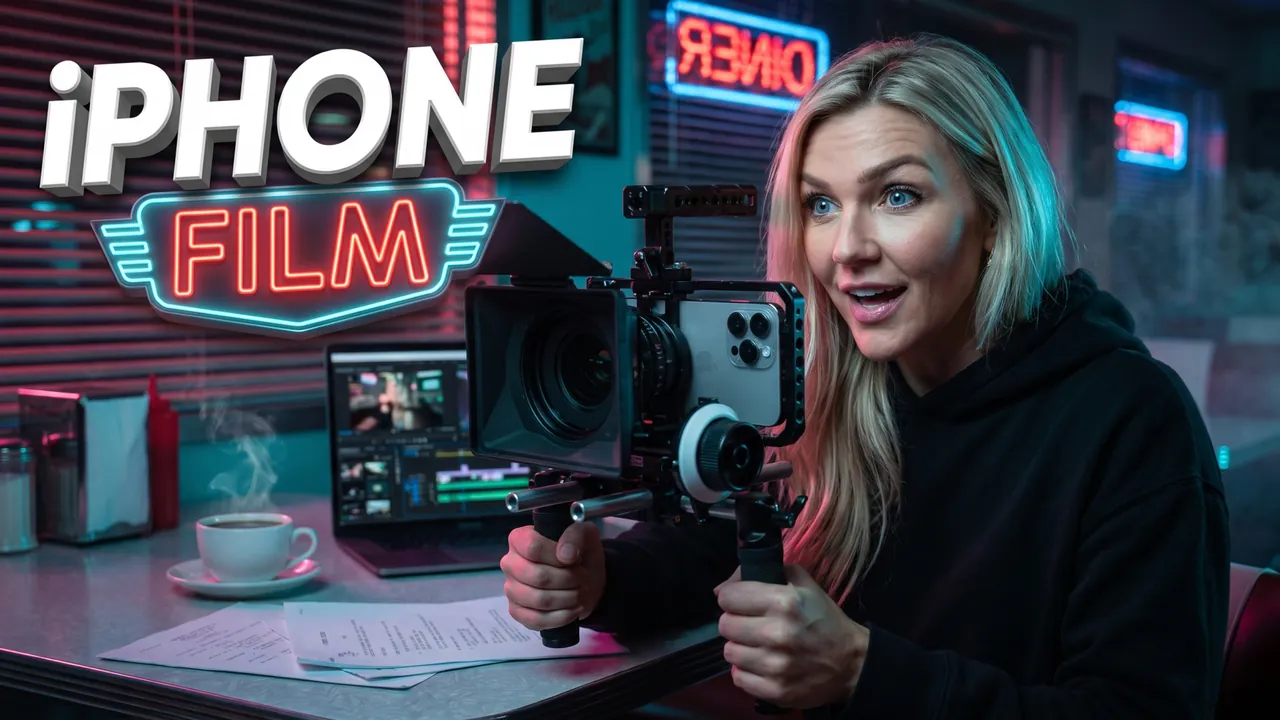
iPhone short film in 48 hours
Auto Automatic mode What the creator entered: video descriptionTitleiPhone short film in 48 hours
DescriptionMy video about shooting a short film on an iPhone 16 Pro in 48 hours with a $300 budget. Found actors in a Facebook group, filmed overnight in a diner outside Atlanta and edited everything in DaVinci Resolve before sunrise. At the end – the finished film and the full behind-the-scenes.
Automatic mode: the creator only described the video – the service came up with the idea, composition and thumbnail text on its own.

Movie Podcast The Worst Movie of the Year
Pro Professional mode Prompt for the chosen conceptCharactersUse the two people from the uploaded photos as the main characters: the person from the first photo on the left, the person from the second photo on the right. Preserve maximum likeness of each face: eye shape, nose, lips, hairstyle and age. Do not blend their features.
ThemeCreate a viral YouTube thumbnail for a movie podcast where two critics argue about the worst movie of the year.
OutfitHe wears a black turtleneck and glasses, she wears a red flannel shirt. Both wear headphones.
Main charactersClose-ups of both faces on both sides of the frame, a podcast microphone in front of each. He looks into the camera with a dramatic eye-roll face. She holds a bucket of popcorn and looks straight into the camera laughing.
Face size and eye contactThe faces are large because of the framing, not because of head size: the camera is close, both heroes are framed chest-up or shoulders-up, bodies cropped by the bottom edge, no legs or shoes in frame. Natural, realistic head-to-body proportions like a real photo; heads are not enlarged. Both look directly into the lens, not at each other. The emotions are strong and readable even at small size.
ObjectsBetween them a fictional movie poster without a real title, crossed out with a red X, and a score 1/10. Large bold text WORST MOVIE in white with a thick red outline. A small red PODCAST tag in the corner.
BackgroundA dark podcast studio styled like a cinema, with red seats and a projector beam.
CompositionComposition like a viral movie podcast. Each hero, framed chest-up, takes about 40% of the frame. Everything reads at small size.
StylePhotorealism. Very high skin and hair detail. Warm rim light with neon accents in the background. High contrast. Professional color grading. Shallow depth of field: faces sharp, background softly blurred.
RestrictionsNo enlarged heads or caricature proportions. No real posters, titles or actors. No extra text. No watermarks.
Professional mode: the service suggested concepts, the creator picked one and edited the description – the thumbnail was generated from it.
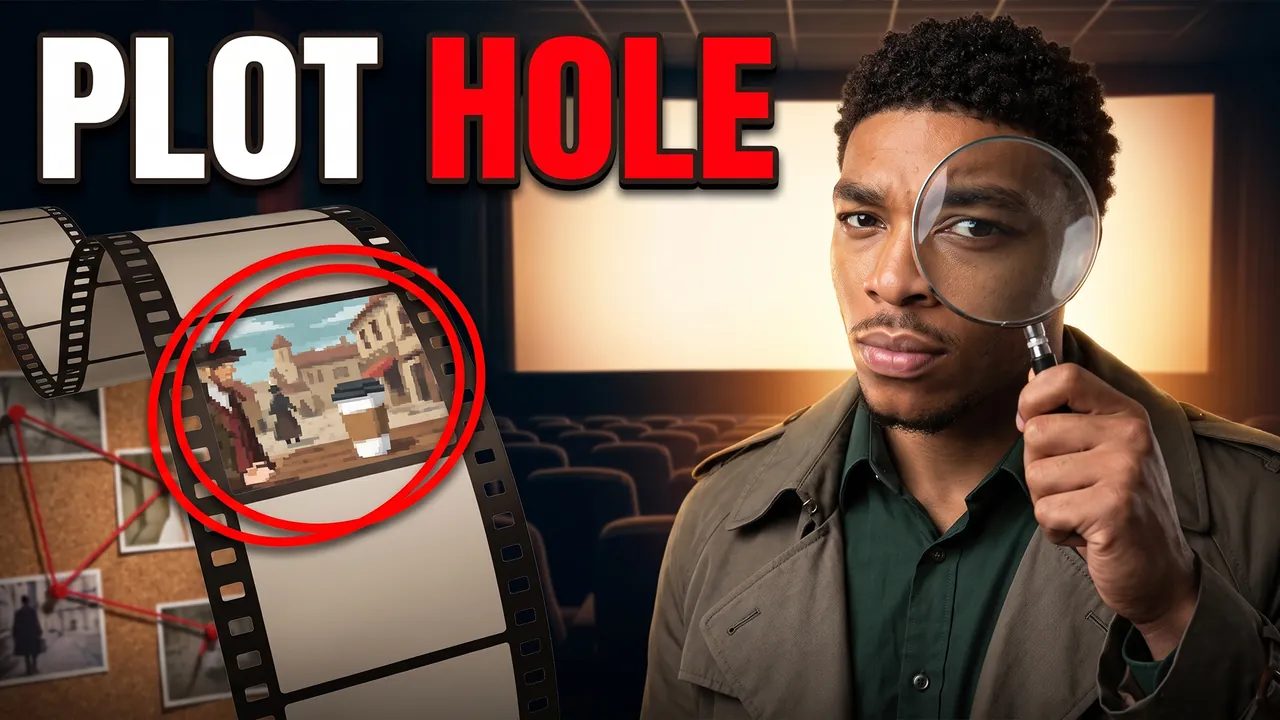
Plot Holes You Never Noticed
Pro Professional mode Prompt for the chosen conceptCharacterUse the person from the uploaded photo as the main character. Preserve maximum facial likeness: eye shape, nose, lips, hairstyle and age.
ThemeCreate a viral YouTube thumbnail about famous kinds of plot holes in movies.
OutfitFully replace the clothing with a dark green shirt and a detective-style coat.
Main characterClose-up of the hero on the right side of the frame. He holds a magnifying glass to his eye and looks into the camera with a suspicious expression.
Face size and eye contactThe face is large because of the framing, not because of head size: the camera is close, the shot is chest-up or shoulders-up, the body is cropped by the bottom edge, no legs or shoes in frame. Natural, realistic head-to-body proportions like a real photo; the head is not enlarged. This is not a selfie: someone else takes the photo, he does not hold a camera or phone or reach toward the lens. He looks directly into the lens. The emotion is strong and readable even at small size.
ObjectsOn the left, a giant film strip with a frame circled in red, showing a fictional scene with an obvious mistake. Red string connects clues like on a detective board.
Text on thumbnailThe only text on the thumbnail: PLOT HOLE – word for word, nothing added; do not turn the theme or video title into text. Only numbers on objects from OBJECTS are allowed besides it. Placement: in the upper part of the frame on an area free of faces, large, in 1–2 lines; never in the bottom-right corner and never over faces. Styling: a bold modern sans-serif font like Montserrat Black or Bebas Neue, all caps, even lines and clean letter spacing. Colors: mostly white, red accent color on one key word; colors harmonize with the frame's palette. Thin dark outline and a soft shadow for readability. No acid yellow or muddy color combos, no rainbow gradients, arrows, banners, emoji or flags.
BackgroundA dark cinema with a glowing screen behind.
CompositionComposition like a viral film analysis video. The hero takes about 40% of the frame. Everything reads at small size.
StylePhotorealism. Very high detail. Colors: deep red, dark green, cinema glow. High contrast. Cinematic lighting.
RestrictionsNo enlarged heads or caricature proportions. No real movie frames or characters. No text except the caption from TEXT ON THUMBNAIL. No watermarks.
Professional mode: the service suggested concepts, the creator picked one and edited the description – the thumbnail was generated from it.
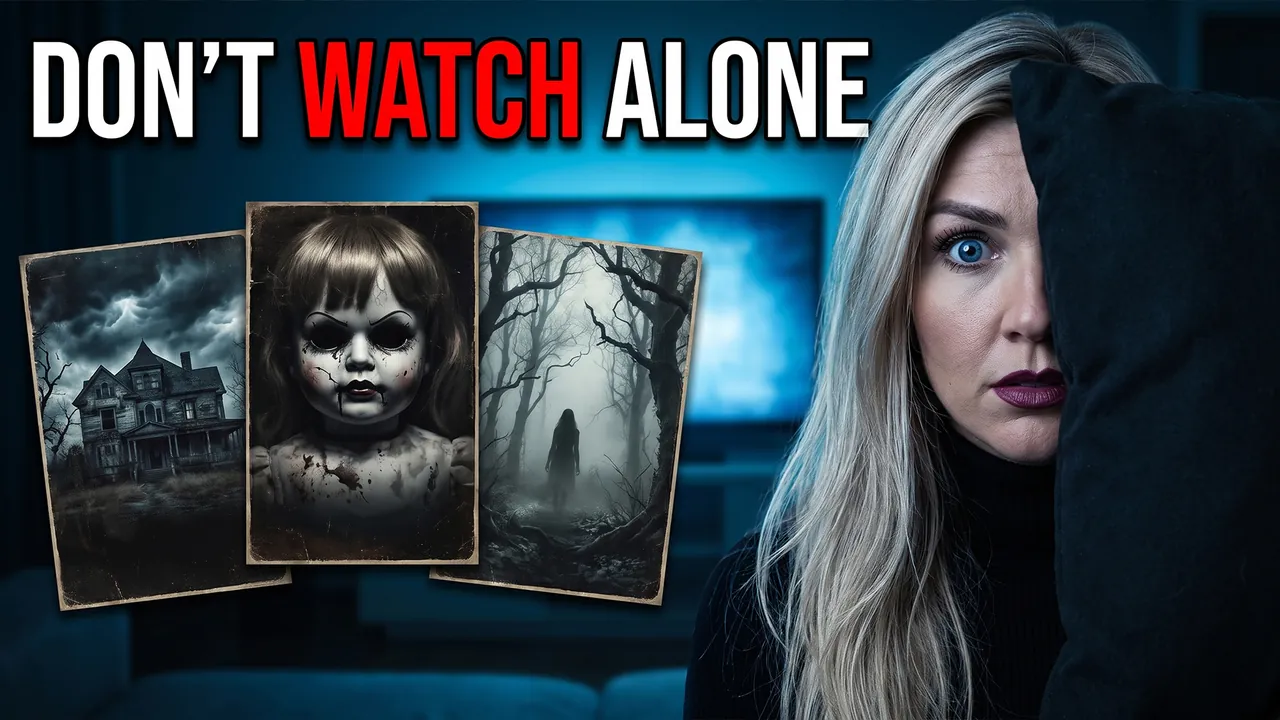
Top 10 Scariest Horror Movies
Pro Professional mode Prompt for the chosen conceptCharacterUse the person from the uploaded photo as the main character (a woman). Preserve maximum facial likeness: eye shape, nose, lips, hairstyle and age.
ThemeCreate a viral YouTube thumbnail about ranking the scariest horror movies.
OutfitFully replace the clothing with a black turtleneck and dark lipstick.
Main characterClose-up of the heroine on the right side of the frame. She hides half her face behind a pillow and looks into the camera with frightened eyes.
Face size and eye contactThe face is large because of the framing, not because of head size: the camera is close, the shot is chest-up or shoulders-up, the body is cropped by the bottom edge, no legs or shoes in frame. Natural, realistic head-to-body proportions like a real photo; the head is not enlarged. This is not a selfie: someone else takes the photo, she does not hold a camera or phone or reach toward the lens. She looks directly into the lens. The emotion is strong and readable even at small size.
ObjectsOn the left, three fictional horror movie posters without real titles: a dark house, a doll, a foggy forest.
Text on thumbnailThe only text on the thumbnail: DON'T WATCH ALONE – word for word, nothing added; do not turn the theme or video title into text. Only numbers on objects from OBJECTS are allowed besides it. Placement: in the upper part of the frame on an area free of faces, large, in 1–2 lines; never in the bottom-right corner and never over faces. Styling: a bold modern sans-serif font like Montserrat Black or Bebas Neue, all caps, even lines and clean letter spacing. Colors: mostly white, red accent color on one key word; colors harmonize with the frame's palette. Thin dark outline and a soft shadow for readability. No acid yellow or muddy color combos, no rainbow gradients, arrows, banners, emoji or flags.
BackgroundA dark living room lit by a TV with creepy blue light.
CompositionComposition like a viral movie ranking video. The heroine takes about 40% of the frame, the posters about 40%. Everything reads at small size.
StylePhotorealism. Very high detail. Colors: black, cold blue, blood red accents. High contrast. Cinematic lighting.
RestrictionsNo enlarged heads or caricature proportions. No real posters, titles or actors. No blood. No text except the caption from TEXT ON THUMBNAIL. No watermarks.
Professional mode: the service suggested concepts, the creator picked one and edited the description – the thumbnail was generated from it.

Elden Ring as a total beginner
Auto Automatic mode What the creator entered: video descriptionTitleElden Ring as a total beginner
DescriptionMy video about beating Elden Ring as a total beginner who'd never touched a Souls game. 87 hours, 1,214 deaths and one boss – Malenia – that took three full evenings and nearly broke my controller. At the end – the 5 tips that actually helped and my honest ranking of every major boss.
Automatic mode: the creator only described the video – the service came up with the idea, composition and thumbnail text on its own.

100 days of duo hardcore Minecraft
Auto Automatic mode What the creator entered: video descriptionTitle100 days of duo hardcore Minecraft
DescriptionMe and my brother played 100 days of hardcore Minecraft together – if one of us dies, we both start over. We built a castle on a cliff, found an ancient city on day 52 and almost lost everything to a Warden. At the end – the full world tour and how many hours it really took.
Automatic mode: the creator only described the video – the service came up with the idea, composition and thumbnail text on its own.
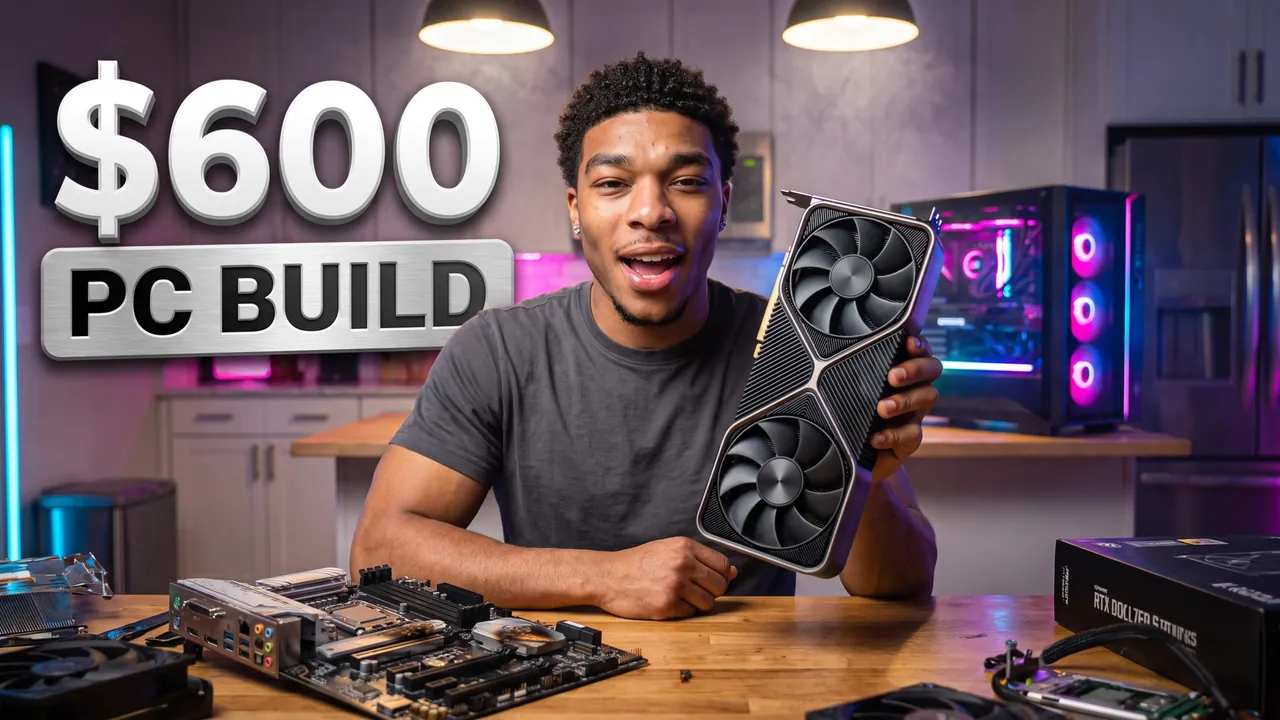
$600 gaming PC from Marketplace
Auto Automatic mode What the creator entered: video descriptionTitle$600 gaming PC from Marketplace
DescriptionMy video about building a gaming PC for exactly $600 from Facebook Marketplace parts and testing it in Fortnite, Warzone and Cyberpunk 2077. Haggled an RTX 3060 down to $160, nearly bought a fried motherboard and put it all together on my kitchen table. At the end – a full FPS chart and where you should never cut corners.
Automatic mode: the creator only described the video – the service came up with the idea, composition and thumbnail text on its own.

I Broke the Speedrun World Record
Pro Professional mode Prompt for the chosen conceptCharacterUse the person from the uploaded photo as the main character. Preserve maximum facial likeness: eye shape, nose, lips, hairstyle and age.
ThemeCreate a viral YouTube thumbnail about breaking a video game speedrun world record.
OutfitFully replace the clothing with a black gaming jersey with neon blue stripes. Large headphones with blue lights around the neck.
Main characterClose-up of the hero on the right side of the frame. He jumps up from his gaming chair, screaming with joy, looking straight into the camera, fists raised.
Face size and eye contactThe hero's face is the main element of the thumbnail: a close-up, the face takes at least one third of the frame height and is closer to the camera than everything else except an object held toward the lens. He looks directly into the lens. The emotion is exaggerated and readable even at small size.
ObjectsOn the left, a glowing monitor shows a big green timer 00:59.99 and a gold banner WORLD RECORD in game interface style. A gaming controller flies in the air close to the lens. Above, large bold text NEW RECORD in white with a thick blue outline.
BackgroundA dark gaming room with blue and purple LED lights, confetti in the air.
CompositionComposition like a viral gaming video with millions of views. The hero takes about 40% of the frame, the timer screen about 35%. Everything reads at small size.
StylePhotorealism. Very high detail. Neon colors (electric blue, purple, gold). High contrast. Cinematic lighting.
RestrictionsNo game logos. No extra text. No watermarks.
Professional mode: the service suggested concepts, the creator picked one and edited the description – the thumbnail was generated from it.
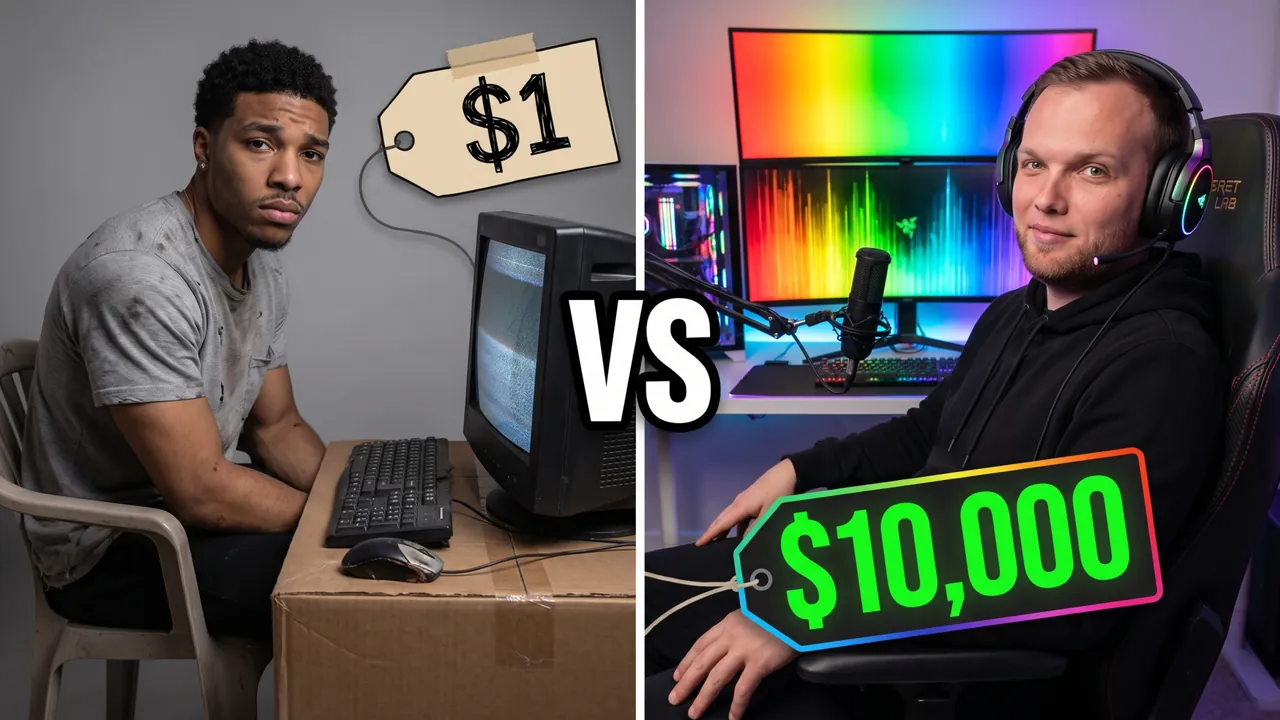
$1 vs $10,000 Gaming Setup
Pro Professional mode Prompt for the chosen conceptCharactersUse the two people from the uploaded photos as the main characters: the person from the first photo on the left, the person from the second photo on the right. Preserve maximum likeness of each face: eye shape, nose, lips, hairstyle and age. Do not blend their features.
ThemeCreate a viral YouTube thumbnail comparing the cheapest and the most expensive gaming setup.
OutfitThe left hero wears a worn-out grey t-shirt. The right hero wears a sleek black hoodie with RGB-lit headphones.
Main charactersThe frame is split in half. The left hero sits on a plastic chair in front of a tiny old monitor and looks into the camera with a sad, defeated face. The right hero leans back in a luxury gaming chair and smirks confidently at the camera.
Face size and eye contactThe faces are large because of the framing, not because of head size: the camera is close, both heroes are framed chest-up or shoulders-up, bodies cropped by the bottom edge, no legs or shoes in frame. Natural, realistic head-to-body proportions like a real photo; heads are not enlarged. This is not a selfie: someone else takes the photo, nobody holds a camera or phone. Both look directly into the lens, not at each other. The emotions are strong and readable even at small size.
ObjectsLeft side: a cardboard box desk and a cracked keyboard, price tag $1. Right side: a triple curved monitor setup with RGB lights, price tag $10,000. Large VS in the middle.
BackgroundLeft half in dull grey light, right half glowing with rainbow RGB lighting.
CompositionComposition like a viral comparison video. Each hero takes about 35% of the frame, the contrast reads instantly. Prices are large and readable at small size.
StylePhotorealism. Very high detail. Dull grey vs vibrant RGB. High contrast. Cinematic lighting.
RestrictionsNo enlarged heads or caricature proportions. The only text on the thumbnail is the caption from OBJECTS, word for word; do not turn the theme into a headline, do not add your own words, flags or emoji. No brand logos. No extra text. No watermarks.
Professional mode: the service suggested concepts, the creator picked one and edited the description – the thumbnail was generated from it.

Gaming Podcast We Ranked Every Console Ever
Pro Professional mode Prompt for the chosen conceptCharactersUse the two people from the uploaded photos as the main characters: the person from the first photo on the left, the person from the second photo on the right. Preserve maximum likeness of each face: eye shape, nose, lips, hairstyle and age. Do not blend their features.
ThemeCreate a viral YouTube thumbnail for a gaming podcast where two hosts rank every game console ever made.
OutfitHe wears a black gaming hoodie, she wears a purple varsity jacket. Both wear headphones.
Main charactersClose-ups of both faces on both sides of the frame, a podcast microphone in front of each. He looks into the camera in disbelief. She looks straight into the camera with a confident smirk, holding up an old controller.
Face size and eye contactThe faces are large because of the framing, not because of head size: the camera is close, both heroes are framed chest-up or shoulders-up, bodies cropped by the bottom edge, no legs or shoes in frame. Natural, realistic head-to-body proportions like a real photo; heads are not enlarged. This is not a selfie: someone else takes the photo, nobody holds a camera or phone. Both look directly into the lens, not at each other. The emotions are strong and readable even at small size.
ObjectsBetween them a tier list board with blank colored rows S, A, B, C.
Text on thumbnailThe only text on the thumbnail: WORST CONSOLE? – word for word, nothing added; do not turn the theme or video title into text. Only numbers on objects from OBJECTS are allowed besides it. Placement: in the upper part of the frame on an area free of faces, large, in 1–2 lines; never in the bottom-right corner and never over faces. Styling: a bold modern sans-serif font like Montserrat Black or Bebas Neue, all caps, even lines and clean letter spacing. Colors: mostly white, purple accent color on one key word; colors harmonize with the frame's palette. Thin dark outline and a soft shadow for readability. No acid yellow or muddy color combos, no rainbow gradients, arrows, banners, emoji or flags.
BackgroundA dark podcast studio with purple and blue LED lights and shelves of retro gear, softly blurred.
CompositionComposition like a viral gaming podcast. Each hero, framed chest-up, takes about 40% of the frame. Everything reads at small size.
StylePhotorealism. Very high skin and hair detail. Warm rim light with neon accents in the background. High contrast. Professional color grading. Shallow depth of field: faces sharp, background softly blurred.
RestrictionsNo enlarged heads or caricature proportions. No console or game logos. No text except the caption from TEXT ON THUMBNAIL. No watermarks.
Professional mode: the service suggested concepts, the creator picked one and edited the description – the thumbnail was generated from it.
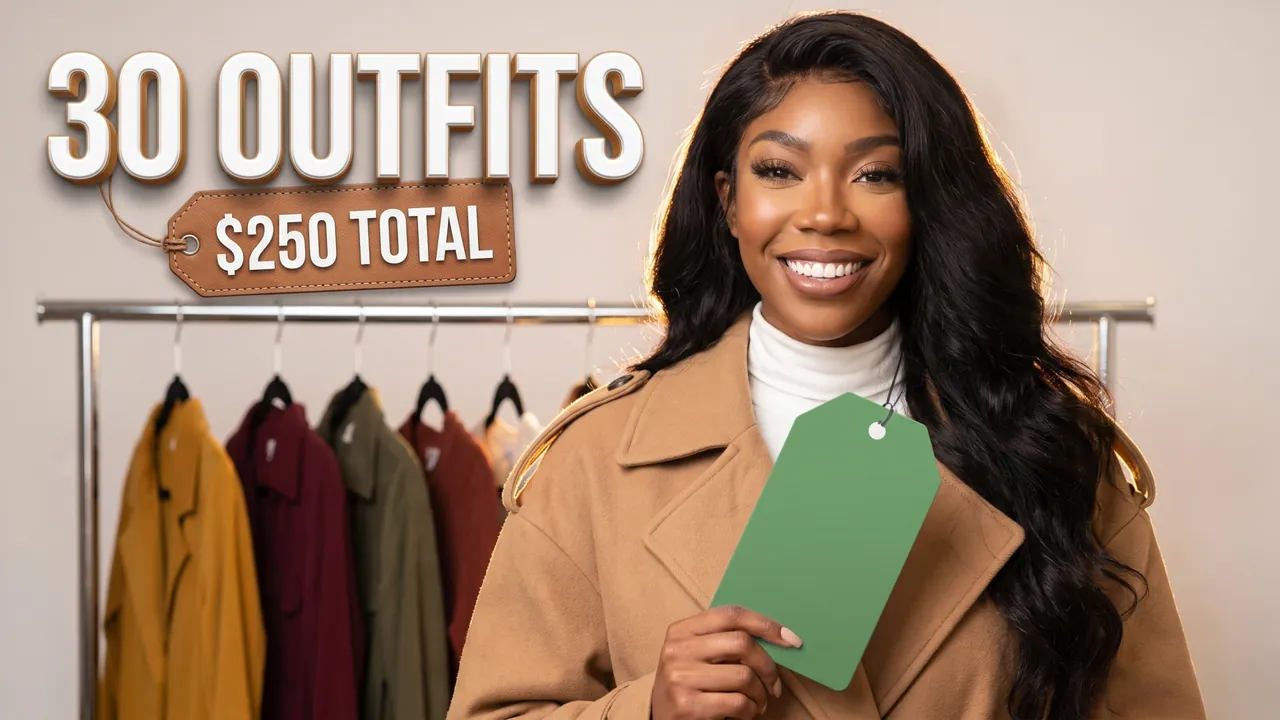
15-piece fall capsule for $250
Auto Automatic mode What the creator entered: video descriptionTitle15-piece fall capsule for $250
DescriptionMy video about building a 15-piece fall capsule wardrobe for $250 from Zara, Uniqlo and Goodwill. Styled 30 outfits – one for every day of the month – without repeating once. At the end – the full list with prices and how to adapt it to your own style.
Automatic mode: the creator only described the video – the service came up with the idea, composition and thumbnail text on its own.
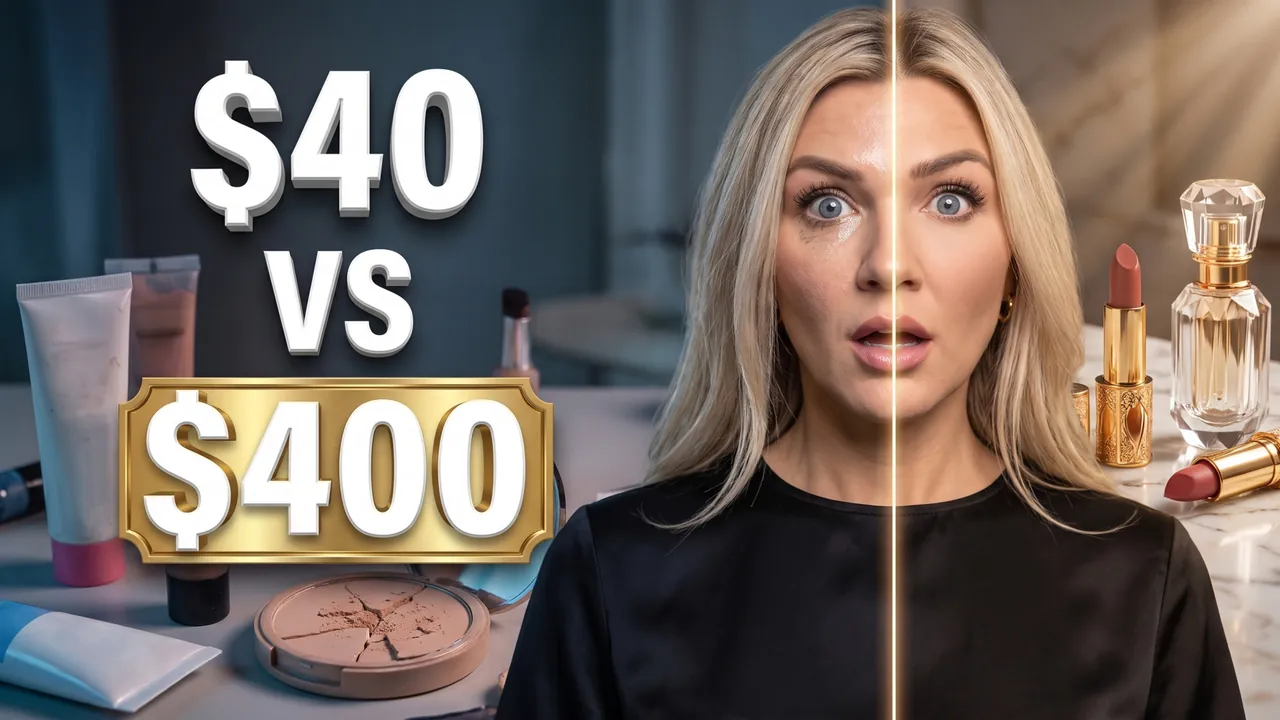
Drugstore vs luxury makeup
Auto Automatic mode What the creator entered: video descriptionTitleDrugstore vs luxury makeup
DescriptionMy video about doing half my face with drugstore makeup under $40 from e.l.f. and Maybelline, and the other half with $400 of Charlotte Tilbury and Dior. Then I wore it for 10 hours of real life. At the end – the drugstore products that are true dupes and what's actually worth the splurge.
Automatic mode: the creator only described the video – the service came up with the idea, composition and thumbnail text on its own.
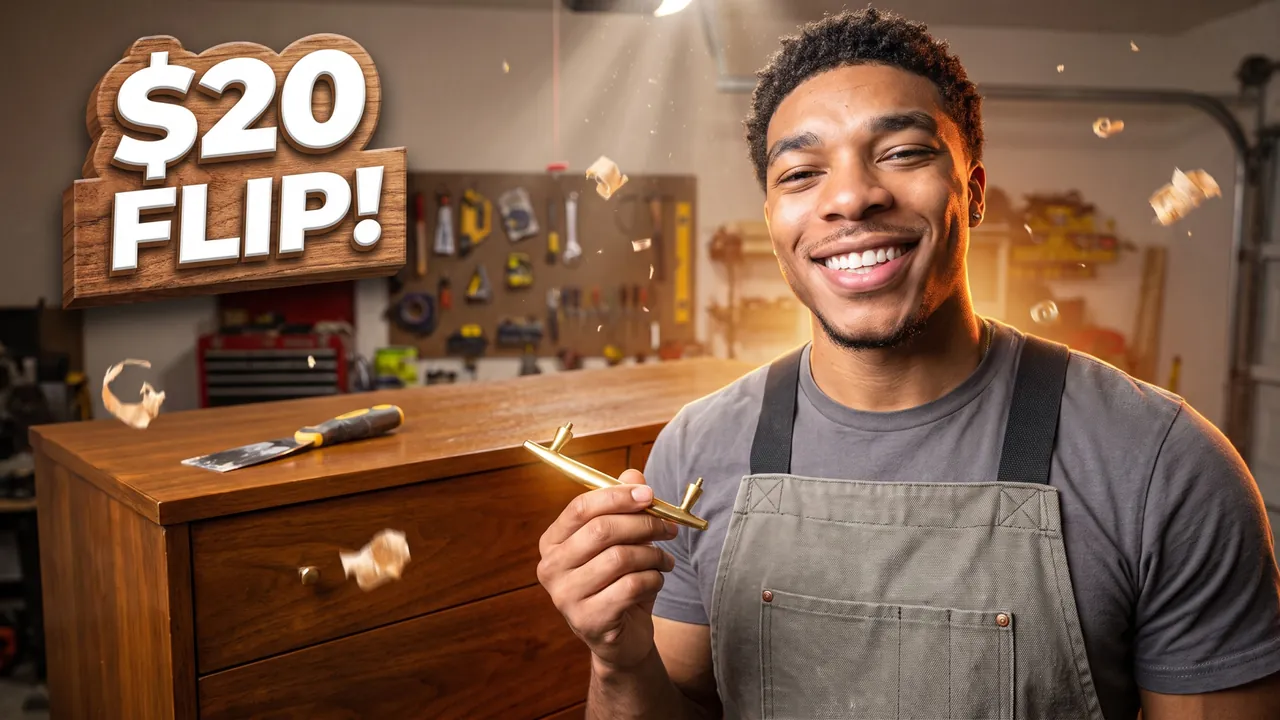
$20 thrift dresser makeover
Auto Automatic mode What the creator entered: video descriptionTitle$20 thrift dresser makeover
DescriptionMy video about restoring a $20 thrift store dresser into a mid-century beauty in one weekend. Stripped 3 layers of paint, sanded it down, finished it with Danish oil and swapped in brass pulls. At the end – the before/after and what it's worth now on Facebook Marketplace.
Automatic mode: the creator only described the video – the service came up with the idea, composition and thumbnail text on its own.
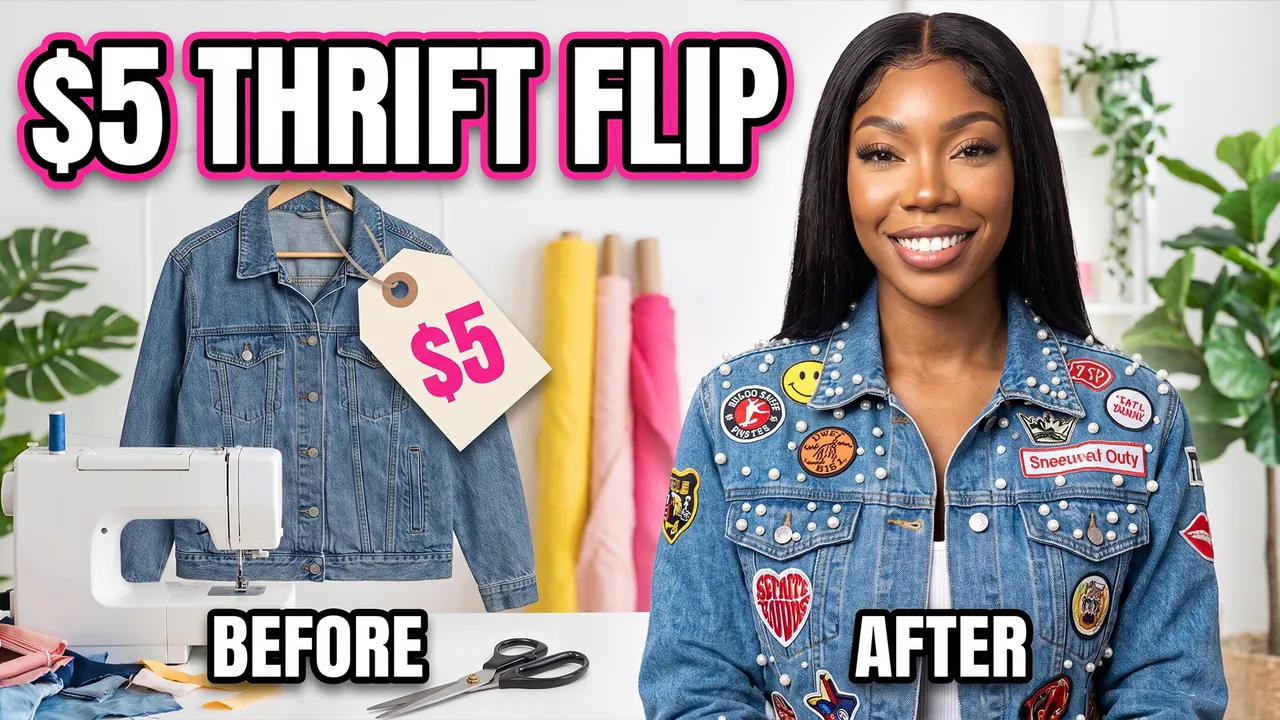
Thrift Flip $5 Jacket to Designer Look
Pro Professional mode Prompt for the chosen conceptCharacterUse the person from the uploaded photo as the main character (a woman). Preserve maximum facial likeness: eye shape, nose, lips, hairstyle and age.
ThemeCreate a viral YouTube thumbnail about turning a $5 thrift store jacket into a designer-looking piece.
OutfitFully replace the clothing with a stylish customized denim jacket with patches and pearls.
Main characterWaist-up close-up of the heroine on the right side of the frame in a confident pose. She looks straight into the camera with a proud smile.
Face size and eye contactThe face is large because of the framing, not because of head size: the camera is close, the shot is chest-up or shoulders-up, the body is cropped by the bottom edge, no legs or shoes in frame. Natural, realistic head-to-body proportions like a real photo; the head is not enlarged. She looks directly into the lens. The emotion is strong and readable even at small size.
ObjectsOn the left, the old ugly jacket on a hanger with a $5 price tag. Sewing machine, scissors and fabric scraps nearby. Labels BEFORE and AFTER. Above, large bold text $5 THRIFT FLIP in white with a thick pink outline.
BackgroundA bright craft studio with fabric rolls and plants.
CompositionComposition like a viral DIY fashion video. The heroine takes about 45% of the frame. Everything reads at small size.
StylePhotorealism. Very high detail of fabric. Colors: denim blue, pink, pearl white. High contrast. Cinematic lighting.
RestrictionsNo enlarged heads or caricature proportions. No fashion brand logos. No extra text. No watermarks.
Professional mode: the service suggested concepts, the creator picked one and edited the description – the thumbnail was generated from it.
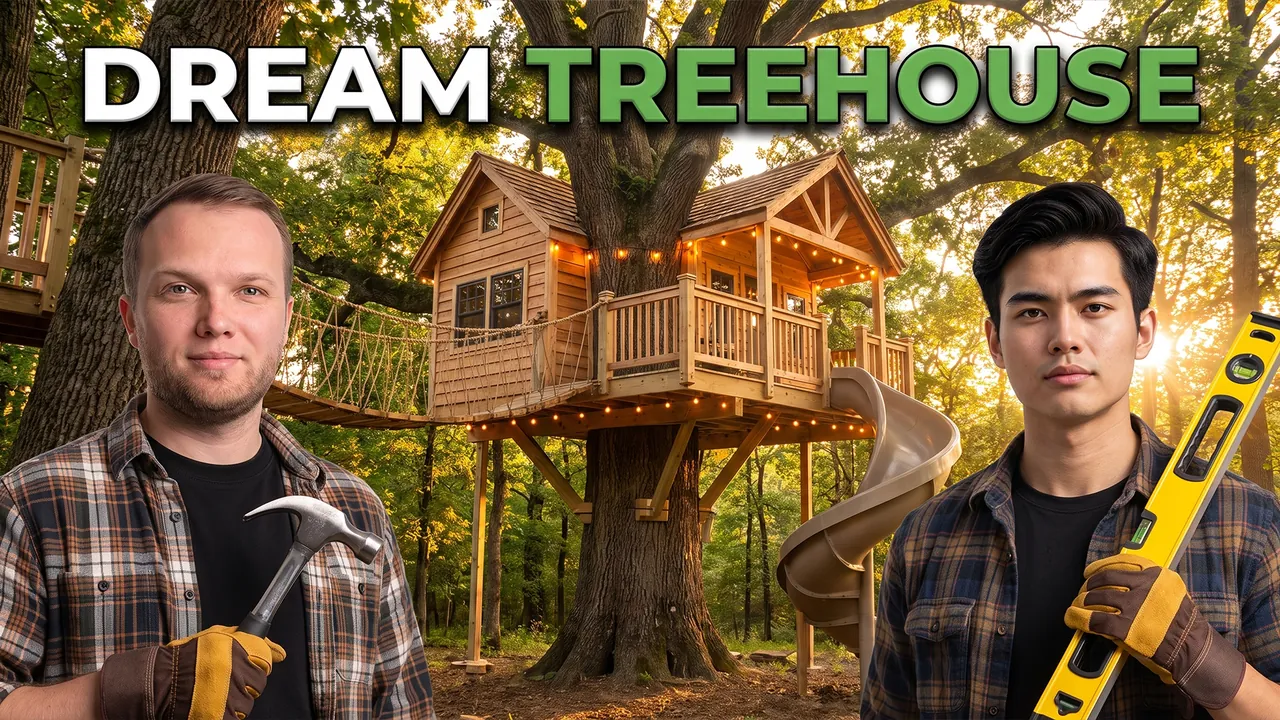
We Built a Dream Treehouse
Pro Professional mode Prompt for the chosen conceptCharactersUse the two people from the uploaded photos as the main characters: the person from the first photo on the left, the person from the second photo on the right. Preserve maximum likeness of each face: eye shape, nose, lips, hairstyle and age. Do not blend their features.
ThemeCreate a viral YouTube thumbnail about two friends building a dream treehouse.
OutfitFully replace the clothing with work shirts and work gloves.
Main charactersClose-ups of both heroes' faces in the foreground, one holding a hammer, the other a level, both looking proudly into the camera.
Face size and eye contactThe faces are large because of the framing, not because of head size: the camera is close, both heroes are framed chest-up or shoulders-up, bodies cropped by the bottom edge, no legs or shoes in frame. Natural, realistic head-to-body proportions like a real photo; heads are not enlarged. This is not a selfie: someone else takes the photo, nobody holds a camera or phone. Both look directly into the lens, not at each other. The emotions are strong and readable even at small size.
ObjectsA large two-level wooden treehouse with a rope bridge, a slide and string lights.
Text on thumbnailThe only text on the thumbnail: DREAM TREEHOUSE – word for word, nothing added; do not turn the theme or video title into text. Only numbers on objects from OBJECTS are allowed besides it. Placement: in the upper part of the frame on an area free of faces, large, in 1–2 lines; never in the bottom-right corner and never over faces. Styling: a bold modern sans-serif font like Montserrat Black or Bebas Neue, all caps, even lines and clean letter spacing. Colors: mostly white, green accent color on one key word; colors harmonize with the frame's palette. Thin dark outline and a soft shadow for readability. No acid yellow or muddy color combos, no rainbow gradients, arrows, banners, emoji or flags.
BackgroundA big oak tree in a forest at golden hour.
CompositionComposition like a viral build video. The heroes, framed chest-up, take about 50% of the frame in the foreground, the treehouse is right behind them. Everything reads at small size.
StylePhotorealism. Very high detail. Warm wood, forest green, golden light. High contrast. Cinematic lighting.
RestrictionsNo enlarged heads or caricature proportions. No brand logos. No text except the caption from TEXT ON THUMBNAIL. No watermarks.
Professional mode: the service suggested concepts, the creator picked one and edited the description – the thumbnail was generated from it.
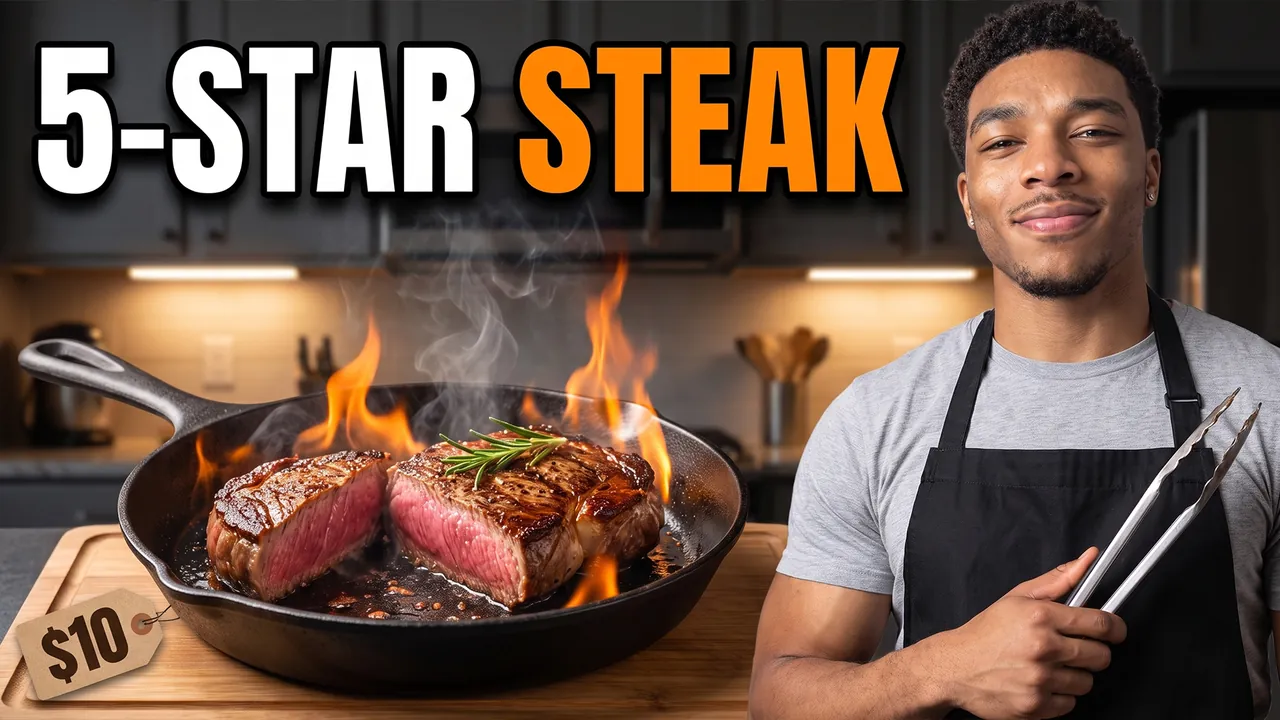
Restaurant Steak at Home for $10
Pro Professional mode Prompt for the chosen conceptCharacterUse the person from the uploaded photo as the main character. Preserve maximum facial likeness: eye shape, nose, lips, hairstyle and age.
ThemeCreate a viral YouTube thumbnail about cooking a five-star steak at home on a budget.
OutfitFully replace the clothing with a black apron over a grey t-shirt.
Main characterClose-up of the hero on the right side of the frame, holding tongs, looking into the camera with a satisfied, confident face.
Face size and eye contactThe face is large because of the framing, not because of head size: the camera is close, the shot is chest-up or shoulders-up, the body is cropped by the bottom edge, no legs or shoes in frame. Natural, realistic head-to-body proportions like a real photo; the head is not enlarged. This is not a selfie: someone else takes the photo, he does not hold a camera or phone or reach toward the lens. He looks directly into the lens. The emotion is strong and readable even at small size.
ObjectsA perfectly seared steak sliced open, juicy and pink inside, sizzling in a cast-iron pan close to the lens with flames and steam. A price tag $10 on the cutting board.
Text on thumbnailThe only text on the thumbnail: 5-STAR STEAK – word for word, nothing added; do not turn the theme or video title into text. Only numbers on objects from OBJECTS are allowed besides it. Placement: in the upper part of the frame on an area free of faces, large, in 1–2 lines; never in the bottom-right corner and never over faces. Styling: a bold modern sans-serif font like Montserrat Black or Bebas Neue, all caps, even lines and clean letter spacing. Colors: mostly white, orange accent color on one key word; colors harmonize with the frame's palette. Thin dark outline and a soft shadow for readability. No acid yellow or muddy color combos, no rainbow gradients, arrows, banners, emoji or flags.
BackgroundA dark home kitchen with warm under-cabinet lights.
CompositionComposition like a viral cooking video. The hero takes about 40% of the frame, the steak is the hero shot. Everything reads at small size.
StylePhotorealism. Very high food detail. Colors: deep brown, warm orange flames, black. High contrast. Cinematic lighting.
RestrictionsNo enlarged heads or caricature proportions. No brand logos. No text except the caption from TEXT ON THUMBNAIL. No watermarks.
Professional mode: the service suggested concepts, the creator picked one and edited the description – the thumbnail was generated from it.
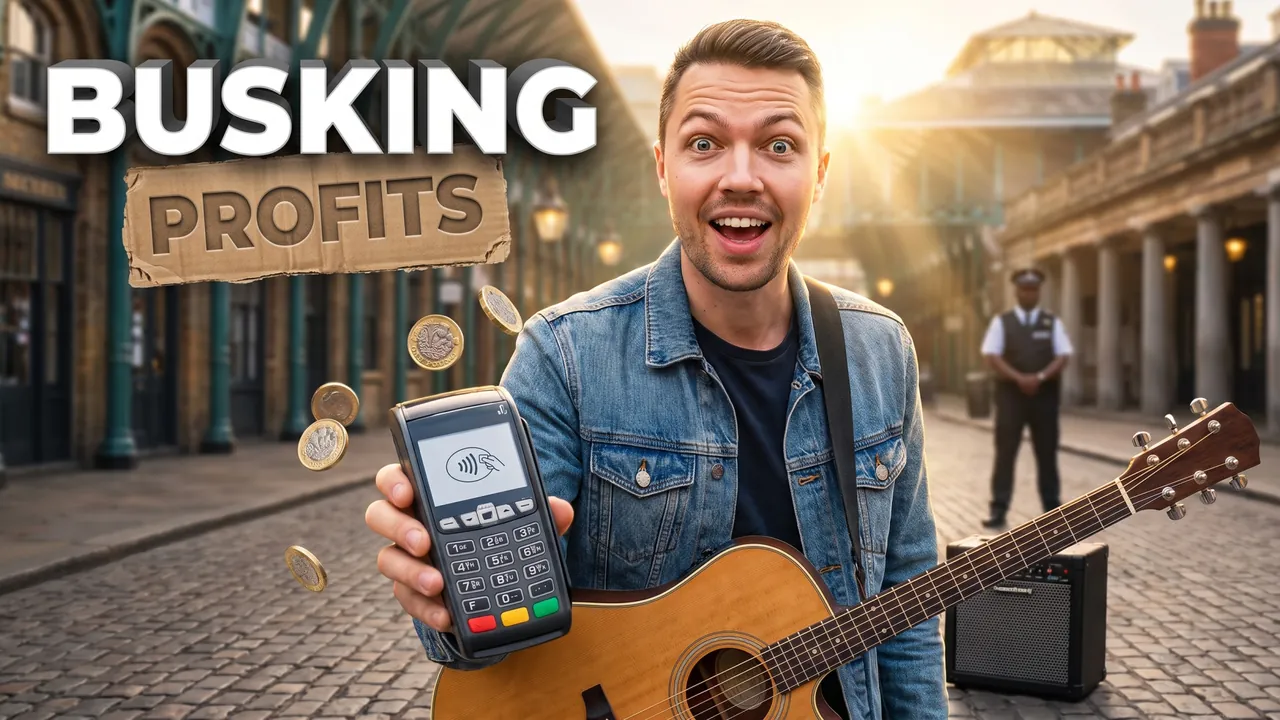
Busking in Covent Garden
Auto Automatic mode What the creator entered: video descriptionTitleBusking in Covent Garden
DescriptionMy video about busking for 3 hours in Covent Garden with a $200 amp and an acoustic guitar to find out what a street musician really makes. Got moved on by security once, pulled a crowd with Wonderwall and took tips on a card reader. At the end – every pound counted and the best London spots for buskers.
Automatic mode: the creator only described the video – the service came up with the idea, composition and thumbnail text on its own.
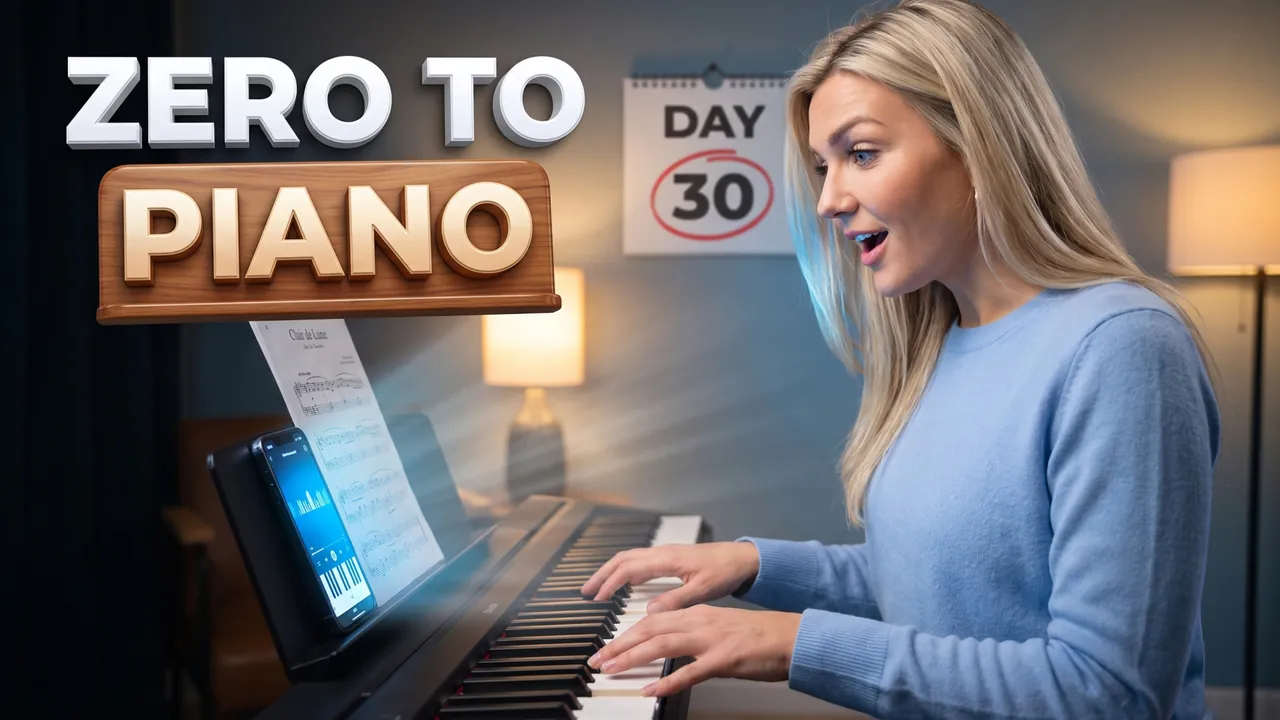
Piano from zero in 30 days
Auto Automatic mode What the creator entered: video descriptionTitlePiano from zero in 30 days
DescriptionMy video about learning piano from zero in 30 days with just 20 minutes a day. Bought a Yamaha P-45 for $450, practiced with Simply Piano and by day 30 could play the first page of Clair de Lune – almost. At the end – day 1 vs day 30 side by side and the exact practice plan I used.
Automatic mode: the creator only described the video – the service came up with the idea, composition and thumbnail text on its own.
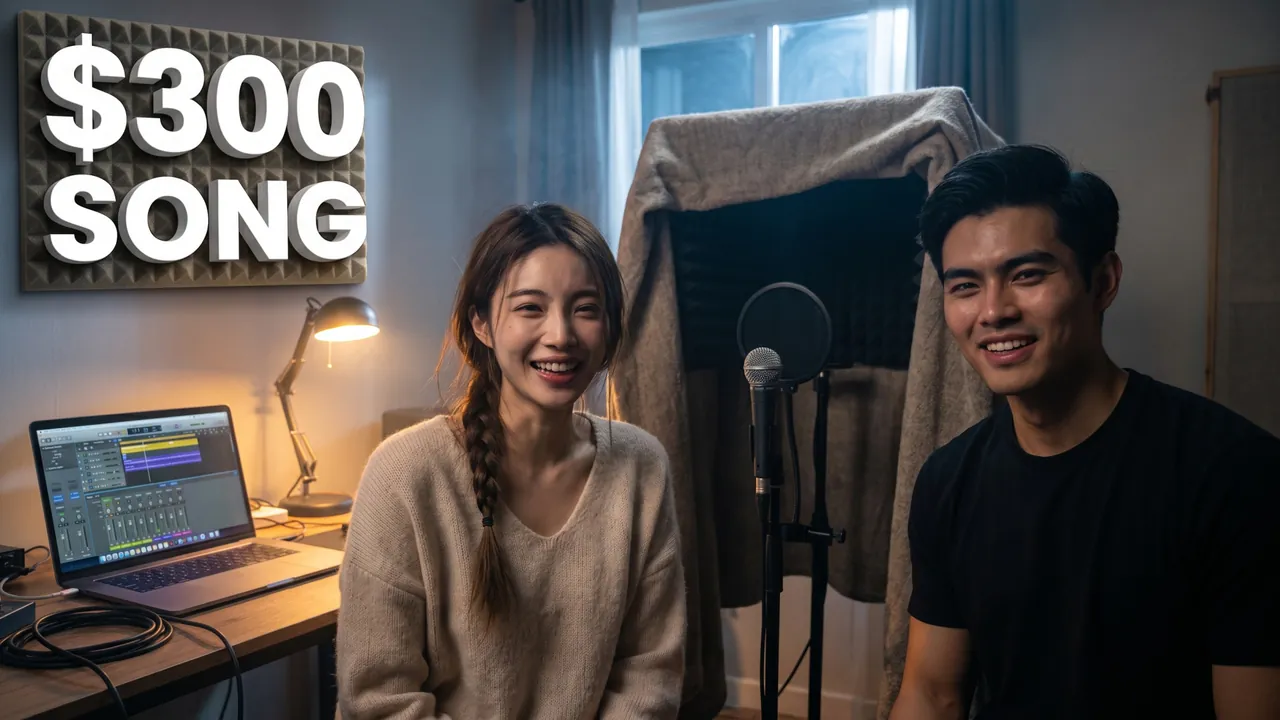
A full song in 24 hours
Auto Automatic mode What the creator entered: video descriptionTitleA full song in 24 hours
DescriptionWe wrote and recorded a full song in 24 hours in our living room with a $300 budget. Used a secondhand Shure SM58, turned a closet into a vocal booth with blankets and mixed everything in GarageBand at 3 a.m. At the end – the before/after mix and our entire beginner setup.
Automatic mode: the creator only described the video – the service came up with the idea, composition and thumbnail text on its own.

Playing Piano at the Airport – Strangers Joined In
Pro Professional mode Prompt for the chosen conceptCharacterUse the person from the uploaded photo as the main character. Preserve maximum facial likeness: eye shape, nose, lips, hairstyle and age.
ThemeCreate a viral YouTube thumbnail about playing a public piano at an airport and strangers joining in.
OutfitFully replace the clothing with a navy bomber jacket over a white t-shirt.
Main characterThe hero sits at a white public piano on the right side of the frame, playing passionately, and turns to look into the camera with surprised delight.
Face size and eye contactThe hero's face is the main element of the thumbnail: a close-up, the face takes at least one third of the frame height and is closer to the camera than everything else except an object held toward the lens. He looks directly into the lens. The emotion is exaggerated and readable even at small size.
ObjectsAround the piano a crowd of travelers gathers, some singing, a girl with a violin joins in. Floating music notes in the air. On the left, large bold text STRANGERS JOINED IN in white with a thick gold outline.
BackgroundA bright modern airport terminal with big windows and planes outside, blurred.
CompositionComposition like a viral feel-good music video. The hero takes about 40% of the frame, the crowd adds scale. Everything reads at small size.
StylePhotorealism. Very high detail. Colors: white, navy, warm gold. High contrast. Cinematic lighting. Shallow depth of field.
RestrictionsNo airline logos. No extra text. No watermarks.
Professional mode: the service suggested concepts, the creator picked one and edited the description – the thumbnail was generated from it.
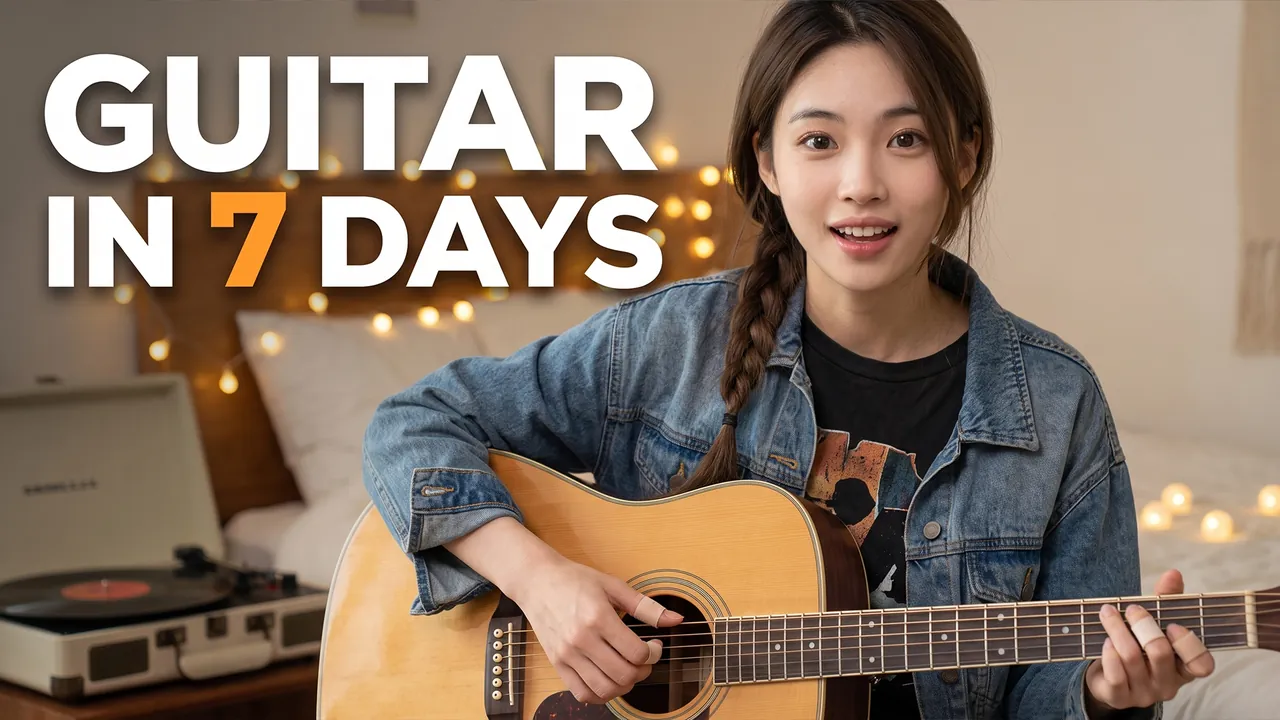
I Learned Guitar in 7 Days
Pro Professional mode Prompt for the chosen conceptCharacterUse the person from the uploaded photo as the main character (a woman). Preserve maximum facial likeness: eye shape, nose, lips, hairstyle and age.
ThemeCreate a viral YouTube thumbnail about learning to play the guitar from zero in one week.
OutfitFully replace the clothing with a vintage band-style black t-shirt with an abstract print and a denim jacket.
Main characterClose-up of the heroine on the right side of the frame. She strums an acoustic guitar and looks straight into the camera with a proud, surprised smile.
Face size and eye contactThe face is large because of the framing, not because of head size: the camera is close, the shot is chest-up or shoulders-up, the body is cropped by the bottom edge, no legs or shoes in frame. Natural, realistic head-to-body proportions like a real photo; the head is not enlarged. This is not a selfie: someone else takes the photo, she does not hold a camera or phone or reach toward the lens. She looks directly into the lens. The emotion is strong and readable even at small size.
ObjectsHer fingertips have small bandages.
Text on thumbnailThe only text on the thumbnail: GUITAR IN 7 DAYS – word for word, nothing added; do not turn the theme or video title into text. Only numbers on objects from OBJECTS are allowed besides it. Placement: in the upper part of the frame on an area free of faces, large, in 1–2 lines; never in the bottom-right corner and never over faces. Styling: a bold modern sans-serif font like Montserrat Black or Bebas Neue, all caps, even lines and clean letter spacing. Colors: mostly white, orange accent color on one key word; colors harmonize with the frame's palette. Thin dark outline and a soft shadow for readability. No acid yellow or muddy color combos, no rainbow gradients, arrows, banners, emoji or flags.
BackgroundA cozy bedroom with fairy lights and a vinyl record player, blurred.
CompositionComposition like a viral learning challenge video. The heroine takes about 40% of the frame, the guitar and calendar are the accents. Everything reads at small size.
StylePhotorealism. Very high detail. Warm colors (orange, denim blue, cream). High contrast. Cinematic lighting.
RestrictionsNo enlarged heads or caricature proportions. No brand logos. No text except the caption from TEXT ON THUMBNAIL. No watermarks.
Professional mode: the service suggested concepts, the creator picked one and edited the description – the thumbnail was generated from it.

Producer Podcast How Hits Are Really Made
Pro Professional mode Prompt for the chosen conceptCharactersUse the two people from the uploaded photos as the main characters: the person from the first photo on the left, the person from the second photo on the right. Preserve maximum likeness of each face: eye shape, nose, lips, hairstyle and age. Do not blend their features.
ThemeCreate a viral YouTube thumbnail for a music podcast where a producer reveals how hit songs are really made.
OutfitThe left hero (host) wears a denim jacket; the right hero (producer) wears a black hoodie and a gold chain. Both have studio headphones around the neck.
Main charactersClose-ups of both faces on both sides of the frame, a podcast microphone in front of each. The host looks into the camera with shock. The producer looks straight into the camera with a mysterious smirk, finger to his lips.
Face size and eye contactThe faces are large because of the framing, not because of head size: the camera is close, both heroes are framed chest-up or shoulders-up, bodies cropped by the bottom edge, no legs or shoes in frame. Natural, realistic head-to-body proportions like a real photo; heads are not enlarged. This is not a selfie: someone else takes the photo, nobody holds a camera or phone. Both look directly into the lens, not at each other. The emotions are strong and readable even at small size.
ObjectsBetween them a glowing sound wave and a gold vinyl record.
Text on thumbnailThe only text on the thumbnail: THE HIT FORMULA – word for word, nothing added; do not turn the theme or video title into text. Only numbers on objects from OBJECTS are allowed besides it. Placement: in the upper part of the frame on an area free of faces, large, in 1–2 lines; never in the bottom-right corner and never over faces. Styling: a bold modern sans-serif font like Montserrat Black or Bebas Neue, all caps, even lines and clean letter spacing. Colors: mostly white, red accent color on one key word; colors harmonize with the frame's palette. Thin dark outline and a soft shadow for readability. No acid yellow or muddy color combos, no rainbow gradients, arrows, banners, emoji or flags.
BackgroundA night recording studio with red and blue lighting, mixing console blurred.
CompositionComposition like a viral podcast episode. Each hero, framed chest-up, takes about 40% of the frame. Everything reads at small size.
StylePhotorealism. Very high skin and hair detail. Warm rim light with neon accents in the background. High contrast. Professional color grading. Shallow depth of field: faces sharp, background softly blurred.
RestrictionsNo enlarged heads or caricature proportions. No brand logos. No text except the caption from TEXT ON THUMBNAIL. No watermarks.
Professional mode: the service suggested concepts, the creator picked one and edited the description – the thumbnail was generated from it.

Fact-checking 10 viral headlines
Auto Automatic mode What the creator entered: video descriptionTitleFact-checking 10 viral headlines
DescriptionMe and a former newspaper editor fact-checked 10 viral headlines from the past month in under 15 minutes. We traced every claim back to its original source and found 4 that were badly misleading and 1 that was completely made up. At the end – a 3-step method anyone can use to spot fake news in 30 seconds.
Automatic mode: the creator only described the video – the service came up with the idea, composition and thumbnail text on its own.

Why groceries cost so much now
Auto Automatic mode What the creator entered: video descriptionTitleWhy groceries cost so much now
DescriptionMy video breaking down why eggs, coffee and groceries cost so much more in 2026 – explained in 10 minutes with real receipts. I compared my Walmart and Trader Joe's receipts from 2020 and today, item by item. At the end – which prices are actually falling and 5 swaps that cut my grocery bill by $120 a month.
Automatic mode: the creator only described the video – the service came up with the idea, composition and thumbnail text on its own.

How Fed rates hit your wallet
Auto Automatic mode What the creator entered: video descriptionTitleHow Fed rates hit your wallet
DescriptionMy video explaining how the Fed's interest rate decisions actually hit your wallet – your mortgage, your savings and your credit card. No jargon, just a $400,000 house, a $10,000 savings account and a $3,000 card balance. At the end – what makes sense to do with your money right now.
Automatic mode: the creator only described the video – the service came up with the idea, composition and thumbnail text on its own.

Rent Went Up 50% – Here's Why
Pro Professional mode Prompt for the chosen conceptCharacterUse the person from the uploaded photo as the main character. Preserve maximum facial likeness: eye shape, nose, lips, hairstyle and age.
ThemeCreate a viral YouTube thumbnail about why rent prices have exploded.
OutfitFully replace the clothing with a charcoal blazer over a light blue shirt.
Main characterClose-up of the hero on the right side of the frame. He looks straight into the camera with a serious, frustrated expression, holding up a rental notice.
Face size and eye contactThe hero's face is the main element of the thumbnail: a close-up, the face takes at least one third of the frame height and is closer to the camera than everything else except an object held toward the lens. He looks directly into the lens. The emotion is exaggerated and readable even at small size.
ObjectsThe rental notice is close to the lens with a huge red number +50%. On the left, a small house model with a giant red arrow shooting upward. Above, large bold text RENT +50%?! in white with a thick red outline.
BackgroundAn apartment building street with For Rent signs, cold daylight, blurred.
CompositionComposition like a viral news explainer. The hero takes about 40% of the frame, the red arrow is the hook. Everything reads at small size.
StylePhotorealism. Very high detail. Colors: red, white, slate blue. High contrast. Cinematic lighting.
RestrictionsNo real politicians. No political symbols. No extra text. No watermarks.
Professional mode: the service suggested concepts, the creator picked one and edited the description – the thumbnail was generated from it.

This Week's Biggest Stories
Pro Professional mode Prompt for the chosen conceptCharacterUse the person from the uploaded photo as the main character (a woman). Preserve maximum facial likeness: eye shape, nose, lips, hairstyle and age.
ThemeCreate a viral YouTube thumbnail for a weekly news roundup.
OutfitFully replace the clothing with a tailored royal blue blazer and small gold earrings.
Main characterClose-up of the heroine on the right side of the frame. She looks straight into the camera with a focused, urgent expression.
Face size and eye contactThe face is large because of the framing, not because of head size: the camera is close, the shot is chest-up or shoulders-up, the body is cropped by the bottom edge, no legs or shoes in frame. Natural, realistic head-to-body proportions like a real photo; the head is not enlarged. This is not a selfie: someone else takes the photo, she does not hold a camera or phone or reach toward the lens. She looks directly into the lens. The emotion is strong and readable even at small size.
ObjectsBehind her, a wall of screens with blurred news footage: a city skyline, a stock chart, a world map, a crowd.
Text on thumbnailThe only text on the thumbnail: WHAT HAPPENED? – word for word, nothing added; do not turn the theme or video title into text. Only numbers on objects from OBJECTS are allowed besides it. Placement: in the upper part of the frame on an area free of faces, large, in 1–2 lines; never in the bottom-right corner and never over faces. Styling: a bold modern sans-serif font like Montserrat Black or Bebas Neue, all caps, even lines and clean letter spacing. Colors: mostly white, red accent color on one key word; colors harmonize with the frame's palette. Thin dark outline and a soft shadow for readability. No acid yellow or muddy color combos, no rainbow gradients, arrows, banners, emoji or flags.
BackgroundA modern news studio with blue and red light panels.
CompositionComposition like a viral news show. The heroine takes about 40% of the frame, the screens create urgency. Everything reads at small size.
StylePhotorealism. Very high detail. Colors: royal blue, red, white. High contrast. Studio cinematic lighting.
RestrictionsNo enlarged heads or caricature proportions. No real politicians. No political symbols. No text except the caption from TEXT ON THUMBNAIL. No watermarks.
Professional mode: the service suggested concepts, the creator picked one and edited the description – the thumbnail was generated from it.

Debate Podcast Is AI Taking Our Jobs
Pro Professional mode Prompt for the chosen conceptCharactersUse the two people from the uploaded photos as the main characters: the person from the first photo on the left, the person from the second photo on the right. Preserve maximum likeness of each face: eye shape, nose, lips, hairstyle and age. Do not blend their features.
ThemeCreate a viral YouTube thumbnail for a debate podcast where two experts argue whether AI will take our jobs.
OutfitThe left hero wears a navy shirt, the right hero wears a burgundy sweater. Both wear headphones.
Main charactersClose-ups of both faces on both sides of the frame, a podcast microphone in front of each. The left one gestures emotionally and looks into the camera with outrage. The right one crosses his arms and looks straight into the camera with a skeptical smirk.
Face size and eye contactThe faces are large because of the framing, not because of head size: the camera is close, both heroes are framed chest-up or shoulders-up, bodies cropped by the bottom edge, no legs or shoes in frame. Natural, realistic head-to-body proportions like a real photo; heads are not enlarged. This is not a selfie: someone else takes the photo, nobody holds a camera or phone. Both look directly into the lens, not at each other. The emotions are strong and readable even at small size.
ObjectsBetween them a vertical lightning bolt splits the frame into blue and burgundy halves, with a small robot head glowing in the center.
Text on thumbnailThe only text on the thumbnail: AI vs JOBS – word for word, nothing added; do not turn the theme or video title into text. Only numbers on objects from OBJECTS are allowed besides it. Placement: in the upper part of the frame on an area free of faces, large, in 1–2 lines; never in the bottom-right corner and never over faces. Styling: a bold modern sans-serif font like Montserrat Black or Bebas Neue, all caps, even lines and clean letter spacing. Colors: mostly white, warm amber accent color on one key word; colors harmonize with the frame's palette. Thin dark outline and a soft shadow for readability. No acid yellow or muddy color combos, no rainbow gradients, arrows, banners, emoji or flags.
BackgroundA podcast studio: left half in blue light, right half in burgundy.
CompositionComposition like a viral debate podcast. Each hero, framed chest-up, takes about 40% of the frame. Everything reads at small size.
StylePhotorealism. Very high skin and hair detail. Warm rim light with neon accents in the background. High contrast. Professional color grading. Shallow depth of field: faces sharp, background softly blurred.
RestrictionsNo enlarged heads or caricature proportions. No real politicians or political symbols. No text except the caption from TEXT ON THUMBNAIL. No watermarks.
Professional mode: the service suggested concepts, the creator picked one and edited the description – the thumbnail was generated from it.
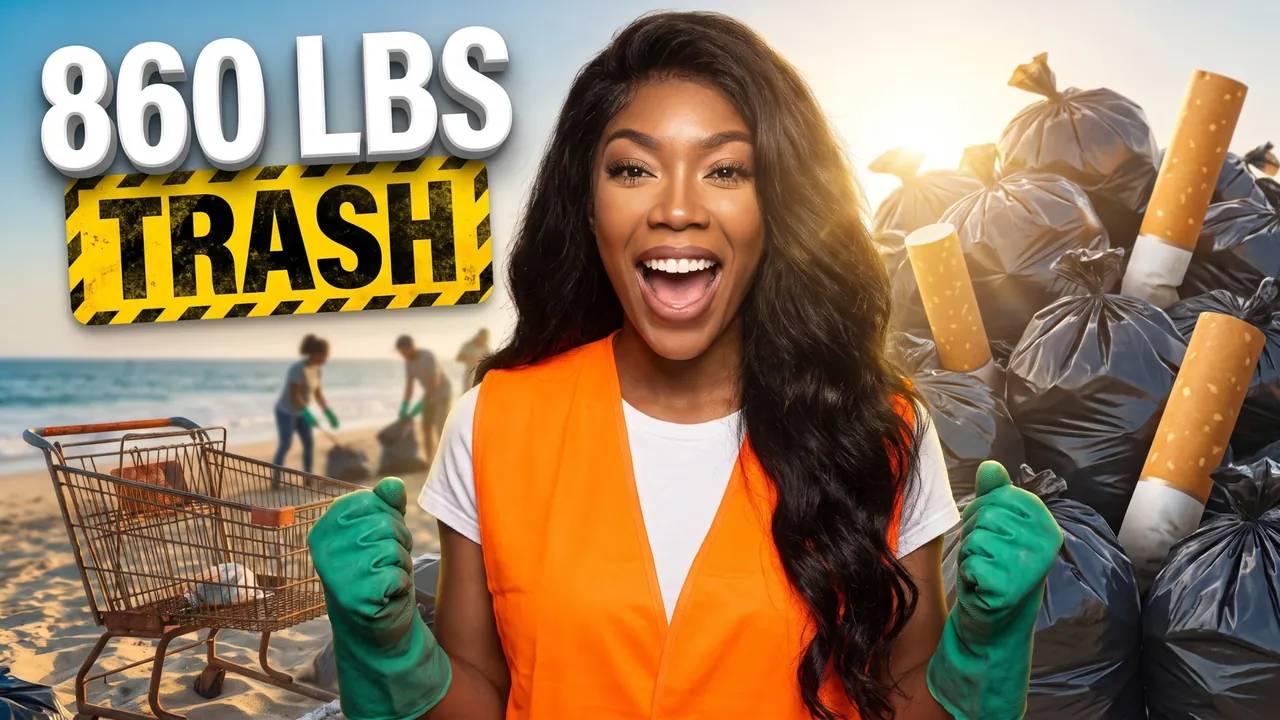
Beach cleanup with 40 strangers
Auto Automatic mode What the creator entered: video descriptionTitleBeach cleanup with 40 strangers
DescriptionMy video about organizing a beach cleanup in Santa Monica with 40 strangers I found on Instagram. In 3 hours we collected 860 pounds of trash, 2,300 cigarette butts and one very confused shopping cart. At the end – a step-by-step guide to running your own cleanup and where all that trash actually ended up.
Automatic mode: the creator only described the video – the service came up with the idea, composition and thumbnail text on its own.
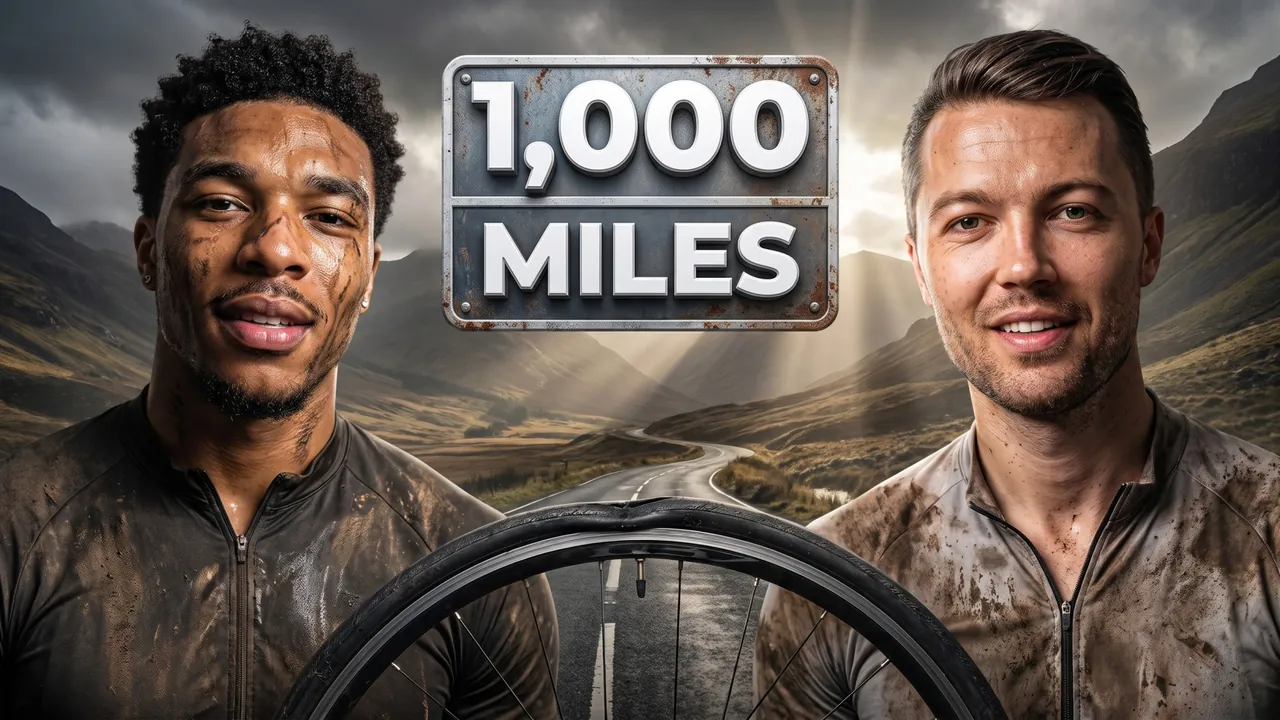
1,000 miles by bike for charity
Auto Automatic mode What the creator entered: video descriptionTitle1,000 miles by bike for charity
DescriptionMe and my best friend cycled 1,000 miles from Land's End to John o' Groats in 14 days to raise £10,000 for a rewilding charity. Two punctures, one crash in Cumbria and the kindest strangers we've ever met. At the end – the total raised, our full route and what the ride really cost us.
Automatic mode: the creator only described the video – the service came up with the idea, composition and thumbnail text on its own.
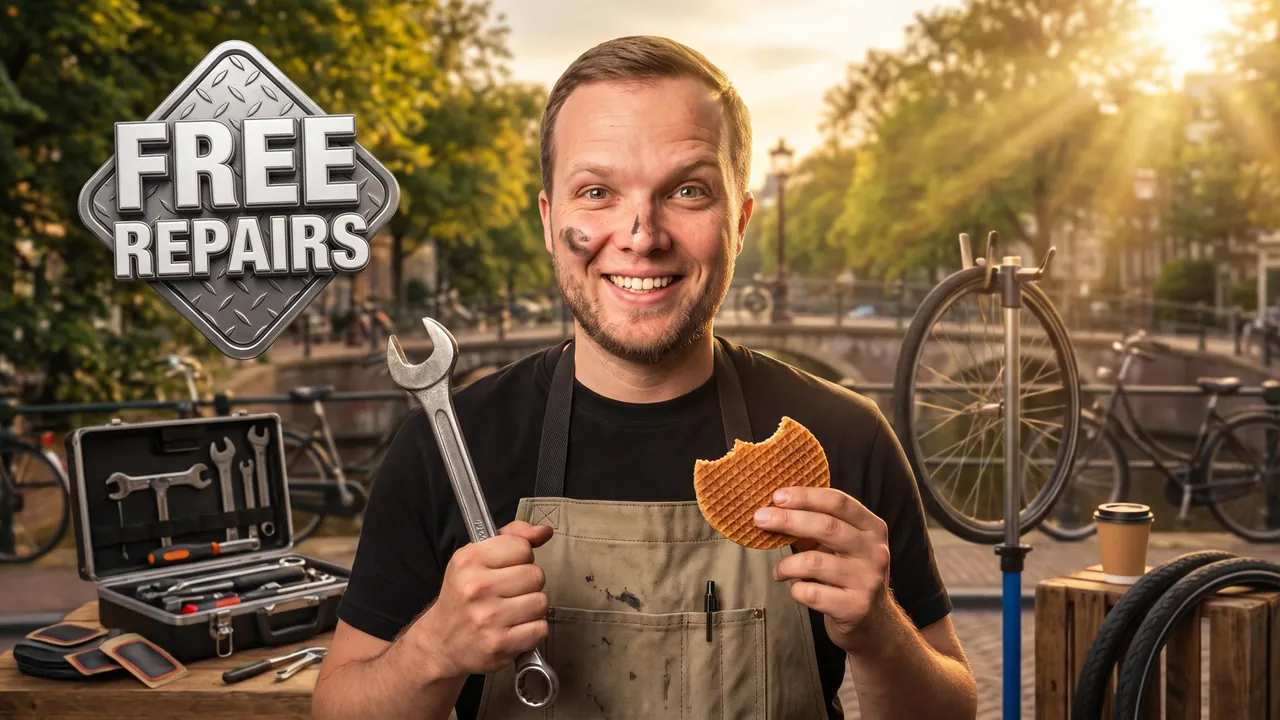
Free bike repair every Saturday
Auto Automatic mode What the creator entered: video descriptionTitleFree bike repair every Saturday
DescriptionMy video about running a free bike repair stand in Vondelpark, Amsterdam, every Saturday for a month. Brought a $150 toolkit from Decathlon, fixed 214 bikes, patched 96 flat tires and got paid in coffee and stroopwafels. At the end – the 5 fixes anyone can learn in 10 minutes and how to set up a repair stand in your own neighborhood.
Automatic mode: the creator only described the video – the service came up with the idea, composition and thumbnail text on its own.

We Built 100 Beds for Kids in Need
Pro Professional mode Prompt for the chosen conceptCharactersUse the two people from the uploaded photos as the main characters: the person from the first photo on the left, the person from the second photo on the right. Preserve maximum likeness of each face: eye shape, nose, lips, hairstyle and age. Do not blend their features.
ThemeCreate a viral YouTube thumbnail about two friends building 100 beds for families who can't afford them.
OutfitFully replace the clothing with matching navy work shirts and safety glasses on the head.
Main charactersBoth heroes on the sides of the frame. The left one holds a cordless drill and smiles proudly into the camera. The right one carries wooden planks and gives a thumbs up.
Face size and eye contactThe faces are large because of the framing, not because of head size: the camera is close, both heroes are framed chest-up or shoulders-up, bodies cropped by the bottom edge, no legs or shoes in frame. Natural, realistic head-to-body proportions like a real photo; heads are not enlarged. Both look directly into the lens, not at each other. The emotions are strong and readable even at small size.
ObjectsIn the center a huge warehouse stack of freshly built wooden beds with colorful pillows and blankets. Above, large bold text 100 BEDS in white with a thick yellow outline.
BackgroundA bright workshop with sawdust in the air and warm light.
CompositionComposition like a heartwarming viral charity video. Each hero takes about 30% of the frame, the bed stack is the center. Everything reads at small size.
StylePhotorealism. Very high detail. Warm colors (wood, yellow, navy). High contrast. Cinematic lighting.
RestrictionsNo enlarged heads or caricature proportions. No organization logos. No extra text. No watermarks.
Professional mode: the service suggested concepts, the creator picked one and edited the description – the thumbnail was generated from it.
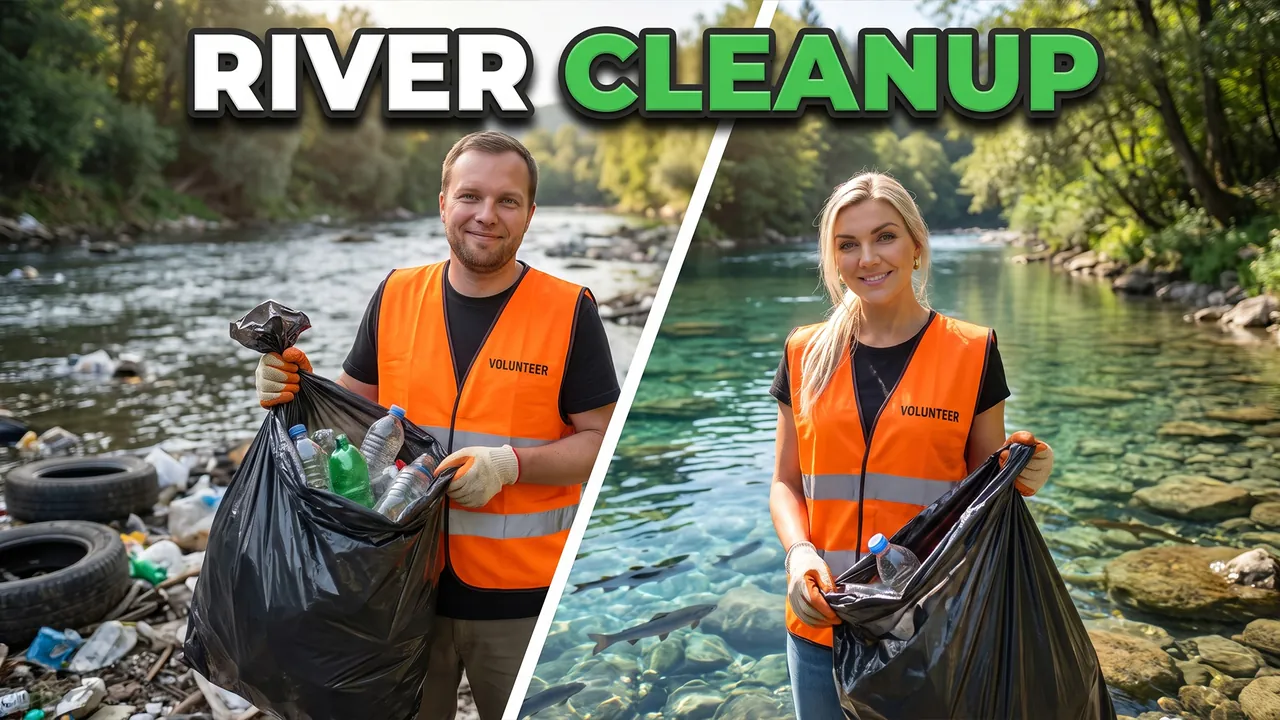
We Cleaned the Dirtiest River
Pro Professional mode Prompt for the chosen conceptCharactersUse the two people from the uploaded photos as the main characters: the person from the first photo on the left, the person from the second photo on the right. Preserve maximum likeness of each face: eye shape, nose, lips, hairstyle and age. Do not blend their features.
ThemeCreate a viral YouTube thumbnail about volunteers cleaning one of the most polluted rivers.
OutfitFully replace the clothing with bright orange volunteer vests and work gloves.
Main charactersClose-ups of both heroes by the river on both sides of the frame, holding full trash bags and looking into the camera with tired but proud smiles.
Face size and eye contactThe faces are large because of the framing, not because of head size: the camera is close, both heroes are framed chest-up or shoulders-up, bodies cropped by the bottom edge, no legs or shoes in frame. Natural, realistic head-to-body proportions like a real photo; heads are not enlarged. This is not a selfie: someone else takes the photo, nobody holds a camera or phone. Both look directly into the lens, not at each other. The emotions are strong and readable even at small size.
ObjectsThe river is split diagonally: the left side full of plastic bottles and tires, the right side crystal clear with fish.
Text on thumbnailThe only text on the thumbnail: RIVER CLEANUP – word for word, nothing added; do not turn the theme or video title into text. Only numbers on objects from OBJECTS are allowed besides it. Placement: in the upper part of the frame on an area free of faces, large, in 1–2 lines; never in the bottom-right corner and never over faces. Styling: a bold modern sans-serif font like Montserrat Black or Bebas Neue, all caps, even lines and clean letter spacing. Colors: mostly white, green accent color on one key word; colors harmonize with the frame's palette. Thin dark outline and a soft shadow for readability. No acid yellow or muddy color combos, no rainbow gradients, arrows, banners, emoji or flags.
BackgroundA green riverbank with trees and sunlight.
CompositionComposition like a viral before-and-after video. Each hero takes about 30% of the frame, the contrast reads instantly. Everything reads at small size.
StylePhotorealism. Very high detail. Colors: orange, green, clear blue. High contrast. Cinematic lighting.
RestrictionsNo enlarged heads or caricature proportions. No organization logos. No text except the caption from TEXT ON THUMBNAIL. No watermarks.
Professional mode: the service suggested concepts, the creator picked one and edited the description – the thumbnail was generated from it.
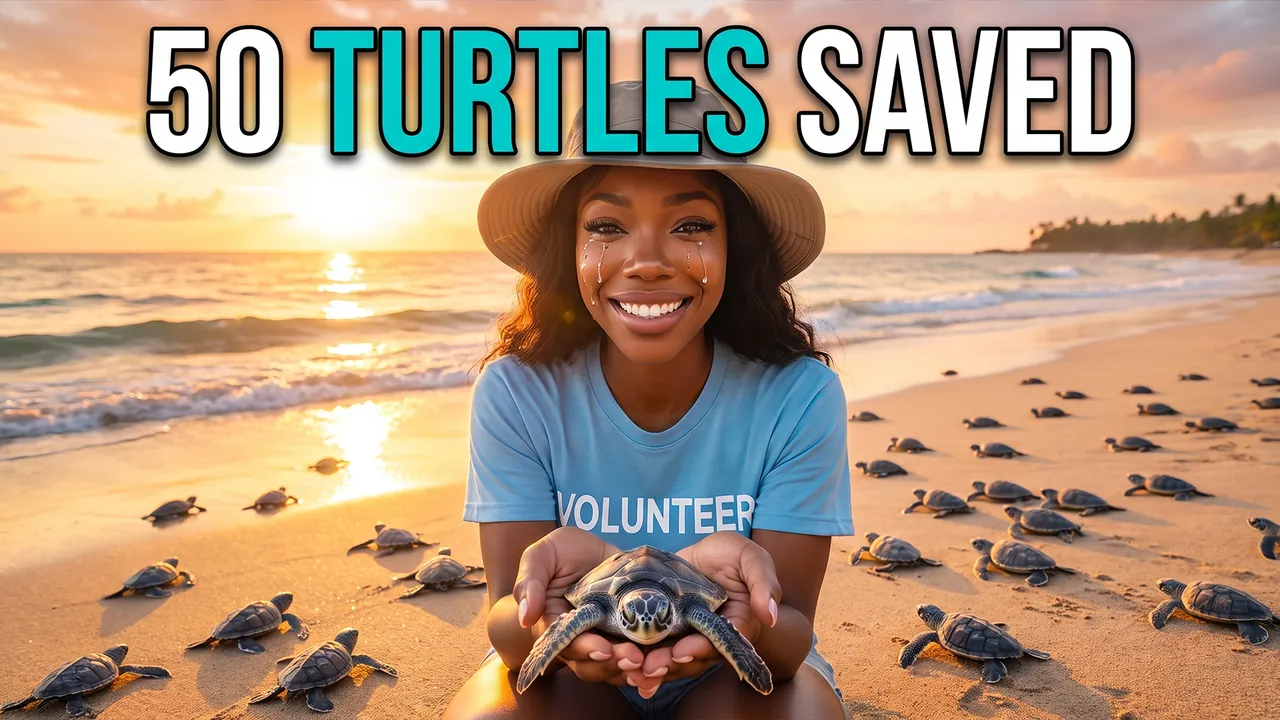
I Helped Save 50 Baby Sea Turtles
Pro Professional mode Prompt for the chosen conceptCharacterUse the person from the uploaded photo as the main character (a woman). Preserve maximum facial likeness: eye shape, nose, lips, hairstyle and age.
ThemeCreate a viral YouTube thumbnail about volunteering to protect baby sea turtles on their way to the ocean.
OutfitFully replace the clothing with a light blue volunteer t-shirt and a sun hat.
Main characterClose-up of the heroine on the right side of the frame, kneeling on the sand. She looks straight into the camera with tears of joy and a big smile.
Face size and eye contactThe face is large because of the framing, not because of head size: the camera is close, the shot is chest-up or shoulders-up, the body is cropped by the bottom edge, no legs or shoes in frame. Natural, realistic head-to-body proportions like a real photo; the head is not enlarged. This is not a selfie: someone else takes the photo, she does not hold a camera or phone or reach toward the lens. She looks directly into the lens. The emotion is strong and readable even at small size.
ObjectsDozens of tiny baby sea turtles crawl across the sand toward the ocean; one sits in her palms close to the lens.
Text on thumbnailThe only text on the thumbnail: 50 TURTLES SAVED – word for word, nothing added; do not turn the theme or video title into text. Only numbers on objects from OBJECTS are allowed besides it. Placement: in the upper part of the frame on an area free of faces, large, in 1–2 lines; never in the bottom-right corner and never over faces. Styling: a bold modern sans-serif font like Montserrat Black or Bebas Neue, all caps, even lines and clean letter spacing. Colors: mostly white, turquoise accent color on one key word; colors harmonize with the frame's palette. Thin dark outline and a soft shadow for readability. No acid yellow or muddy color combos, no rainbow gradients, arrows, banners, emoji or flags.
BackgroundA tropical beach at sunrise, golden light on the waves.
CompositionComposition like a heartwarming viral nature video. The heroine takes about 40% of the frame, the turtle in her hands is the emotional hook. Everything reads at small size.
StylePhotorealism. Very high detail. Colors: turquoise, gold, sand beige. Soft contrast. Cinematic lighting. Shallow depth of field.
RestrictionsNo enlarged heads or caricature proportions. No extra objects. No text except the caption from TEXT ON THUMBNAIL. No watermarks.
Professional mode: the service suggested concepts, the creator picked one and edited the description – the thumbnail was generated from it.

London to Lisbon with £8,000
Auto Automatic mode What the creator entered: video descriptionTitleLondon to Lisbon with £8,000
DescriptionWe quit our jobs in London and moved to Lisbon with £8,000 in savings. Found a flat in Alfama for €1,100 a month, fought Portuguese bureaucracy for six weeks and finally got our residency appointment. At the end – our real monthly budget and everything we wish we'd known before moving.
Automatic mode: the creator only described the video – the service came up with the idea, composition and thumbnail text on its own.
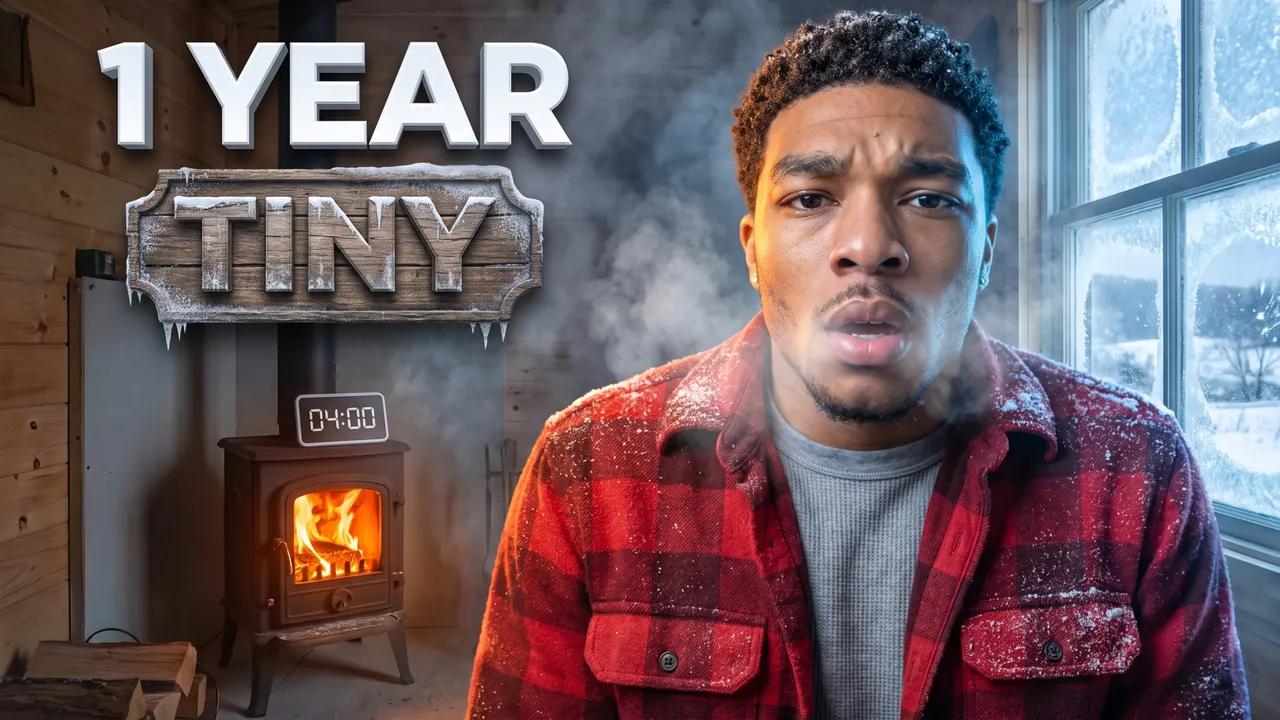
A year in a 120 sq ft tiny house
Auto Automatic mode What the creator entered: video descriptionTitleA year in a 120 sq ft tiny house
DescriptionMy video about living in a 120-square-foot tiny house in rural Vermont for a full year. I built it for $28,000, survived a -20°F winter with a wood stove and learned to shower in 4 minutes. At the end – total costs, what I'd never do again and whether I'm moving back to the city.
Automatic mode: the creator only described the video – the service came up with the idea, composition and thumbnail text on its own.
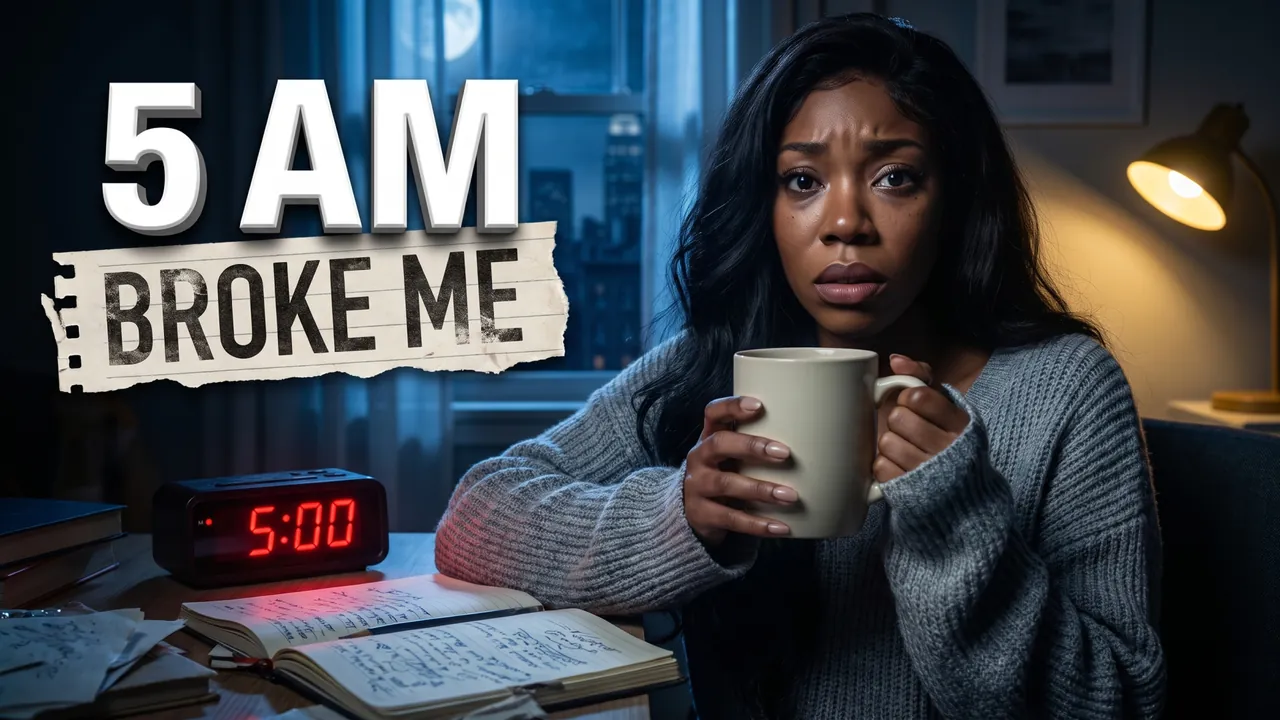
Waking up at 5 a.m. for 30 days
Auto Automatic mode What the creator entered: video descriptionTitleWaking up at 5 a.m. for 30 days
DescriptionMy video about waking up at 5 a.m. for 30 days to see if it would really change my life. Lights out at 9:30, coffee and journaling while New York was still asleep, and a workout before my 9-to-5. At the end – my honest results on sleep, mood and productivity, and why day 23 broke me.
Automatic mode: the creator only described the video – the service came up with the idea, composition and thumbnail text on its own.
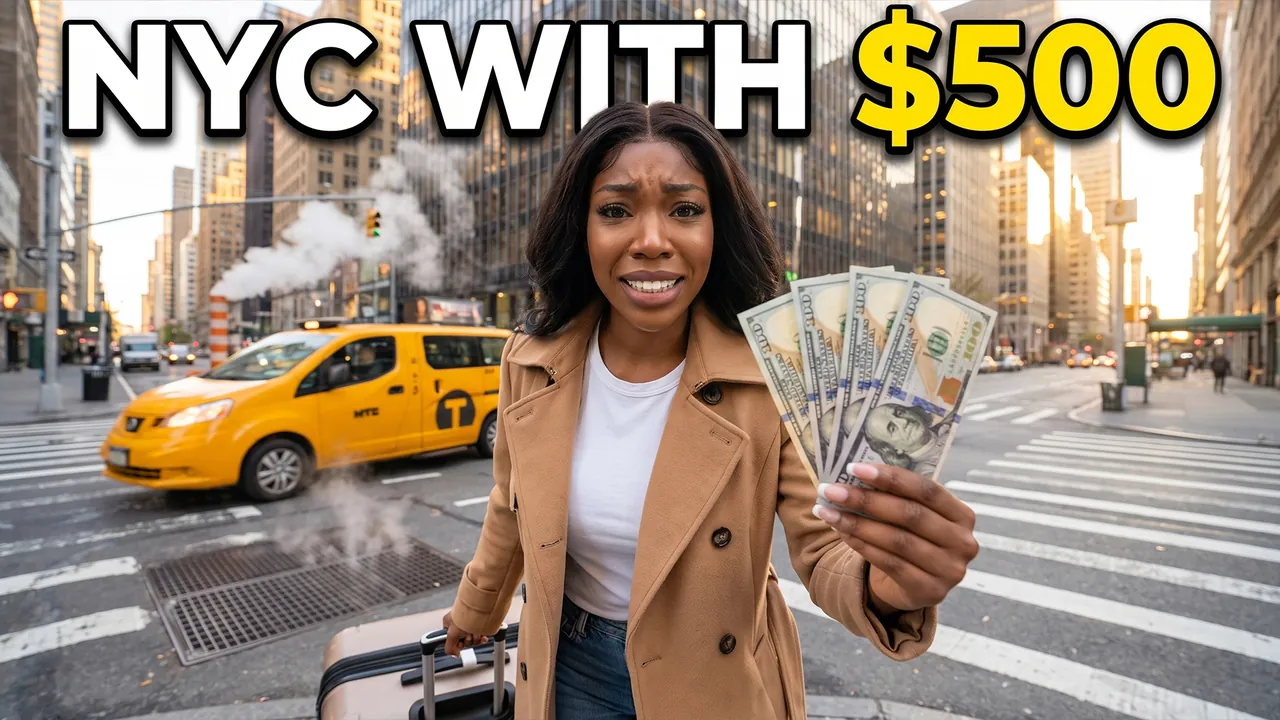
Moving to New York With $500
Pro Professional mode Prompt for the chosen conceptCharacterUse the person from the uploaded photo as the main character (a woman). Preserve maximum facial likeness: eye shape, nose, lips, hairstyle and age.
ThemeCreate a viral YouTube thumbnail about moving to New York City with only $500 in the bank.
OutfitFully replace the clothing with a camel trench coat, a white t-shirt and jeans.
Main characterClose-up of the heroine on the right side of the frame. She drags a big suitcase and looks straight into the camera with a nervous but determined smile.
Face size and eye contactThe heroine's face is the main element of the thumbnail: a close-up, the face takes at least one third of the frame height and is closer to the camera than everything else except an object held toward the lens. She looks directly into the lens. The emotion is exaggerated and readable even at small size.
ObjectsIn her raised hand she holds five $100 bills fanned out close to the lens. A yellow taxi passes behind her. Above, large bold text NYC WITH $500 in white with a thick yellow outline.
BackgroundA busy Manhattan street with skyscrapers, steam rising from the street and golden evening light.
CompositionComposition like a viral lifestyle vlog. The heroine takes about 40% of the frame, the cash is the hook. Everything reads at small size.
StylePhotorealism. Very high detail. Colors: taxi yellow, warm gold, city blue. High contrast. Cinematic lighting. Shallow depth of field.
RestrictionsNo extra objects. No extra text. No watermarks.
Professional mode: the service suggested concepts, the creator picked one and edited the description – the thumbnail was generated from it.
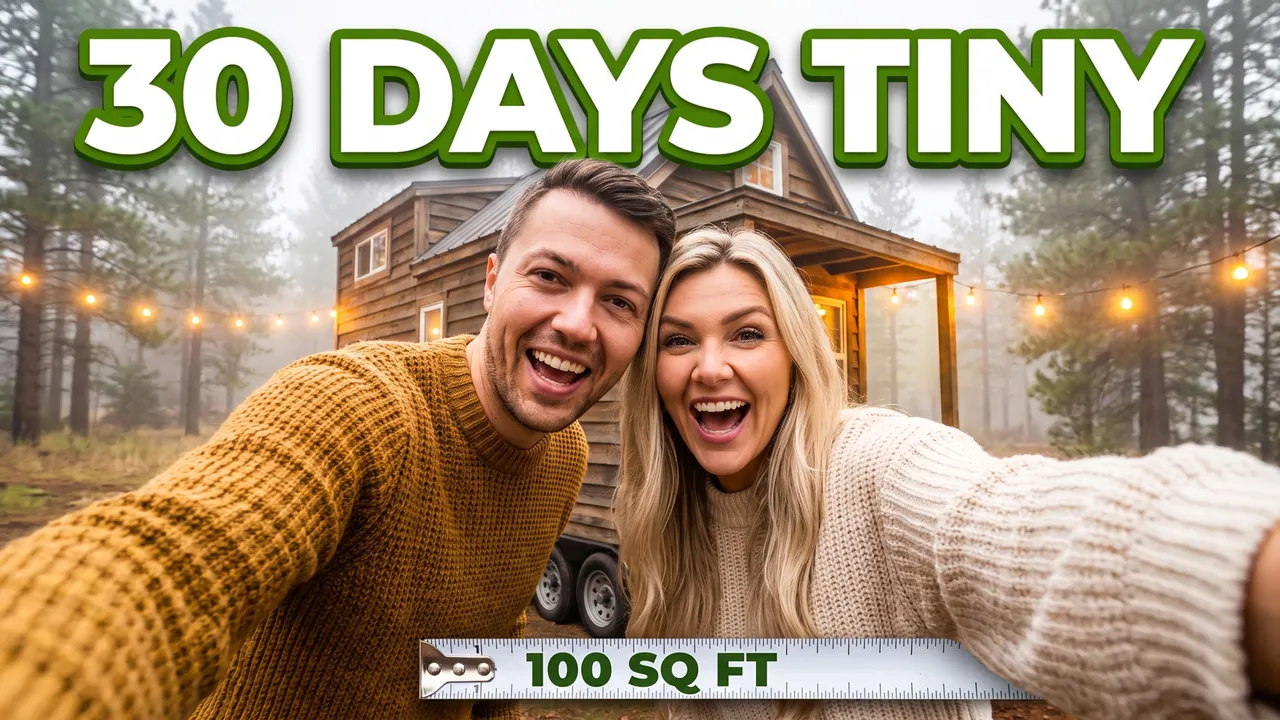
30 Days Living in a Tiny House
Pro Professional mode Prompt for the chosen conceptCharactersUse the two people from the uploaded photos as the main characters: the person from the first photo on the left, the person from the second photo on the right. Preserve maximum likeness of each face: eye shape, nose, lips, hairstyle and age. Do not blend their features.
ThemeCreate a viral YouTube thumbnail about a couple living in a tiny house for 30 days.
OutfitFully replace the clothing with cozy knitwear: he wears a mustard sweater, she wears a cream sweater.
Main charactersThe heroes squeeze out of the tiny front door together, laughing and looking into the camera with a mix of joy and chaos.
Face size and eye contactThe faces are large because of the framing, not because of head size: the camera is close, both heroes are framed chest-up or shoulders-up, bodies cropped by the bottom edge, no legs or shoes in frame. Natural, realistic head-to-body proportions like a real photo; heads are not enlarged. This is not a selfie: someone else takes the photo, nobody holds a camera or phone. Both look directly into the lens, not at each other. The emotions are strong and readable even at small size.
ObjectsA tiny wooden house on wheels with a small porch, smaller than the heroes look like it should be. A measuring tape stretched across the frame shows 100 SQ FT. Above, large bold text 30 DAYS TINY in white with a thick green outline.
BackgroundA pine forest clearing with string lights and a misty morning.
CompositionComposition like a viral living experiment vlog. The couple takes about 45% of the frame, the tiny house gives context. Everything reads at small size.
StylePhotorealism. Very high detail. Warm natural colors (wood, mustard, forest green). High contrast. Cinematic lighting.
RestrictionsNo enlarged heads or caricature proportions. The only text on the thumbnail is the caption from OBJECTS, word for word; do not turn the theme into a headline, do not add your own words, flags or emoji. No extra objects. No extra text. No watermarks.
Professional mode: the service suggested concepts, the creator picked one and edited the description – the thumbnail was generated from it.
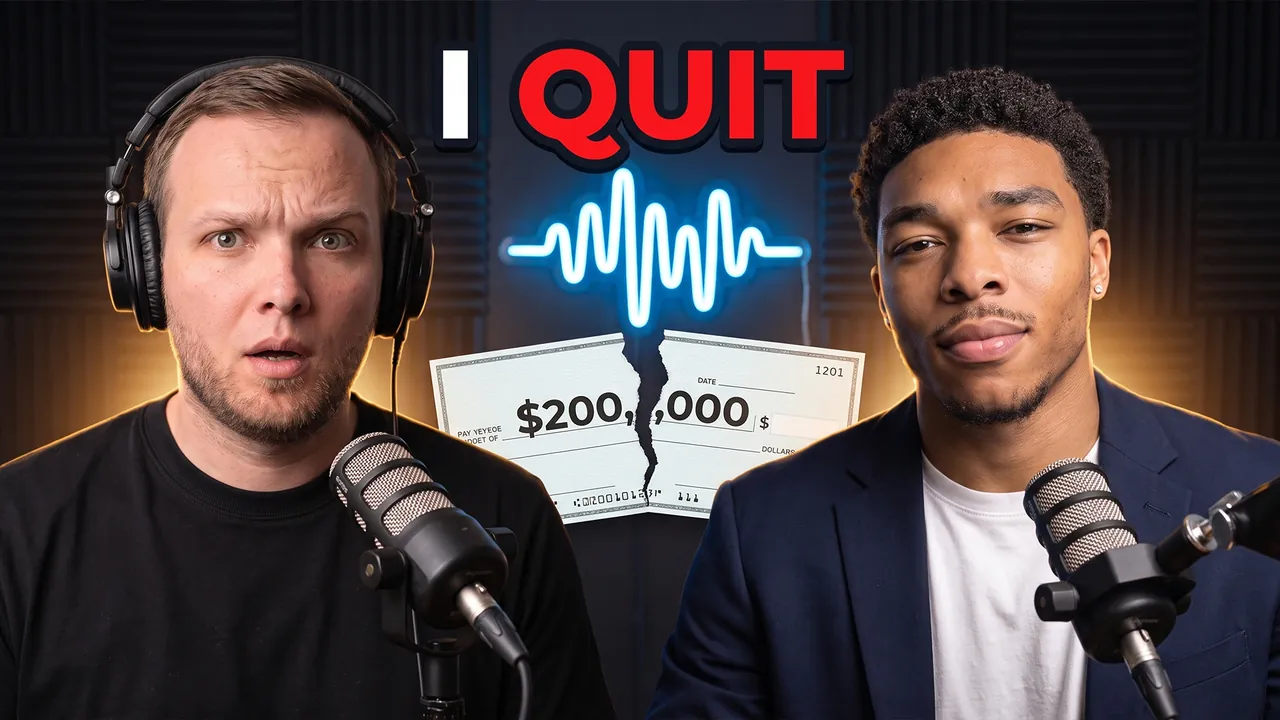
Podcast I Quit My $200K Job
Pro Professional mode Prompt for the chosen conceptCharactersUse the two people from the uploaded photos as the main characters: the person from the first photo on the left, the person from the second photo on the right. Preserve maximum likeness of each face: eye shape, nose, lips, hairstyle and age. Do not blend their features.
ThemeCreate a viral YouTube thumbnail for a podcast episode where the guest explains why he quit a $200K job.
OutfitThe left hero (host) wears a black tee and headphones; the right hero (guest) wears a navy blazer over a white tee.
Main charactersClose-ups of both faces on both sides of the frame, a podcast microphone in front of each. The host looks into the camera with raised eyebrows. The guest looks straight into the camera with a calm, knowing smile.
Face size and eye contactThe faces are large because of the framing, not because of head size: the camera is close, both heroes are framed chest-up or shoulders-up, bodies cropped by the bottom edge, no legs or shoes in frame. Natural, realistic head-to-body proportions like a real photo; heads are not enlarged. This is not a selfie: someone else takes the photo, nobody holds a camera or phone. Both look directly into the lens, not at each other. The emotions are strong and readable even at small size.
ObjectsBetween them a torn paycheck showing $200,000.
Text on thumbnailThe only text on the thumbnail: I QUIT – word for word, nothing added; do not turn the theme or video title into text. Only numbers on objects from OBJECTS are allowed besides it. Placement: in the upper part of the frame on an area free of faces, large, in 1–2 lines; never in the bottom-right corner and never over faces. Styling: a bold modern sans-serif font like Montserrat Black or Bebas Neue, all caps, even lines and clean letter spacing. Colors: mostly white, red accent color on one key word; colors harmonize with the frame's palette. Thin dark outline and a soft shadow for readability. No acid yellow or muddy color combos, no rainbow gradients, arrows, banners, emoji or flags.
BackgroundA dark podcast studio with acoustic panels and a neon sound-wave sign.
CompositionComposition like a viral podcast episode with millions of views. Each hero, framed chest-up, takes about 40% of the frame. Everything reads at small size.
StylePhotorealism. Very high skin and hair detail. Warm rim light with neon accents in the background. High contrast. Professional color grading. Shallow depth of field: faces sharp, background softly blurred.
RestrictionsNo enlarged heads or caricature proportions. No company logos. No text except the caption from TEXT ON THUMBNAIL. No watermarks.
Professional mode: the service suggested concepts, the creator picked one and edited the description – the thumbnail was generated from it.

25 dog tricks in 30 days
Auto Automatic mode What the creator entered: video descriptionTitle25 dog tricks in 30 days
DescriptionMy video about teaching my Australian Shepherd Rocky 25 tricks in 30 days – from riding a skateboard to grabbing me a soda from the fridge. Spent $60 on treats and a clicker, filmed every fail at a dog park in Austin, Texas, and lost half my socks along the way. At the end – the 5 easiest tricks to start with and how long each one really took.
Automatic mode: the creator only described the video – the service came up with the idea, composition and thumbnail text on its own.
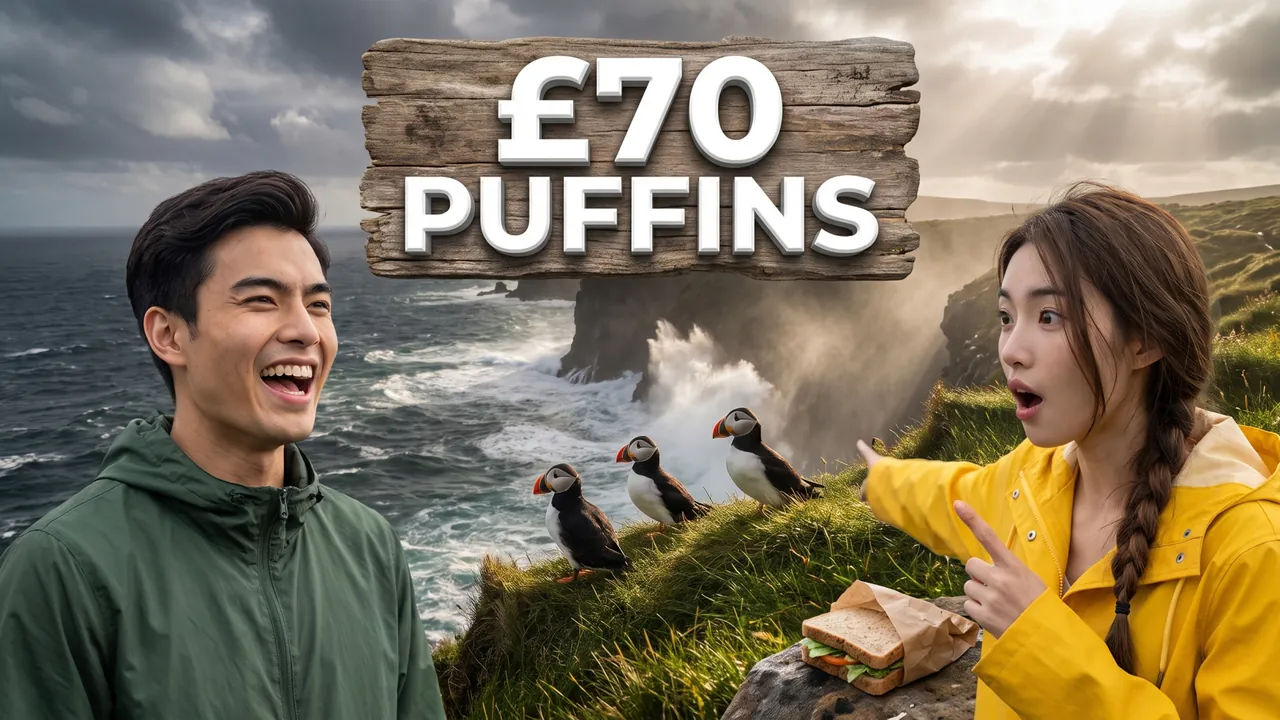
Puffin island in Scotland
Auto Automatic mode What the creator entered: video descriptionTitlePuffin island in Scotland
DescriptionWe took a boat from the Isle of Mull to Lunga, a tiny Scottish island where thousands of puffins let you sit just a few feet away. Packed sandwiches, got soaked by the waves and paid £70 each for the tour. At the end – the best month to go, what to wear and how to get there from Glasgow without a car.
Automatic mode: the creator only described the video – the service came up with the idea, composition and thumbnail text on its own.
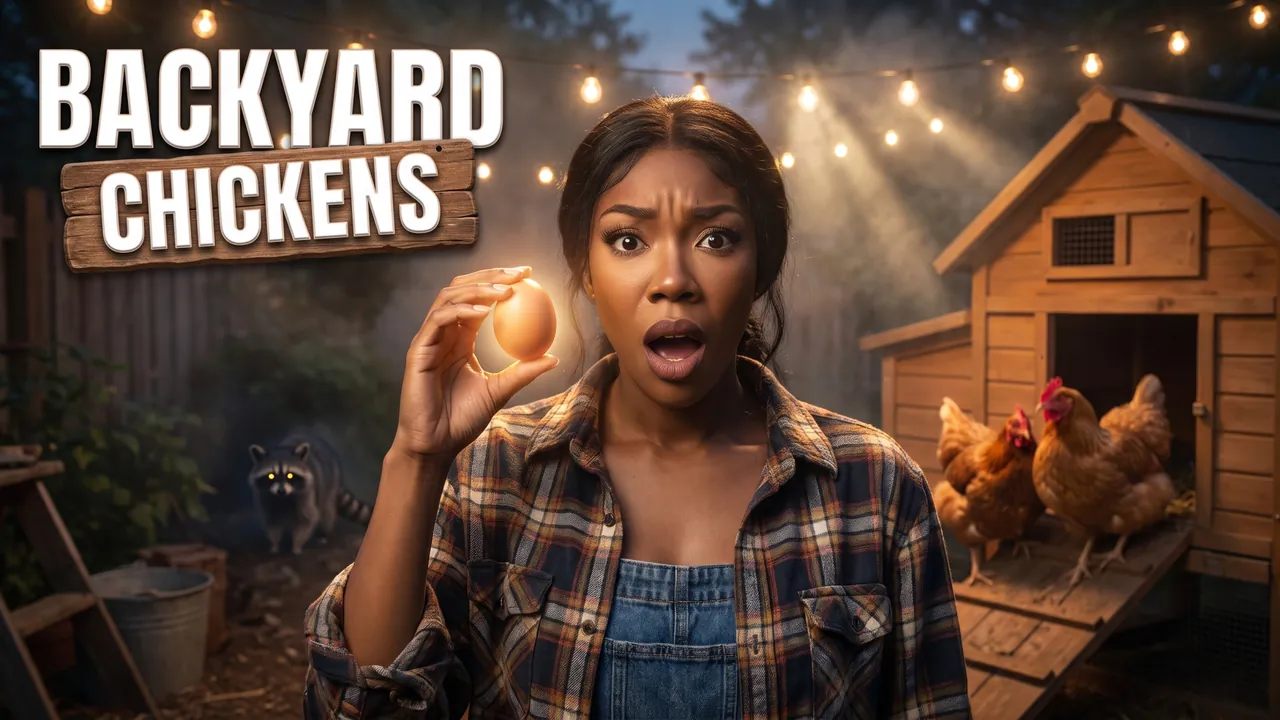
4 rescue hens in a city backyard
Auto Automatic mode What the creator entered: video descriptionTitle4 rescue hens in a city backyard
DescriptionMy video about turning my small backyard in Portland into a home for 4 rescue hens. I built the coop myself from a $180 Home Depot kit, lost a battle with a raccoon on night two and got my first egg on day 19. At the end – the full cost breakdown and whether backyard chickens actually save you money on eggs.
Automatic mode: the creator only described the video – the service came up with the idea, composition and thumbnail text on its own.

I Raised a Baby Raccoon
Pro Professional mode Prompt for the chosen conceptCharacterUse the person from the uploaded photo as the main character. Preserve maximum facial likeness: eye shape, nose, lips, hairstyle and age.
ThemeCreate a viral YouTube thumbnail about raising an orphaned baby raccoon at home.
OutfitFully replace the clothing with a cozy green flannel shirt with a few muddy paw prints on the shoulder.
Main characterClose-up of the hero on the right side of the frame. He looks straight into the camera with a mix of shock and pure joy, eyebrows raised, mouth half open.
Face size and eye contactThe hero's face is the main element of the thumbnail: a close-up, the face takes at least one third of the frame height and is closer to the camera than everything else except an object held toward the lens. He looks directly into the lens. The emotion is exaggerated and readable even at small size.
ObjectsA fluffy baby raccoon with its black bandit mask sits on the hero's shoulder, holding a stolen cookie in its tiny paws and staring curiously into the camera. A tipped-over cookie jar and crumbs are on the counter. On the left, large bold text RACCOON DAD in white with a thick orange outline.
BackgroundA messy but warm farmhouse kitchen, open cupboards, morning sunlight through the window, softly blurred.
CompositionComposition like a viral pet video with millions of views. The hero and the raccoon take up about 50% of the frame; the raccoon's face and the hero's face are the two focal points. Everything is large and readable even at small thumbnail size.
StylePhotorealism. Very high fur detail. Warm saturated colors (orange, green, cream). High contrast. Cinematic lighting. Professional color grading. Shallow depth of field.
RestrictionsNo extra objects. No extra text. No watermarks.
Professional mode: the service suggested concepts, the creator picked one and edited the description – the thumbnail was generated from it.

I Fostered 10 Kittens for a Week
Pro Professional mode Prompt for the chosen conceptCharacterUse the person from the uploaded photo as the main character (a woman). Preserve maximum facial likeness: eye shape, nose, lips, hairstyle and age.
ThemeCreate a viral YouTube thumbnail about fostering ten tiny kittens for one chaotic week.
OutfitFully replace the clothing with an oversized lavender hoodie covered in a few cat hairs.
Main characterThe heroine sits on the right side of the frame, covered in kittens. She looks straight into the camera laughing in disbelief, one kitten climbing onto her head.
Face size and eye contactThe face is large because of the framing, not because of head size: the camera is close, the shot is chest-up or shoulders-up, the body is cropped by the bottom edge, no legs or shoes in frame. Natural, realistic head-to-body proportions like a real photo; the head is not enlarged. This is not a selfie: someone else takes the photo, she does not hold a camera or phone or reach toward the lens. She looks directly into the lens. The emotion is strong and readable even at small size.
ObjectsTen fluffy kittens of different colors crawl over her lap, shoulders and hood; the closest kitten reaches a paw toward the lens. A small bottle of kitten milk in her hand. On the left, large bold text 10 KITTENS?! in white with a thick lavender outline.
BackgroundA bright living room with a cardboard box, yarn balls and pet beds on the floor, soft daylight, blurred.
CompositionComposition like a viral wholesome pet video. The heroine and kittens take up about 55% of the frame. The kitten closest to the lens is the emotional hook. All elements are readable at small size.
StylePhotorealism. Very high fur detail. Soft pastel colors (lavender, cream, peach). Gentle contrast. Cinematic soft lighting. Shallow depth of field.
RestrictionsNo enlarged heads or caricature proportions. The only text on the thumbnail is the caption from OBJECTS, word for word; do not turn the theme into a headline, do not add your own words, flags or emoji. No extra objects. No extra text. No watermarks.
Professional mode: the service suggested concepts, the creator picked one and edited the description – the thumbnail was generated from it.
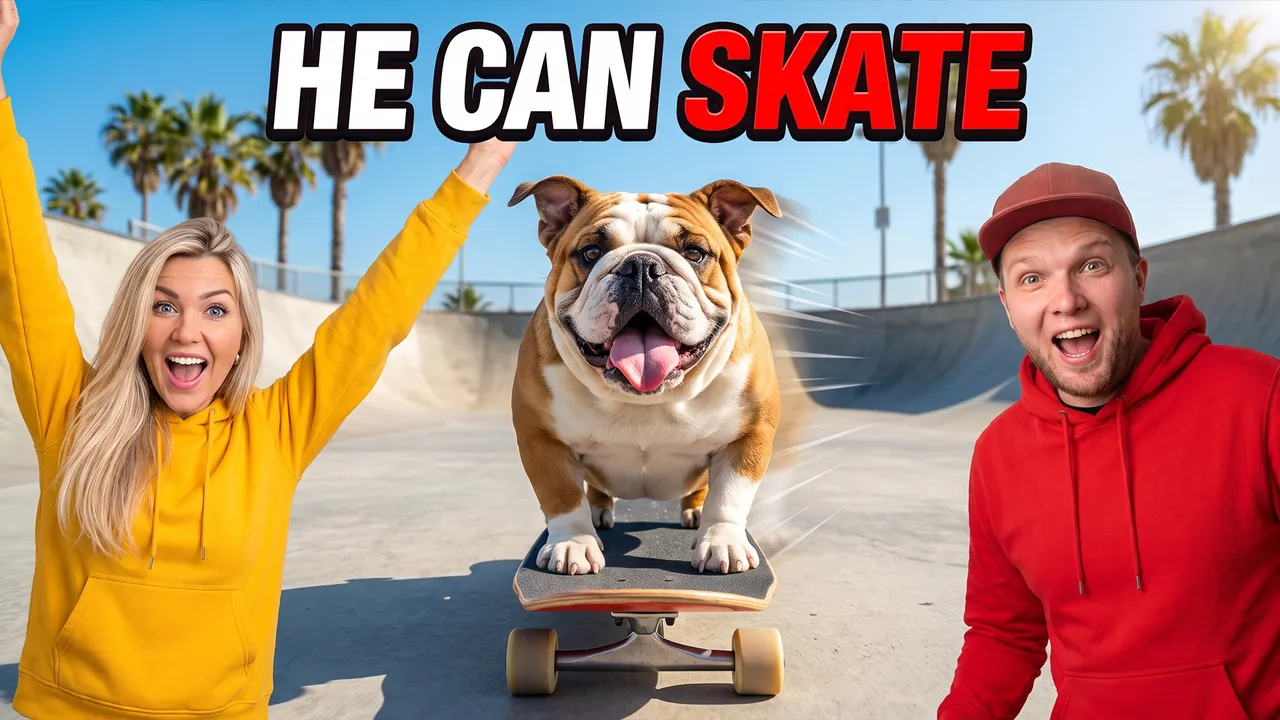
We Taught Our Dog to Skateboard
Pro Professional mode Prompt for the chosen conceptCharactersUse the two people from the uploaded photos as the main characters: the person from the first photo on the left, the person from the second photo on the right. Preserve maximum likeness of each face: eye shape, nose, lips, hairstyle and age. Do not blend their features.
ThemeCreate a viral YouTube thumbnail about a couple teaching their bulldog to ride a skateboard.
OutfitFully replace the clothing with matching streetwear: he wears a red hoodie and a cap, she wears a yellow hoodie.
Main charactersClose-ups of both heroes' faces on both sides of the frame, cheering with arms raised, both looking straight into the camera with excited, amazed faces.
Face size and eye contactThe faces are large because of the framing, not because of head size: the camera is close, both heroes are framed chest-up or shoulders-up, bodies cropped by the bottom edge, no legs or shoes in frame. Natural, realistic head-to-body proportions like a real photo; heads are not enlarged. This is not a selfie: someone else takes the photo, nobody holds a camera or phone. Both look directly into the lens, not at each other. The emotions are strong and readable even at small size.
ObjectsIn the center a chubby English bulldog rides a skateboard straight toward the camera, ears flapping, tongue out, the board very close to the lens. Motion lines behind the dog.
Text on thumbnailThe only text on the thumbnail: HE CAN SKATE – word for word, nothing added; do not turn the theme or video title into text. Only numbers on objects from OBJECTS are allowed besides it. Placement: in the upper part of the frame on an area free of faces, large, in 1–2 lines; never in the bottom-right corner and never over faces. Styling: a bold modern sans-serif font like Montserrat Black or Bebas Neue, all caps, even lines and clean letter spacing. Colors: mostly white, red accent color on one key word; colors harmonize with the frame's palette. Thin dark outline and a soft shadow for readability. No acid yellow or muddy color combos, no rainbow gradients, arrows, banners, emoji or flags.
BackgroundA sunny concrete skate park with ramps, palm trees and a blue sky.
CompositionComposition like a viral dog trick video. Each hero, framed chest-up, takes about 35% of the frame on the sides, the skating dog between them in the center. Everything reads at small size.
StylePhotorealism. Very high detail. Bright saturated colors (red, yellow, sky blue). High contrast. Cinematic lighting. Frozen-motion effect.
RestrictionsNo enlarged heads or caricature proportions. No brand logos. No text except the caption from TEXT ON THUMBNAIL. No watermarks.
Professional mode: the service suggested concepts, the creator picked one and edited the description – the thumbnail was generated from it.

5 robot vacuums, one messy apartment
Auto Automatic mode What the creator entered: video descriptionTitle5 robot vacuums, one messy apartment
DescriptionMy video about testing 5 robot vacuums from $150 to $1,200 – Roomba, Roborock, Eufy and more – on dog hair, cereal and cables. Spilled 4 pounds of Cheerios across my apartment, timed every run and filmed every fail. At the end – the full results table and the one I'd actually buy.
Automatic mode: the creator only described the video – the service came up with the idea, composition and thumbnail text on its own.
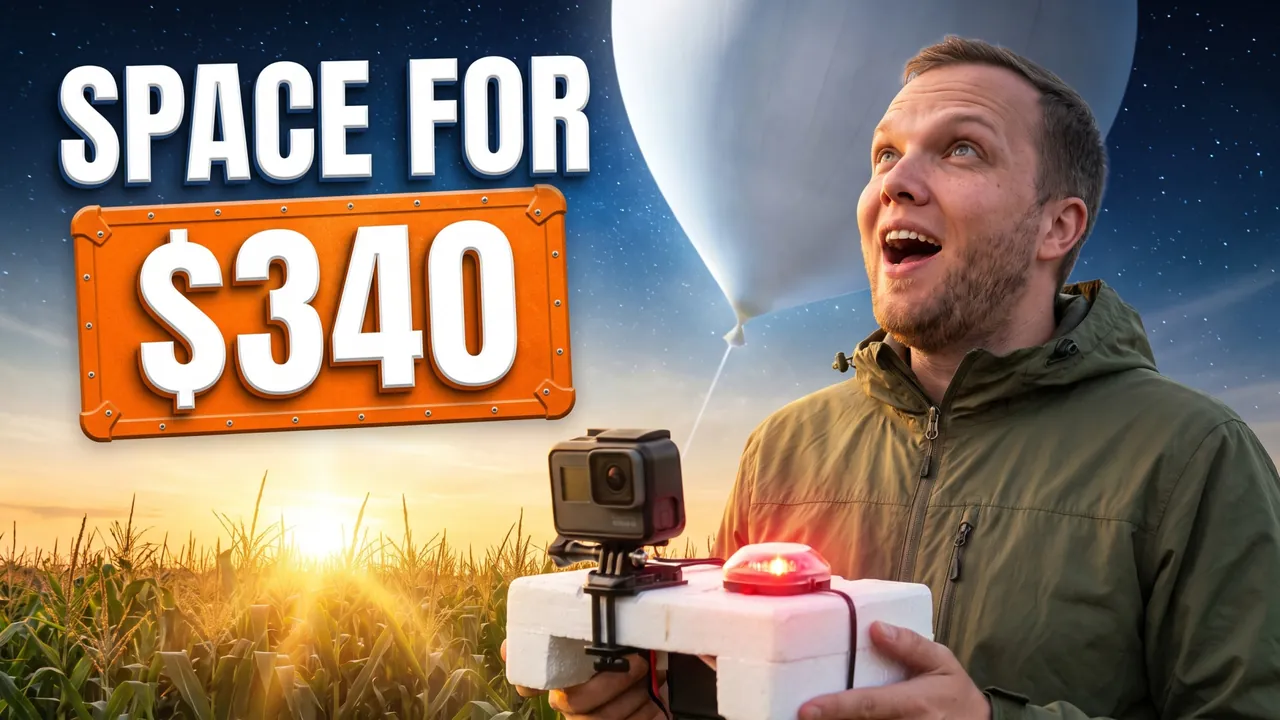
GoPro to the edge of space
Auto Automatic mode What the creator entered: video descriptionTitleGoPro to the edge of space
DescriptionMy video about launching a weather balloon with a GoPro to 98,000 feet from a field in Nebraska. Spent $340 on the kit, tracked it with a GPS beacon and drove two hours to find it in a cornfield. At the end – the footage from near space and every part you need to do it yourself.
Automatic mode: the creator only described the video – the service came up with the idea, composition and thumbnail text on its own.
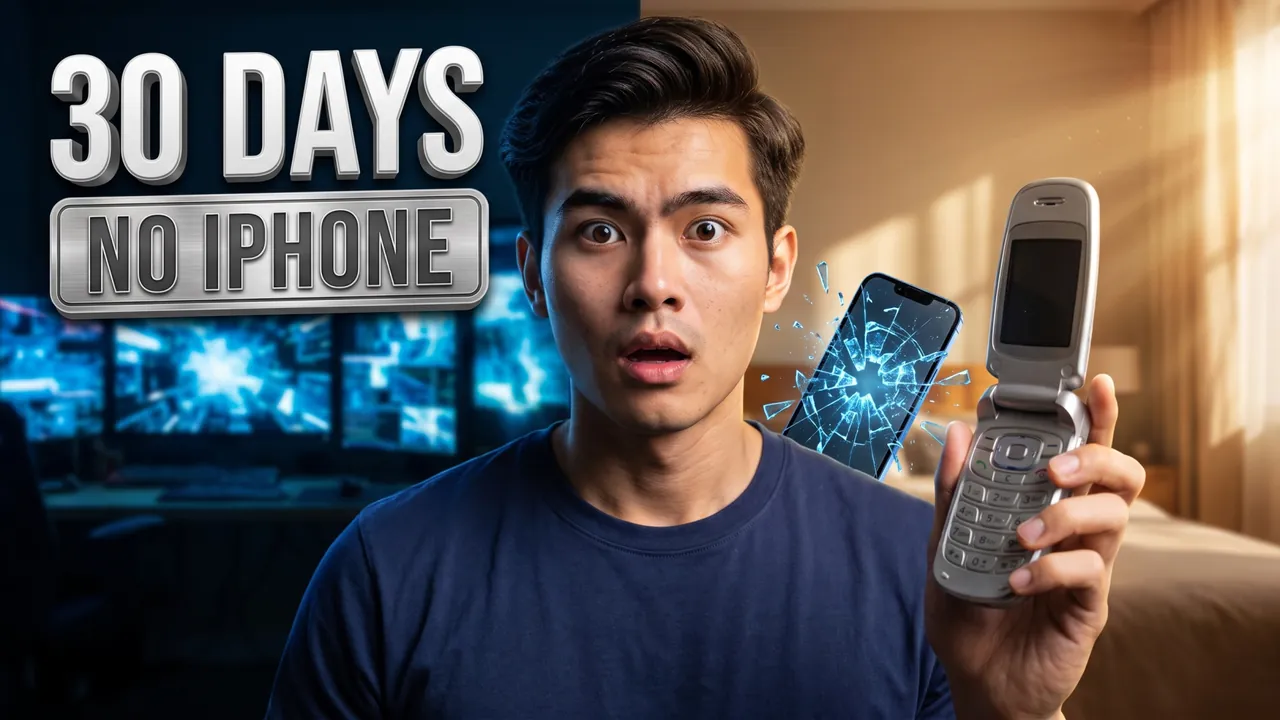
30 days with a flip phone
Auto Automatic mode What the creator entered: video descriptionTitle30 days with a flip phone
DescriptionMy video about using only a flip phone for 30 days instead of my iPhone 16. No maps, no Uber, no group chats – my screen time dropped from 6 hours to 35 minutes a day. At the end – what happened to my sleep and focus, and whether I went back.
Automatic mode: the creator only described the video – the service came up with the idea, composition and thumbnail text on its own.
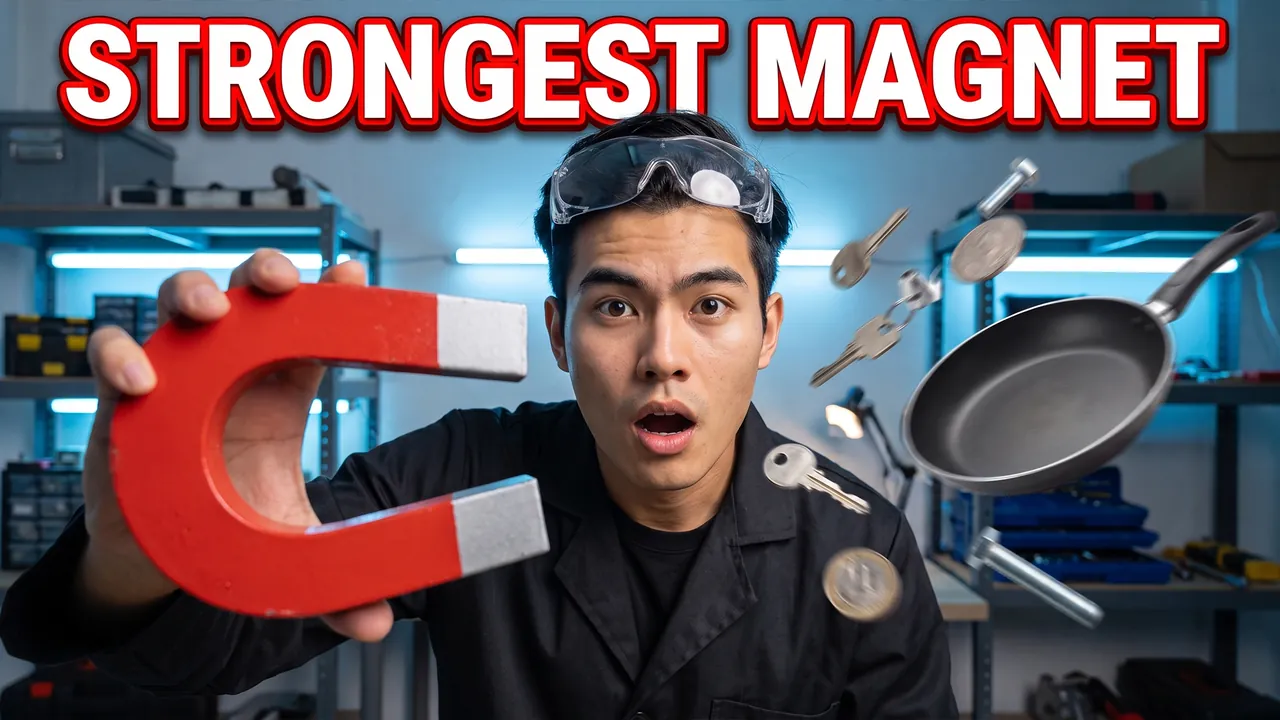
I Tested the World's Strongest Magnet
Pro Professional mode Prompt for the chosen conceptCharacterUse the person from the uploaded photo as the main character. Preserve maximum facial likeness: eye shape, nose, lips, hairstyle and age.
ThemeCreate a viral YouTube thumbnail about testing what the world's strongest magnet can do.
OutfitFully replace the clothing with a black lab coat and safety goggles pushed up on the forehead.
Main characterClose-up of the hero on the right side of the frame. He looks straight into the camera with shock as metal objects fly toward his hands.
Face size and eye contactThe hero's face is the main element of the thumbnail: a close-up, the face takes at least one third of the frame height and is closer to the camera than everything else except an object held toward the lens. He looks directly into the lens. The emotion is exaggerated and readable even at small size.
ObjectsHe holds a giant red and silver horseshoe magnet toward the lens; keys, coins, bolts and a frying pan fly toward it with motion blur. Above, large bold text STRONGEST MAGNET in white with a thick red outline.
BackgroundA workshop lab with metal shelves and cool blue lighting.
CompositionComposition like a viral science experiment video. The hero takes about 40% of the frame, flying objects create action. Everything reads at small size.
StylePhotorealism. Very high detail. Colors: red, silver, cool blue. High contrast. Cinematic lighting. Frozen-motion effect.
RestrictionsNo extra objects. No extra text. No watermarks.
Professional mode: the service suggested concepts, the creator picked one and edited the description – the thumbnail was generated from it.

We Built a Rocket in Our Backyard
Pro Professional mode Prompt for the chosen conceptCharactersUse the two people from the uploaded photos as the main characters: the person from the first photo on the left, the person from the second photo on the right. Preserve maximum likeness of each face: eye shape, nose, lips, hairstyle and age. Do not blend their features.
ThemeCreate a viral YouTube thumbnail about two friends building and launching a homemade rocket.
OutfitFully replace the clothing with orange flight jumpsuits with small rocket patches.
Main charactersBoth heroes on the sides of the frame. The left one holds a launch remote and looks into the camera with wild excitement. The right one covers his ears with a nervous face.
Face size and eye contactThe faces are large because of the framing, not because of head size: the camera is close, both heroes are framed chest-up or shoulders-up, bodies cropped by the bottom edge, no legs or shoes in frame. Natural, realistic head-to-body proportions like a real photo; heads are not enlarged. This is not a selfie: someone else takes the photo, nobody holds a camera or phone. Both look directly into the lens, not at each other. The emotions are strong and readable even at small size.
ObjectsIn the center a tall white-and-red homemade rocket lifts off with a huge burst of fire and smoke.
Text on thumbnailThe only text on the thumbnail: BACKYARD ROCKET – word for word, nothing added; do not turn the theme or video title into text. Only numbers on objects from OBJECTS are allowed besides it. Placement: in the upper part of the frame on an area free of faces, large, in 1–2 lines; never in the bottom-right corner and never over faces. Styling: a bold modern sans-serif font like Montserrat Black or Bebas Neue, all caps, even lines and clean letter spacing. Colors: mostly white, orange accent color on one key word; colors harmonize with the frame's palette. Thin dark outline and a soft shadow for readability. No acid yellow or muddy color combos, no rainbow gradients, arrows, banners, emoji or flags.
BackgroundA suburban backyard at sunset with a wooden fence, the sky turning orange.
CompositionComposition like a viral DIY science video. Each hero takes about 30% of the frame, the rocket launch is the center. Everything reads at small size.
StylePhotorealism. Very high detail. Colors: orange, white, fiery red. High contrast. Cinematic lighting.
RestrictionsNo enlarged heads or caricature proportions. No extra objects. No text except the caption from TEXT ON THUMBNAIL. No watermarks.
Professional mode: the service suggested concepts, the creator picked one and edited the description – the thumbnail was generated from it.
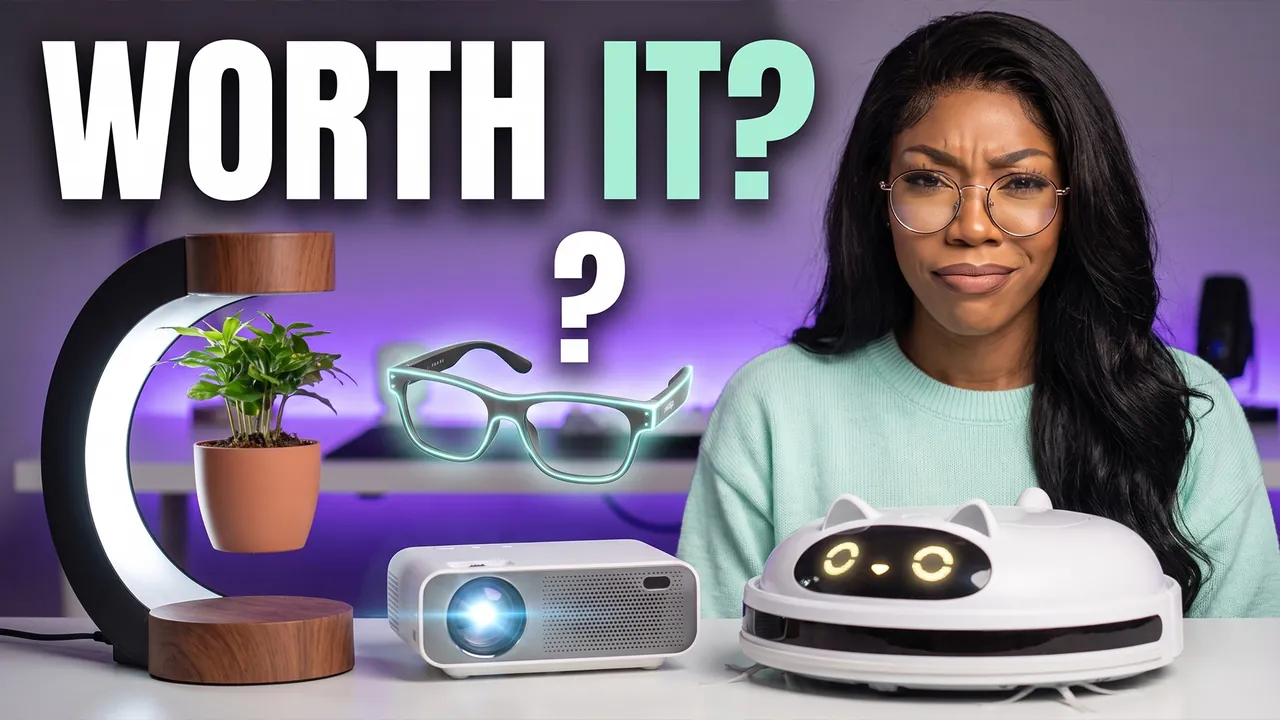
Testing Viral Gadgets From the Internet
Pro Professional mode Prompt for the chosen conceptCharacterUse the person from the uploaded photo as the main character (a woman). Preserve maximum facial likeness: eye shape, nose, lips, hairstyle and age.
ThemeCreate a viral YouTube thumbnail about testing strange viral gadgets bought online.
OutfitFully replace the clothing with a pastel mint sweater and round glasses.
Main characterClose-up of the heroine on the right side of the frame. She looks straight into the camera with a skeptical but amused face, one eyebrow raised.
Face size and eye contactThe face is large because of the framing, not because of head size: the camera is close, the shot is chest-up or shoulders-up, the body is cropped by the bottom edge, no legs or shoes in frame. Natural, realistic head-to-body proportions like a real photo; the head is not enlarged. This is not a selfie: someone else takes the photo, she does not hold a camera or phone or reach toward the lens. She looks directly into the lens. The emotion is strong and readable even at small size.
ObjectsOn the table in front of her: a levitating plant pot, a mini projector, glowing smart glasses and a robot vacuum shaped like a cat. A big question mark over one gadget.
Text on thumbnailThe only text on the thumbnail: WORTH IT? – word for word, nothing added; do not turn the theme or video title into text. Only numbers on objects from OBJECTS are allowed besides it. Placement: in the upper part of the frame on an area free of faces, large, in 1–2 lines; never in the bottom-right corner and never over faces. Styling: a bold modern sans-serif font like Montserrat Black or Bebas Neue, all caps, even lines and clean letter spacing. Colors: mostly white, mint accent color on one key word; colors harmonize with the frame's palette. Thin dark outline and a soft shadow for readability. No acid yellow or muddy color combos, no rainbow gradients, arrows, banners, emoji or flags.
BackgroundA bright tech desk setup with soft purple backlight, blurred.
CompositionComposition like a viral gadget review video. The heroine takes about 40% of the frame, the gadgets about 40%. Everything reads at small size.
StylePhotorealism. Very high detail. Colors: mint, lilac, white. High contrast. Studio cinematic lighting.
RestrictionsNo enlarged heads or caricature proportions. No brand logos. No text except the caption from TEXT ON THUMBNAIL. No watermarks.
Professional mode: the service suggested concepts, the creator picked one and edited the description – the thumbnail was generated from it.
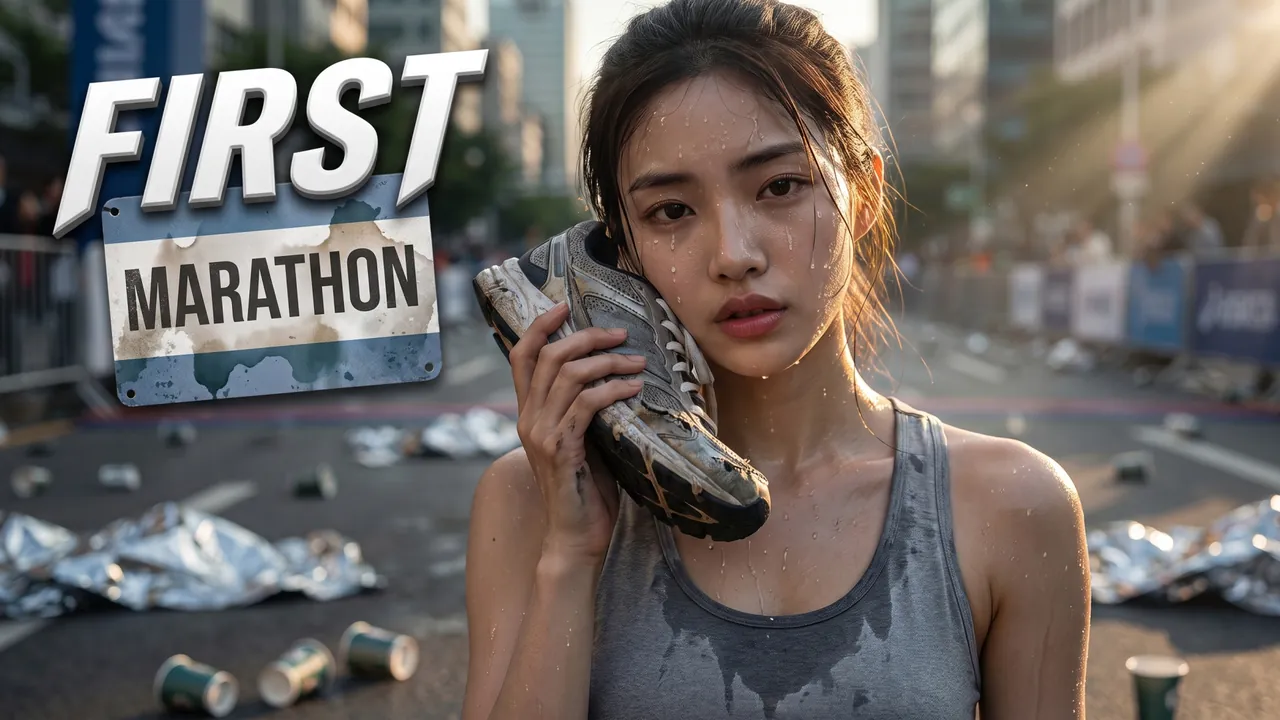
First marathon in 16 weeks
Auto Automatic mode What the creator entered: video descriptionTitleFirst marathon in 16 weeks
DescriptionMy video about training for my first marathon in 16 weeks after never running more than 3 miles. Followed a novice plan, wore through two pairs of Nike Pegasus and finished the Chicago Marathon in 4:41. At the end – my full training log and the mistakes that almost made me quit.
Automatic mode: the creator only described the video – the service came up with the idea, composition and thumbnail text on its own.
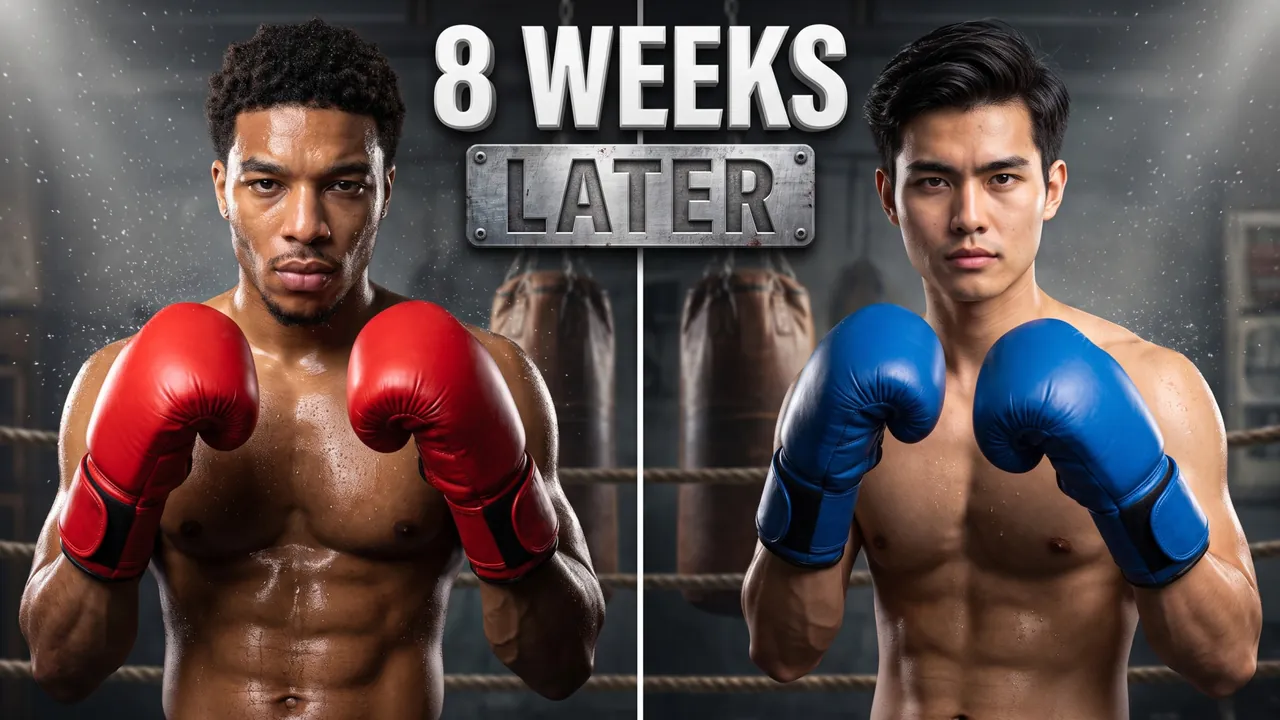
Two beginners in a boxing ring
Auto Automatic mode What the creator entered: video descriptionTitleTwo beginners in a boxing ring
DescriptionMe and my buddy, two complete beginners, trained for 8 weeks to step into a real boxing ring against each other. Sparred 3 times a week at a gym in Brooklyn, threw 300 bag punches a day and lost 19 pounds between us. At the end – the full unedited fight and who actually won.
Automatic mode: the creator only described the video – the service came up with the idea, composition and thumbnail text on its own.
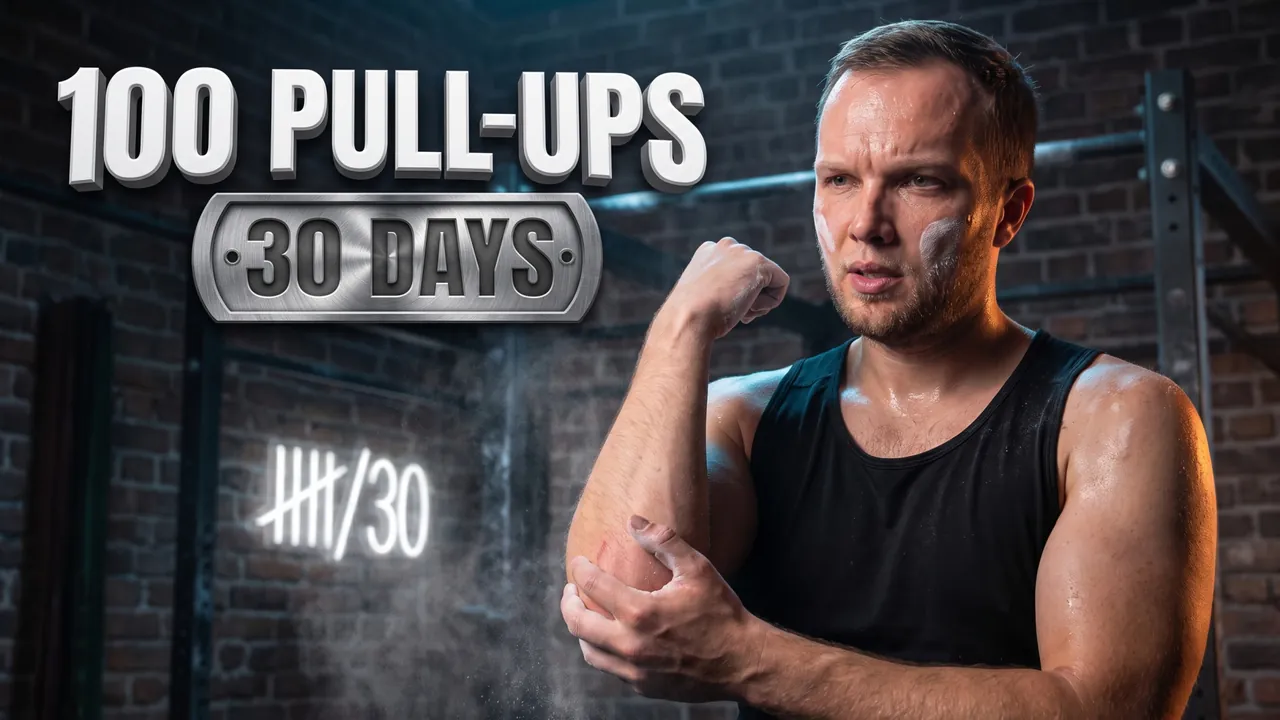
100 pull-ups a day for 30 days
Auto Automatic mode What the creator entered: video descriptionTitle100 pull-ups a day for 30 days
DescriptionMy video about doing 100 pull-ups every day for 30 days, starting from just 8 in a row. Tracked every set, ate 160 grams of protein a day and filmed my back on day 1 and day 30. At the end – the before/after and whether it's worth it or just a fast track to sore elbows.
Automatic mode: the creator only described the video – the service came up with the idea, composition and thumbnail text on its own.

I Learned to Dunk in 30 Days
Pro Professional mode Prompt for the chosen conceptCharacterUse the person from the uploaded photo as the main character. Preserve maximum facial likeness: eye shape, nose, lips, hairstyle and age.
ThemeCreate a viral YouTube thumbnail about learning to dunk a basketball in 30 days.
OutfitFully replace the clothing with a basketball jersey without logos with the number 30.
Main characterClose-up of the hero hanging on the basketball rim with one hand, his face near the camera, looking straight into the lens with an intense, triumphant scream.
Face size and eye contactThe face is large because of the framing, not because of head size: the camera is close, the shot is chest-up or shoulders-up, the body is cropped by the bottom edge, no legs or shoes in frame. Natural, realistic head-to-body proportions like a real photo; the head is not enlarged. He looks directly into the lens. The emotion is strong and readable even at small size.
ObjectsThe rim and the ball are close to the lens next to his face. Above, large bold text FIRST DUNK in white with a thick orange outline.
BackgroundAn outdoor street court at sunset with chain-link fences.
CompositionComposition like a viral sports challenge. The hero takes about 45% of the frame. Everything reads at small size.
StylePhotorealism. Very high detail. Colors: orange, purple sunset, white. High contrast. Cinematic lighting. Frozen-motion effect.
RestrictionsNo enlarged heads or caricature proportions. No brand logos. No extra text. No watermarks.
Professional mode: the service suggested concepts, the creator picked one and edited the description – the thumbnail was generated from it.
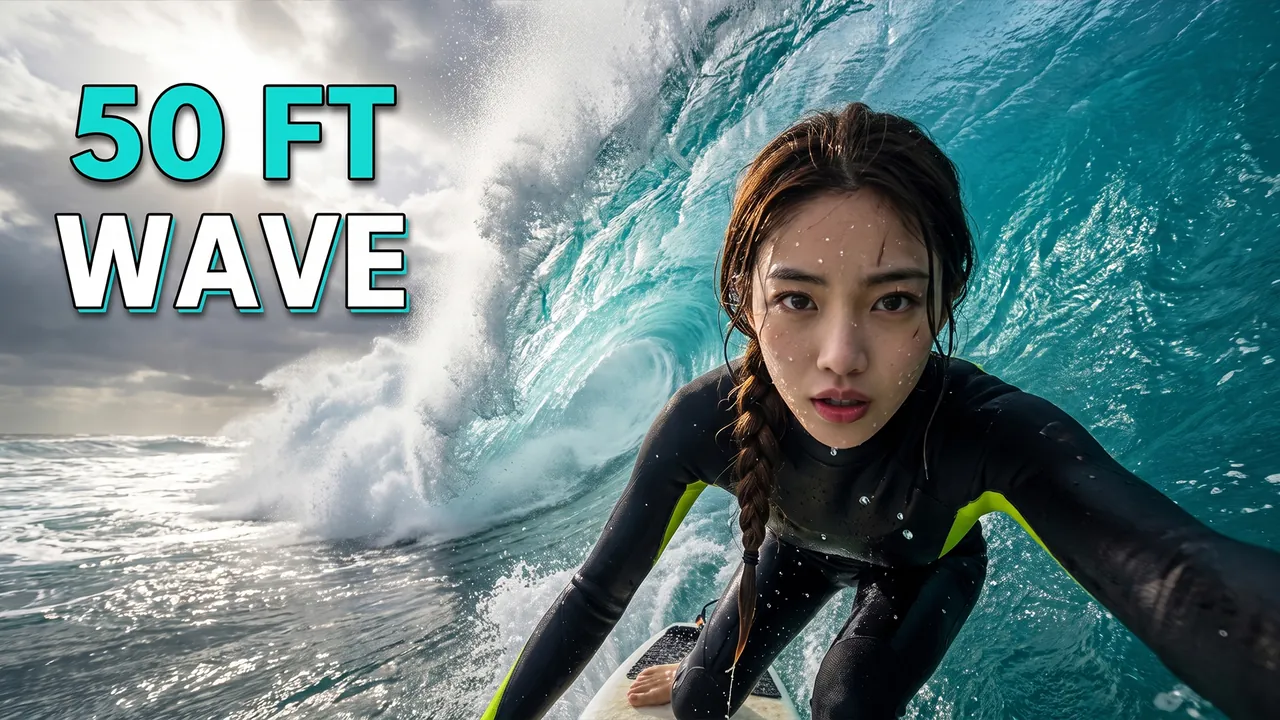
Surfing a 50-Foot Wave
Pro Professional mode Prompt for the chosen conceptCharacterUse the person from the uploaded photo as the main character (a woman). Preserve maximum facial likeness: eye shape, nose, lips, hairstyle and age.
ThemeCreate a viral YouTube thumbnail about surfing a giant 50-foot wave.
OutfitFully replace the clothing with a black wetsuit with neon yellow details.
Main characterClose-up of the heroine's face as she rides the board close to the camera, looking straight into the lens with fierce focus and adrenaline, water drops on her face.
Face size and eye contactThe face is large because of the framing, not because of head size: the camera is close, the shot is chest-up or shoulders-up, the body is cropped by the bottom edge, no legs or shoes in frame. Natural, realistic head-to-body proportions like a real photo; the head is not enlarged. This is not a selfie: someone else takes the photo, she does not hold a camera or phone or reach toward the lens. She looks directly into the lens. The emotion is strong and readable even at small size.
ObjectsA towering wall of turquoise water curls above her, spray flying toward the lens.
Text on thumbnailThe only text on the thumbnail: 50 FT WAVE – word for word, nothing added; do not turn the theme or video title into text. Only numbers on objects from OBJECTS are allowed besides it. Placement: in the upper part of the frame on an area free of faces, large, in 1–2 lines; never in the bottom-right corner and never over faces. Styling: a bold modern sans-serif font like Montserrat Black or Bebas Neue, all caps, even lines and clean letter spacing. Colors: mostly white, turquoise accent color on one key word; colors harmonize with the frame's palette. Thin dark outline and a soft shadow for readability. No acid yellow or muddy color combos, no rainbow gradients, arrows, banners, emoji or flags.
BackgroundA stormy ocean with dramatic sunlight breaking through clouds.
CompositionComposition like an epic extreme sports video. The heroine, framed shoulders-up, takes about 40% of the frame, the giant wave curls behind her. Everything reads at small size.
StylePhotorealism. Very high detail of water. Colors: turquoise, white foam, neon yellow. High contrast. Cinematic lighting. Frozen-motion effect.
RestrictionsNo enlarged heads or caricature proportions. No brand logos. No text except the caption from TEXT ON THUMBNAIL. No watermarks.
Professional mode: the service suggested concepts, the creator picked one and edited the description – the thumbnail was generated from it.
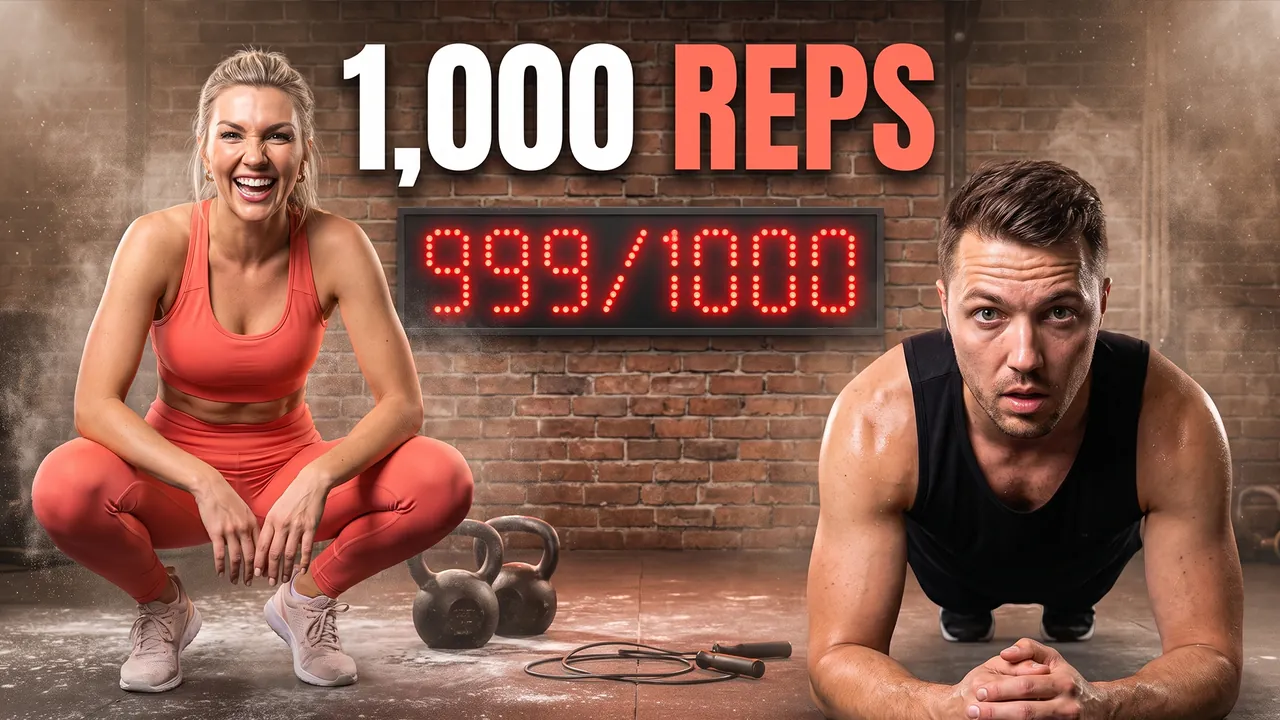
Couple Tries a 1,000-Rep Workout
Pro Professional mode Prompt for the chosen conceptCharactersUse the two people from the uploaded photos as the main characters: the person from the first photo on the left, the person from the second photo on the right. Preserve maximum likeness of each face: eye shape, nose, lips, hairstyle and age. Do not blend their features.
ThemeCreate a viral YouTube thumbnail about a couple attempting a brutal 1,000-rep workout together.
OutfitHe wears a black tank top, she wears a coral sports set.
Main charactersShe does a squat while he holds a plank next to her; both look into the camera, he with exhaustion, she with laughing determination.
Face size and eye contactThe faces are large because of the framing, not because of head size: the camera is close, both heroes are framed chest-up or shoulders-up, bodies cropped by the bottom edge, no legs or shoes in frame. Natural, realistic head-to-body proportions like a real photo; heads are not enlarged. This is not a selfie: someone else takes the photo, nobody holds a camera or phone. Both look directly into the lens, not at each other. The emotions are strong and readable even at small size.
ObjectsA big digital counter on the wall shows 999/1000. Kettlebells and a jump rope on the floor.
Text on thumbnailThe only text on the thumbnail: 1,000 REPS – word for word, nothing added; do not turn the theme or video title into text. Only numbers on objects from OBJECTS are allowed besides it. Placement: in the upper part of the frame on an area free of faces, large, in 1–2 lines; never in the bottom-right corner and never over faces. Styling: a bold modern sans-serif font like Montserrat Black or Bebas Neue, all caps, even lines and clean letter spacing. Colors: mostly white, coral accent color on one key word; colors harmonize with the frame's palette. Thin dark outline and a soft shadow for readability. No acid yellow or muddy color combos, no rainbow gradients, arrows, banners, emoji or flags.
BackgroundA gritty gym with chalk dust in the air and dramatic lighting.
CompositionComposition like a viral fitness challenge. The couple takes about 50% of the frame. Everything reads at small size.
StylePhotorealism. Very high detail. Colors: coral, black, warm light. High contrast. Cinematic lighting.
RestrictionsNo enlarged heads or caricature proportions. No brand logos. No text except the caption from TEXT ON THUMBNAIL. No watermarks.
Professional mode: the service suggested concepts, the creator picked one and edited the description – the thumbnail was generated from it.

Pacific Coast Highway in a Mustang
Auto Automatic mode What the creator entered: video descriptionTitlePacific Coast Highway in a Mustang
DescriptionMy video about driving the Pacific Coast Highway from San Francisco to Los Angeles in a rented Mustang convertible in 4 days. Stopped at Big Sur, slept in a $65 motel in Cambria and paid almost $6 a gallon for gas. At the end – the full route map, total costs and the 5 stops you can't skip.
Automatic mode: the creator only described the video – the service came up with the idea, composition and thumbnail text on its own.

3 days in Tokyo on $100 a day
Auto Automatic mode What the creator entered: video descriptionTitle3 days in Tokyo on $100 a day
DescriptionMy video about spending 3 days in Tokyo on $100 a day, flights not included. Slept in a capsule hotel in Shinjuku, ate my way through 7-Eleven and Lawson and found a $6 ramen spot that beat every famous one. At the end – my full spending table and the places actually worth your time.
Automatic mode: the creator only described the video – the service came up with the idea, composition and thumbnail text on its own.

48-hour Iceland layover
Auto Automatic mode What the creator entered: video descriptionTitle48-hour Iceland layover
DescriptionMy video about a 48-hour Iceland layover challenge – seeing as much as possible on a $500 budget. Rented a tiny Dacia Duster, drove the Golden Circle, swam in the hot river at Reykjadalur and lived on Bæjarins Beztu hot dogs. At the end – the exact itinerary and how to see Iceland without going broke.
Automatic mode: the creator only described the video – the service came up with the idea, composition and thumbnail text on its own.

The Swiss Alps on $50 a Day
Pro Professional mode Prompt for the chosen conceptCharacterUse the person from the uploaded photo as the main character. Preserve maximum facial likeness: eye shape, nose, lips, hairstyle and age.
ThemeCreate a viral YouTube thumbnail about traveling through the Swiss Alps on a tight budget.
OutfitFully replace the clothing with a red hiking jacket with a small Swiss flag patch and a backpack.
Main characterClose-up of the hero on the right side of the frame. He looks straight into the camera with amazement, arms spread wide.
Face size and eye contactThe face is large because of the framing, not because of head size: the camera is close, the shot is chest-up or shoulders-up, the body is cropped by the bottom edge, no legs or shoes in frame. Natural, realistic head-to-body proportions like a real photo; the head is not enlarged. He looks directly into the lens. The emotion is strong and readable even at small size.
ObjectsIn his hand he holds a single $50 bill close to the lens. A red mountain train crosses a stone viaduct on the left. A wooden trail sign with large text SWITZERLAND.
BackgroundHuge snowy Alpine peaks, green valleys, blue sky.
CompositionComposition like an expensive travel show. The hero takes about 40% of the frame, the mountains create scale. Everything reads at small size.
StylePhotorealism. Very high detail. Colors: red, snow white, alpine green, sky blue. High contrast. Cinematic lighting.
RestrictionsNo enlarged heads or caricature proportions. No extra objects. No extra text. No watermarks.
Professional mode: the service suggested concepts, the creator picked one and edited the description – the thumbnail was generated from it.

Our First Safari in Kenya
Pro Professional mode Prompt for the chosen conceptCharactersUse the two people from the uploaded photos as the main characters: the person from the first photo on the left, the person from the second photo on the right. Preserve maximum likeness of each face: eye shape, nose, lips, hairstyle and age. Do not blend their features.
ThemeCreate a viral YouTube thumbnail about a couple's first safari in Kenya.
OutfitFully replace the clothing with safari outfits: beige linen shirts, wide-brim hats and binoculars.
Main charactersClose-ups of both heroes' faces side by side in the foreground of an open safari jeep, both looking straight into the camera with total shock and excitement.
Face size and eye contactThe faces are large because of the framing, not because of head size: the camera is close, both heroes are framed chest-up or shoulders-up, bodies cropped by the bottom edge, no legs or shoes in frame. Natural, realistic head-to-body proportions like a real photo; heads are not enlarged. This is not a selfie: someone else takes the photo, nobody holds a camera or phone. Both look directly into the lens, not at each other. The emotions are strong and readable even at small size.
ObjectsA giant elephant walks right next to the jeep, its trunk very close to the lens. A giraffe and acacia trees on the horizon.
Text on thumbnailThe only text on the thumbnail: MY FIRST SAFARI – word for word, nothing added; do not turn the theme or video title into text. Only numbers on objects from OBJECTS are allowed besides it. Placement: in the upper part of the frame on an area free of faces, large, in 1–2 lines; never in the bottom-right corner and never over faces. Styling: a bold modern sans-serif font like Montserrat Black or Bebas Neue, all caps, even lines and clean letter spacing. Colors: mostly white, one accent color from the frame's palette on one key word; colors harmonize with the frame's palette. Thin dark outline and a soft shadow for readability. No acid yellow or muddy color combos, no rainbow gradients, arrows, banners, emoji or flags.
BackgroundGolden savanna at sunset with a huge orange sun.
CompositionComposition like an epic travel show. The heroes, framed chest-up, take about 50% of the frame, the elephant is right behind them. Everything reads at small size.
StylePhotorealism. Very high detail. Warm colors (gold, orange, khaki). High contrast. Cinematic lighting.
RestrictionsNo enlarged heads or caricature proportions. No extra objects. No text except the caption from TEXT ON THUMBNAIL. No watermarks.
Professional mode: the service suggested concepts, the creator picked one and edited the description – the thumbnail was generated from it.

Island Hopping in Greece
Pro Professional mode Prompt for the chosen conceptCharacterUse the person from the uploaded photo as the main character (a woman). Preserve maximum facial likeness: eye shape, nose, lips, hairstyle and age.
ThemeCreate a viral YouTube thumbnail about island hopping across the Greek islands.
OutfitFully replace the clothing with a flowing white dress and a straw hat with a blue ribbon.
Main characterClose-up of the heroine on the right side of the frame. She holds her hat against the wind and looks straight into the camera with a dreamy, excited smile.
Face size and eye contactThe face is large because of the framing, not because of head size: the camera is close, the shot is chest-up or shoulders-up, the body is cropped by the bottom edge, no legs or shoes in frame. Natural, realistic head-to-body proportions like a real photo; the head is not enlarged. This is not a selfie: someone else takes the photo, she does not hold a camera or phone or reach toward the lens. She looks directly into the lens. The emotion is strong and readable even at small size.
ObjectsWhite houses with blue domes cascade down the cliff behind her. A small ferry crosses the sea.
Text on thumbnailThe only text on the thumbnail: GREECE ISLAND HOPPING – word for word, nothing added; do not turn the theme or video title into text. Only numbers on objects from OBJECTS are allowed besides it. Placement: in the upper part of the frame on an area free of faces, large, in 1–2 lines; never in the bottom-right corner and never over faces. Styling: a bold modern sans-serif font like Montserrat Black or Bebas Neue, all caps, even lines and clean letter spacing. Colors: mostly white, one accent color from the frame's palette on one key word; colors harmonize with the frame's palette. Thin dark outline and a soft shadow for readability. No acid yellow or muddy color combos, no rainbow gradients, arrows, banners, emoji or flags.
BackgroundA deep blue Aegean sea and a golden sunset sky.
CompositionComposition like an expensive travel show. The heroine takes about 40% of the frame, the iconic village adds a sense of place. Everything reads at small size.
StylePhotorealism. Very high detail. Colors: white, cobalt blue, gold. High contrast. Cinematic lighting.
RestrictionsNo enlarged heads or caricature proportions. No extra objects. No text except the caption from TEXT ON THUMBNAIL. No watermarks.
Professional mode: the service suggested concepts, the creator picked one and edited the description – the thumbnail was generated from it.

Two-Year Dirty Pickup Detail
Auto Automatic mode What the creator entered: video descriptionTitleTwo-Year Dirty Pickup Detail
DescriptionMy video detailing a muddy pickup truck that hadn't been washed in two years.
Automatic mode: the creator only described the video – the service came up with the idea, composition and thumbnail text on its own.
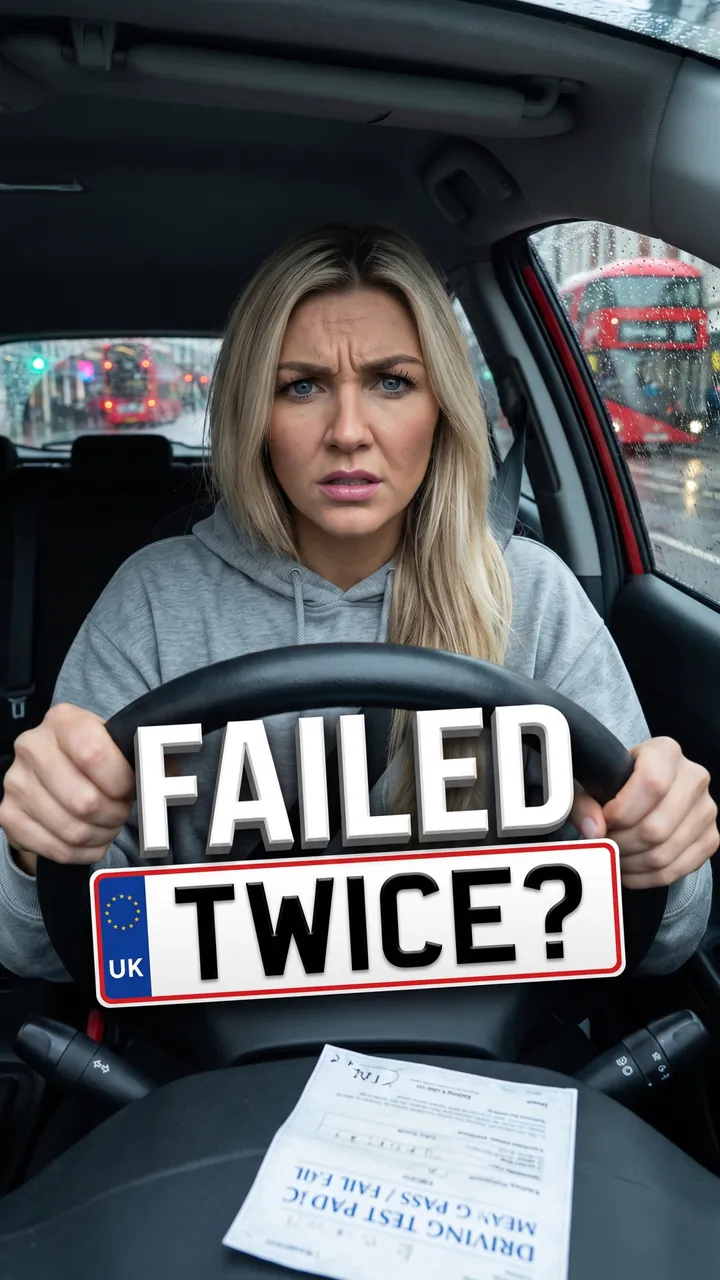
Third Driving Test in London
Auto Automatic mode What the creator entered: video descriptionTitleThird Driving Test in London
DescriptionMy video taking my London driving test for the third time – and what went wrong the first two.
Automatic mode: the creator only described the video – the service came up with the idea, composition and thumbnail text on its own.

My First Used Car
Auto Automatic mode What the creator entered: video descriptionTitleMy First Used Car
DescriptionMy video buying my first used car – a 2015 Honda Civic for $9,500 – and every check I did before paying.
Automatic mode: the creator only described the video – the service came up with the idea, composition and thumbnail text on its own.

DIY Brake Pads: $62 vs $340
Auto Automatic mode What the creator entered: video descriptionTitleDIY Brake Pads: $62 vs $340
DescriptionMy video replacing the brake pads on my 2016 Camry myself – $62 in parts versus a $340 shop quote, plus the mistake I made on the rear caliper.
Automatic mode: the creator only described the video – the service came up with the idea, composition and thumbnail text on its own.

Pennsylvania State Inspection
Auto Automatic mode What the creator entered: video descriptionTitlePennsylvania State Inspection
DescriptionMy video taking my car through a Pennsylvania state inspection and emissions test – $85, everything they check and the one thing that failed.
Automatic mode: the creator only described the video – the service came up with the idea, composition and thumbnail text on its own.

Repainting Dad's '87 Chevy
Auto Automatic mode What the creator entered: video descriptionTitleRepainting Dad's '87 Chevy
DescriptionMy video where my dad and I repaint his 1987 Chevy pickup in our garage over 3 weekends – sanding, primer and the final coat.
Automatic mode: the creator only described the video – the service came up with the idea, composition and thumbnail text on its own.

POV: The Group Chat Planner
Auto Automatic mode What the creator entered: video descriptionTitlePOV: The Group Chat Planner
DescriptionMy skit – POV: you're the only one in the group chat who actually reads the dinner reservation details.
Automatic mode: the creator only described the video – the service came up with the idea, composition and thumbnail text on its own.

POV: Paying for Bathrooms
Auto Automatic mode What the creator entered: video descriptionTitlePOV: Paying for Bathrooms
DescriptionMy POV video: your American friend visits Europe and finds out you pay to use the bathroom.
Automatic mode: the creator only described the video – the service came up with the idea, composition and thumbnail text on its own.

Thanksgiving Job Questions
Auto Automatic mode What the creator entered: video descriptionTitleThanksgiving Job Questions
DescriptionMy skit about Thanksgiving dinner when every relative asks what exactly you do for work.
Automatic mode: the creator only described the video – the service came up with the idea, composition and thumbnail text on its own.
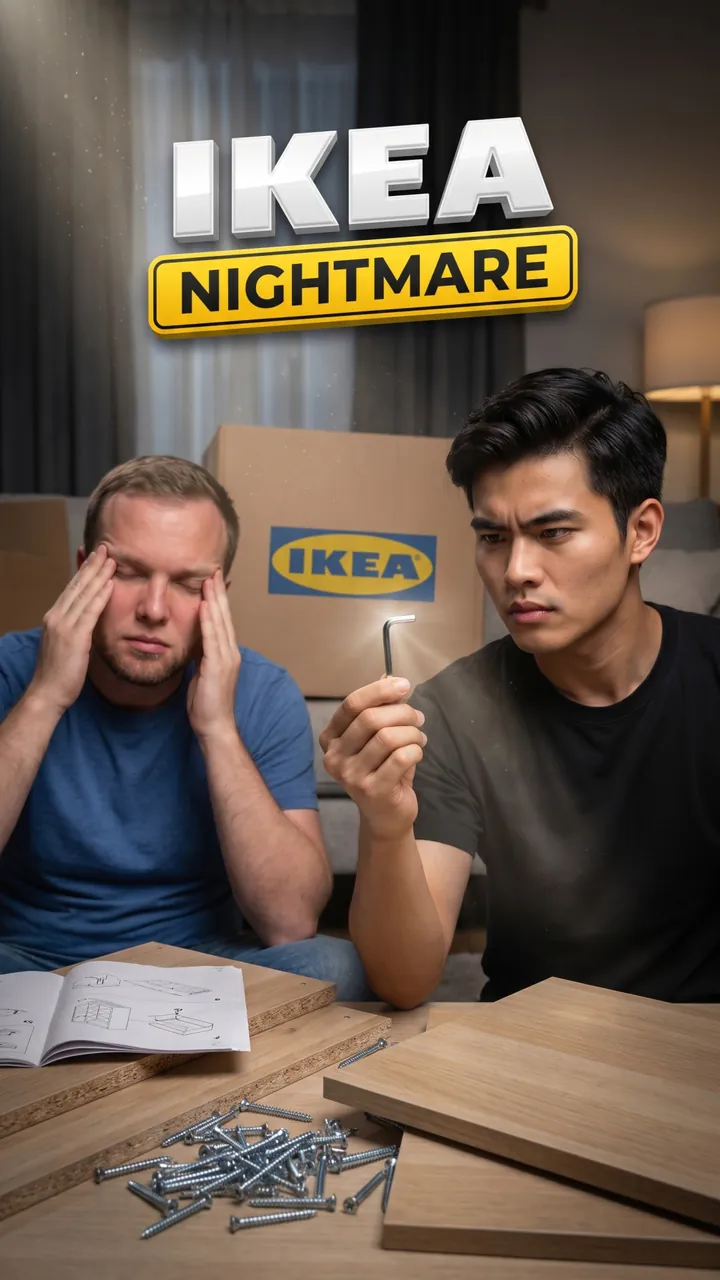
IKEA Wardrobe, One Allen Key
Auto Automatic mode What the creator entered: video descriptionTitleIKEA Wardrobe, One Allen Key
DescriptionMy skit about two roommates assembling an IKEA wardrobe with one Allen key, 74 screws and zero patience.
Automatic mode: the creator only described the video – the service came up with the idea, composition and thumbnail text on its own.

The Reply-All Coworker
Auto Automatic mode What the creator entered: video descriptionTitleThe Reply-All Coworker
DescriptionMy skit about the coworker who hits reply-all on every company email, from Thanks! to Who took my yogurt?
Automatic mode: the creator only described the video – the service came up with the idea, composition and thumbnail text on its own.

Splitting the Bill on Venmo
Auto Automatic mode What the creator entered: video descriptionTitleSplitting the Bill on Venmo
DescriptionMy skit about a couple trying to split a dinner bill on Venmo with tax, tip and one shared appetizer.
Automatic mode: the creator only described the video – the service came up with the idea, composition and thumbnail text on its own.

Wet Phone in Rice
Auto Automatic mode What the creator entered: video descriptionTitleWet Phone in Rice
DescriptionMy video checking if putting a wet phone in rice actually works. I timed it.
Automatic mode: the creator only described the video – the service came up with the idea, composition and thumbnail text on its own.

Compound Interest With Coffee
Auto Automatic mode What the creator entered: video descriptionTitleCompound Interest With Coffee
DescriptionMy video explaining compound interest in 60 seconds using one $5 coffee a day.
Automatic mode: the creator only described the video – the service came up with the idea, composition and thumbnail text on its own.

$4,000 Card Debt in 6 Months
Auto Automatic mode What the creator entered: video descriptionTitle$4,000 Card Debt in 6 Months
DescriptionMy video showing how I paid off $4,000 in credit card debt in 6 months with the snowball method, month by month.
Automatic mode: the creator only described the video – the service came up with the idea, composition and thumbnail text on its own.
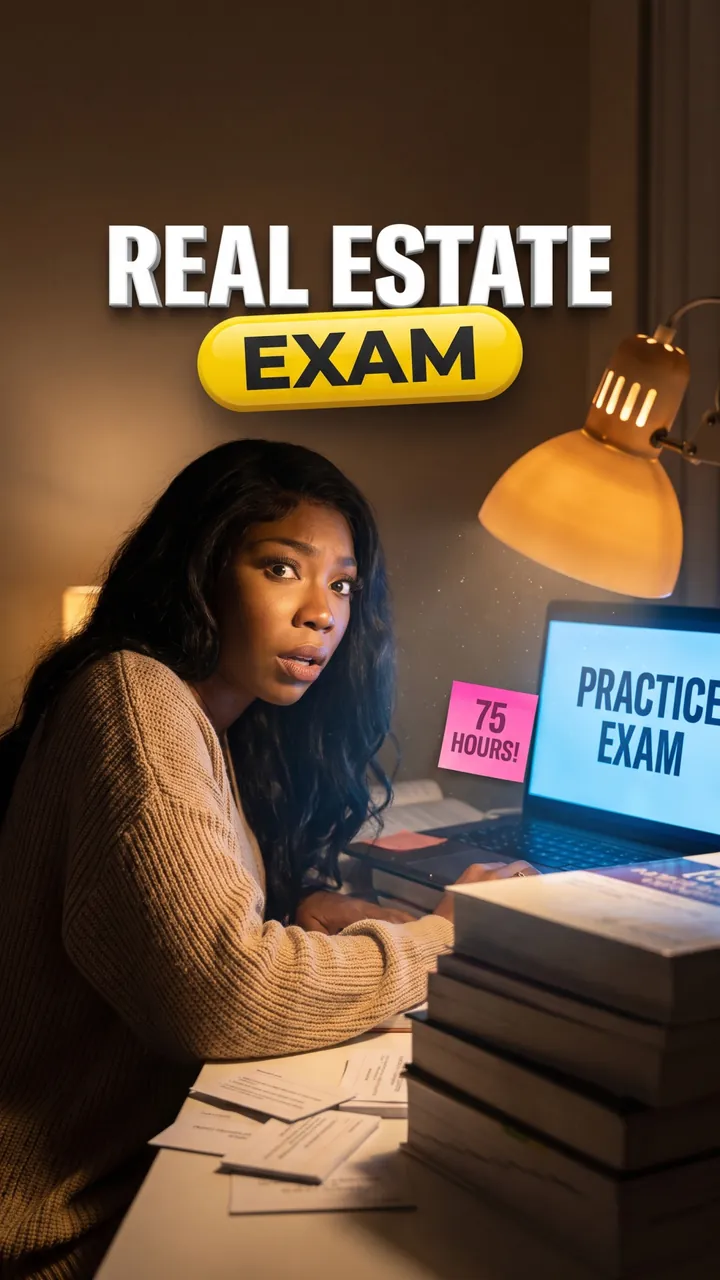
Real Estate License in 8 Weeks
Auto Automatic mode What the creator entered: video descriptionTitleReal Estate License in 8 Weeks
DescriptionMy video showing how I studied for my real estate license in 8 weeks – 75 hours of course videos, 600 practice questions and the one topic that almost failed me.
Automatic mode: the creator only described the video – the service came up with the idea, composition and thumbnail text on its own.
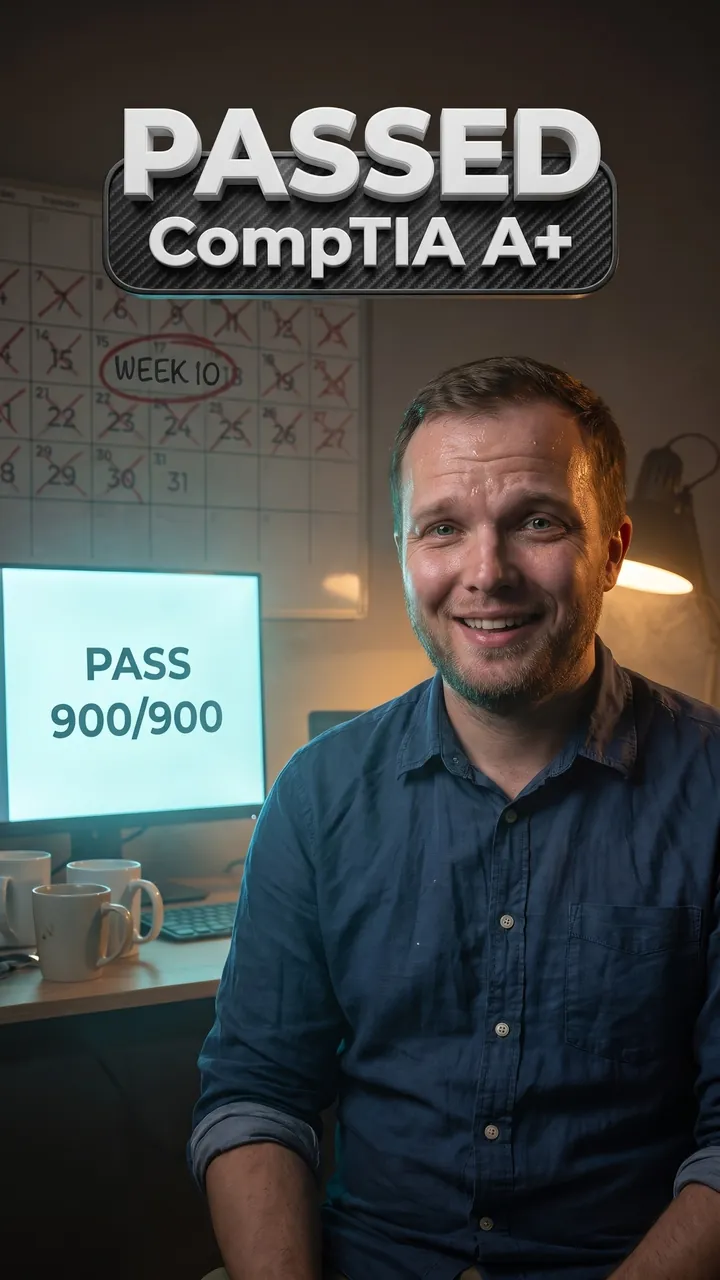
CompTIA A+ in 10 Weeks
Auto Automatic mode What the creator entered: video descriptionTitleCompTIA A+ in 10 Weeks
DescriptionMy video showing how I passed the CompTIA A+ while working full-time – my 10-week schedule, the exam fees and the practice tests that mattered.
Automatic mode: the creator only described the video – the service came up with the idea, composition and thumbnail text on its own.

52 Books in a Year With a 9-to-5
Auto Automatic mode What the creator entered: video descriptionTitle52 Books in a Year With a 9-to-5
DescriptionMy video on how I read 52 books in one year with a full-time job – the library app, audiobooks on my commute and my 5 favorites.
Automatic mode: the creator only described the video – the service came up with the idea, composition and thumbnail text on its own.

The Fake Third Cat
Auto Automatic mode What the creator entered: video descriptionTitleThe Fake Third Cat
DescriptionMy video where I convince my boyfriend I adopted a third cat – it turns out to be a robot.
Automatic mode: the creator only described the video – the service came up with the idea, composition and thumbnail text on its own.

24-Hour Phone Swap
Auto Automatic mode What the creator entered: video descriptionTitle24-Hour Phone Swap
DescriptionMy video where we swap phones for 24 hours and react to each other's notifications.
Automatic mode: the creator only described the video – the service came up with the idea, composition and thumbnail text on its own.

Six Flags on a Weekday
Auto Automatic mode What the creator entered: video descriptionTitleSix Flags on a Weekday
DescriptionMy video where my sister and I go to Six Flags on a Tuesday and see how many rides we can do before closing.
Automatic mode: the creator only described the video – the service came up with the idea, composition and thumbnail text on its own.

Lost in a 12-Acre Corn Maze
Auto Automatic mode What the creator entered: video descriptionTitleLost in a 12-Acre Corn Maze
DescriptionMy video where my husband and I get lost in a 12-acre corn maze in Ohio – 2 hours, one dead phone and a $15 pumpkin we carried the whole way.
Automatic mode: the creator only described the video – the service came up with the idea, composition and thumbnail text on its own.

Renaissance Faire in Full Costume
Auto Automatic mode What the creator entered: video descriptionTitleRenaissance Faire in Full Costume
DescriptionMy video where my best friend and I go to a Renaissance faire in full costume – $35 tickets, a giant turkey leg and the jousting show.
Automatic mode: the creator only described the video – the service came up with the idea, composition and thumbnail text on its own.

Game Night for 8 on $40
Auto Automatic mode What the creator entered: video descriptionTitleGame Night for 8 on $40
DescriptionMy video hosting a game night for 8 friends on a $40 budget – 3 board games, homemade pizza and the round that almost ended a friendship.
Automatic mode: the creator only described the video – the service came up with the idea, composition and thumbnail text on its own.
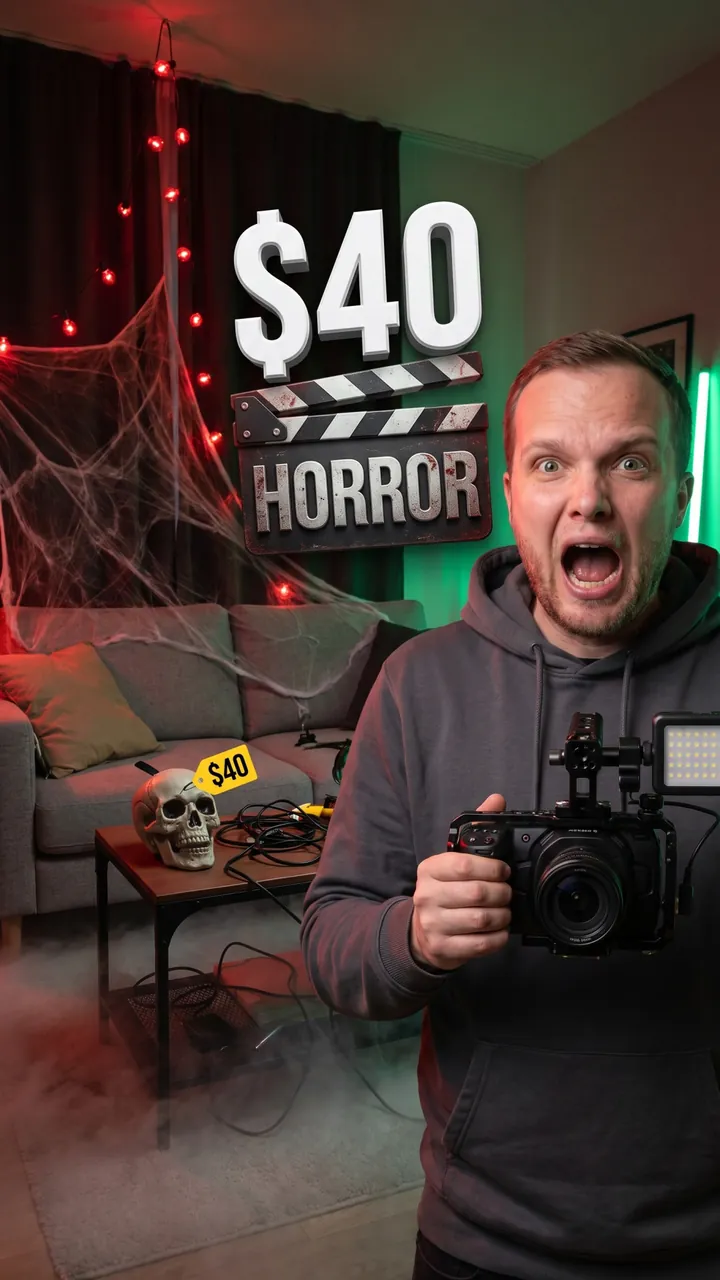
$40 Horror Short at Home
Auto Automatic mode What the creator entered: video descriptionTitle$40 Horror Short at Home
DescriptionMy video turning my apartment into a horror movie set for $40 and filming a 60-second short.
Automatic mode: the creator only described the video – the service came up with the idea, composition and thumbnail text on its own.
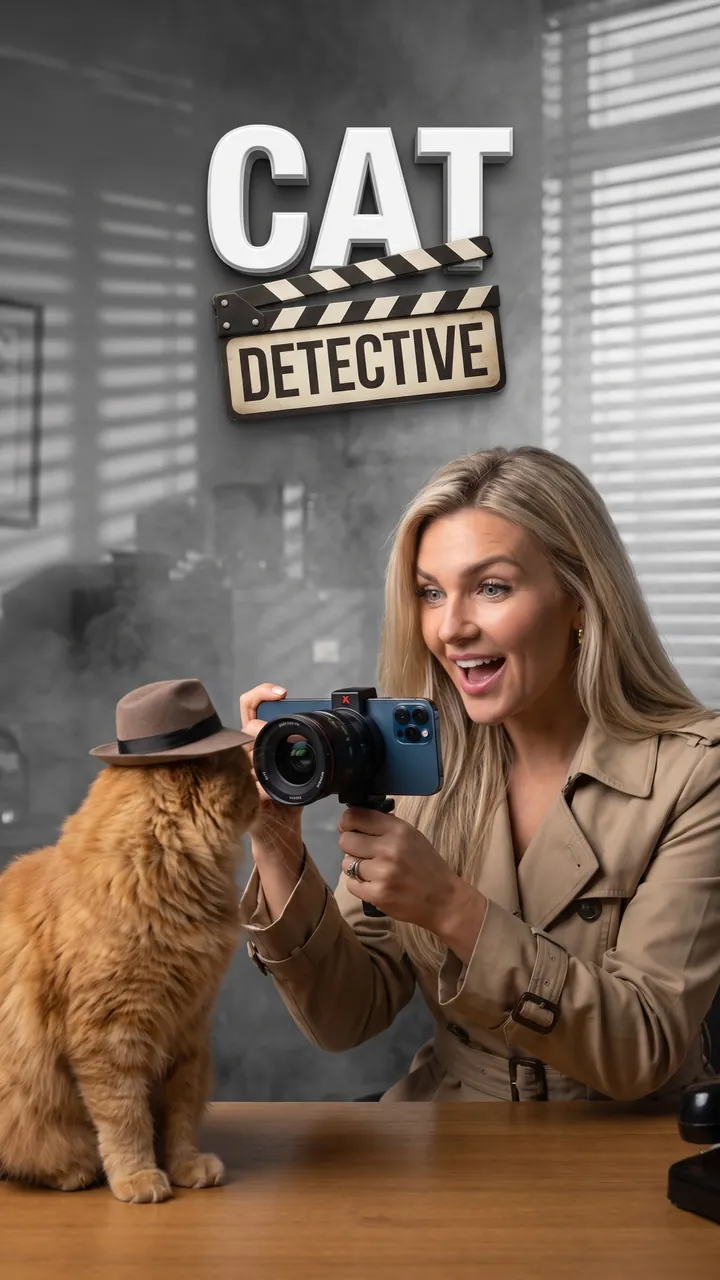
My Cat in a Noir Movie
Auto Automatic mode What the creator entered: video descriptionTitleMy Cat in a Noir Movie
DescriptionMy video casting my cat as the star of a 60-second black-and-white detective movie, shot on my phone.
Automatic mode: the creator only described the video – the service came up with the idea, composition and thumbnail text on its own.

Home Alone Mistakes
Auto Automatic mode What the creator entered: video descriptionTitleHome Alone Mistakes
DescriptionMy video where we rewatch Home Alone before Christmas and point out 5 mistakes we never noticed as kids.
Automatic mode: the creator only described the video – the service came up with the idea, composition and thumbnail text on its own.
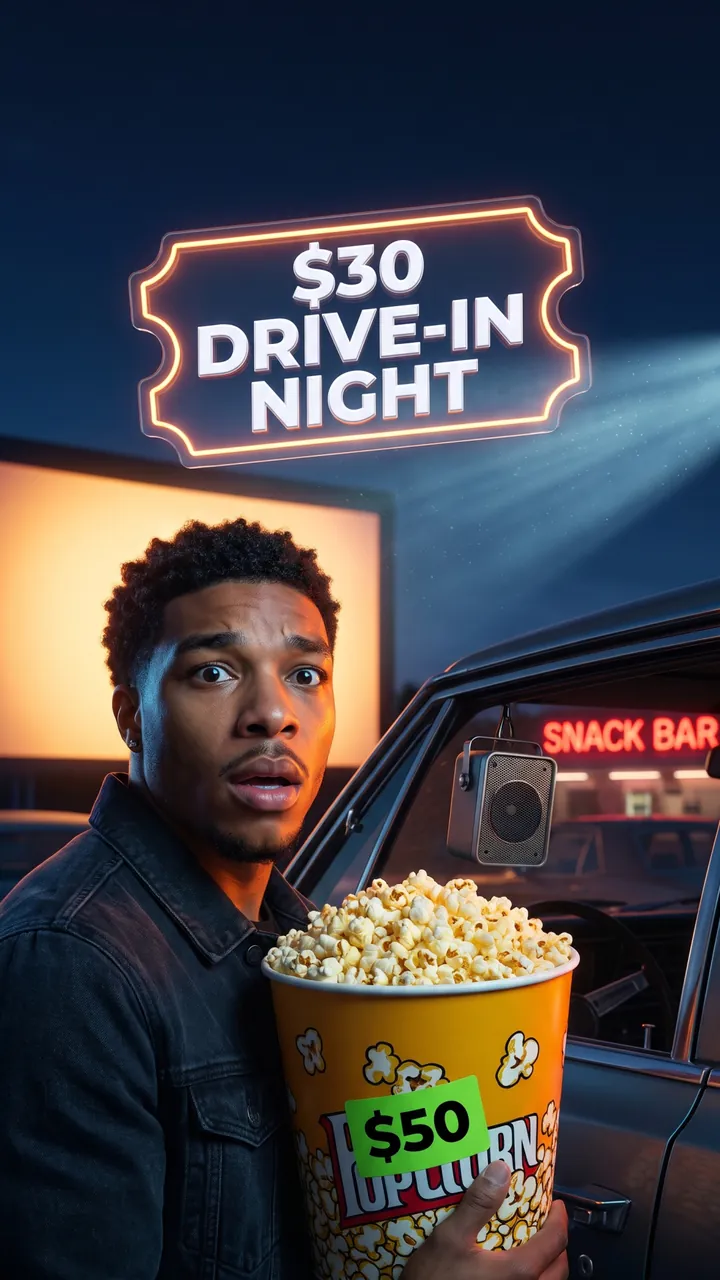
Double Feature at a Drive-In
Auto Automatic mode What the creator entered: video descriptionTitleDouble Feature at a Drive-In
DescriptionMy video spending a Saturday night at a New Jersey drive-in: a $30 car pass, two movies back to back and what the snack bar really costs.
Automatic mode: the creator only described the video – the service came up with the idea, composition and thumbnail text on its own.
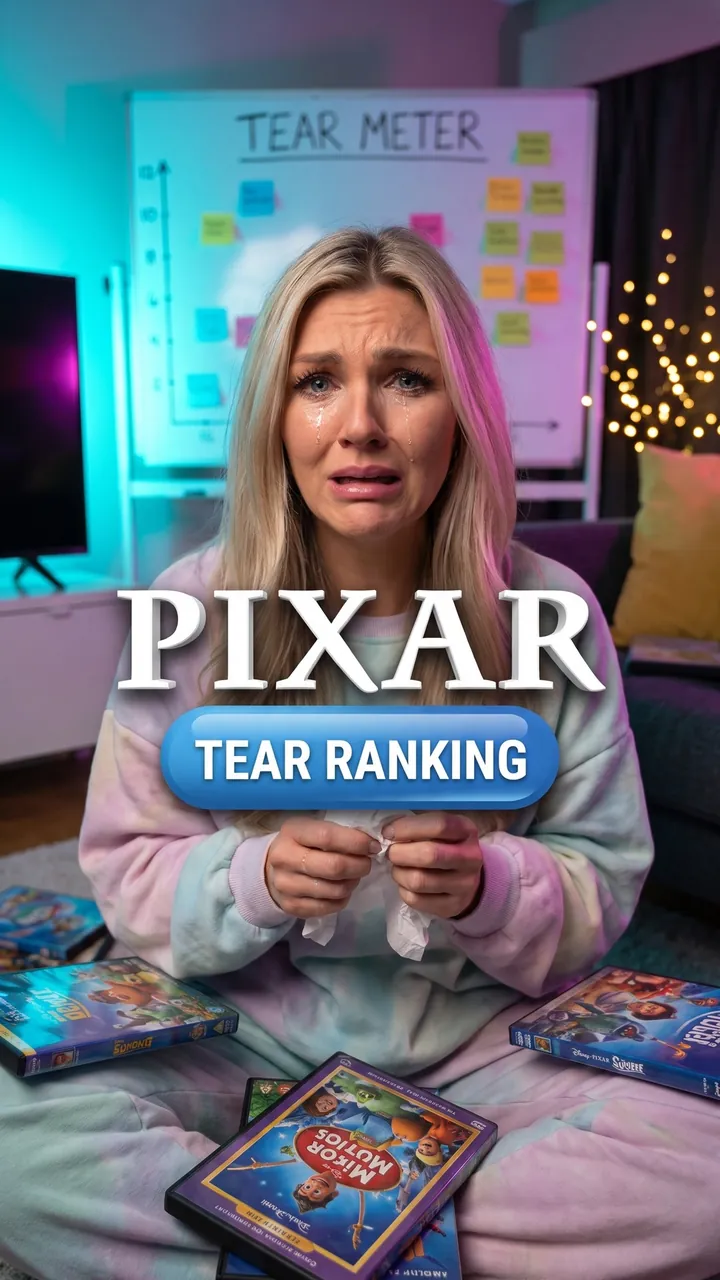
Every Pixar Movie in a Month
Auto Automatic mode What the creator entered: video descriptionTitleEvery Pixar Movie in a Month
DescriptionMy video watching every Pixar movie in release order in one month and ranking them by how hard I cried.
Automatic mode: the creator only described the video – the service came up with the idea, composition and thumbnail text on its own.
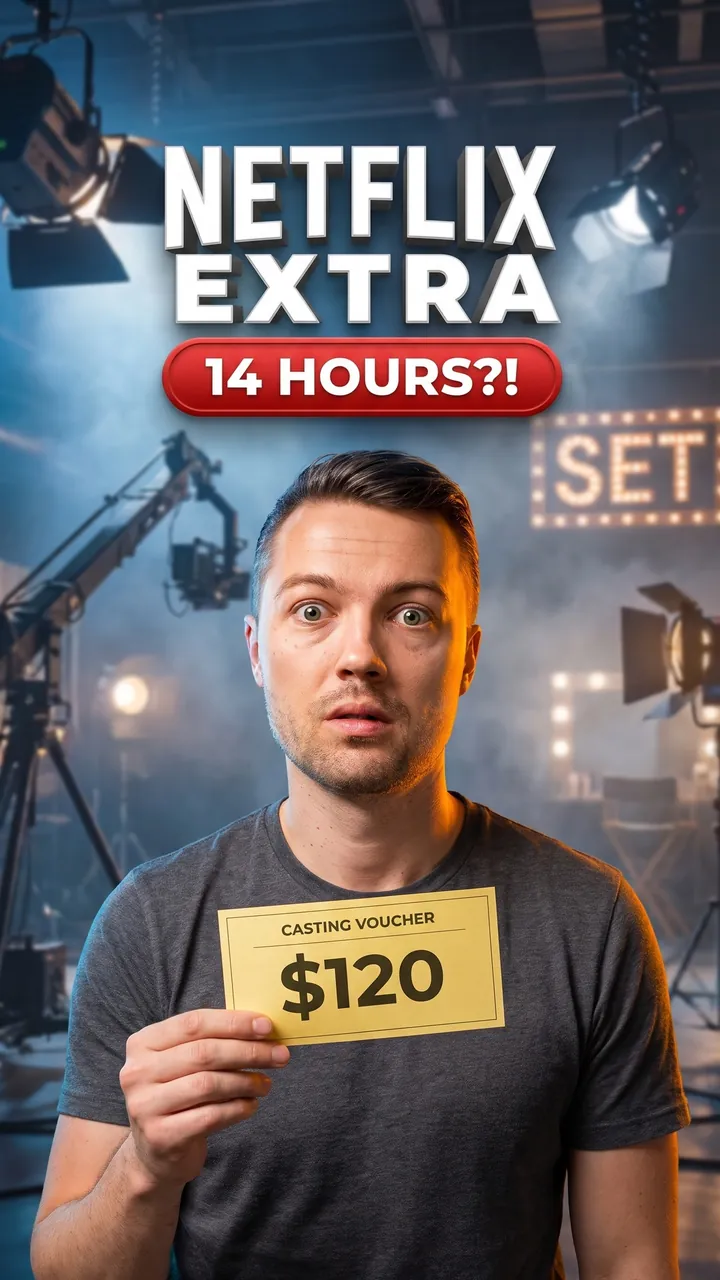
A Day as a Netflix Extra
Auto Automatic mode What the creator entered: video descriptionTitleA Day as a Netflix Extra
DescriptionMy video working as an extra on a Netflix shoot in Atlanta – $120 for 14 hours on set and how many seconds I actually made it on screen.
Automatic mode: the creator only described the video – the service came up with the idea, composition and thumbnail text on its own.

Pickaxe-Only Fortnite Win
Auto Automatic mode What the creator entered: video descriptionTitlePickaxe-Only Fortnite Win
DescriptionMy video where I try to win a Fortnite match using nothing but the pickaxe.
Automatic mode: the creator only described the video – the service came up with the idea, composition and thumbnail text on its own.

$300 Cozy Gaming Setup
Auto Automatic mode What the creator entered: video descriptionTitle$300 Cozy Gaming Setup
DescriptionMy video building a cozy gaming desk setup for under $300 and testing it with a Stardew Valley session.
Automatic mode: the creator only described the video – the service came up with the idea, composition and thumbnail text on its own.

$150 Used Switch From Marketplace
Auto Automatic mode What the creator entered: video descriptionTitle$150 Used Switch From Marketplace
DescriptionMy video buying a used Nintendo Switch on Facebook Marketplace for $150 and testing everything before I hand over the cash.
Automatic mode: the creator only described the video – the service came up with the idea, composition and thumbnail text on its own.

$20 at a Retro Arcade Bar
Auto Automatic mode What the creator entered: video descriptionTitle$20 at a Retro Arcade Bar
DescriptionMy video spending $20 in tokens at a retro arcade bar in Brooklyn and seeing how far I get on Pac-Man, Street Fighter II and skee-ball.
Automatic mode: the creator only described the video – the service came up with the idea, composition and thumbnail text on its own.

GameStop vs eBay for 12 Games
Auto Automatic mode What the creator entered: video descriptionTitleGameStop vs eBay for 12 Games
DescriptionMy video selling the same 12 Xbox games at GameStop trade-in and on eBay to see exactly how much more I get one way.
Automatic mode: the creator only described the video – the service came up with the idea, composition and thumbnail text on its own.

My First Pokémon Card Tournament
Auto Automatic mode What the creator entered: video descriptionTitleMy First Pokémon Card Tournament
DescriptionMy video playing my first Pokémon card tournament at a local game store – a $10 entry, a deck I built in 2 days and all 4 of my matches.
Automatic mode: the creator only described the video – the service came up with the idea, composition and thumbnail text on its own.

IKEA Hacks for a Studio
Auto Automatic mode What the creator entered: video descriptionTitleIKEA Hacks for a Studio
DescriptionMy video showing 4 IKEA hacks that make a tiny studio feel twice as big, all under $50.
Automatic mode: the creator only described the video – the service came up with the idea, composition and thumbnail text on its own.

Ryanair Free Bag Packing
Auto Automatic mode What the creator entered: video descriptionTitleRyanair Free Bag Packing
DescriptionMy video on how I pack a full week of clothes into Ryanair's free 40×20×25 bag.
Automatic mode: the creator only described the video – the service came up with the idea, composition and thumbnail text on its own.
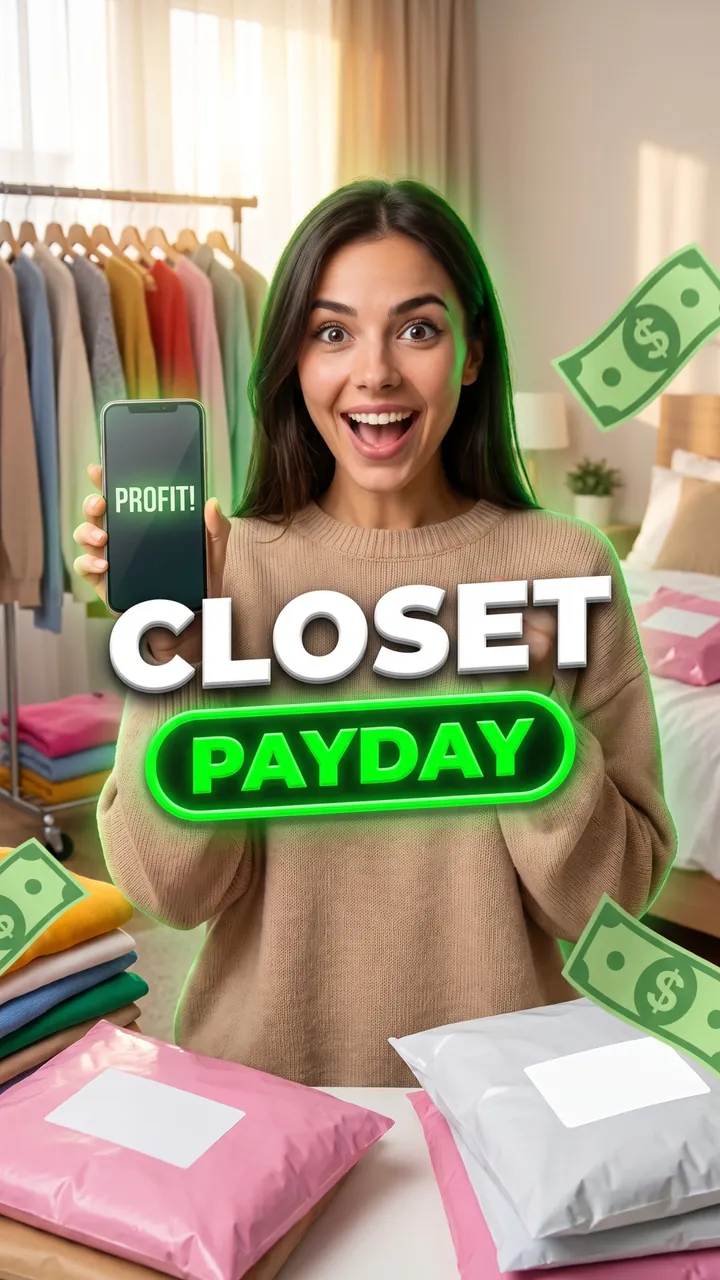
A Month of Selling on Poshmark
Auto Automatic mode What the creator entered: video descriptionTitleA Month of Selling on Poshmark
DescriptionMy video selling my old clothes on Poshmark and Depop for a month and showing exactly how much I made.
Automatic mode: the creator only described the video – the service came up with the idea, composition and thumbnail text on its own.
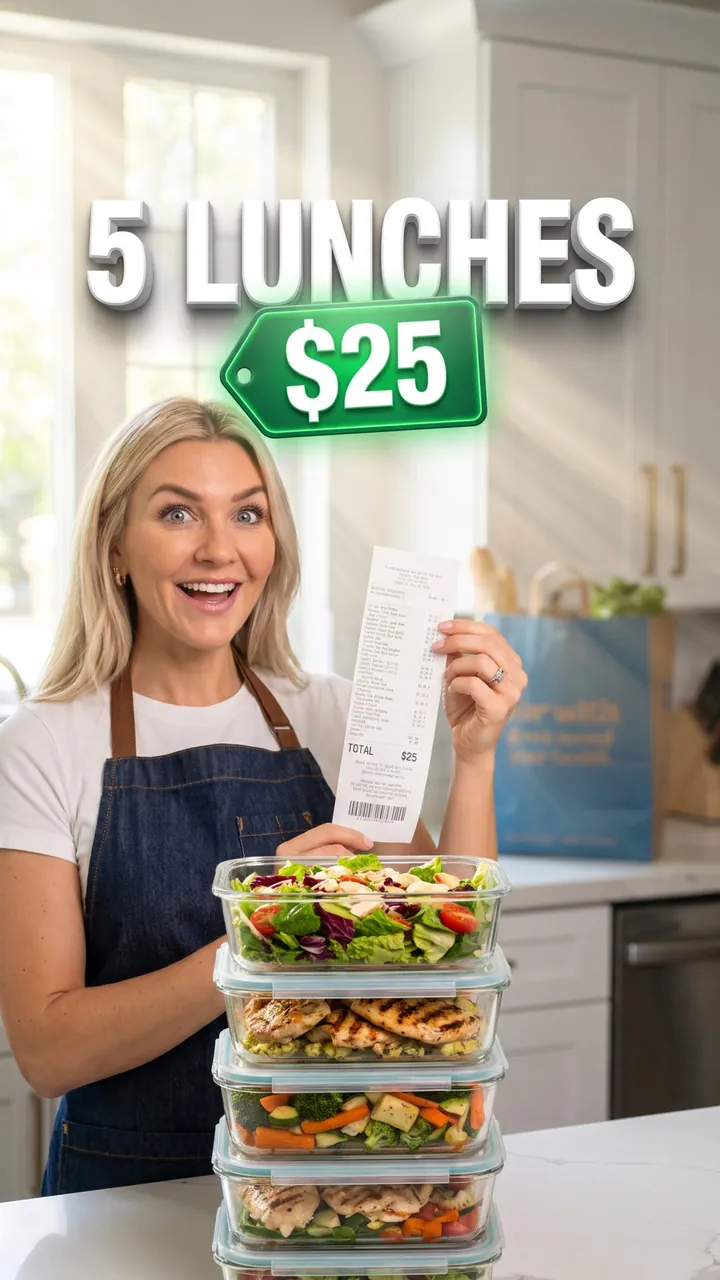
5 Lunches for $25 at Aldi
Auto Automatic mode What the creator entered: video descriptionTitle5 Lunches for $25 at Aldi
DescriptionMy video meal-prepping 5 work lunches for $25 at Aldi in 90 minutes – every receipt line and how they hold up by Friday.
Automatic mode: the creator only described the video – the service came up with the idea, composition and thumbnail text on its own.
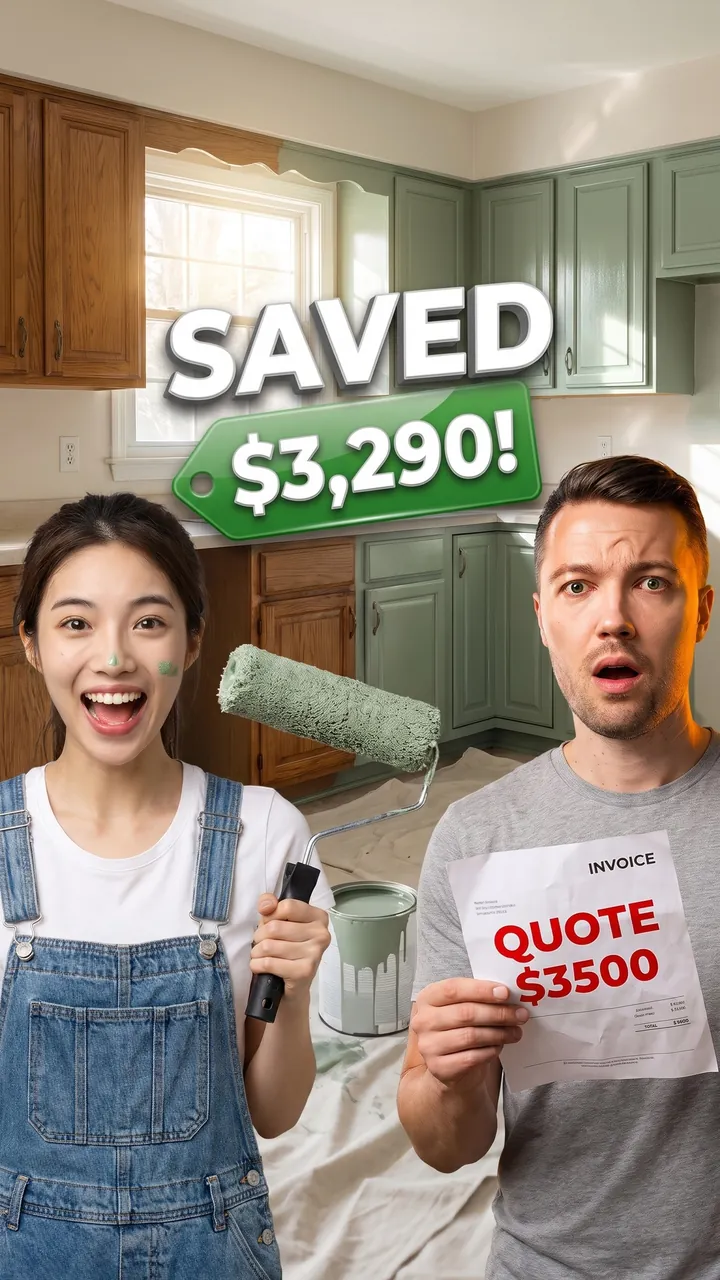
Painting Our Kitchen Cabinets
Auto Automatic mode What the creator entered: video descriptionTitlePainting Our Kitchen Cabinets
DescriptionMy video where we paint our kitchen cabinets ourselves in one weekend – $210 in supplies versus a $3,500 quote.
Automatic mode: the creator only described the video – the service came up with the idea, composition and thumbnail text on its own.
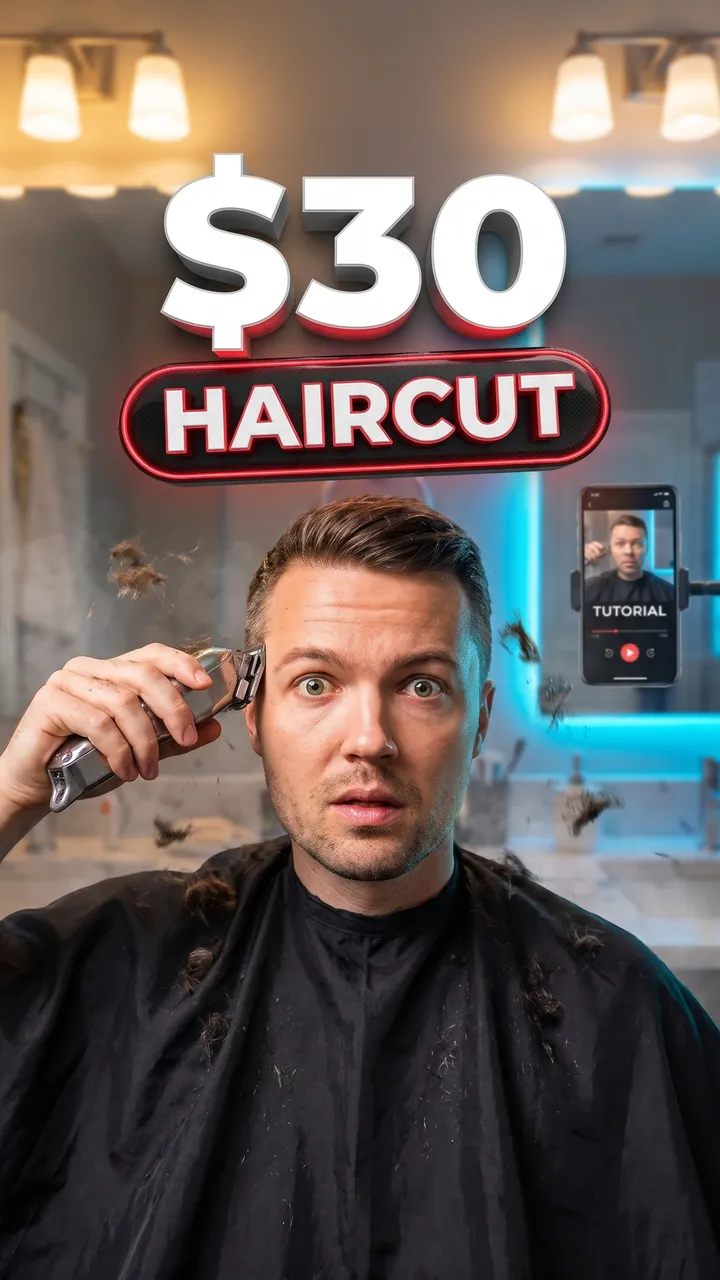
Cutting My Own Hair for 6 Weeks
Auto Automatic mode What the creator entered: video descriptionTitleCutting My Own Hair for 6 Weeks
DescriptionMy video learning to cut my own hair with $30 clippers and YouTube tutorials – attempt 1 versus attempt 6.
Automatic mode: the creator only described the video – the service came up with the idea, composition and thumbnail text on its own.
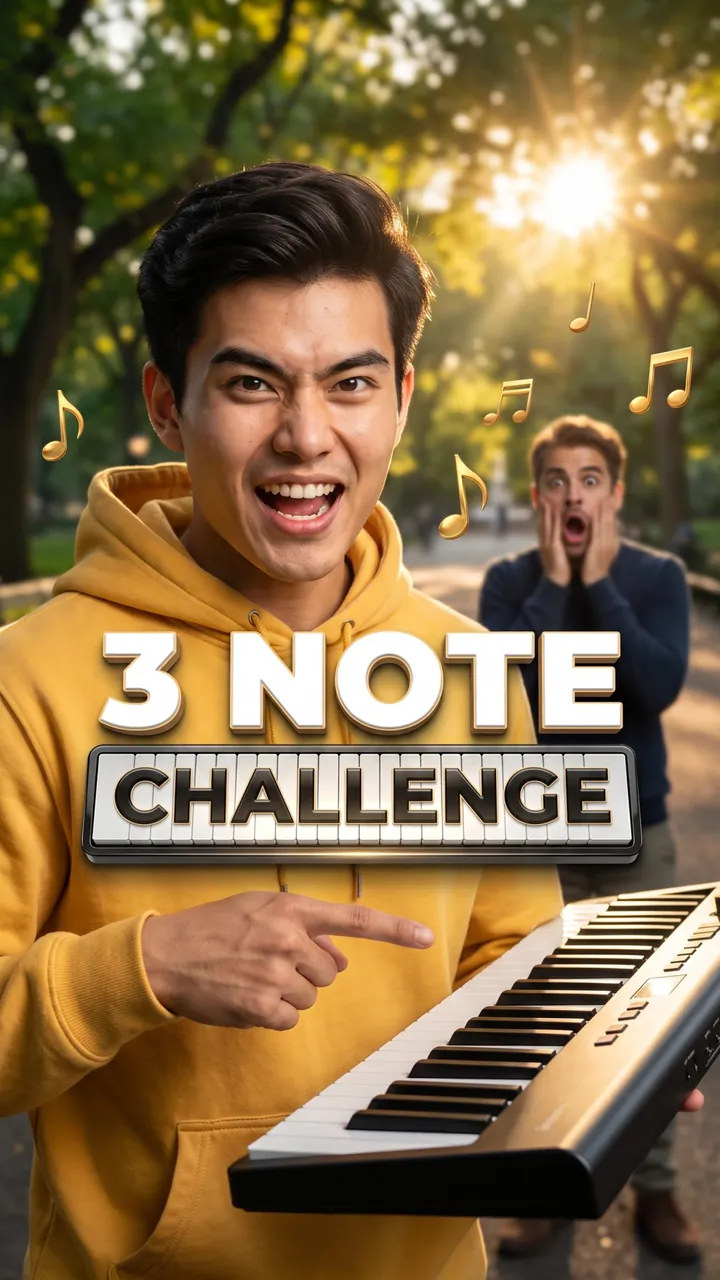
Guess the Song in 3 Notes
Auto Automatic mode What the creator entered: video descriptionTitleGuess the Song in 3 Notes
DescriptionMy video challenging strangers in Central Park to name a hit song from just 3 piano notes.
Automatic mode: the creator only described the video – the service came up with the idea, composition and thumbnail text on its own.
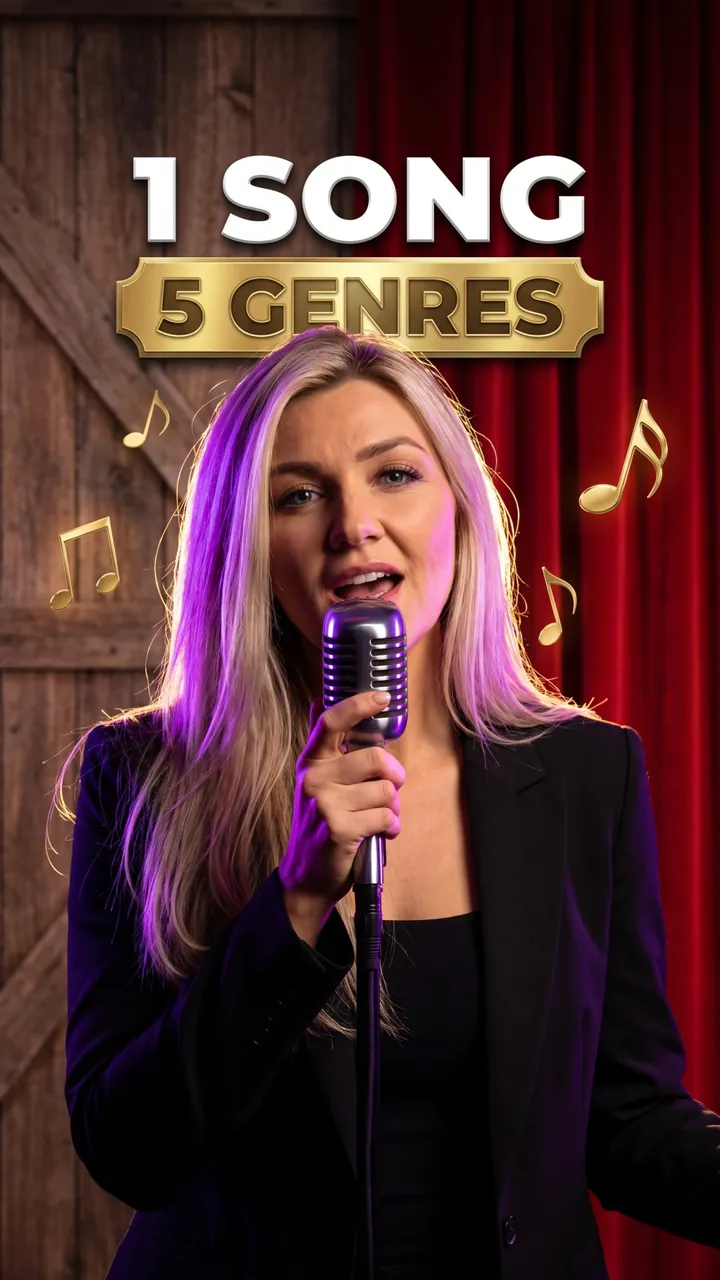
One Chorus, Five Genres
Auto Automatic mode What the creator entered: video descriptionTitleOne Chorus, Five Genres
DescriptionMy video singing one pop chorus in 5 genres, from country to opera, in 60 seconds.
Automatic mode: the creator only described the video – the service came up with the idea, composition and thumbnail text on its own.

Busking at a Farmers Market
Auto Automatic mode What the creator entered: video descriptionTitleBusking at a Farmers Market
DescriptionMy video playing guitar at a Saturday farmers market in Austin for 2 hours and counting every dollar in the case.
Automatic mode: the creator only described the video – the service came up with the idea, composition and thumbnail text on its own.
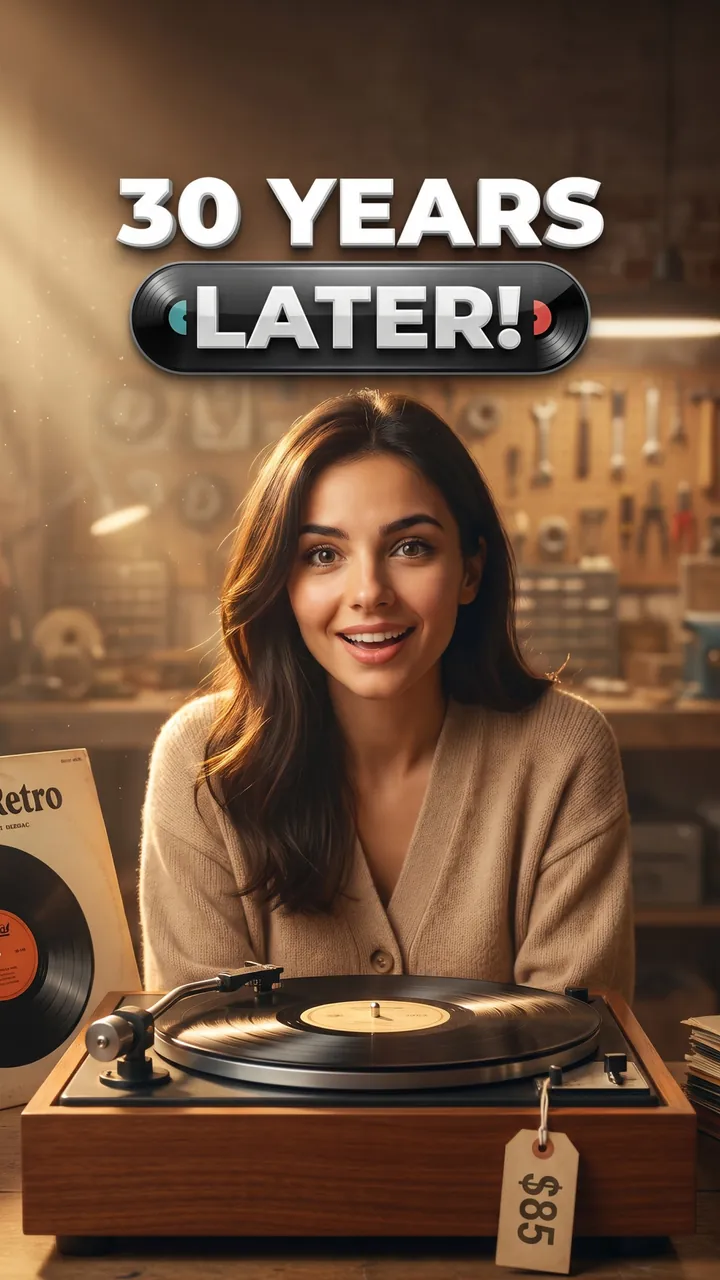
Grandma's 1960s Record Player
Auto Automatic mode What the creator entered: video descriptionTitleGrandma's 1960s Record Player
DescriptionMy video taking my grandma's 1960s record player to a repair shop for $85 and playing her old Beatles vinyl on it for the first time in 30 years.
Automatic mode: the creator only described the video – the service came up with the idea, composition and thumbnail text on its own.
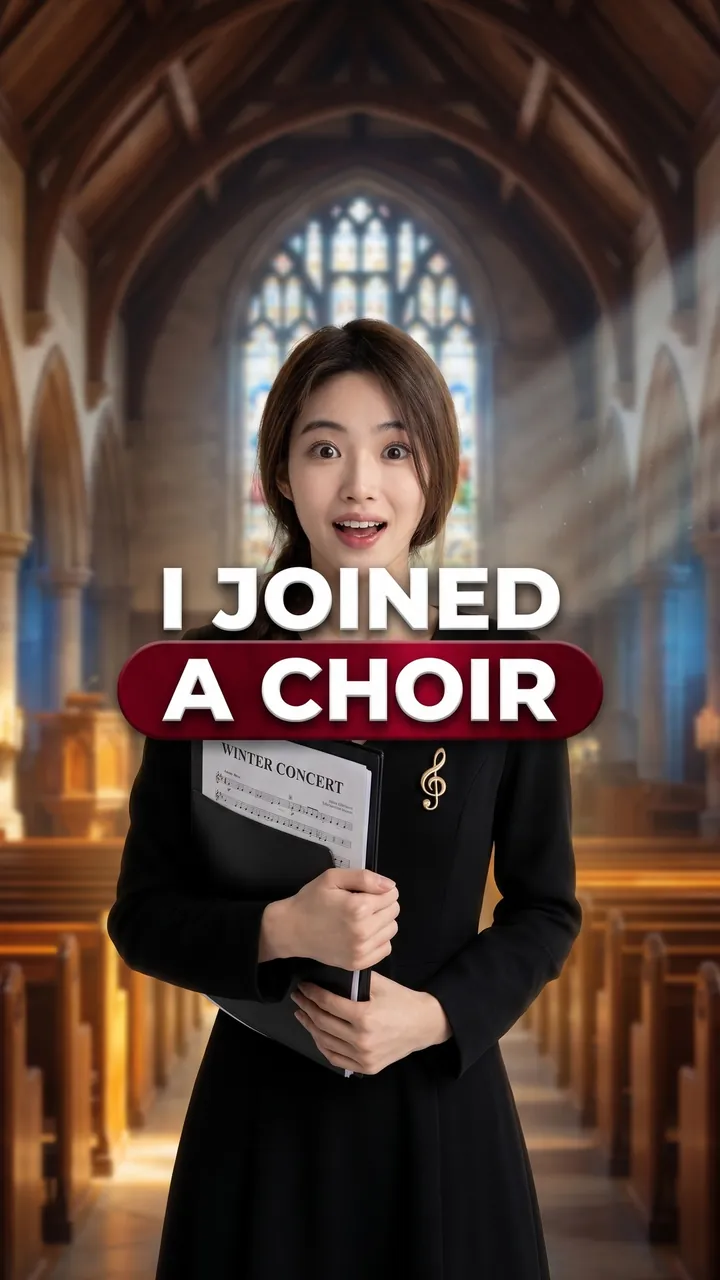
Joining a Choir With Zero Experience
Auto Automatic mode What the creator entered: video descriptionTitleJoining a Choir With Zero Experience
DescriptionMy video joining a community choir in Minneapolis with zero experience – 8 rehearsals and our winter concert in an old church.
Automatic mode: the creator only described the video – the service came up with the idea, composition and thumbnail text on its own.
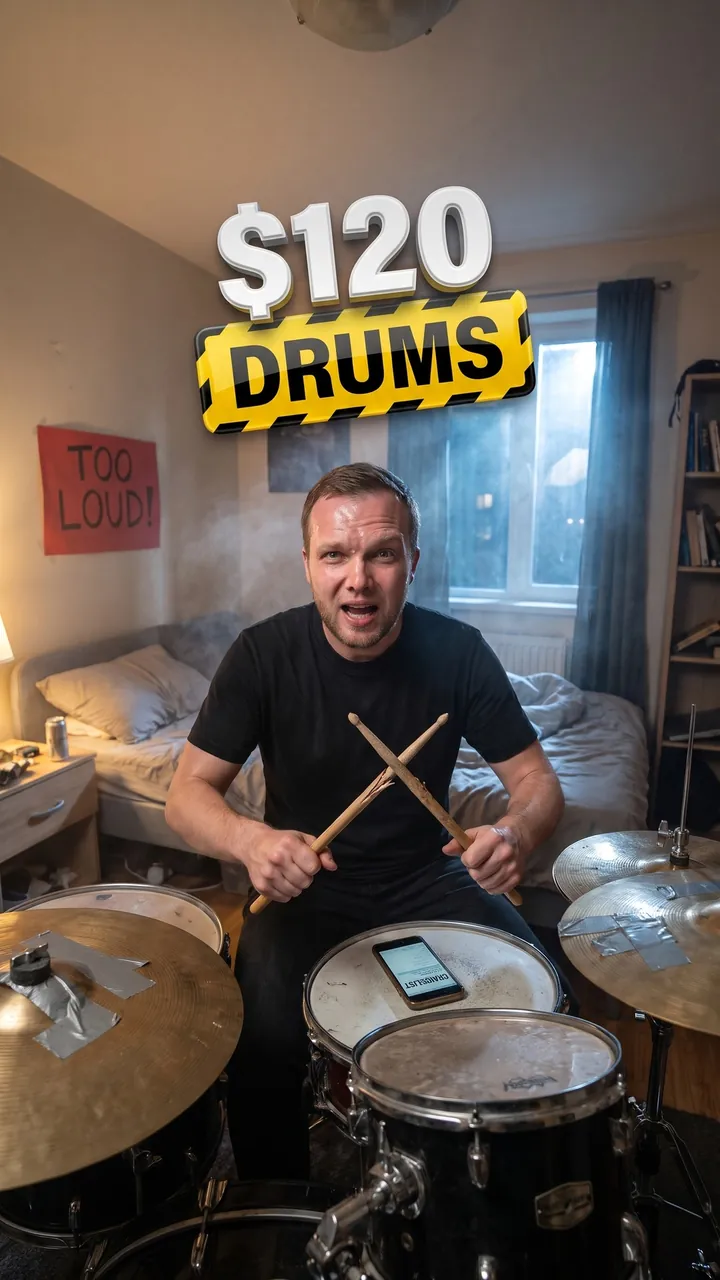
$120 Craigslist Drum Kit
Auto Automatic mode What the creator entered: video descriptionTitle$120 Craigslist Drum Kit
DescriptionMy video buying a $120 used drum kit on Craigslist and learning one Foo Fighters song in 2 weeks while my neighbors complain.
Automatic mode: the creator only described the video – the service came up with the idea, composition and thumbnail text on its own.
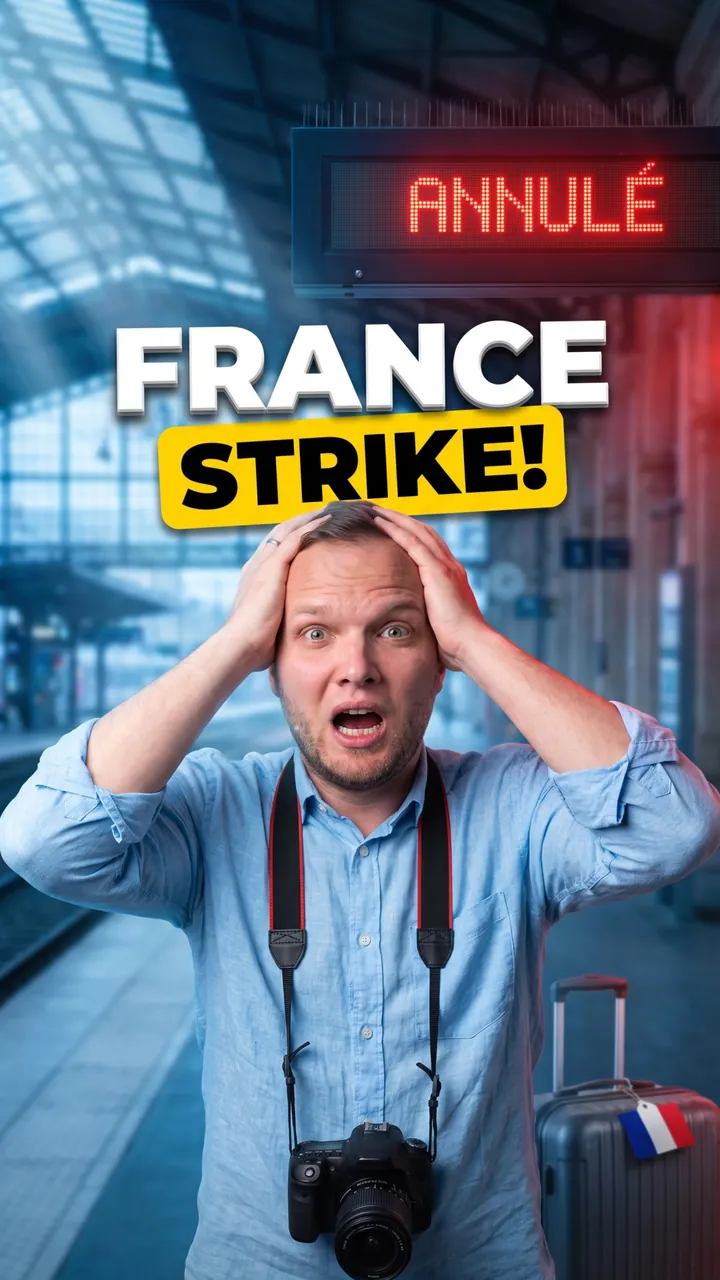
French Rail Strike Explained
Auto Automatic mode What the creator entered: video descriptionTitleFrench Rail Strike Explained
DescriptionMy 60-second explainer on what the new rail strike in France means for your summer trip.
Automatic mode: the creator only described the video – the service came up with the idea, composition and thumbnail text on its own.
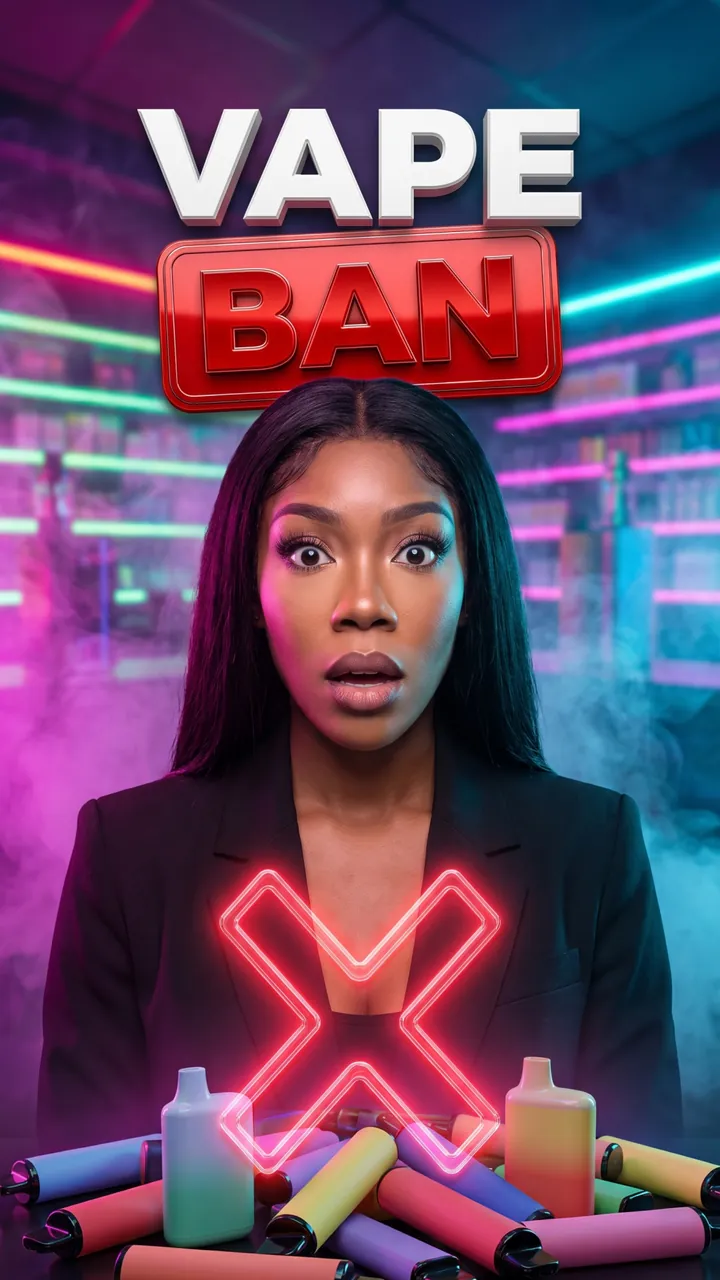
Disposable Vape Ban Explained
Auto Automatic mode What the creator entered: video descriptionTitleDisposable Vape Ban Explained
DescriptionMy video explaining in one minute what the new ban on disposable vapes changes for shops and buyers.
Automatic mode: the creator only described the video – the service came up with the idea, composition and thumbnail text on its own.

Social Security Raise Explained
Auto Automatic mode What the creator entered: video descriptionTitleSocial Security Raise Explained
DescriptionMy video where we explain in one minute what this year's Social Security cost-of-living raise means for our parents' monthly check.
Automatic mode: the creator only described the video – the service came up with the idea, composition and thumbnail text on its own.

Why Gas Jumped Before Thanksgiving
Auto Automatic mode What the creator entered: video descriptionTitleWhy Gas Jumped Before Thanksgiving
DescriptionMy video explaining in one minute why gas prices jumped before Thanksgiving, comparing GasBuddy prices in California, Texas and Ohio.
Automatic mode: the creator only described the video – the service came up with the idea, composition and thumbnail text on its own.

Why My Car Insurance Went Up 22%
Auto Automatic mode What the creator entered: video descriptionTitleWhy My Car Insurance Went Up 22%
DescriptionMy video explaining in one minute why my car insurance went up 22% this year and the 3 things I did to bring it back down.
Automatic mode: the creator only described the video – the service came up with the idea, composition and thumbnail text on its own.

Real ID at the Airport
Auto Automatic mode What the creator entered: video descriptionTitleReal ID at the Airport
DescriptionMy 60-second breakdown of what the Real ID rules mean for domestic flights and exactly what to bring to the airport.
Automatic mode: the creator only described the video – the service came up with the idea, composition and thumbnail text on its own.

Magnet Fishing the Thames
Auto Automatic mode What the creator entered: video descriptionTitleMagnet Fishing the Thames
DescriptionMy video where we pull 40 pounds of junk out of the Thames in one afternoon with a magnet and a kayak.
Automatic mode: the creator only described the video – the service came up with the idea, composition and thumbnail text on its own.

Berlin Clothing Swap
Auto Automatic mode What the creator entered: video descriptionTitleBerlin Clothing Swap
DescriptionMy video at a free neighborhood clothing swap in Berlin, showing what I brought and what I took home.
Automatic mode: the creator only described the video – the service came up with the idea, composition and thumbnail text on its own.

Giving Blood for the First Time
Auto Automatic mode What the creator entered: video descriptionTitleGiving Blood for the First Time
DescriptionMy video giving blood for the first time at a Red Cross drive – from the questionnaire to the free cookies after.
Automatic mode: the creator only described the video – the service came up with the idea, composition and thumbnail text on its own.
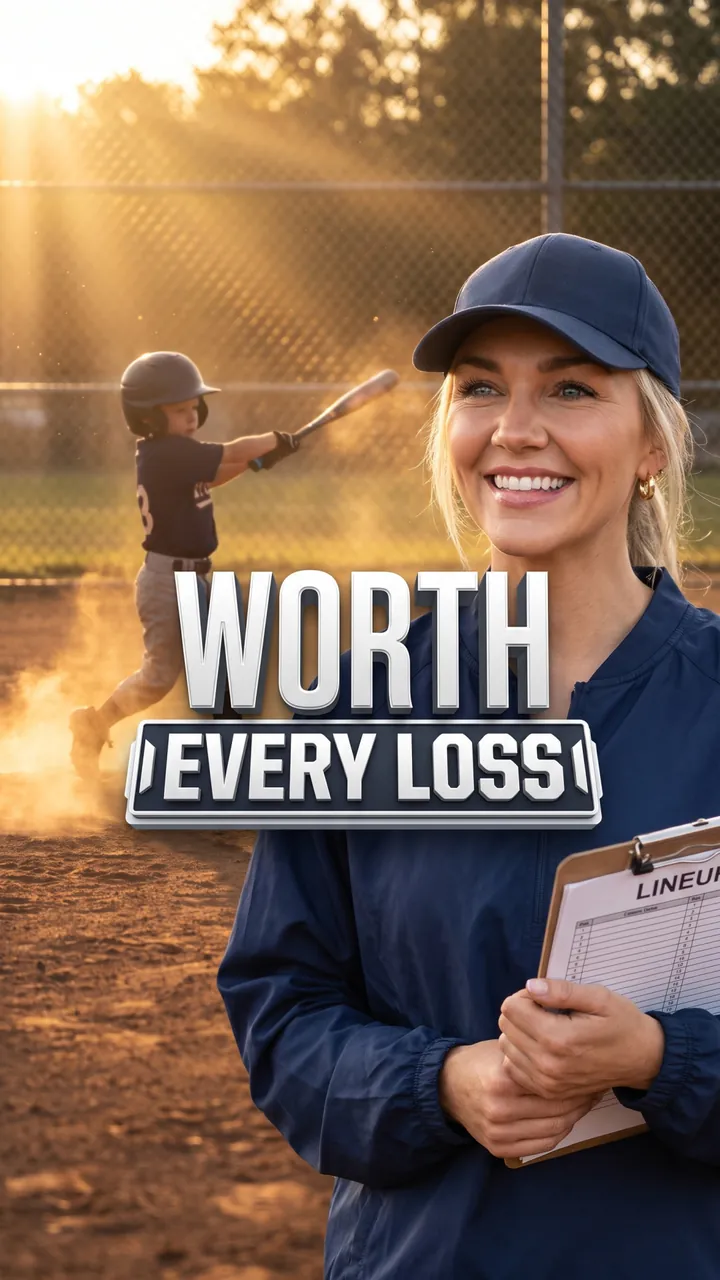
A Season Coaching Little League
Auto Automatic mode What the creator entered: video descriptionTitleA Season Coaching Little League
DescriptionMy video about one season as a volunteer Little League coach: 14 games, 2 wins and the moment our shyest kid finally got a hit.
Automatic mode: the creator only described the video – the service came up with the idea, composition and thumbnail text on its own.

Lemonade Stand for the Shelter
Auto Automatic mode What the creator entered: video descriptionTitleLemonade Stand for the Shelter
DescriptionMy video where we help our kids run a lemonade stand for the local animal shelter – 5 hours, 2 coolers and $186 raised.
Automatic mode: the creator only described the video – the service came up with the idea, composition and thumbnail text on its own.
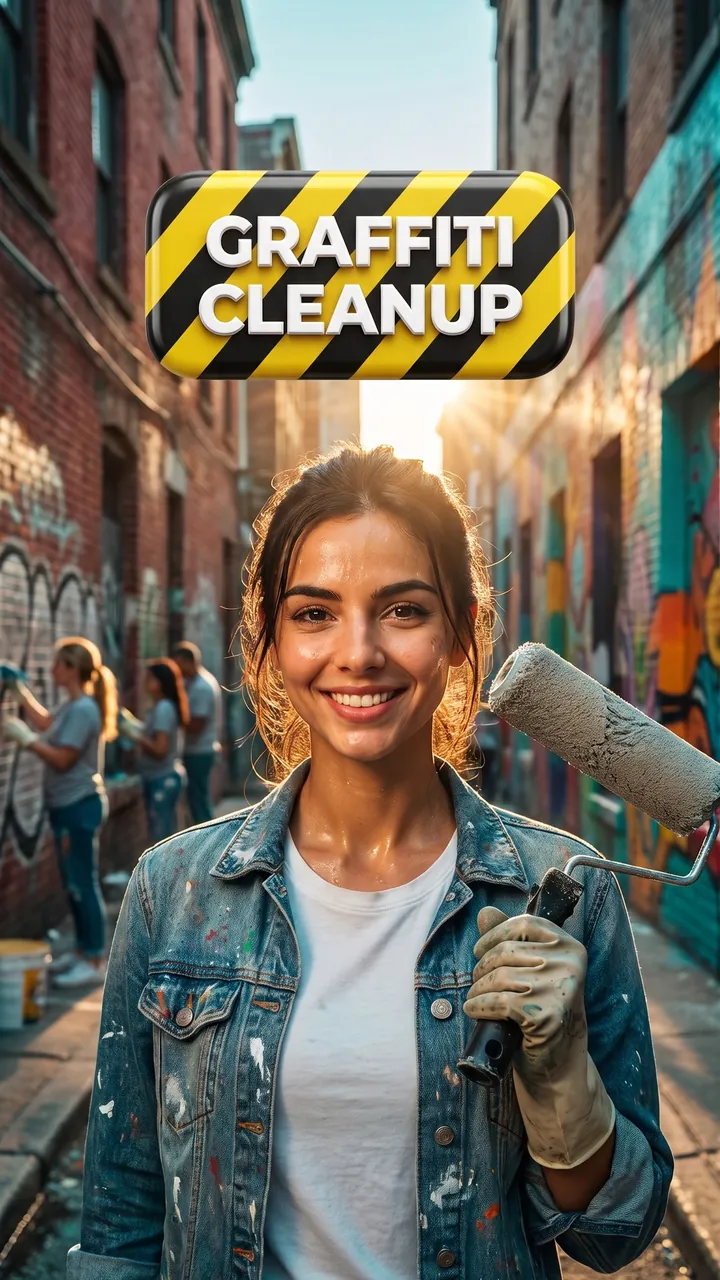
Graffiti Cleanup in Philly
Auto Automatic mode What the creator entered: video descriptionTitleGraffiti Cleanup in Philly
DescriptionMy video joining a neighborhood graffiti cleanup in Philadelphia – 3 walls, 20 volunteers and the mural an artist painted there a week later.
Automatic mode: the creator only described the video – the service came up with the idea, composition and thumbnail text on its own.

Flight Attendant London–NYC
Auto Automatic mode What the creator entered: video descriptionTitleFlight Attendant London–NYC
DescriptionMy video showing a full day as a flight attendant on the London–New York route, from crew briefing to hotel.
Automatic mode: the creator only described the video – the service came up with the idea, composition and thumbnail text on its own.

Lobster Fisherman in Maine
Auto Automatic mode What the creator entered: video descriptionTitleLobster Fisherman in Maine
DescriptionMy video about a day as a lobster fisherman in Maine: up at 4am with 300 traps to check.
Automatic mode: the creator only described the video – the service came up with the idea, composition and thumbnail text on its own.
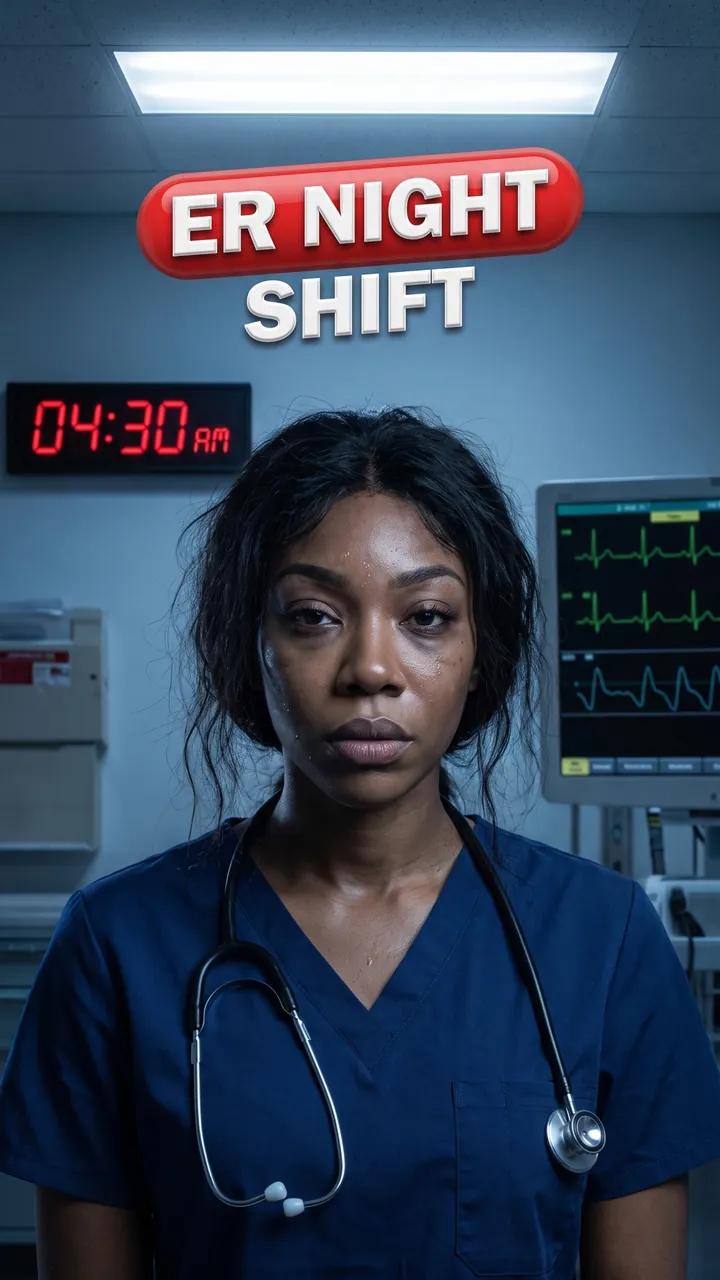
12-Hour ER Night Shift
Auto Automatic mode What the creator entered: video descriptionTitle12-Hour ER Night Shift
DescriptionMy video showing a real 12-hour night shift as an ER nurse in Chicago, from handoff to the drive home at 7am.
Automatic mode: the creator only described the video – the service came up with the idea, composition and thumbnail text on its own.
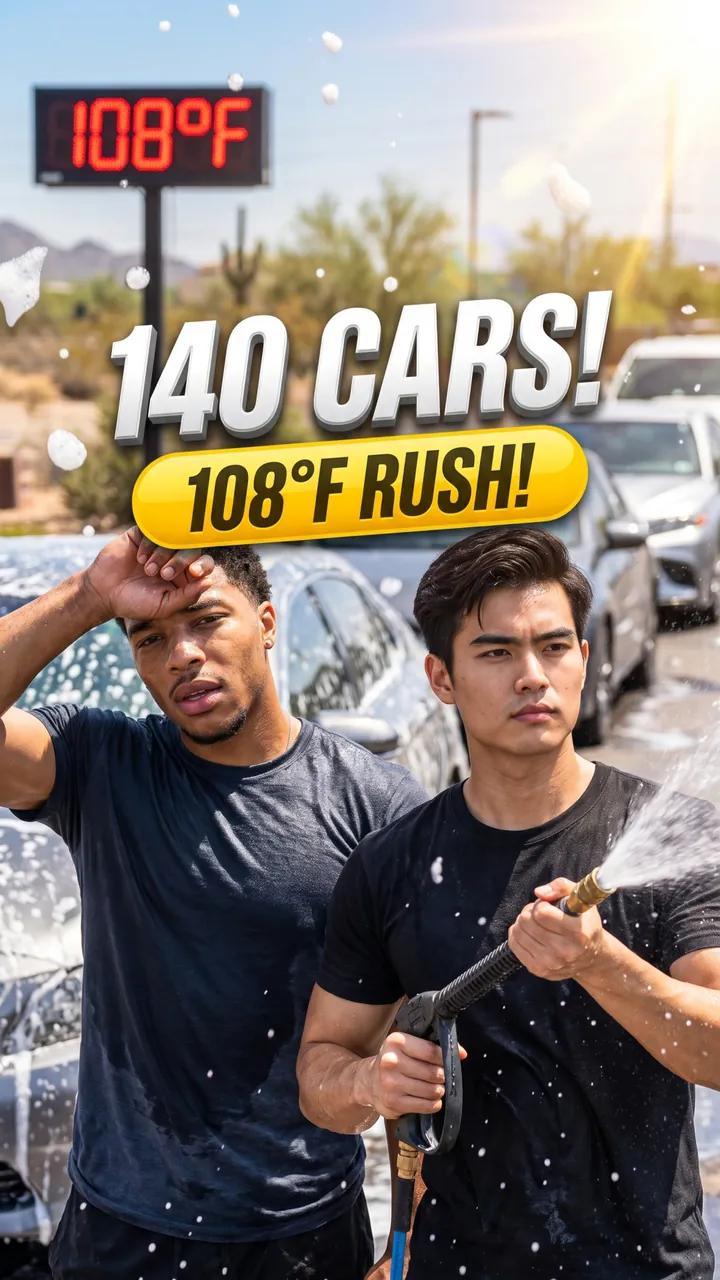
Saturday at Our Family Car Wash
Auto Automatic mode What the creator entered: video descriptionTitleSaturday at Our Family Car Wash
DescriptionMy video where my brother and I show a full Saturday at our family's car wash in Phoenix: 140 cars, 108°F and the 2pm rush.
Automatic mode: the creator only described the video – the service came up with the idea, composition and thumbnail text on its own.
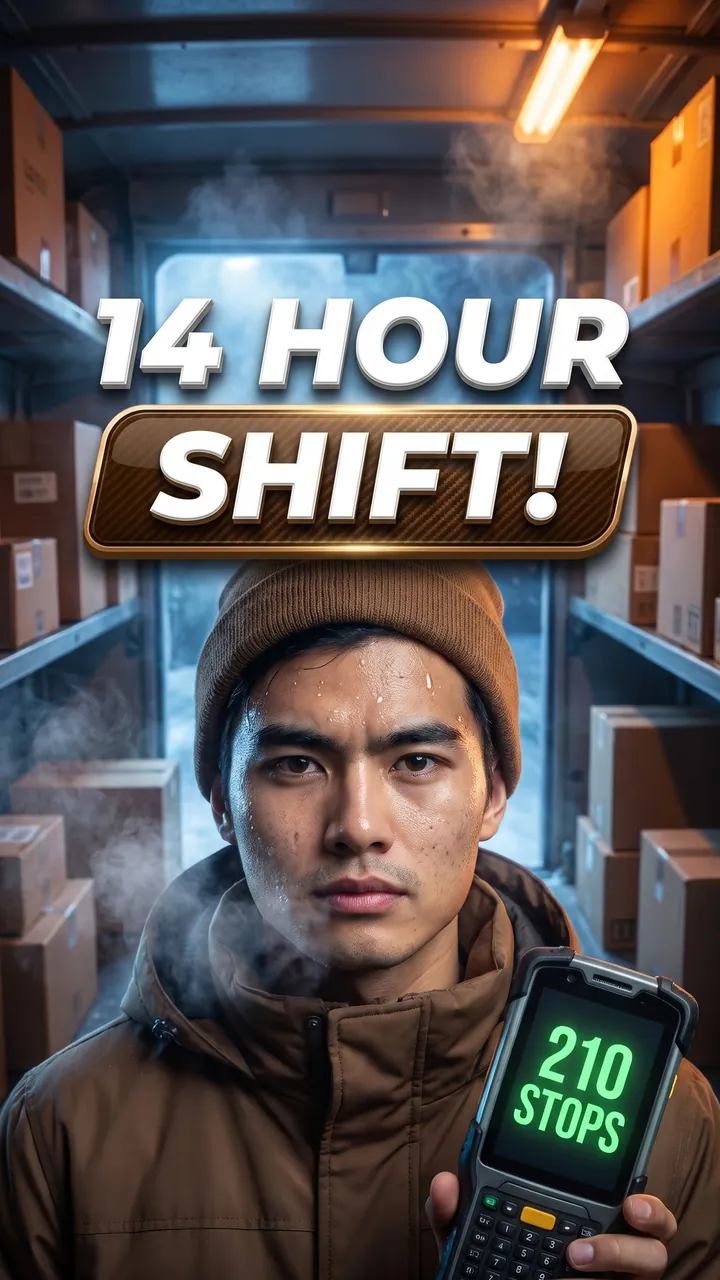
UPS Driver in December
Auto Automatic mode What the creator entered: video descriptionTitleUPS Driver in December
DescriptionMy video showing a full day as a UPS driver in December peak season: 210 stops, 14 hours and how many steps I walked.
Automatic mode: the creator only described the video – the service came up with the idea, composition and thumbnail text on its own.
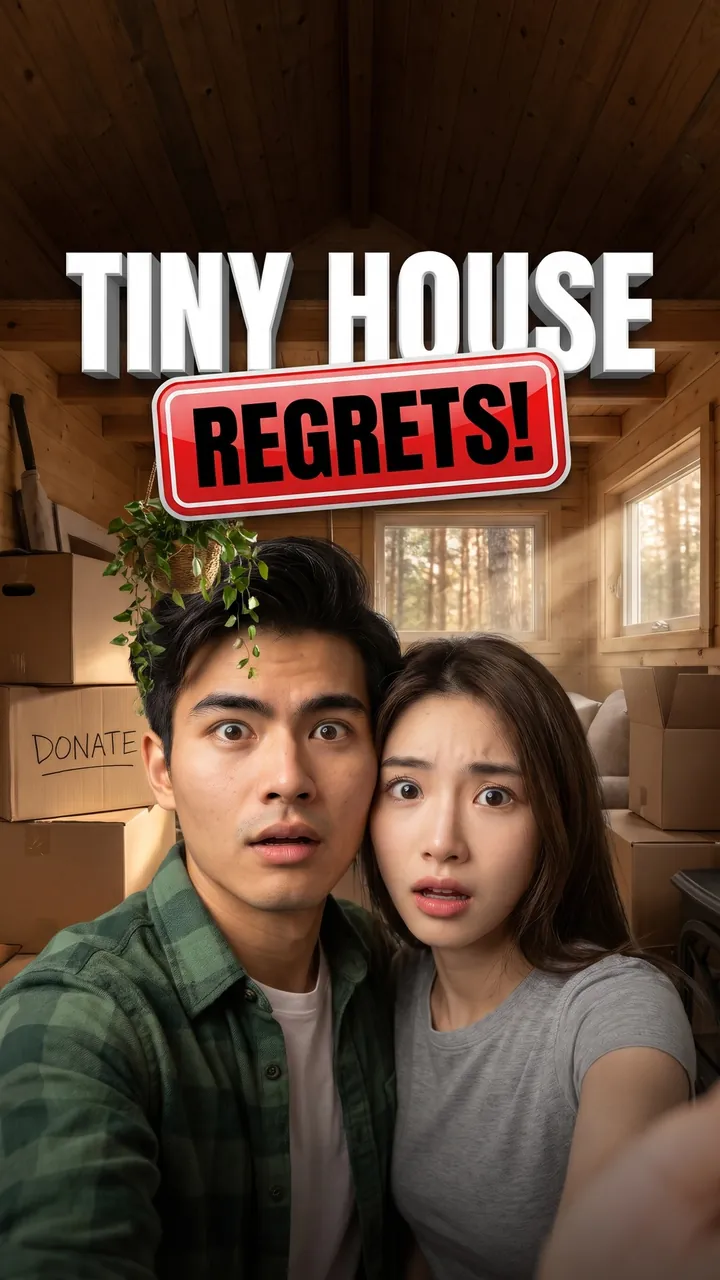
First Week in a Tiny House
Auto Automatic mode What the creator entered: video descriptionTitleFirst Week in a Tiny House
DescriptionMy video where we show our first week in a 280 sq ft tiny house in North Carolina – what we got rid of and what we already regret.
Automatic mode: the creator only described the video – the service came up with the idea, composition and thumbnail text on its own.

Golden Retriever Meets Ocean
Auto Automatic mode What the creator entered: video descriptionTitleGolden Retriever Meets Ocean
DescriptionMy video where my golden retriever sees the ocean for the first time in San Diego.
Automatic mode: the creator only described the video – the service came up with the idea, composition and thumbnail text on its own.

Parrot Learns 'Good Morning'
Auto Automatic mode What the creator entered: video descriptionTitleParrot Learns 'Good Morning'
DescriptionMy video teaching my parrot to say "good morning" in 7 days.
Automatic mode: the creator only described the video – the service came up with the idea, composition and thumbnail text on its own.

First Obedience Class
Auto Automatic mode What the creator entered: video descriptionTitleFirst Obedience Class
DescriptionMy video taking my rescue dog to her first obedience class at PetSmart and showing what she learned in one hour.
Automatic mode: the creator only described the video – the service came up with the idea, composition and thumbnail text on its own.

9-Hour Road Trip With 2 Cats
Auto Automatic mode What the creator entered: video descriptionTitle9-Hour Road Trip With 2 Cats
DescriptionMy video driving 9 hours from Denver to Salt Lake City with my 2 cats – harnesses, a car litter box and my vet's tips. Here's what worked and what was a disaster.
Automatic mode: the creator only described the video – the service came up with the idea, composition and thumbnail text on its own.

Fostering 4 Kittens for 3 Weeks
Auto Automatic mode What the creator entered: video descriptionTitleFostering 4 Kittens for 3 Weeks
DescriptionMy video fostering 4 kittens for 3 weeks through my local shelter – bottle feeding every 3 hours and the day they went back for adoption.
Automatic mode: the creator only described the video – the service came up with the idea, composition and thumbnail text on its own.
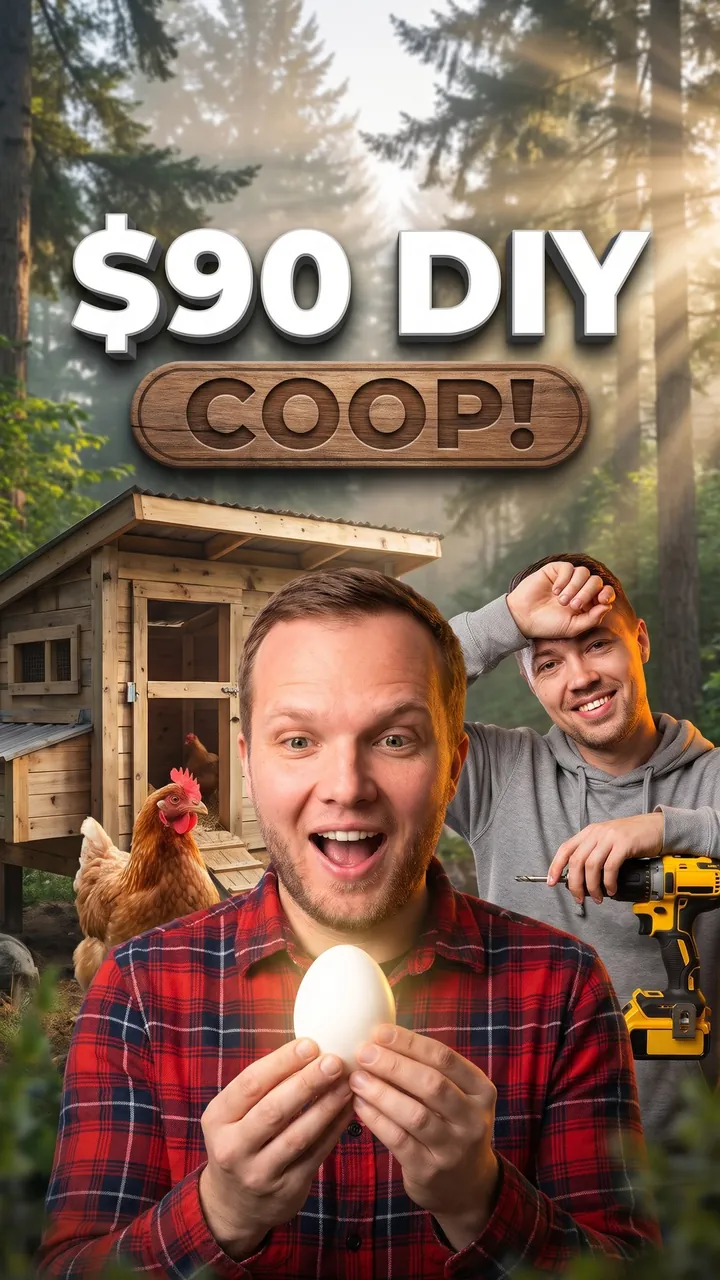
Backyard Chickens: Day 1 to First Egg
Auto Automatic mode What the creator entered: video descriptionTitleBackyard Chickens: Day 1 to First Egg
DescriptionMy video where my roommate and I build a $90 chicken coop in our Portland backyard and wait for the first egg – day 1 to day 38.
Automatic mode: the creator only described the video – the service came up with the idea, composition and thumbnail text on its own.

$30 Drone vs $1,000 DJI
Auto Automatic mode What the creator entered: video descriptionTitle$30 Drone vs $1,000 DJI
DescriptionMy video testing a $30 Amazon drone against a $1,000 DJI – can you even tell the footage apart?
Automatic mode: the creator only described the video – the service came up with the idea, composition and thumbnail text on its own.

Walmart Stanley Dupe Test
Auto Automatic mode What the creator entered: video descriptionTitleWalmart Stanley Dupe Test
DescriptionMy video unboxing the viral Stanley cup dupe from Walmart and checking if it really keeps ice for 24 hours.
Automatic mode: the creator only described the video – the service came up with the idea, composition and thumbnail text on its own.
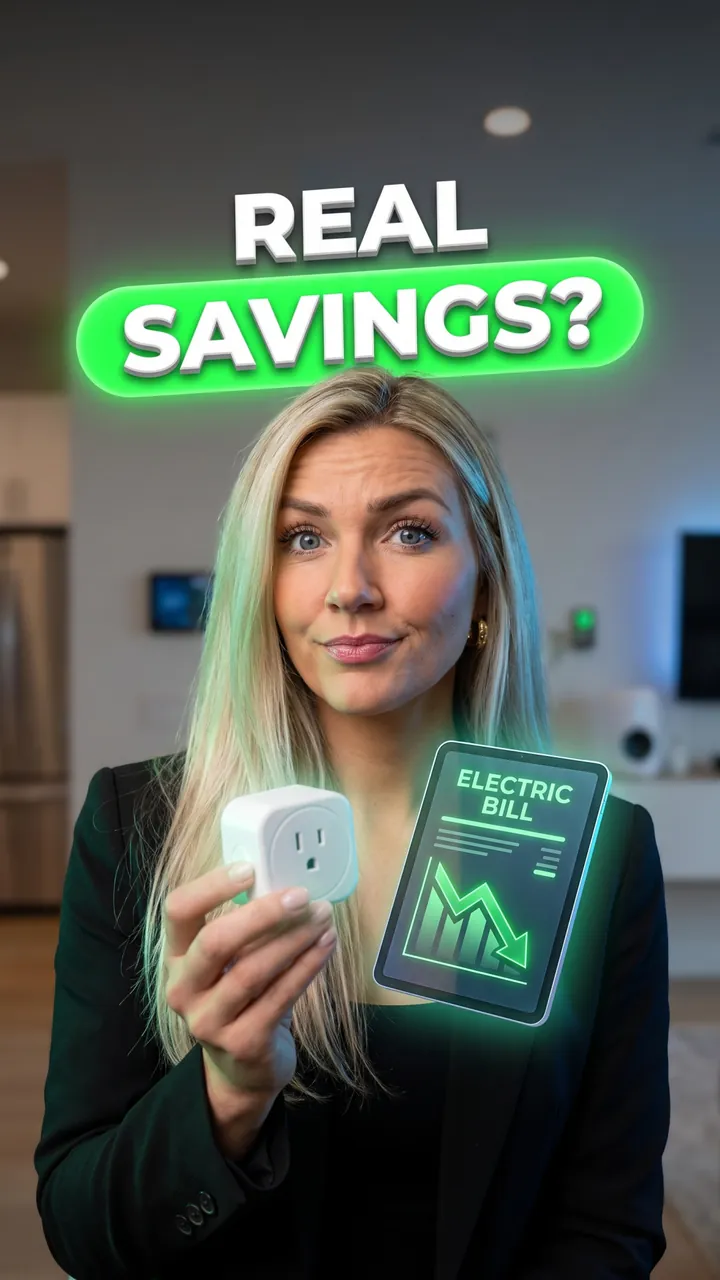
Do Smart Plugs Save Money?
Auto Automatic mode What the creator entered: video descriptionTitleDo Smart Plugs Save Money?
DescriptionMy video tracking a month of electric bills to see if a $40 smart plug setup actually lowers what I pay.
Automatic mode: the creator only described the video – the service came up with the idea, composition and thumbnail text on its own.
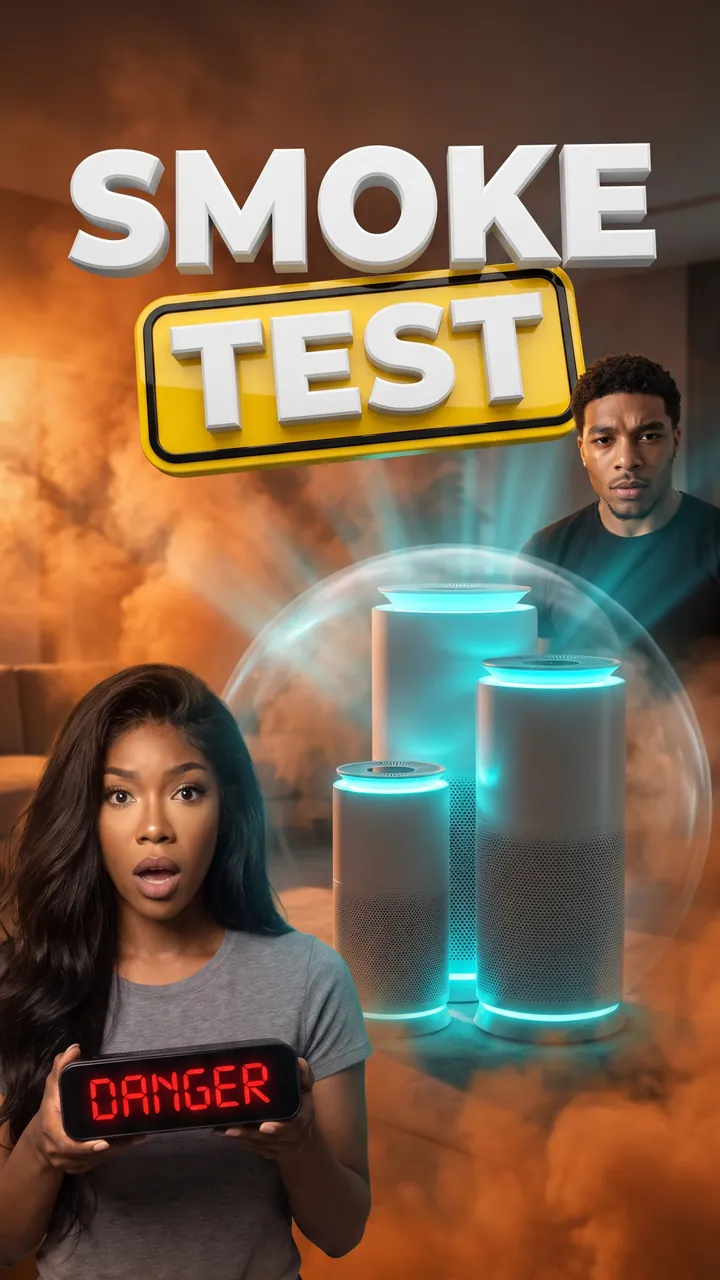
$60 vs $400 Air Purifier
Auto Automatic mode What the creator entered: video descriptionTitle$60 vs $400 Air Purifier
DescriptionMy video where we test 3 air purifiers – $60, $150 and $400 – with a $30 air quality monitor during wildfire smoke season and show the real numbers.
Automatic mode: the creator only described the video – the service came up with the idea, composition and thumbnail text on its own.
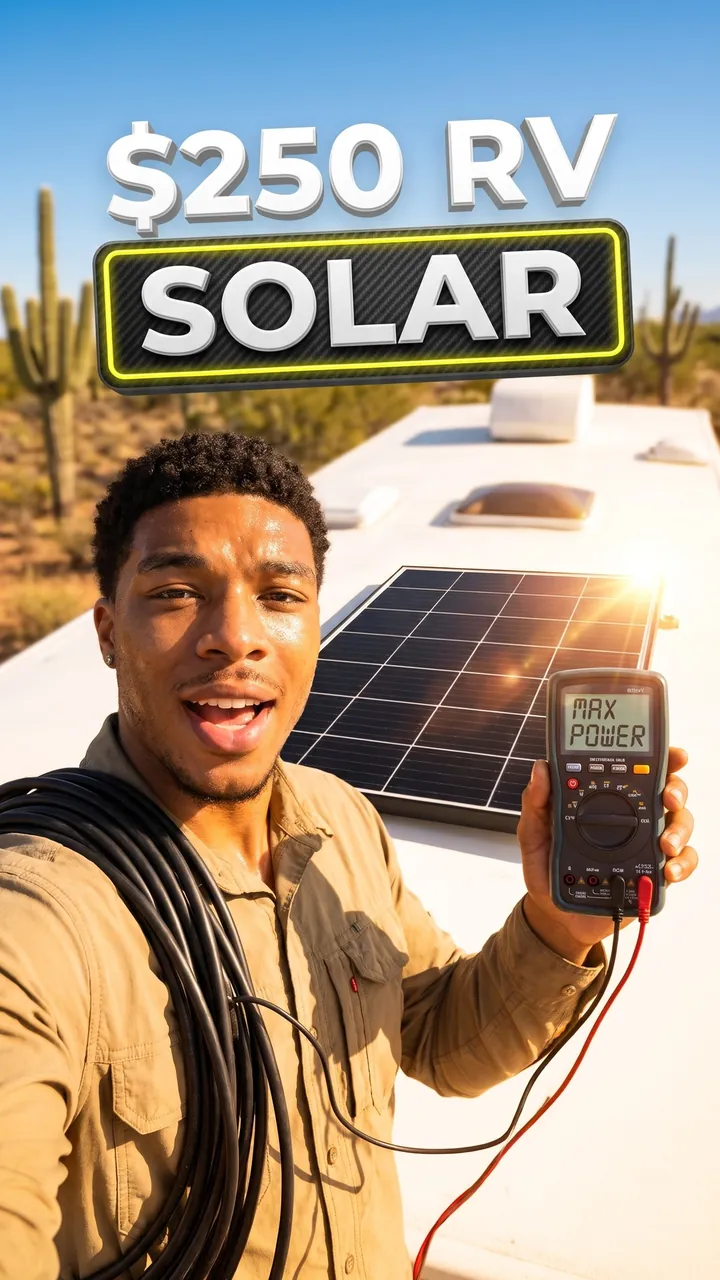
$250 Solar Kit on My RV
Auto Automatic mode What the creator entered: video descriptionTitle$250 Solar Kit on My RV
DescriptionMy video installing a $250 solar panel kit on my RV roof and tracking how much power it actually makes in a week in Arizona.
Automatic mode: the creator only described the video – the service came up with the idea, composition and thumbnail text on its own.
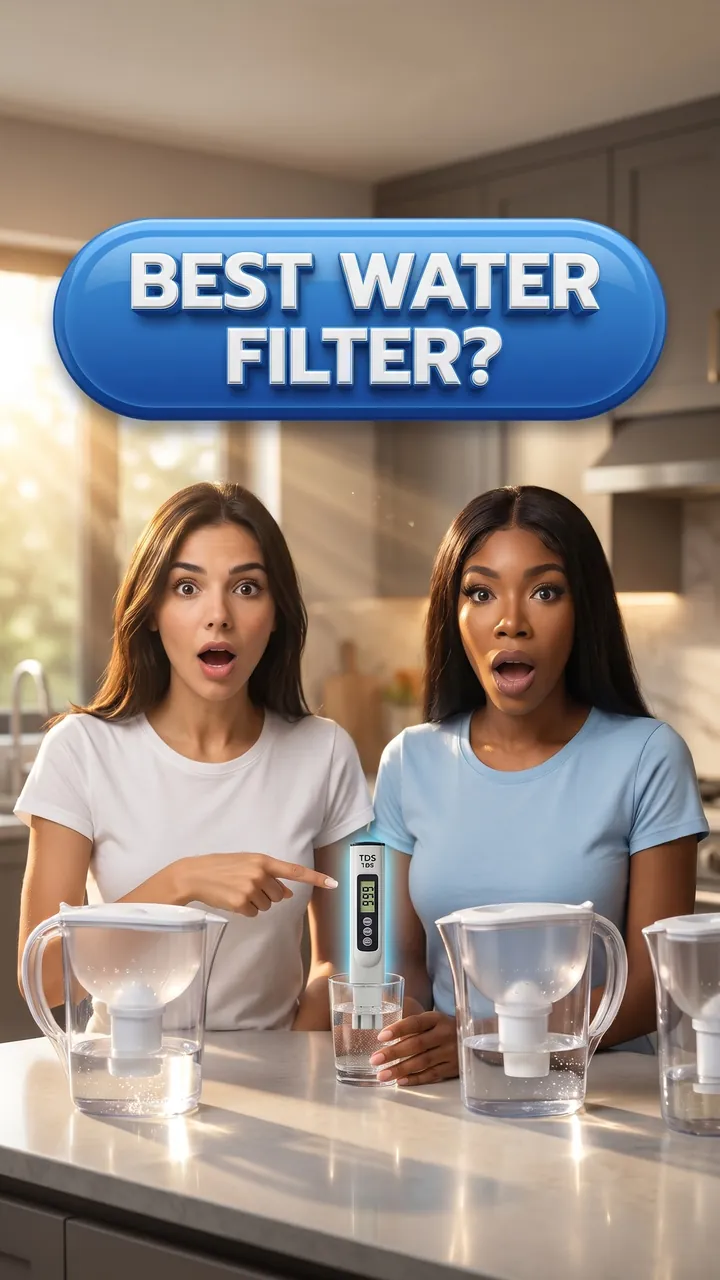
Brita vs ZeroWater vs PUR
Auto Automatic mode What the creator entered: video descriptionTitleBrita vs ZeroWater vs PUR
DescriptionMy video where my sister and I test Brita, ZeroWater and PUR filters on our tap water with a TDS meter and show which one really works.
Automatic mode: the creator only described the video – the service came up with the idea, composition and thumbnail text on its own.
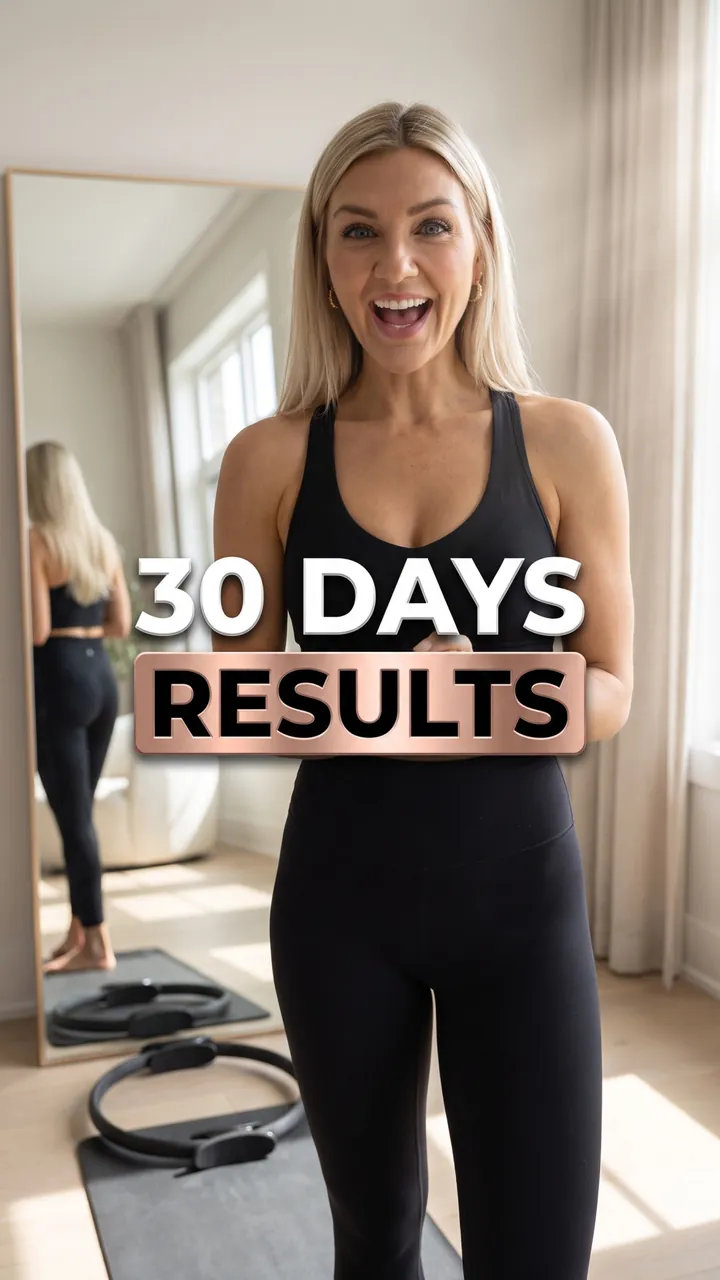
30 Days of Pilates
Auto Automatic mode What the creator entered: video descriptionTitle30 Days of Pilates
DescriptionMy video showing 30 days of Pilates progress – same outfit, same mirror, very different posture.
Automatic mode: the creator only described the video – the service came up with the idea, composition and thumbnail text on its own.

First Time Doing Murph
Auto Automatic mode What the creator entered: video descriptionTitleFirst Time Doing Murph
DescriptionMy video trying the Murph workout for the first time: a 1-mile run, 300 squats and a lot of regret.
Automatic mode: the creator only described the video – the service came up with the idea, composition and thumbnail text on its own.

First Pickleball Game
Auto Automatic mode What the creator entered: video descriptionTitleFirst Pickleball Game
DescriptionMy video trying pickleball for the first time at my local park and losing badly to a 70-year-old regular.
Automatic mode: the creator only described the video – the service came up with the idea, composition and thumbnail text on its own.
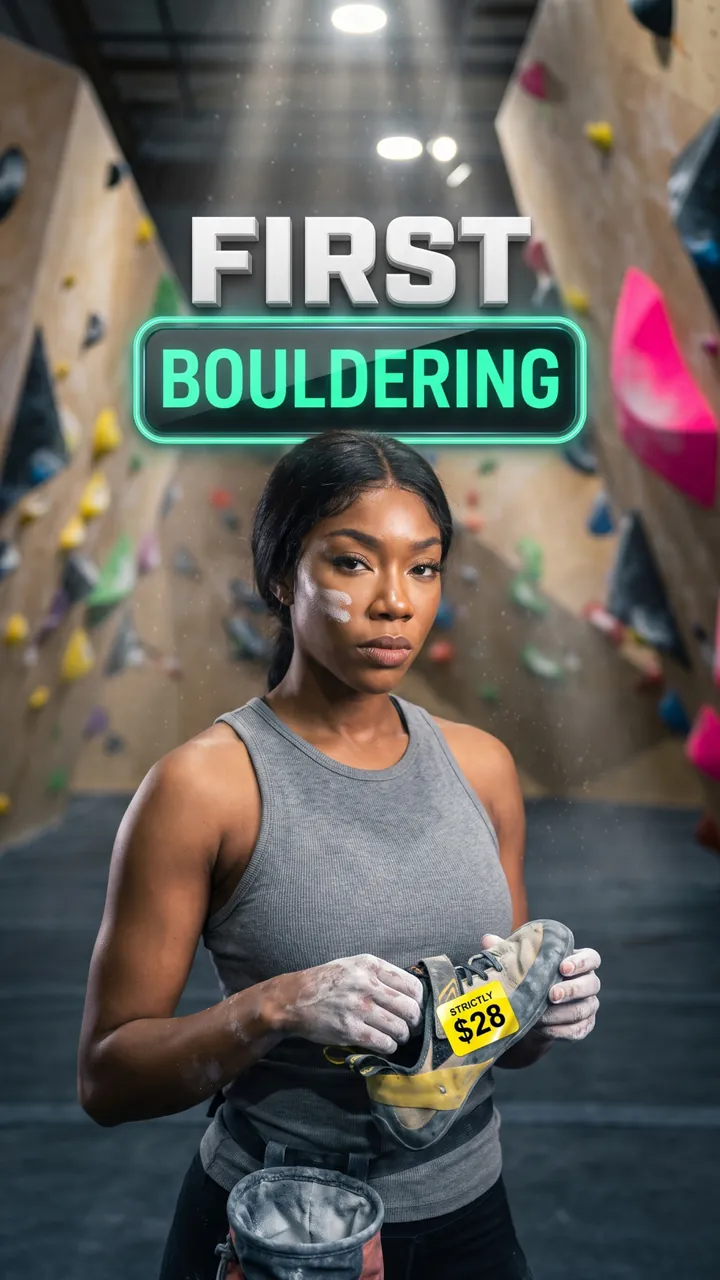
First Day Bouldering
Auto Automatic mode What the creator entered: video descriptionTitleFirst Day Bouldering
DescriptionMy video trying bouldering for the first time at a Seattle climbing gym – a $28 day pass, rental shoes and the V2 route that took me 9 tries.
Automatic mode: the creator only described the video – the service came up with the idea, composition and thumbnail text on its own.

My First Game at Lambeau Field
Auto Automatic mode What the creator entered: video descriptionTitleMy First Game at Lambeau Field
DescriptionMy video going to my first NFL game at Lambeau Field – a $140 ticket, a 28°F tailgate and whether it lives up to the hype.
Automatic mode: the creator only described the video – the service came up with the idea, composition and thumbnail text on its own.

Our First Golf Lesson
Auto Automatic mode What the creator entered: video descriptionTitleOur First Golf Lesson
DescriptionMy video where my wife and I take our first golf lesson at a driving range – $60 for two, 100 balls and who actually hit the green.
Automatic mode: the creator only described the video – the service came up with the idea, composition and thumbnail text on its own.

$40 Capsule Hotel in Tokyo
Auto Automatic mode What the creator entered: video descriptionTitle$40 Capsule Hotel in Tokyo
DescriptionMy video spending a night in a $40 capsule hotel in Tokyo and showing exactly how much space you get.
Automatic mode: the creator only described the video – the service came up with the idea, composition and thumbnail text on its own.

First Skydive Over Dubai
Auto Automatic mode What the creator entered: video descriptionTitleFirst Skydive Over Dubai
DescriptionMy video doing my first ever skydive over the Palm in Dubai – from the open plane door to landing on the beach.
Automatic mode: the creator only described the video – the service came up with the idea, composition and thumbnail text on its own.

Route 66 in One Day
Auto Automatic mode What the creator entered: video descriptionTitleRoute 66 in One Day
DescriptionMy video driving Route 66 from Chicago to St. Louis in one day, with every diner stop and what I spent on gas.
Automatic mode: the creator only described the video – the service came up with the idea, composition and thumbnail text on its own.

Mexico City on $500 Each
Auto Automatic mode What the creator entered: video descriptionTitleMexico City on $500 Each
DescriptionMy video where my best friend and I do 4 days in Mexico City on $500 each: the Frida Kahlo museum, $1.50 tacos al pastor and a boat in Xochimilco.
Automatic mode: the creator only described the video – the service came up with the idea, composition and thumbnail text on its own.

Banff in 3 Days on a Budget
Auto Automatic mode What the creator entered: video descriptionTitleBanff in 3 Days on a Budget
DescriptionMy video doing Banff in 3 days on a budget – Lake Louise at sunrise, the free hike instead of the gondola and everything I spent in Canadian dollars.
Automatic mode: the creator only described the video – the service came up with the idea, composition and thumbnail text on its own.
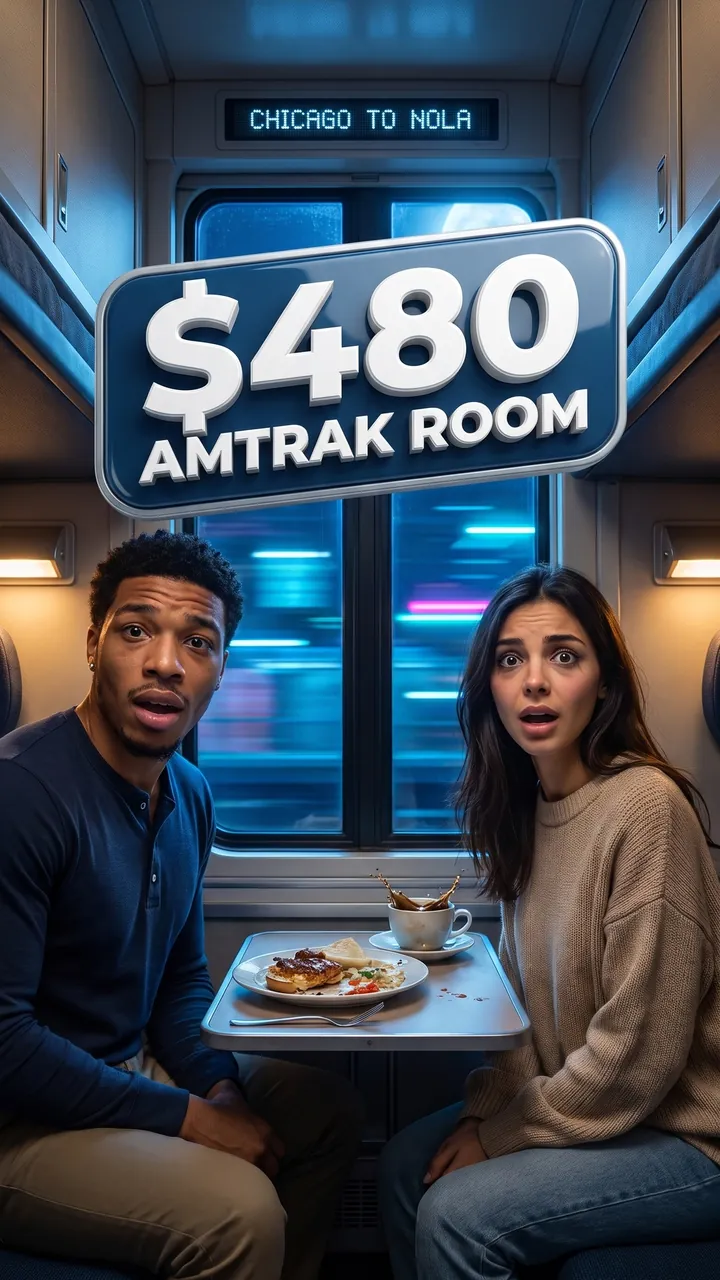
Amtrak Sleeper to New Orleans
Auto Automatic mode What the creator entered: video descriptionTitleAmtrak Sleeper to New Orleans
DescriptionMy video taking the overnight Amtrak from Chicago to New Orleans – a $480 roomette, dining car food and whether we slept at all.
Automatic mode: the creator only described the video – the service came up with the idea, composition and thumbnail text on its own.
How these thumbnails look next to other videos
Examples from the gallery in a YouTube feed mockup on desktop and mobile. See what catches your eye first, then check your own thumbnail in the free tester.

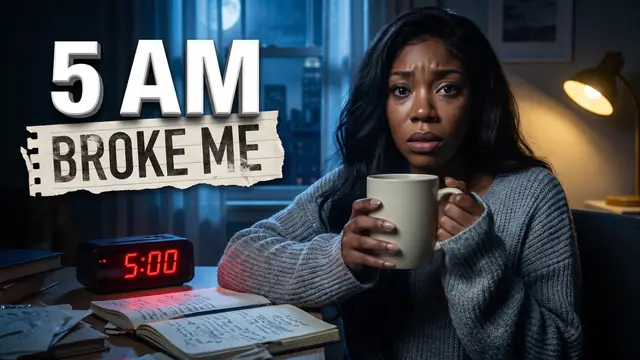
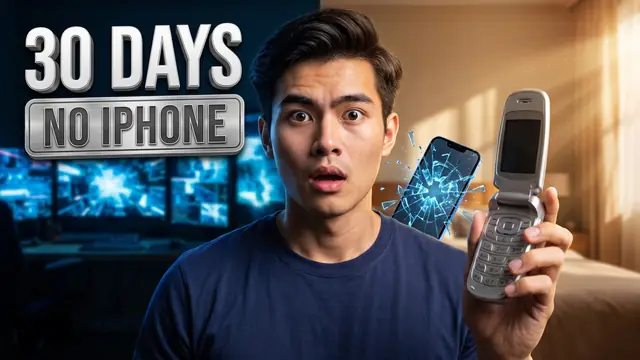


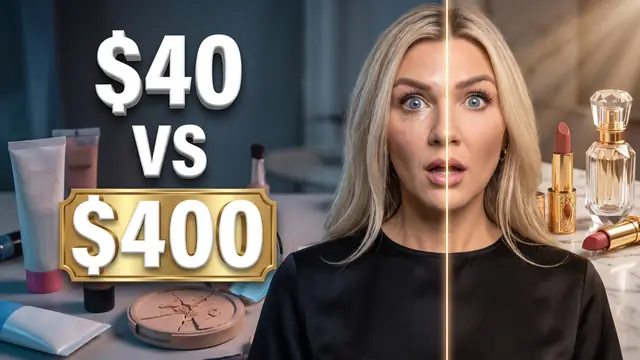


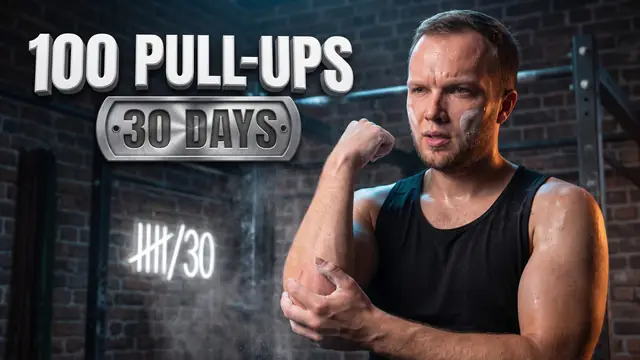
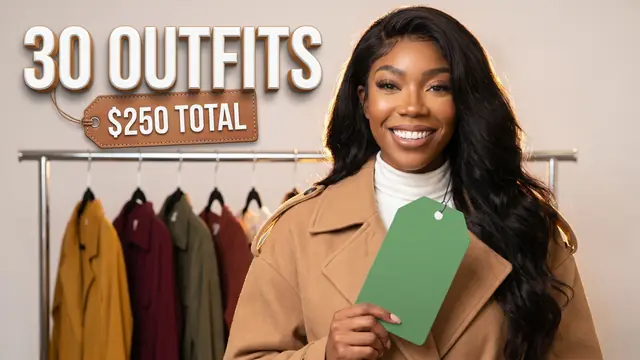
Video content first, visuals second
Paste a link or a description
Paste a YouTube video link or click “Video not uploaded yet” and describe the video in words.
Choose a mode and format
Download or refine
Your thumbnail is ready in 3–5 minutes. Download it, switch the orientation with one click, and on the Pro and Talent Manager plans – refine the details.

Your thumbnail decides whether people click
Thumbnails drive CTR: even +1% on large impressions means hundreds of thousands of views. Here you get a strong thumbnail without a designer or an hour in a graphics editor.
- The thumbnail doesn’t promise what isn’t in the video
- Regular uploads – no waiting in line for a designer
- Download the file and upload it yourself – no channel access needed
- All generations are saved in your history
views from the same 50M feed impressions –
from the thumbnail alone
Generator, templates or a designer
Three common ways to get a thumbnail – and how they differ in practice.
Since summer 2026, YouTube Studio also suggests thumbnail options for a video that’s already uploaded to Studio. Bloggers.tools helps when you need more: make a thumbnail before you upload, from a description of the video; get a vertical 9:16 version in one click; and prepare the title, description, tags and timestamps in the next tab.
Thumbnails the generator won’t make
Requests on these topics are rejected – check in advance so you don’t waste a generation.
Some requests may be rejected automatically due to the AI’s built-in restrictions – for example, those involving recognizable celebrities, brands, logos, characters from movies, games and cartoons, and other copyrighted content.
What creators say about thumbnail generation
Thumbnails based on the video, not guesswork
Thumbnails used to take me more time than all the rest of the packaging. Here I paste a link to the video – and the service creates a thumbnail based on what the video is really about. I get the vertical version for Shorts with one click, and if I don’t like a detail, I refine it instead of generating everything from scratch.
Thumbnails and packaging in minutes
We have 10 creators on board, and packaging one video used to take up to three hours. With Bloggers.tools, titles, descriptions, tags, timestamps and thumbnails take just minutes.
Thumbnails were the hardest part
We run the Grifted channel in English, and it’s sometimes really hard to come up with a relevant title, write timestamps quickly, put together a clear description and especially make a thumbnail. Bloggers.tools and its AI tools let you do all of this in minutes – and almost for free.
Making thumbnails with us?
Tell us how thumbnail generation works for you – we’ll publish your review on the site.
Write a review →Frequently asked questions
Everything about thumbnail generation: what you need to start, how the modes work, what your plan includes and what you get in the end.
Is the thumbnail made only from a text prompt?
No. The main way is a YouTube video link: the service reads the video’s full subtitles and creates a thumbnail based on its content, so the thumbnail doesn’t promise what isn’t in the video. You can describe the video in words if it isn’t on YouTube yet or has no speech.
Can I make a thumbnail if the video isn’t on YouTube yet?
Yes. Instead of a link, click “Video not uploaded yet” and describe the video – the thumbnail will be ready for publishing.
Can I use a link to a video that isn’t on YouTube?
No, links work with YouTube only. For a video from another platform, click “Video not uploaded yet” and describe it in words.
Will a Shorts link work?
Yes, paste it just like a regular video link and choose the 9:16 format. As with any video, it needs subtitles – that is, speech in the video.
Will an unlisted video work?
Yes, both public and unlisted videos work. If the video is private, describe it in words via “Video not uploaded yet”.
I pasted a link to a new video – why doesn’t it work?
If the video was just uploaded, wait 20–80 minutes: YouTube needs to generate subtitles, and the service analyzes the video using them.
What if there’s no speech in the video?
Such a video has no subtitles, so the service can’t analyze it from a link. Click “Video not uploaded yet” and describe the video in words – the thumbnail will be made from your description.
Can I update thumbnails on older videos?
Yes. Paste a link to any published video – the service will read its subtitles and create a new thumbnail. It’s a way to refresh videos that still get impressions: you set the new thumbnail in YouTube Studio yourself.
What’s the difference between “Automatic” and “Professional” modes?
In automatic mode, you give a link or a description – and the service creates the thumbnail on its own. In professional mode, it first suggests three concepts: you pick a direction and refine the description before generating. Either way, a thumbnail costs one generation. Not sure which to pick? Start with automatic – it’s the recommended one.
What if none of the three concepts fits?
Choose the fourth one – your own. You won’t start from scratch: the service fills in a draft description tailored to your video, and you just adjust it to your idea.
Can I choose the format and style?
Yes, in both modes. Before generating, you choose the format – 16:9 for YouTube or 9:16 for Shorts and Reels – and the style: free, where the service decides what suits the video, or based on a thumbnail of yours.
Can I make a thumbnail in my channel’s style?
Yes. At the “Style” step, upload a thumbnail you’ve already used on your channel or paste a link to it – the service will try to match the font, depth, volume and overall design, so the new thumbnail fits in with your previous ones.
Can I write my own text on the thumbnail?
Yes, in both modes – right when generating. You can leave the headline to the service or specify exactly what text you want on the image.
What language will the thumbnail text be in?
The language of your video – no need to choose.
Can I add my own photo or a reference?
Yes, but it’s optional. Upload your own photo, photos of a guest and the interviewer, or of several guests at once. You can also add an object reference – for example, so the thumbnail shows exactly this truck, as in the photo.
Can I try it for free?
Yes. After signing up you get 1 free thumbnail – once, as a trial. Test the quality on your own video; after that, generations come with your plan.
How long does it take?
Usually 3–5 minutes – even if the video is an hour and a half or two hours long.
How many thumbnails does one generation give?
One. All thumbnails and their refinements are saved in the “Thumbnail generation history” right in the tool – with date, format and status. You can download any version, not just the latest one.
Can I continue an unfinished generation?
Yes. Unfinished generations stay in the “Thumbnail generation history” with the step where you stopped – open one and carry on. A generation is deducted at launch, and if you delete an unfinished one, it’s returned.
Can I make a vertical version for Shorts?
Yes. The generator creates 16:9 thumbnails for YouTube and 9:16 for Shorts and Reels. A finished horizontal thumbnail can be turned into a vertical one with the “Make vertical” button – and vice versa, on any plan. Each such version is a separate generation. YouTube lets you set a custom Shorts thumbnail only in YouTube Studio on a computer.
Can I refine a finished thumbnail?
Yes, on the Pro and Talent Manager plans: the “Refine this” button changes details of the selected option instead of generating everything from scratch. The first refinement of each thumbnail is free; the following ones use a generation.
What uses a generation and what doesn’t?
Every new image uses a generation: the first thumbnail for a video, another thumbnail for the same video, a vertical version from a horizontal one and vice versa, and refinements except the first one. The first refinement of each thumbnail is free, and downloading never uses anything.
If a generation fails, is it lost?
No. A generation is deducted at launch, but it’s returned if something went wrong on our side or the request was rejected because of a prohibited topic.
How many generations does a plan include?
Free – 1 thumbnail, once, as a trial. Per month: Starter – 7, Pro – 14, Talent Manager – 30. Thumbnail and video SEO generations are counted separately, and unused monthly generations expire at the end of the month. Your balance is shown right in the tool, and plans are on the “Pricing” page.
Can I make several versions for a YouTube test?
Yes. Make two or three thumbnails for one video – each uses a generation – and upload them to an A/B test in YouTube Studio: it compares up to three options and picks the best one by watch time share. The test works on a computer for channels with advanced features turned on; it isn’t available for Shorts.
What format is the thumbnail downloaded in?
A JPG file: the horizontal thumbnail is 1920×1080, the vertical one is 1080×1920. The file usually weighs less than a megabyte: YouTube accepts up to 50 MB from a computer and up to 2 MB from the app, so it fits either way.
Will the service set the thumbnail on YouTube for me?
No. You download the finished thumbnail and set it on your video in YouTube Studio yourself – no channel access needed. YouTube allows custom thumbnails on verified accounts; other requirements are on the “YouTube thumbnail size” page.
Who owns the thumbnails?
You do. Use them anywhere, including in commercial videos and on other platforms – Reels, TikTok and beyond.
Which topics aren’t allowed?
The generator doesn’t create 18+ content, material involving minors, violence, drugs, weapons, extremism, discrimination or anything else that breaks the law. On top of that, the AI may reject a request with certain celebrities, brands, logos or characters from films, games and cartoons. The full list is on the “Prohibited topics” page.
Got a video? Make a strong thumbnail for it
Paste a link or describe the video in words – in 3–5 minutes, download a finished 16:9 thumbnail and a vertical 9:16 one.
Our other services
Everything a creator needs to grow, monetize and work with brands.
Free tools: thumbnail tester · YouTube thumbnail downloader · YouTube thumbnail size · download your own video
Can AI make your thumbnails stronger?
Ask AI how to choose a thumbnail concept and what’s better to fine-tune by hand. Click an assistant and it opens with a ready-made question.