 Русский
 English
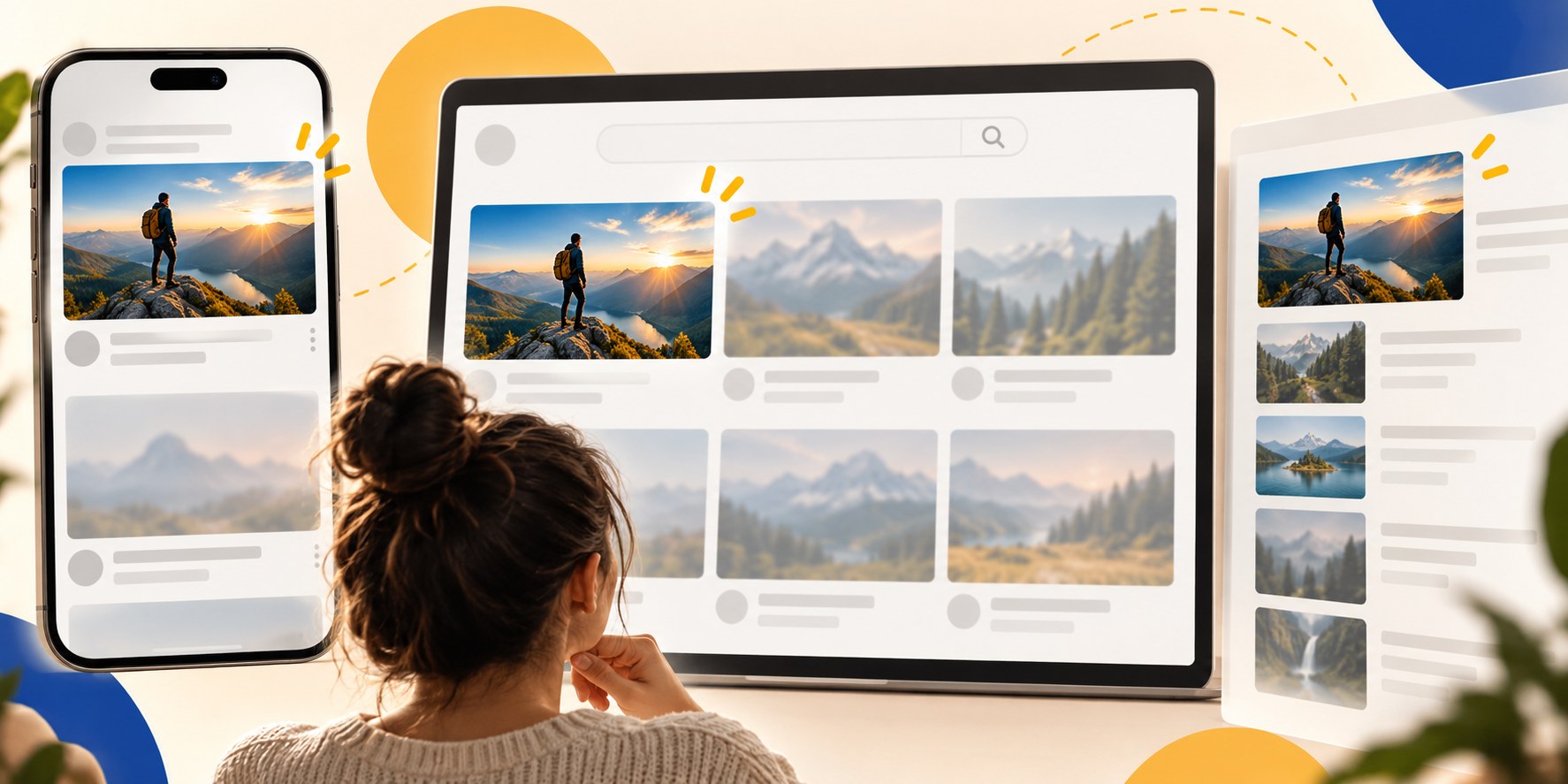
A viewer scrolling YouTube is choosing something that fits the moment. A useful way to plan your title and thumbnail is to consider four motives: recognition, curiosity, practical value and trust. These are editorial lenses, not four measured coefficients in YouTube’s recommendation system.
Their importance changes with the context. Someone searching for a repair needs a clear match. A returning subscriber may recognize the creator first. A person browsing Home may need a specific reason to become interested in a topic they were not already considering.
An impression is not the same as attention
YouTube counts a thumbnail impression on eligible surfaces when the image is visible for more than a second and at least half of it is on screen. That is a technical measurement, not proof that the person considered the video carefully. A fast flicker does not meet those conditions, and some surfaces are excluded entirely.
The same person also has different needs at different times: a few spare minutes on a phone, an evening watching television, or an urgent question about a broken appliance. Your package competes with other videos and with the viewer’s available time and purpose.
You do not need every viewer to want the video. You need an appropriate viewer to recognize what it offers without working hard to decode it.
Recognition: “I know what I am getting”
A familiar face, a recognizable series treatment or an established visual cue can reduce uncertainty. A returning viewer already has an idea of the creator’s tone and the likely experience.
YouTube’s thumbnail and title advice distinguishes familiar details for subscribers from more broadly understandable actions and emotions for casual viewers. That distinction explains why copying a famous creator’s minimal portrait may not help a new channel.
- A new channel may need to communicate the topic and benefit more explicitly.
- A recurring font, color treatment or framing can build recognition over time.
- Repeated design should not erase the difference between episodes.
Imagine a DIY series documenting a house project. A consistent viewpoint can connect the uploads, but each image still needs to show the new stage. If every thumbnail looks like the same episode, recognition becomes confusion.
Curiosity: a specific question worth answering
Curiosity works when the package gives enough information to establish a meaningful question but leaves something worth discovering. A finished wall paired with “NO PLASTERER” suggests an explainable method. “Kitchen renovation” names a category; “A kitchen in one weekend” introduces a concrete constraint, if the footage supports it.
Specificity gives the viewer something to evaluate. A large fish beside modest equipment, an unusual repair result or a visible product problem can create a question without inventing a disaster.
The video needs to answer that question. A story may develop its payoff gradually, but the opening should confirm that the promised story is actually being told. A basic tutorial should not bury a simple answer just to prolong suspense.
Expression contributes to the expectation. Concern beside a dismantled engine implies a problem; a relaxed smile beside baking suggests a different experience. An exaggerated reaction that does not fit the video can make the package less credible.
Usefulness: “This solves my problem”
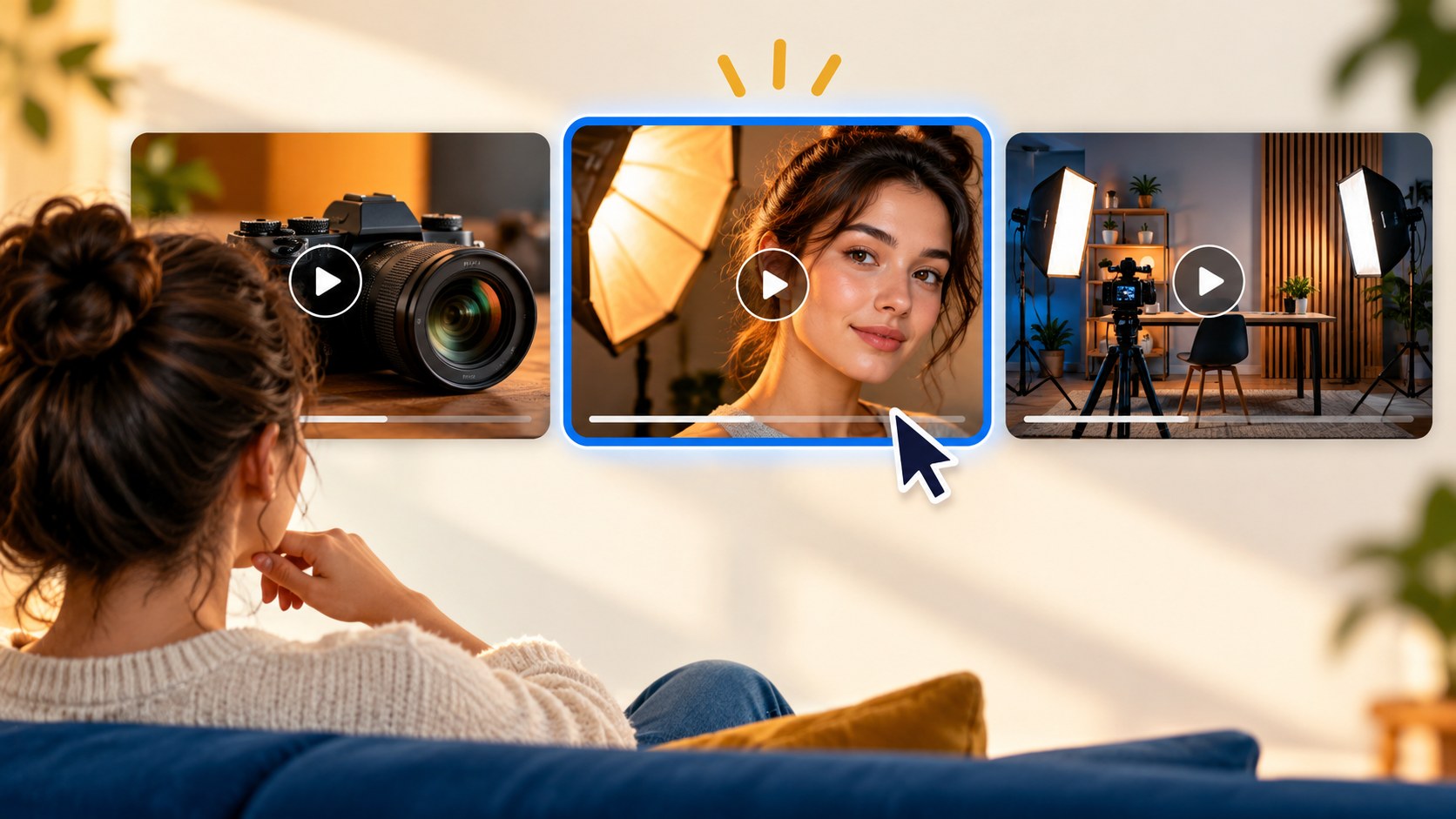
Many viewers want to learn, repair, choose or save time. For them, the image should confirm that the video addresses the right task. Showing the relevant object and condition can be more helpful than creating a mystery.
Consider a viewer searching for a timing-belt replacement on a specific car engine. Similar titles may appear across the results. A clear image of the correct engine and a caption describing the workshop conditions helps the person judge whether the demonstration fits their situation. The image should not imply a safer or easier procedure than the video actually demonstrates.
Usefulness also works outside search. A concrete outcome can catch a browsing viewer’s attention. The point is not that Home needs emotion and search needs no interest; it is that the viewer’s starting level of intent differs.
Trust: a reason to believe the promise
Viewers learn from previous experiences. If a channel repeatedly overpromises, a recognizable thumbnail can become a reason to hesitate. If it consistently delivers, recognition can support confidence.
Trust is not simply a polish level. A modest, accurate image may fit a practical demonstration better than a spectacular invented scene. Useful cues can include the actual product, an appropriate expression, a tone consistent with the niche and an absence of decorations pointing to nonexistent discoveries.
YouTube has described recommendation signals that extend beyond clicks, including watch time and viewer feedback. That does not expose a complete ranking formula, and it does not justify assigning a numerical “trust score” to a design. It does support checking what happens after the click rather than celebrating the click alone.
Where the viewer finds the thumbnail changes the task
| Context | Likely viewer situation | Helpful emphasis | Common mismatch |
|---|---|---|---|
| Home | Browsing a mixture of interests | A concrete reason to care and understandable context | A package comprehensible only to existing experts |
| Search | Looking for a particular answer or subject | A recognizable match and useful qualification | A mystery that hides whether the video answers the query |
| Suggested videos | Considering what to watch next | A related next step or distinct angle | No clear connection to the surrounding subject |
| Subscriptions or channel page | Already familiar with the creator | Recognition plus what is new in this episode | Images so similar that new and old uploads blur together |
These are planning hypotheses. Check actual source data in Studio rather than deciding that every tutorial is search-led or every vlog comes from Home.
Device context matters as well. A television image may be viewed from across a room; a phone thumbnail may be a small tile in a moving feed. Large objects, restrained detail and legible type help in both situations. Do not assume your audience is mostly mobile: review your own device data.
The title and image form one offer
A thumbnail can attract attention while the title explains the topic. If both repeat exactly the same information, you lose space for a second useful detail. The best division depends on the video, but the final promise should be coherent.
| Title | Repetitive thumbnail copy | A more specific addition |
|---|---|---|
| We bought a small house in the country | COUNTRY HOUSE | WHAT'S INSIDE, with a real detail from the property |
| A winter road trip across a frozen landscape | WINTER ROAD TRIP | The actual recorded temperature beside the frost-covered vehicle |
| A month with an affordable robot vacuum | VACUUM REVIEW | WORTH IT?, with the real problem tested in the video |
These hypothetical combinations illustrate added information, not guaranteed improvements. Keep any figure or implied result factual. See how to plan video packaging for a fuller workflow.
Why a relevant viewer might pass
- The subject is unclear: too many small scenes, dark detail or dense copy.
- The image appears intended for someone else: unfamiliar terminology or the visual cues of another topic.
- The upload looks already seen: the package resembles earlier episodes too closely.
- The promise seems implausible or exaggerated.
- The topic is clear, but nothing explains why this particular video is worth choosing.
A viewer can also pass for reasons a thumbnail cannot fix: insufficient time, no current interest or a preference for another creator. Good design makes the offer clear; it does not control every decision.
Review the package from the viewer’s position
- Where do you expect it to be discovered, and what would the viewer already know there?
- Can a returning viewer recognize the channel without mistaking the upload for an older episode?
- What will the viewer get? State it in one sentence from the title and image alone.
- Which question does the package raise, and where does the video address it?
- Does any visible detail imply something the video cannot support?
Show the package briefly to someone who fits the audience and ask what they expect. Agreement with the actual content confirms comprehension, not performance. A real experiment is better suited to investigating which of several accurate packages viewers respond to.
The Bloggers.tools thumbnail generator can use subtitles as context, with your own photos and object references to make the result specific. The video SEO tool can help develop title options. Review the pair together and verify the generated details before publishing.
Frequently asked questions
Which matters more, the thumbnail or title?
They communicate together. Improving one while ignoring a contradiction in the other leaves the package weak. Give each a distinct role while maintaining a single promise.
Do viewers decide within a fraction of a second?
Do not treat an unsupported precise timing claim as a design rule. YouTube’s impression definition measures visibility, not decision speed. The useful goal is quick comprehension.
Why might an image work in search but not on Home?
A searcher already has a topic in mind. A browsing viewer may need more context or a more specific reason to care. Audience differences can change performance without a change to the image.
Does a clickable thumbnail need a face?
No. A face can supply identity and emotion, but an object, result or place may communicate the video more clearly. Choose the subject that carries the actual promise.