 Русский
 English
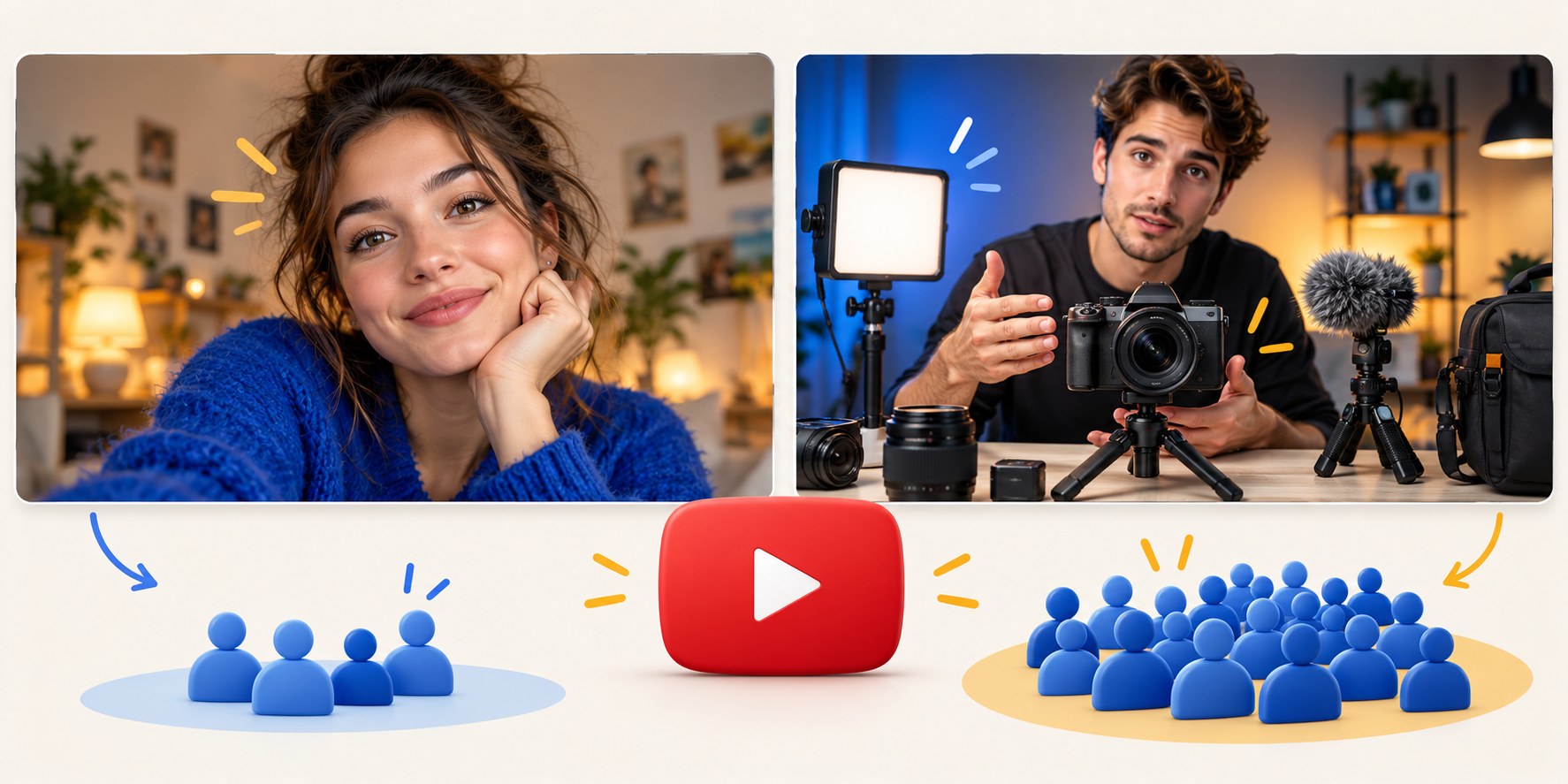
A famous creator can sometimes publish a thumbnail that makes little sense without knowing the person. A new viewer may need a clearer subject or situation. The difference is familiarity, not a rule that large channels deserve minimal designs while small channels need more text.
Study the job each thumbnail performs. Borrow the planning, clarity and testing habits you can use now, then decide how much your particular video can rely on recognition.
Audience familiarity matters more than subscriber count
Returning viewers may recognize a creator, recurring guest or running joke instantly. They need to know what is different about the latest episode, rather than receive a full introduction to the format. An unfamiliar viewer needs enough context to decide whether the video is relevant.
These groups are not neatly divided by channel size. A large channel can reach many new viewers through recommendations, while a small channel may bring an established audience from another project. Check your own Audience reports instead of inferring familiarity from subscribers alone.
Ask who this upload is for and where they might find it. A beginner tutorial intended for search may need a recognizable task or result even if the creator is well known. A personal update for regular viewers may work with less explanation.
Useful habits visible in established productions
Not every large channel follows these practices, and they are not exclusive to big budgets. They are useful production choices worth examining:
- A thumbnail scene planned before filming, with suitable lighting, props and space for a caption.
- One main situation rather than a collection of unrelated cutouts.
- A recognizable visual language without making every episode look identical.
- Text that adds a specific detail rather than repeating the entire title.
- Alternative concepts prepared early enough to compare thoughtfully.
The lesson is to think about the image while the relevant people and objects are still available. A clear photograph taken in a modest room can communicate more effectively than an expensive composite with no single subject.
Why new-channel thumbnails become crowded
Overloading often begins with a reasonable concern: “What if the viewer does not understand?” The creator adds a topic label, a benefit, a number, a logo, a face and an arrow. Each addition seems helpful on its own, but together they compete for the same small space.
Another cause is making the thumbnail after the entire edit, when there is no time to photograph anything. The design then has to compensate for a weak frame. Templates can create a third problem: circles and arrows get included because the template has them, whether or not the video needs them.
Before adding an element, name its job. If the title already explains the subject and the image shows the result, another topic label may contribute nothing.

What small channels can adopt immediately
| Approach | Use it now? | Reason |
|---|---|---|
| Plan before filming | Yes | A relevant photo is easier to capture while you have the scene |
| One central idea | Yes | A clear visual priority helps unfamiliar viewers too |
| A consistent font or accent color | Yes, flexibly | Recognition can develop without locking every episode into one layout |
| No thumbnail text | When the image-title pair is clear | Text-free design is a choice, not an achievement unlocked by size |
| A large portrait | When the person or reaction matters | An unknown face can still communicate experience or tone |
| Expensive staging | Only if the idea requires it | Production cost does not establish usefulness |
| Extreme claims | Only when accurate | Established creators also need to fulfill their promises |
Replace missing familiarity with concrete context
Imagine a fictional video about moving to a seaside city with two children. Regular viewers may understand a portrait and one brief phrase because they have followed the move for months. New viewers may need the family, luggage or a recognizable feature of the destination to establish the situation.
That does not mean placing all those items in one image. Choose the strongest cue, then let the title explain the move. A suitcase beside a family in their new apartment may be clearer than a collage of a map, skyline, moving van and reaction portrait.
The thumbnail does not have to describe the whole video without its title. Test the pair: can someone unfamiliar with the channel identify the subject and a reason to watch?
Five questions before publication
- Does the image-title pair make sense without knowing the creator?
- Is there a clear first subject at small size?
- Does the caption add information rather than duplicate the title?
- Is the promised experience, answer or result relevant to the intended viewer?
- Does the video actually deliver that promise?
If the first answer is no, add a clearer cue or rewrite the title before adding decorative elements. If the final answer is no, reduce or correct the claim regardless of channel size.
Develop a style gradually
Begin with a small set of repeatable choices: a font, an accent color, a crop or a recurring character. Keep enough freedom for the video itself to determine the scene. Compare channels near your own stage as well as established ones.
As familiarity grows, try a simpler version against the usual approach rather than removing context across the whole channel. Native A/B testing can evaluate eligible variants using watch time. A single result should guide another relevant test before becoming a permanent channel rule.
Look at your uploads as a grid. Viewers should recognize the channel and still distinguish one episode from the next.
Prepare alternatives without a large design team
Bloggers.tools generates thumbnail ideas from a video's subtitles. In Professional mode, review the proposed concepts and edit the selected description to emphasize the actual subject. Optional photos can provide relevant source material; check the generated result for accuracy before use.
Each additional variant is a separate generation. A vertical version also uses a separate generation, so plan the test question before producing alternatives. Download and upload the chosen files yourself. If the difficulty extends beyond thumbnails, a channel audit can help organize the broader review.
Frequently asked questions
Why do some famous creators use almost no text?
Familiarity can supply context, and a well-planned scene can tell a clear story on its own. Neither explanation applies to every large channel. Judge the particular image and audience.
Should a small channel establish a visual identity?
Yes, but keep it adaptable. A recurring typeface or color can help consistency without forcing every topic into the same composition.
Can I recreate a famous creator's thumbnail?
Study the underlying idea, such as a before-and-after comparison, and build a distinct execution from your own content. Avoid copying a recognizable package that could confuse viewers about who made the video.
When can I remove explanatory text?
Whenever the image and title remain understandable to the intended viewer. Test a simpler version when possible; you do not need to reach a particular subscriber count first.
References: YouTube Analytics overview and native testing.