 Русский
 English
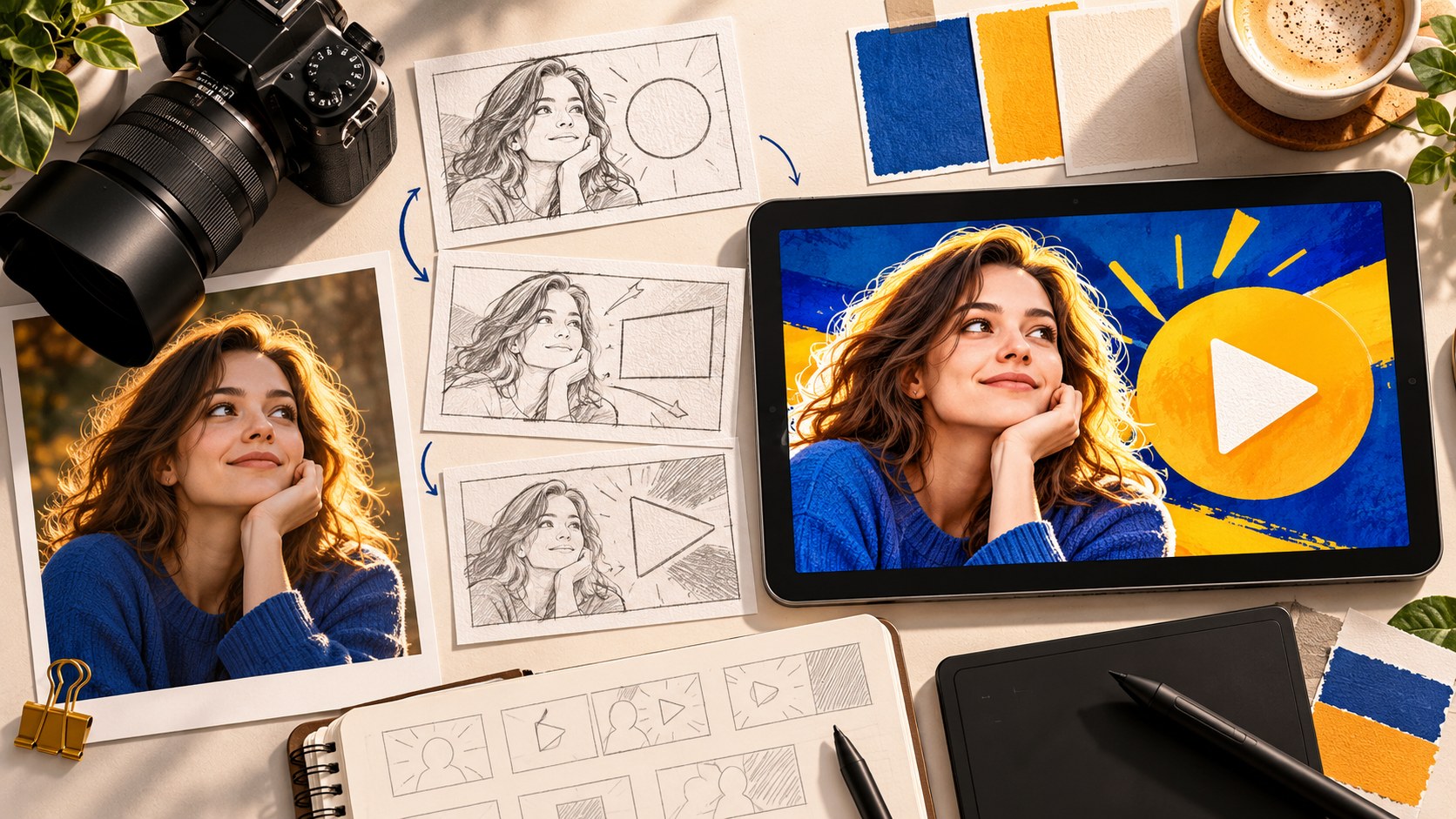
A YouTube thumbnail helps a viewer understand what a video offers and decide whether to watch. Effective thumbnail design starts with a clear, accurate promise, then makes that promise readable in a crowded feed. This guide covers the process from concept and file requirements to production, review, testing and updates.
Start with the viewer’s situation
The image can appear in several contexts, each with a different starting point.
- In search, the viewer has already named a problem or topic. Show that the video is a relevant match.
- On Home, the person may not be thinking about the subject. Give a clear reason to become interested.
- Beside another video, the package can offer a useful continuation, alternative angle or next step.
- On a channel page or in subscriptions, recognition matters, but the new episode still needs to look different from previous uploads.
These are planning distinctions rather than fixed distribution rules. After publication, check where the video was actually seen.
An impression is a measured appearance on a supported YouTube surface, not proof that someone studied the image. Impressions CTR describes how often counted appearances led to views.
The building blocks of a thumbnail
| Element | Purpose |
|---|---|
| Main subject | Communicates the person, object, place or outcome |
| Face and expression | Can establish identity and tone |
| Caption | Adds a detail the picture alone cannot express |
| Color and contrast | Separates important elements from their surroundings |
| Composition | Creates a clear order of attention |
Begin with one main idea. Multiple objects can serve it, such as two sides of a comparison, but several unrelated focal points make the image harder to understand. Give the important subject enough space and remove detail that does not support it.
Keep copy short enough to read at a small size. Instead of shrinking a long phrase, rewrite it. “DAY 30” may communicate a relevant timeframe more clearly than “The final results of my experiment,” provided the video supports the detail.
Check brightness contrast as well as hue. A grayscale preview can reveal when text and background depend on color alone to remain distinct. Test the image against light and dark interface backgrounds.
A face is optional. Product reviews and demonstrations may be clearer with the item or result as the focal point.
Make the title and thumbnail one coherent package
A common waste of space is repeating the complete title on the image. Use the title to establish the topic and context, then let the thumbnail add a particular result, condition, question or visual moment.
| Possible title | Thumbnail addition | What it contributes |
|---|---|---|
| We renovated a bathroom ourselves in three days | NO TILER | A specific constraint, if accurate |
| A month after buying a used crossover | HIDDEN AT FIRST | A problem the video actually investigates |
| Learning a language for fifteen minutes a day | DAY 90 | The timeframe of the reported experience |
| Why my pizza dough would not rise | NOT THE YEAST | A relevant alternative explanation |
These are invented illustrations, not performance claims. The package should establish an expectation the video can satisfy. A narrative may build toward an ending, but the opening should confirm that the promised story or explanation is present.
The Bloggers.tools video SEO tool can help draft titles, descriptions, tags and timestamps from the content. Review those suggestions together with the image rather than approving each independently.
Current YouTube thumbnail specifications
The following summarizes YouTube’s published guidance checked on October 22, 2026. A recommendation is different from a minimum accepted dimension.
| Parameter | Long-form video | Shorts |
|---|---|---|
| Recommended resolution | 3840 × 2160 pixels | 2160 × 3840 pixels |
| Recommended aspect ratio | 16:9 | 9:16 |
| Minimum dimension | 640 pixels wide | 640 pixels high |
| Image formats | JPG or PNG | JPG or PNG |
| Desktop upload limit | Under 50 MB | Under 50 MB |
| Mobile upload limit | Under 2 MB for video thumbnails | Custom file upload is documented for desktop Studio |
| Custom-image upload | Supported Studio workflows with a verified account | Desktop Studio with a verified account |
Podcast playlist artwork is a separate square format, with a 10 MB mobile limit and 50 MB desktop limit. Do not apply the ordinary horizontal-video specification to every image type.
On desktop, open Studio, select Content, open the video and use Upload file under Thumbnail, then save. For Shorts, select the Shorts section in Content before opening the item. Updates may take time to appear.
Custom-thumbnail verification is not the same as the advanced-feature requirement for A/B testing. If a control is missing, check the channel’s feature access, the content type and the device you are using.
File compliance does not ensure readability. Keep essential details away from the duration label and inspect small recommendation tiles as well as large previews.
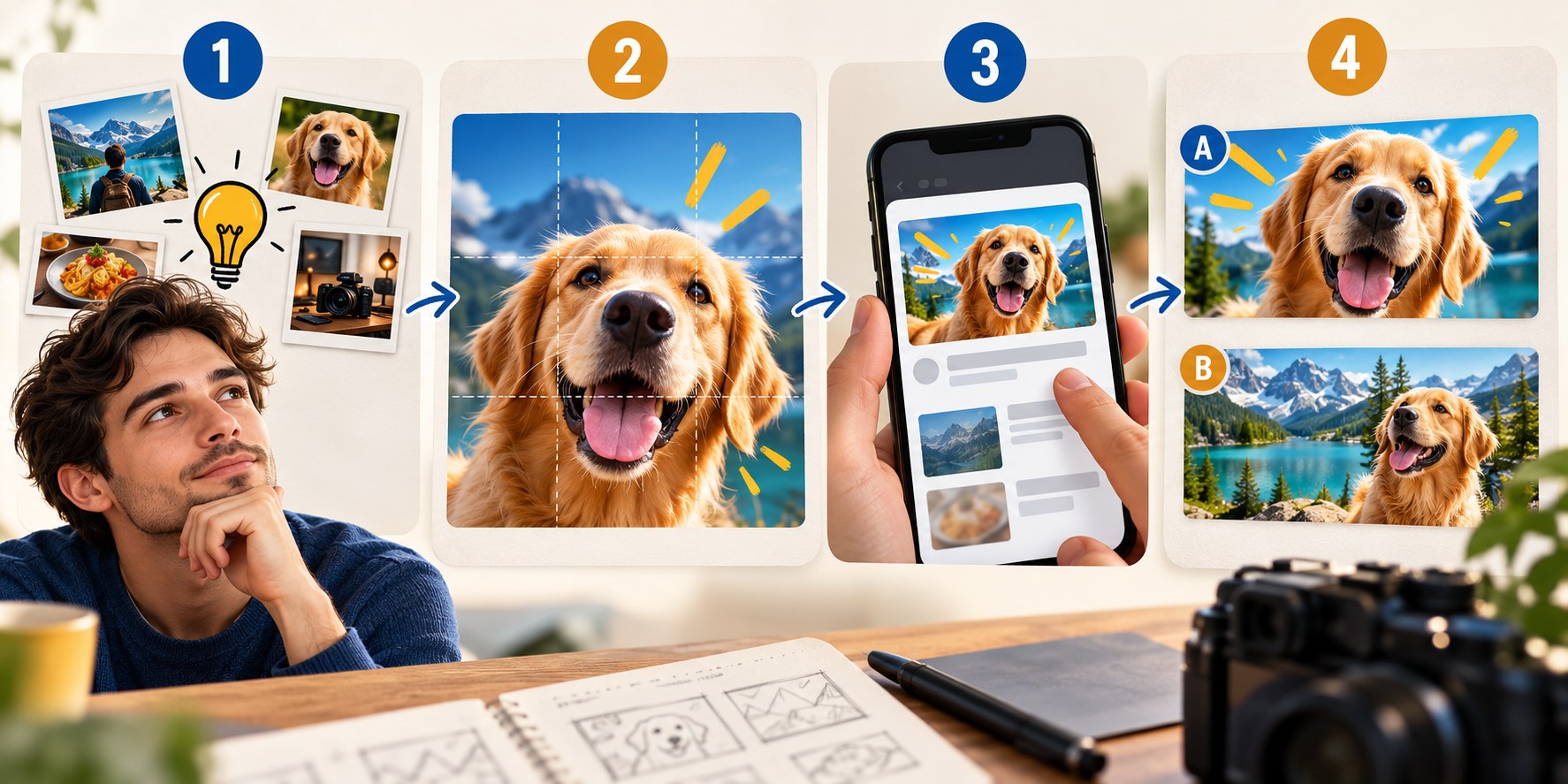
Three ways to create the image
| Method | Advantages | Tradeoffs | Useful when |
|---|---|---|---|
| Create it in an image editor | Direct control over composition and detail | Requires time and skill; software or assets may cost money | You want control and can maintain a repeatable process |
| Work with a designer | Experienced execution and another editorial perspective | Budget, scheduling and a clear brief are needed | The channel needs a distinctive visual system or complex work |
| Use an AI generator | Fast exploration and convenient alternatives | Identity, lettering and factual details need inspection | You can supply useful references and review the result |
Every method still needs the same decision: what is worth watching, and what image can honestly communicate it? A tool cannot resolve an unclear premise by adding polish.
For recurring uploads, build a thumbnail production workflow. Take usable portraits and object photos during filming, keep the working title beside the image and schedule a review before publication day.
AI output can contain malformed hands, changed faces, wrong products or inaccurate text.
The Bloggers.tools generator uses subtitles as context, or a description when a suitable video is not available. Auto mode develops the idea and layout; Professional mode offers three concept directions before generation. You can provide photos, object references and custom text. Each additional finished alternative and vertical version is a separate generation.
Transcript input helps the tool understand the subject. It does not guarantee that every visual detail is true, so the creator still reviews the output against the actual video.
Find a place within your niche
A gaming challenge and a tax explanation may share principles of clarity while needing very different tones. Study real neighboring videos to identify recognizable subject cues and overused treatments. Adapt general techniques instead of reproducing another creator’s assets or distinctive package.
- Thumbnail approaches by niche covers common subject choices.
- Competitor analysis and small niche studies turn observations into testable questions.
- A reference library preserves the source and purpose of useful examples.
- Large versus small channels explains why recognition can change a design’s job.
Keep a few consistent channel cues without making uploads indistinguishable.
Review before publishing
- Reduce the thumbnail to a realistic feed size and identify the subject without zooming.
- Read the title beside it. Check for duplication or contradiction.
- Locate the content that supports the promise.
- Inspect lettering, faces, hands, product details and any numbers.
- Check light and dark backgrounds, edges and interface overlays.
The complete pre-publication checklist offers a repeatable review. The clickability reference gives a shorter version. Passing the checks improves clarity and accuracy; it does not guarantee a particular CTR.
After publishing: analytics, tests and replacements
Read impressions CTR with source, exposure and viewing behavior. A lower percentage during wider distribution can coexist with more views. Compare similar videos instead of treating a broad platform distribution as your channel’s target. See CTR explained, why CTR drops and thumbnail myths.
The built-in desktop A/B experiment compares up to three eligible titles, thumbnails or combinations. It uses watch time and may run for several days up to two weeks. Advanced features are required, and Shorts and other excluded categories cannot participate. Changing a tested title or image stops the experiment.
A clear experiment question is more useful than three arbitrary designs. Read how to run a test, how long to wait and why clicks alone do not choose the winner.
You can also replace a published image manually without resetting the video. That is useful for corrections and some refreshes, but comparing different periods is not a controlled test. Use the decision framework in when to change a thumbnail.
Respect the thumbnail rules
YouTube’s thumbnail policy restricts misleading images, deceptive impersonation, sexual content, shocking violence and other prohibited material. Depending on the case, an image can be removed, the video age-restricted or the channel subject to enforcement. A generated image is subject to the same rules.
Accuracy is also a practical audience issue. A package that attracts the wrong expectation can lose viewers after the click. Use intrigue to introduce a real question, not to substitute a different story for the video you made.
Start with one real video
Write its viewer promise, choose the main visual subject, develop the title and image together, and run the pre-publication review. If you use the thumbnail generator, provide useful context and references, then inspect and download the result. Prepare additional variants only when they answer a meaningful test question.
Frequently asked questions
Why can’t I upload a custom thumbnail?
Check account verification, the current feature settings and the upload device. For Shorts, current documentation places custom-file upload in desktop Studio. A/B testing has separate eligibility requirements.
What resolution should I use?
YouTube currently recommends 3840 × 2160 for horizontal videos and 2160 × 3840 for Shorts. Smaller compliant images can still be accepted. A 1920 × 1080 JPG is a practical horizontal output, but verify its actual file size.
How many alternatives should I make?
One is enough to publish. Two or three distinct, accurate options can support a useful experiment. More near-identical images do not necessarily provide more learning.
Does every thumbnail need text?
No. Add text when it communicates something important that the image and title do not already explain. Otherwise, a clear image can be sufficient.
Can I update an older video?
Yes. Keep its existing content and context in mind, preserve the original file and use a test where appropriate. A new image should not disguise outdated information as current.