 Русский
 English
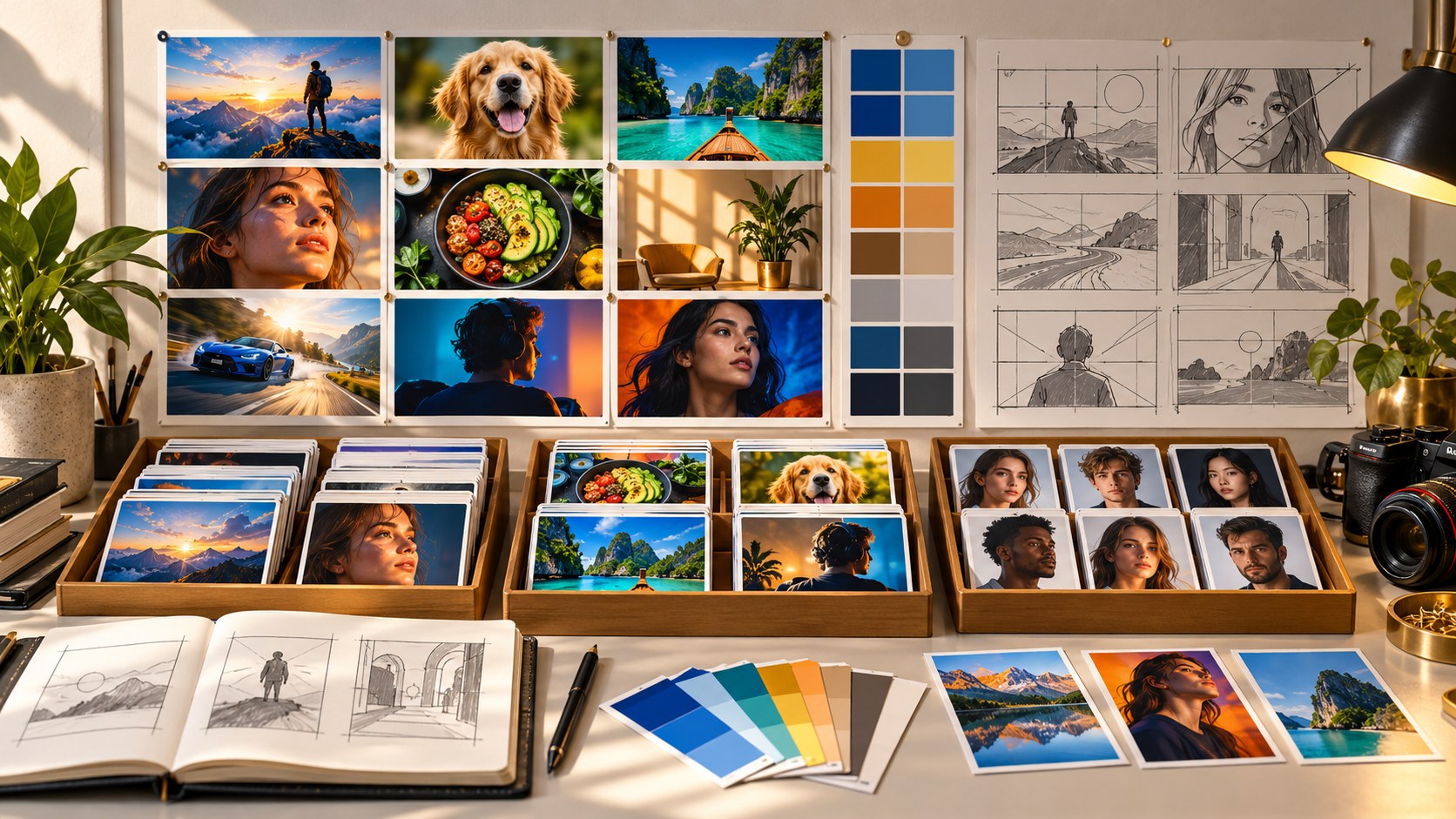
A useful thumbnail inspiration library stores decisions, not just attractive pictures. When a new video is ready, you should be able to find a relevant visual approach, understand why you saved it and adapt it without rebuilding another creator's design.
Combine outside references with your own photos and your own results. Those three collections serve different purposes: ideas, production material and feedback.
The three parts of a reference library
| Collection | What it contains | What it helps you do | When to update it |
|---|---|---|---|
| Visual approaches | Links and notes on thumbnails, posters, advertising and layouts | Explore composition, text and storytelling | When you find a useful example |
| Your assets | Creator portraits, agreed guest photos, product and location shots | Build a new thumbnail with relevant material | During shoots and when appearance or equipment changes |
| Your results | Published thumbnails, alternatives and test context | Learn what deserves another test on your channel | After publication and completed experiments |
If you collect only other people's designs, you may have inspiration but no suitable photos to execute it and no way to judge whether it helped your audience.
Where to look for thumbnail ideas
Search results for your topic show the choices a viewer sees when looking for an answer. Recommendations around related videos reveal another competitive setting. Browse adjacent niches too: a visual comparison familiar in travel might provide a fresh way to present a cooking experiment.
Look beyond YouTube at packaging, posters and editorial layouts. They can suggest ways to emphasize a subject, use empty space or separate two alternatives. They are design references, not evidence that the same approach increases YouTube performance.
Record the original URL and date. Saving an image for internal work does not automatically give you permission to republish it or upload it to an image-generation service. Keep the source and any relevant usage information attached to the record.
Write a note that survives without the picture
The central test for a good reference record is simple: could you explain the visual idea without showing the image? The following fictional entry illustrates the level of detail:
- Video: “A winter in a village without internet.”
- Visual approach: a small person surrounded by a very large, nearly empty landscape, with little color variation and no lettering.
- Communication task: show isolation and the scale of the place.
- Potential uses: a journey, a move, an overnight hike or entering an empty industrial building.
- Limitations: the location must be visually strong; the person may disappear at small sizes; a dark scene needs a clear silhouette.
- Performance context: the video has more public views than comparable nearby uploads, but the cause is unknown.
Relative performance is more informative than a raw view count, but it is still only context. Compare videos of similar age and format. A large total might come from a popular topic, promotion or a long time online; do not label a reference “proven” from views alone.

Tag by the decision you need to make
Most creators arrive at a library with a problem such as “How do I show this result?” rather than “Where is my blue thumbnail?” Use a short, stable tag system.
- Communication task: demonstrate a result, compare options, warn about a mistake, tell a story, explain a process or show a reaction.
- Visual method: before/after, object close-up, expressive portrait, single number, diagram, empty space or strong light-dark contrast.
- Context: topic area and content format.
Avoid creating a new tag for every entry. If two tags mean nearly the same thing, merge them. A library is useful when you can find a small relevant set quickly.
Collect your own photos for production
Keep several sharp portraits with natural expressions, uncluttered backgrounds and enough space around the head for cropping. Update them when your appearance changes. A consistent photo set can save time without forcing the same pose into every video.
For recurring guests, agree on thumbnail use and record who appears in each photo. Photograph frequently used objects from a few clear angles: your instrument, camera, car, tools or the product discussed in the video. Include detail shots when the actual feature matters.
Bloggers.tools thumbnail generation accepts optional photos and reference material. Use these to guide the subject, then inspect the result: supplying a product photo does not guarantee exact reproduction of every model detail, label or component.
Make your own thumbnail archive useful
Save rejected and tested versions, not only the image currently published. Record the title paired with each image and when any change occurred. For a completed native test, save the result and the question you were testing.
When adding analytics, include the observation period, registered impressions, impressions CTR, average view duration and relevant traffic mix. A CTR without timing and traffic context is easy to misread. Mark results as “winner,” “similar” or “inconclusive” according to the report rather than inventing certainty from small differences.
Write one practical takeaway: “The result-focused version is worth trying in another repair video” is more useful than “blue wins.” A single successful experiment should influence the next test before it becomes a rule for every upload.
Adapt an idea without copying the design
- Describe the general method: for example, a small person inside a large empty space.
- Find the relevant scene in your own video. It might be a stadium before opening, a quiet workshop or an empty road.
- Build the composition from your own story, photos, wording and visual identity.
- Compare the result with the reference. Could someone mistake it for the same creator or video? If so, revise the distinctive similarities.
- Check that the new scene still reflects what the viewer will actually see.
In Bloggers.tools Professional mode, you can edit a selected concept description before generating the image. Specify the transferable principle rather than asking for another channel's exact look.
Use original or appropriately licensed materials. Rights to an input image and honesty of the resulting thumbnail are separate checks; having one does not automatically establish the other.
Keep the collection small enough to maintain
Capture a link and a one-sentence note when you encounter an example, then complete the record later. Review duplicates periodically. Keep an older example if it still explains a useful method, but record when the reference was collected.
Add a “reference approach” field to the planning card for each upcoming video so the library influences photography before the edit is finished. Include your own latest test results. If the collection comes almost entirely from one channel, broaden the sources.
Frequently asked questions
Can I upload somebody else's thumbnail as a reference?
Do not assume a public image is cleared for that use. Check the relevant rights and avoid producing a close imitation. Describing a general composition and using your own assets is often a clearer creative starting point.
How many examples do I need?
A few dozen well-described examples can be enough to start. That is a practical suggestion, not a performance threshold. Twenty useful records are easier to work with than hundreds of unexplained screenshots.
Where should I store the library?
A folder plus a spreadsheet is sufficient. A notes application with tags and search also works. Choose a system you can update during ordinary production.
Should I save references from other niches?
Yes, when you can explain the transferable idea. Keep the story and assets specific to your own video rather than importing the other creator's identity.
For interpreting your own experiments, consult YouTube's A/B test documentation.