 Русский
 English
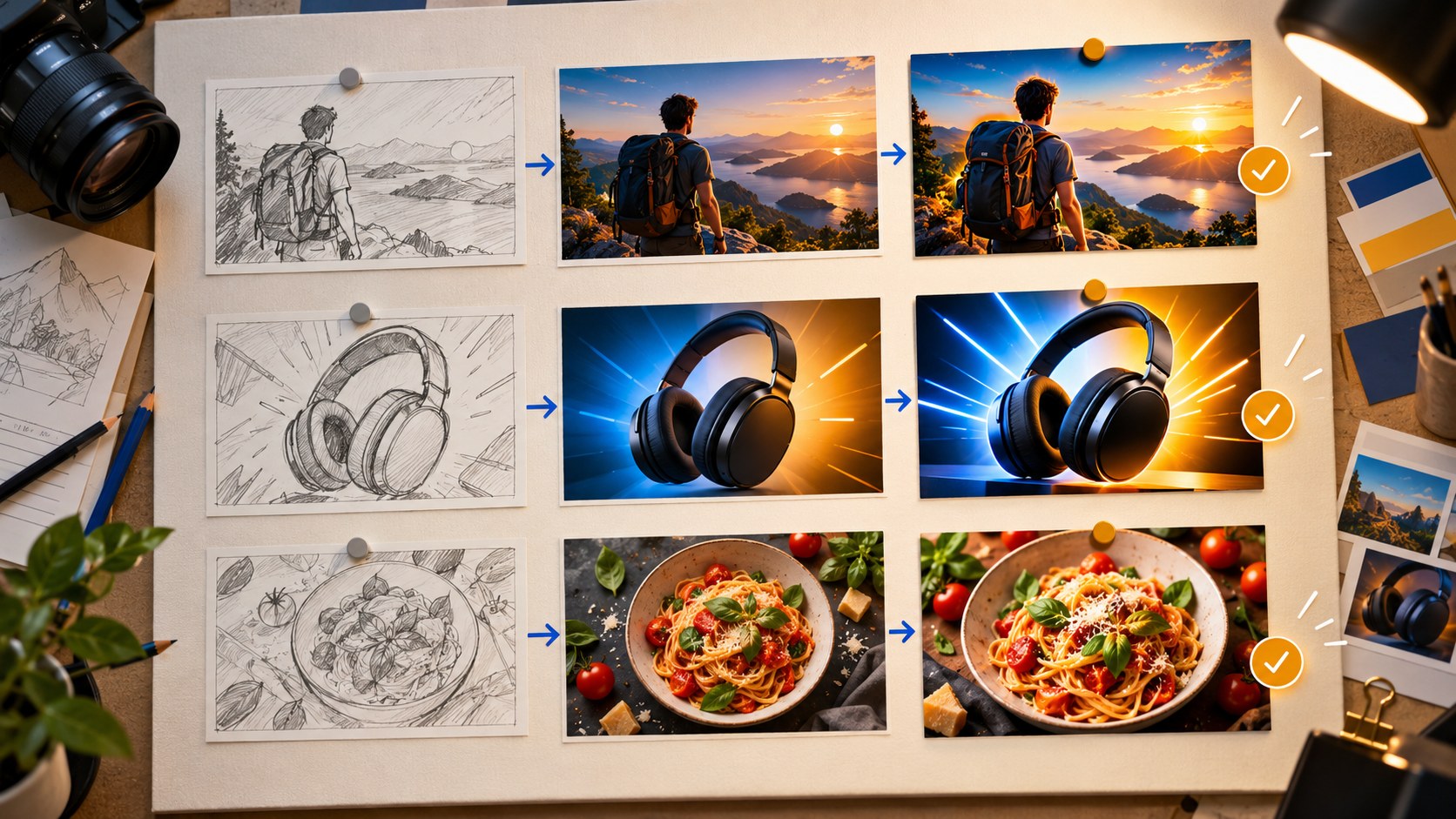
When you publish weekly or more often, thumbnails need a repeatable place in production. Define when the concept is chosen, who captures the reference material, who checks the result and where versions and test findings are stored. The same sequence works for a solo creator and a small team, even when one person handles every role.
Why last-minute thumbnails create avoidable problems
The missing photo, unreadable caption and disconnected title often begin earlier than the design stage. Nobody planned to capture the right expression. The main object was returned before it was photographed. The title was written separately from the image. With the upload deadline approaching, the first acceptable draft becomes final.
A production process gives each decision a time and an owner. It also leaves room to prepare an alternative when there is a useful experiment to run, rather than treating testing as something to consider after every other task is finished.
Map the workflow from concept to learning
| Stage | Thumbnail task | Possible owner | Output |
|---|---|---|---|
| Video planning | Define the viewer promise, working title and one or two visual ideas | Creator or producer | A short packaging brief |
| Filming | Capture portraits, the main object and relevant outcomes | Creator or camera operator | A reference-photo folder |
| Editing | Identify moments that support the promise | Editor | Timestamps and usable frames |
| Creation | Produce the selected concept and meaningful alternatives | Creator or designer | Named image versions |
| Review | Check accuracy, lettering, readability and fit with the title | A second person where possible | Approved files |
| Publication | Upload and configure an eligible test | Channel manager | Published package or running experiment |
| Review of results | Record the outcome and its limits | Creator or producer | A usable note for future videos |
A solo creator can follow the same sequence with separate work sessions. The main improvement is moving the first thumbnail decision earlier, not adding unnecessary meetings or paperwork.
For an invented example, the promise might be: “Show how I built a gaming PC from used parts without overlooking a failing graphics card.” That suggests a real graphics card, a careful inspection and a specific concern. If the brief yields no visual idea, refine the video’s premise before asking a tool to decorate it.
Put reference photos on the filming checklist
Reserve a few minutes while the people and objects are still available. Capture several expressions that match the episode rather than asking for generic shock. Photograph the central object clearly and completely against a simple background.
- Keep faces sharp and recognizable, with eyes visible and no accidental shadows obscuring them.
- Take a few composition options with space available for copy.
- Capture vertical material as well if it will be useful for a separate vertical asset.
- Photograph genuine before-and-after states from comparable viewpoints.
- Keep the source files, not just compressed messaging-app copies.
These materials help a designer and an AI workflow alike. In Bloggers.tools, a portrait, guest photo or object reference can make a concept more specific. A reference reduces ambiguity; it does not eliminate the need to inspect the output.
Use generation as a production step
The Bloggers.tools thumbnail generator can work from a YouTube link using the video’s subtitles. An unlisted video can be prepared before its public release. Unlisted does not mean private: anyone with the link may be able to view it.
Wait for usable subtitles rather than assuming a fixed processing time. The service offers a description-based path when the video is not yet uploaded or does not have useful speech. In that case, describe the actual events and result, not just the topic.
Auto mode develops the concept, composition and wording. Professional mode presents three concept directions before image generation, letting you choose and adjust the brief. Those directions are not three finished image files included in one generation. Each additional finished alternative and vertical adaptation is a separate generation.
A designer can remain responsible for channel identity, difficult compositions and the final quality check. The workflow does not require choosing permanently between a designer and a generator; the useful division depends on the team and episode.
Schedule a second look
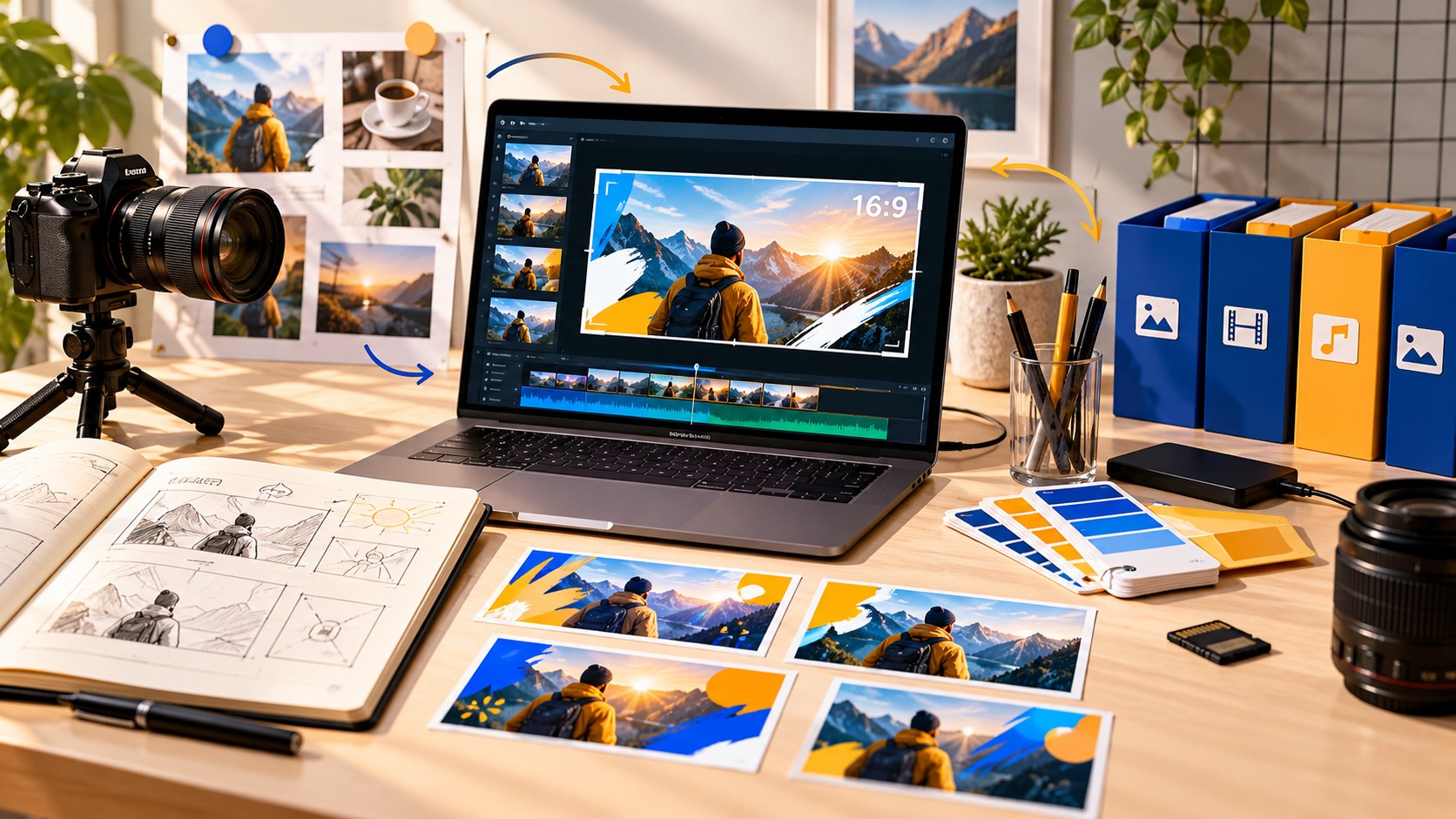
Someone who did not create the image is often better placed to notice a confusing promise or typo. If you work alone, separate creation and review with another task or a break where the schedule allows.
Review the picture at full size for errors and at viewing size for clarity. Read it with the final title. Confirm that the visible person, product and implied event match the video. Compare it with neighboring channel uploads so that it is recognizable without looking duplicated.
Use the pre-publication thumbnail checklist as a consistent gate. A polished image that misrepresents the content should return to the concept stage, not pass because the deadline is close.
Upload and test deliberately
Bloggers.tools supplies a downloadable image; it does not place the thumbnail on YouTube for you or require channel access for that upload. Horizontal output is JPG at 1920 × 1080. Check the actual file weight before upload rather than assuming every export falls below the mobile limit.
For an eligible video with two or three meaningful alternatives, configure the built-in A/B test in desktop Studio. It requires advanced features and excludes Shorts and other restricted video categories. The result uses watch time, not clicks alone.
Testing every upload is not an obligation. Choose experiments that fit the video’s exposure and answer a useful question. If the test cannot establish a winner, record that uncertainty rather than forcing a conclusion.
Store files so the next person can find them
Give each video a folder identified by a date or internal ID and a short topic. Keep the source photos, working brief, final images and test notes together. Clear names such as “A-result,” “B-process” and “vertical” are more useful than several files all called “final.”
Record which file is currently live and when it was uploaded. Keep the old image if a replacement is planned.
The generator’s history can help retrieve previous outputs, but keeping an organized local copy makes the production record independent of a particular account interface.
In the release plan, add a short result note: what was tested, which video and period it concerned, the final status and what remains uncertain. “Result image won on this episode” is more useful than “Always use result images.”
Adapt the rhythm to your schedule
- Several uploads per week: batch routine creation and review where practical, while keeping a separate promise and quality check for each video.
- One upload per week: prepare the concept during planning, finish the image after editing and allow a fresh review before release.
- A major monthly video: spend more time on the initial concept and dedicated source photos, then test where eligibility and exposure make it useful.
Different episodes can justify different effort. A routine update and a major documentary do not need identical production time, but both need accuracy and readable packaging.
Budget by outputs, not by concept count
Count the finished images you expect to need: the main horizontal image, a test alternative, a vertical version and a reserve for necessary changes. Four uploads with three generated outputs each would mean 12 generations before any reserve. This is a planning example, not a required monthly quantity.
Check the current plan’s limits, refinement rules and treatment of unused credits on the pricing page. Do not confuse three proposed concepts with three generated images, and do not assume every small change is included for free.
Frequently asked questions
When should thumbnail work begin?
During video planning. Capture the source material while filming, finalize the concept against the edited video and review it before publication.
How many variants should each video have?
One accurate version is enough to publish. Two or three distinct alternatives can support a useful test, but many near-identical images add work without necessarily adding information.
Do I still need a designer?
That depends on the channel’s needs. A generator can handle routine exploration; a designer may be especially valuable for the visual system, difficult edits and major campaigns.
What if the video is due today and has no thumbnail?
Use the available video or a factual description to create a clear draft, then prioritize the essential accuracy and readability checks. Do not skip review just to add a second variant; prepare an experiment later if it remains useful.
Make the next release easier
Add three items to the upcoming release plan: a one-sentence viewer promise, the photos to capture and the person or session responsible for review. Then create the image through your chosen editor, designer or thumbnail generator and preserve the files and decision record.