 Русский
 English
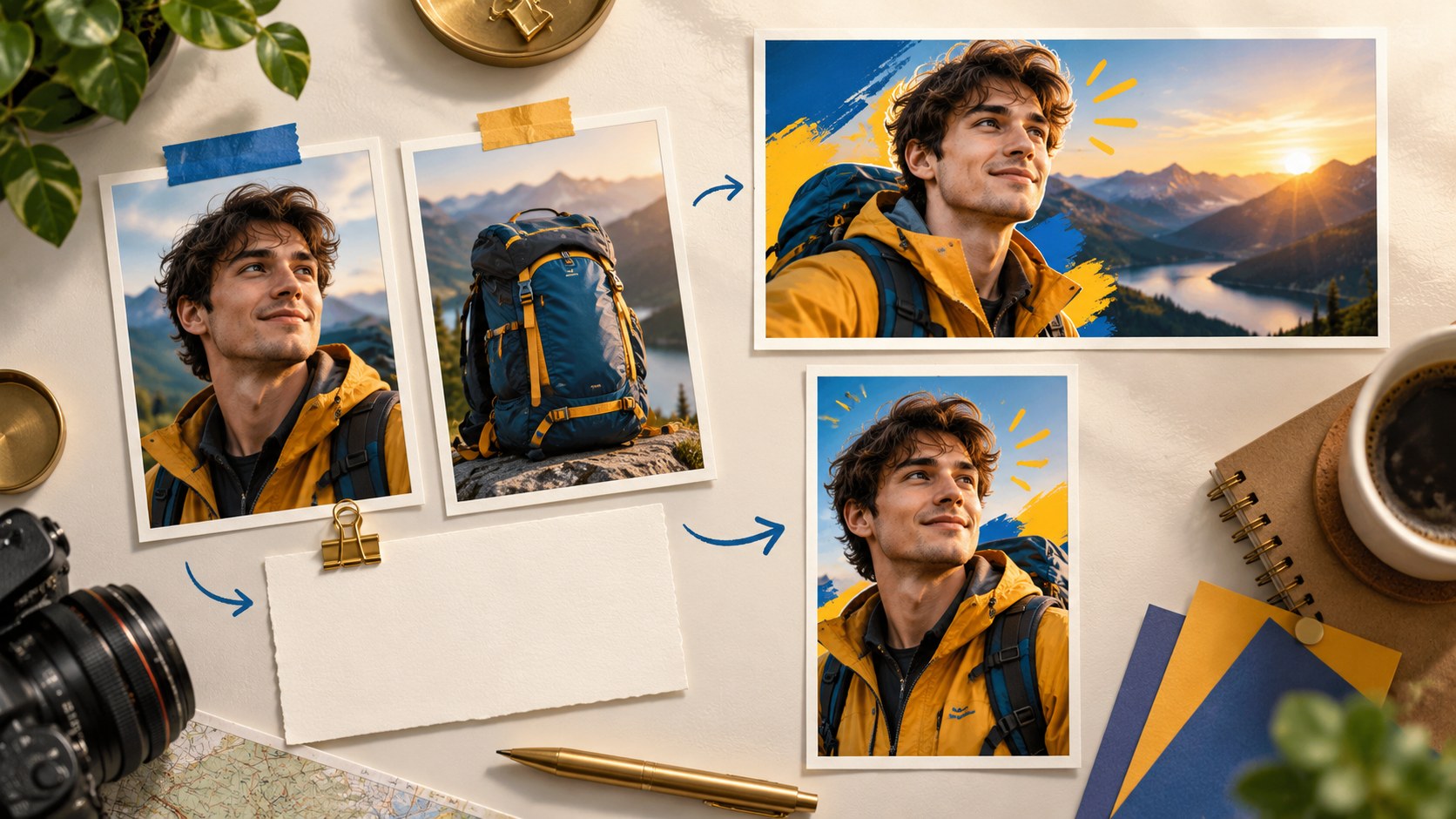
A useful AI thumbnail prompt explains what the video actually contains and what one image should communicate. Those are related tasks, but they are not the same. Give the tool enough factual context to avoid generic guesses, then describe a focused visual scene instead of asking it to show the entire story at once.
A video description is different from an image brief
The video description answers “What happens, and what does the viewer learn?” It supplies context when the tool cannot obtain a useful transcript. Bloggers.tools provides a description-based route for a video that is not uploaded, is hosted elsewhere or contains no useful speech.
The image brief answers “What should be visible in this one frame?” It describes the subject, object, action, background and caption. In Professional mode, the service offers three concepts before generation; you choose a direction and refine its description.
Confusing the two can produce predictable problems. A complete plot summary used as an image brief may become a cluttered scene with several events. A request for a dramatic picture without video context gives the tool no basis for deciding whether the promise is accurate.
Describe the video with facts
Write as if explaining it to a colleague who has not watched it. You do not need “viral” prompt vocabulary. You need the details that distinguish this upload from another video about the same subject.
- Topic and format: review, experiment, tutorial, vlog or analysis.
- Key events: the important steps or discoveries, in a sensible order.
- Outcome: what happened and what the creator concluded.
- Visible people, objects and location.
- Tone: calm, humorous, tense, reflective or another appropriate description.
- Important exclusions: what did not happen, especially if the topic invites dramatic assumptions.
A weak brief says, “A review of my new bicycle.” A stronger hypothetical brief says:
“I review a used road bike bought for about a third of the price of a comparable new one. I show the checks I made when buying it: frame damage, chain wear and hub play. At home I discover a crack in the seatpost that I had missed. I calculate the repair cost and explain whether the purchase still made sense. The video shows me and the bicycle in a garage. The tone is calm; there is no crash and nobody deliberately damages the bike.”
That gives the tool a specific discovery, an outcome and a visual subject. It also prevents an invented crash from becoming the central image. Notice the distinction between “I missed a defect” and “The seller deliberately hid it.” Do not turn an assumption about someone’s motives into a factual accusation.
For silent gameplay, a cooking montage or a construction time-lapse, describe what is visible and how it changes. A transcript cannot supply information that was never spoken.
Turn the idea into one still image
| Element | Vague direction | Specific direction |
|---|---|---|
| Person | A man | The creator in a work jacket, examining the component with concern |
| Main object | A bicycle | The actual removed seatpost, with the real crack visible |
| Moment | A review | The creator holds the part near eye level |
| Background | A garage | A dark, simple garage wall without distracting shelves |
| Arrangement | Make it attractive | Creator to the right, component near the center, space above for copy |
| Caption | Add some text | MISSED THIS |
| Lighting and tone | Bright and exciting | Restrained tones; the important part clearly separated from the background |
| Exclusions | No instructions | No crash, broken wheels or extra bicycle parts |
You do not need to fill every field for every image. Start with the subject, main object and moment. Then add the constraints that matter to your video. A clear arrangement is more useful than a long list of aesthetic adjectives.

Choose a concept for its promise, not its decoration
Three concept directions can offer different reasons to watch: a result, a discovery or a comparison. Pick the one that supports the title and represents something the video genuinely delivers. The three options are concepts before image creation, not three finished thumbnails included in one generation.
- Check the concept against the title-and-thumbnail promise.
- Prefer a scene whose important objects remain understandable when reduced.
- Look for a meaningful difference from your recent uploads and the neighboring videos.
- Remove invented events or exaggerated emotion before generating the image.
Then refine the chosen description. Add information only you know: the actual product color, a familiar channel prop or the identity of the guest. Reserve space for text and reduce objects that do not contribute to the main idea.
If the first image is close, ask for a specific change and state what should remain stable. Refinement availability depends on the plan. A completely different concept may need another generation, so check the current workflow before budgeting several revisions as one output.
Use references to clarify identity and objects
A good reference photo communicates visual facts that are difficult to describe precisely. In the supported Bloggers.tools workflow, you can add your own photo, guest photos and an object reference.
- For your portrait, use a sharp image with the face visible and lighting that does not hide important features. An expression close to the intended tone is more useful than a generic smile for every episode.
- For a guest, use a suitable photo with the necessary permission and agreement about its use.
- For an object, show the actual item clearly. A car, camera or finished dish should be recognizable from the reference, not partly hidden among unrelated objects.
Inspect the generated result against those references. The tool may still alter a feature, model detail or label. A reference helps constrain the request; it is not a guarantee of exact reproduction.
Other creators’ thumbnails can be useful research references, but a bare request to reproduce one tends to copy more than the general idea. Extract the technique in words and use your own materials.
Write custom text that adds information
If you have a precise phrase, provide it directly. Otherwise, review the tool’s proposed text as carefully as the image. Short wording is easier to fit and inspect, but there is no universal word limit.
For the bicycle example, a title such as “I bought a used road bike for a third of the new price” could pair with “MISSED THIS.” The image shows the actual damaged component, while the title provides the purchase context. “THE SELLER LIED” would require evidence the example does not establish.
- Start with a few concise words, then check their actual size.
- Avoid copying the complete title onto the image.
- Use only claims supported by the video.
- Read every rendered letter and number after generation.
Bloggers.tools describes automatic language selection from the video. Still verify the language and exact wording in the output, especially for mixed-language videos or a description-based brief.
Common brief mistakes
- Describing several episodes in one image: the frame loses a clear focal point.
- Giving conflicting directions, such as minimalism with many detailed objects.
- Using evaluations instead of visible instructions: “amazing” does not explain what should be shown.
- Requesting the creator without a reference and expecting an accurate likeness.
- Placing the entire title on the image, leaving no space for the subject.
- Asking for another creator’s exact style instead of describing an independent approach.
- Omitting a critical factual constraint, then accepting the tool’s invented detail.
A better brief is not necessarily a longer one. It contains the few details that prevent the wrong image and leaves ordinary layout decisions open where they do not affect meaning.
A reusable short brief
Use this structure in your own words: “This is a [format] about [specific subject]. The viewer sees [key events] and learns [actual result]. The thumbnail should focus on [one subject and moment], with [relevant reference] and the optional caption [exact wording]. Keep the tone [appropriate tone]. Do not imply [event or outcome absent from the video].”
After generation, compare the picture with that brief and the actual video. If the main promise is wrong, revise the concept. If the promise is right but a detail is wrong, make a focused correction and review again.
Frequently asked questions
When should I use Auto or Professional mode?
Auto is useful when you want the service to propose the idea and composition. Professional is useful when you want to choose among concept directions and edit the brief before generation. Neither removes the final accuracy check.
How do I brief a video without speech?
Use the description-based route and explain what the viewer sees: the actions, important objects, progression and outcome. Describe the visual story rather than supplying nonexistent dialogue.
Do I need to choose the caption language?
The service describes automatic language selection from the video. Check the generated wording and language, and provide custom text when an exact phrase matters.
How long should the description be?
A few specific sentences can be enough when they identify the topic, key events, result and visible subjects. A long general description is less helpful than a short factual one.
Apply the brief to a real video
Open the thumbnail generator and use the video-link or description-based path appropriate to your material. Prepare references, define the actual promise and check the final image with the title. The aim is not a clever prompt in isolation; it is an accurate, readable package for the video you made.