 Русский
 English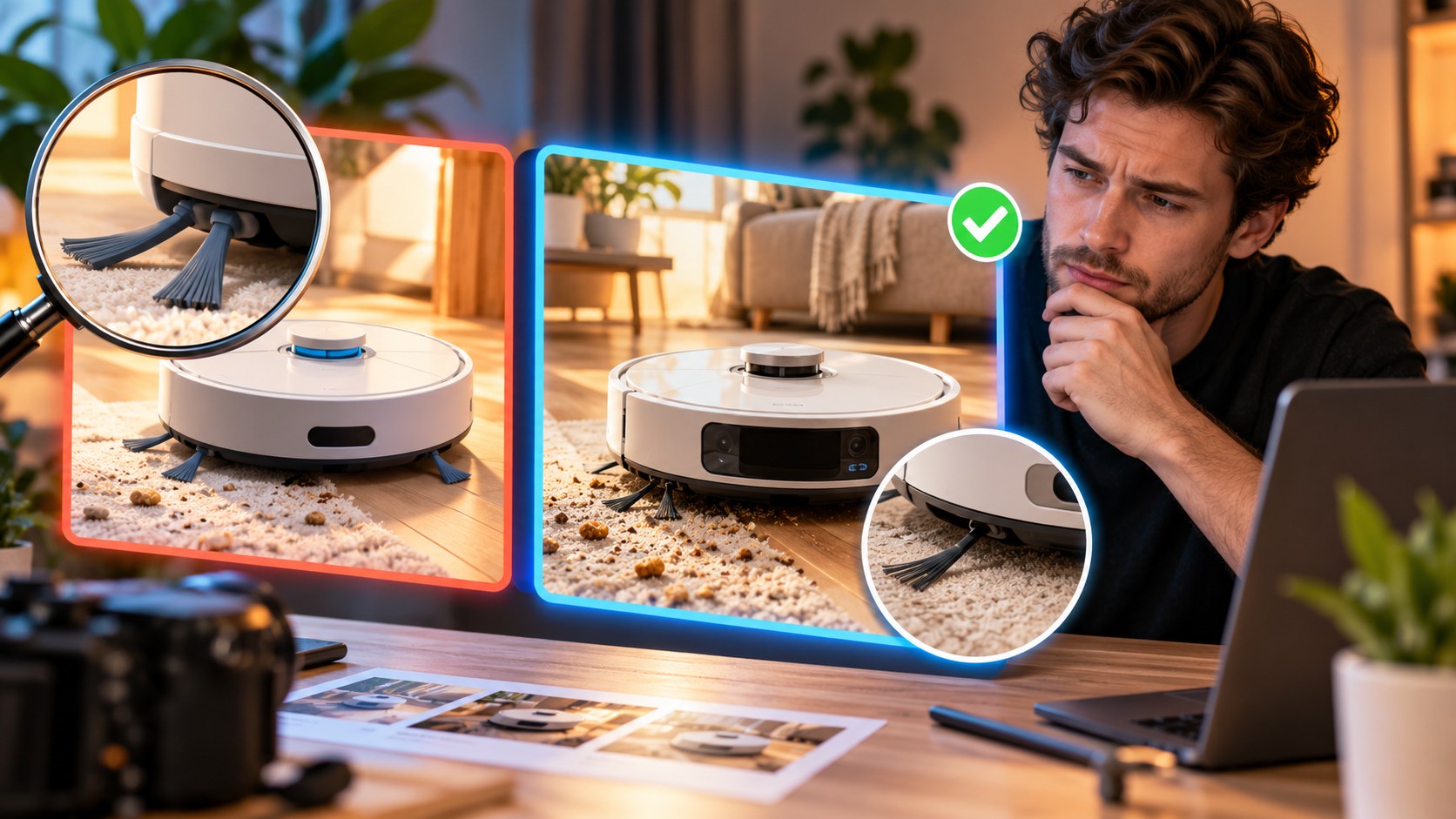
An AI thumbnail generator can turn an idea into a usable draft quickly, but a finished image is not automatically ready to publish. It can contain incorrect lettering, an altered face, a wrong product or a promise the video never delivers. The most effective workflow combines useful source material, a clear concept and a deliberate final review.
What does the generator know about your video?
The input matters as much as the visual style. A general image tool may receive only your description of a scene. In that case, you supply the entire editorial idea. A vague brief can produce a polished picture for a different video from the one you made.
A tool using the title and a few description lines has more context, but may still fall back on generic associations: money for finance, a hard hat for renovation, a shocked face for a product review. Those associations may have little to do with the episode’s distinctive point.
A complete transcript or detailed video description supplies more of the argument, events and conclusion. However, reading subtitles is not the same as analyzing every frame. The tool may know that you discuss a bicycle without knowing the actual bicycle’s color or the precise damaged component.
| Input | Who develops the idea? | Main risk | Useful when |
|---|---|---|---|
| A scene description | You | The scene does not match the video | You already have a clear visual concept |
| Title and short summary | You and the tool | Generic imagery replaces the specific story | You need an early draft |
| Full transcript or detailed content brief | The tool proposes directions; you select and check | The wrong moment or an unsupported visual detail becomes central | You publish regularly or work with long videos |
The Bloggers.tools thumbnail generator uses subtitles as content input. An unlisted YouTube link can support preparation before public release. If captions are not ready, wait for them or use the description-based route. The service’s processing estimates are not guarantees of when YouTube will finish captioning.
For videos without useful speech, external videos or footage not yet uploaded, describe the content yourself. Include what happens, what is visible and how the story ends.
Where AI can help
- Developing alternative concepts: the same video can be represented by the creator, the object or the result.
- Improving presentation: a supplied portrait can be placed against a cleaner background or given a more coherent lighting treatment.
- Creating clearly illustrative scenes: a historical reconstruction or scientific visualization can communicate an idea that is difficult to photograph.
- Reducing routine production delays: a creator can prepare a draft without waiting for another person’s schedule.
- Adapting a concept to another orientation: a vertical image can be generated separately for an appropriate use.
Illustration must not become false evidence. Do not generate a fictional “before” photo of a renovation and present it as documentation of the real room. A reconstruction needs to be understood as a reconstruction, especially in a factual or news-related context.
The errors worth checking closely
Text and lettering
Generated lettering can contain missing letters, extra strokes, wrong punctuation or mixed alphabets. Both English and other languages need review. Error rates depend on the model and task; it is not reliable to assume that every model handles one alphabet better than another.
Short, simple wording is easier to fit and inspect. “NOT RUST” leaves more room than a full sentence about what used-car sellers do not want you to know. Even the short version can be wrong, so read it letter by letter rather than recognizing the phrase you expected.
Faces that are almost right
Without a reference photo, “the creator” may become a generic person. With a reference, the output may still change facial proportions, teeth, glasses, a birthmark or age. An unfamiliar viewer might not notice, but regular viewers may see that something is wrong.
Check whether the expression is appropriate too. A generated reaction can turn a calm review into apparent panic. Extra people in the background can accidentally imply guests or participants who were never involved.
Hands, products and small factual details
Inspect fingers, grips, straps, instrument strings, controls, labels and screens. A malformed handle may be merely distracting; the wrong camera model can undermine the central claim of a review. Supply a reference when the exact object matters, and compare the result with it.
If a small detail contributes nothing, remove it. A simple blank background is easier to verify than a shelf full of invented products and pseudo-lettering.
Drama that the video does not support
A tool may add smoke to a car, a large pile of money to a budget discussion or tears to an ordinary conversation. Those changes make the image more dramatic but can also change its meaning. A viewer expecting an engine failure will not be satisfied by a calm review of a functioning vehicle.
YouTube’s thumbnail policy prohibits misleading images that imply content absent from the video.
A generic generated appearance
Unnaturally smooth skin, overly uniform sharpness and lighting with no clear source can make different channels’ images feel interchangeable. Real portraits and object references give a design specific information. A consistent but restrained style can also help it sit naturally beside your existing work.

A five-step review for every image
- Check the promise. Does the subject, event, result and tone match the actual video?
- Read the text at full size, including every letter and number. Then compare it with the title.
- Zoom into faces, hands and important objects. Compare identity and product details with the source images.
- Reduce the thumbnail to a realistic feed size. Confirm that the subject and essential copy remain legible.
- Place it beside recent channel thumbnails and relevant search results. Check both recognition and distinction.
A failure at the first step usually calls for a different concept. A spelling problem or local visual defect may need a specific revision. A composition that collapses when small needs more than cosmetic cleanup.
This review reduces avoidable errors; it cannot establish that the image will win viewers. Performance still depends on the audience, video, title and exposure.
Give the tool better direction
- Provide your own portrait, an authorized guest photo and references for the actual product.
- Supply concise custom text when the exact wording matters.
- Describe the main object, moment and arrangement instead of relying on adjectives such as “viral” or “professional.”
- When a result is close, request a specific change and explain what should remain stable.
- Prepare distinct, accurate alternatives when you intend to run a test.
In Bloggers.tools, Auto mode develops the idea, arrangement and caption. Professional mode presents three concepts before generating the image, so you can select a direction and edit its description. The three concepts are not three finished images included in one generation. Additional outputs and vertical versions are separate generations.
You can add photos, object references and custom text in the supported workflow. Review the detected language and wording rather than assuming they are correct. Refinement options and credits depend on your plan; check current conditions in your account or on the pricing page.
For eligible videos, upload the finished alternatives to YouTube’s built-in A/B test. It evaluates watch time, not a designer’s preference or clicks alone.
When another approach is more suitable
Real footage is usually the clearest evidence for a specific event. For a documentary about a court hearing, protest or disaster, a realistic invented scene can be mistaken for a record of what happened. Use authentic material you have rights to, or an illustration that cannot reasonably be confused with documentary evidence.
Precision-sensitive topics also deserve restraint. A fictional label, dosage, bank logo or financial document can change what an image appears to claim. If the exact detail matters, preserve the real material and use controlled layout work around it.
A guest without an available photo is another reason to reconsider the concept. Generating a vaguely similar stranger does not solve the identity problem. Ask for an appropriate photo or use another relevant subject.
If a channel is recognized for a particular artist’s illustration style, that artist may remain the best choice for final work. AI can still help explore rough composition ideas without replacing the channel’s established visual craft.
AI thumbnails and YouTube disclosure
The ordinary thumbnail and Community Guidelines still apply to generated images. AI does not exempt an image from restrictions on misleading content, harmful imagery or impersonation.
YouTube’s AI disclosure guidance lists assistance with creating or improving a thumbnail among examples that do not require creator disclosure merely for that assistance. This is different from realistic generated or meaningfully altered content in the video itself, which can require disclosure. Check the actual content and current guidance rather than treating “AI used” as one uniform category.
Uploading a custom image also requires the relevant account verification.
Frequently asked questions
Can I upload an AI-generated thumbnail to YouTube?
Yes, provided it follows the applicable rules and accurately represents the video. The creation method does not make a misleading image acceptable.
Do I need an AI disclosure just for generating the thumbnail?
YouTube lists thumbnail production assistance as an example that does not itself require disclosure. Evaluate generated or altered material inside the video separately.
Why does generated text contain mistakes?
Image models can render letter shapes inaccurately, particularly in complex or long text. Use shorter wording, inspect the actual output and correct it rather than assuming the intended phrase was produced.
Can the thumbnail show a public figure?
The context matters. A video genuinely discussing that person is different from falsely implying participation or endorsement. Check rights to the source material and avoid deceptive impersonation or fabricated events.
What if Bloggers.tools rejects the request?
Review the service’s current content restrictions and the message shown in your account. Its generation policy is separate from YouTube’s upload policy. Check the stated handling of a rejected or failed generation rather than repeatedly submitting the same request.
Try the workflow on your next upload
Use a video link or a factual description in the thumbnail generator, provide relevant references and review the output with the five checks above. The useful time saving comes from shortening routine production while keeping the editorial decision with the creator.