


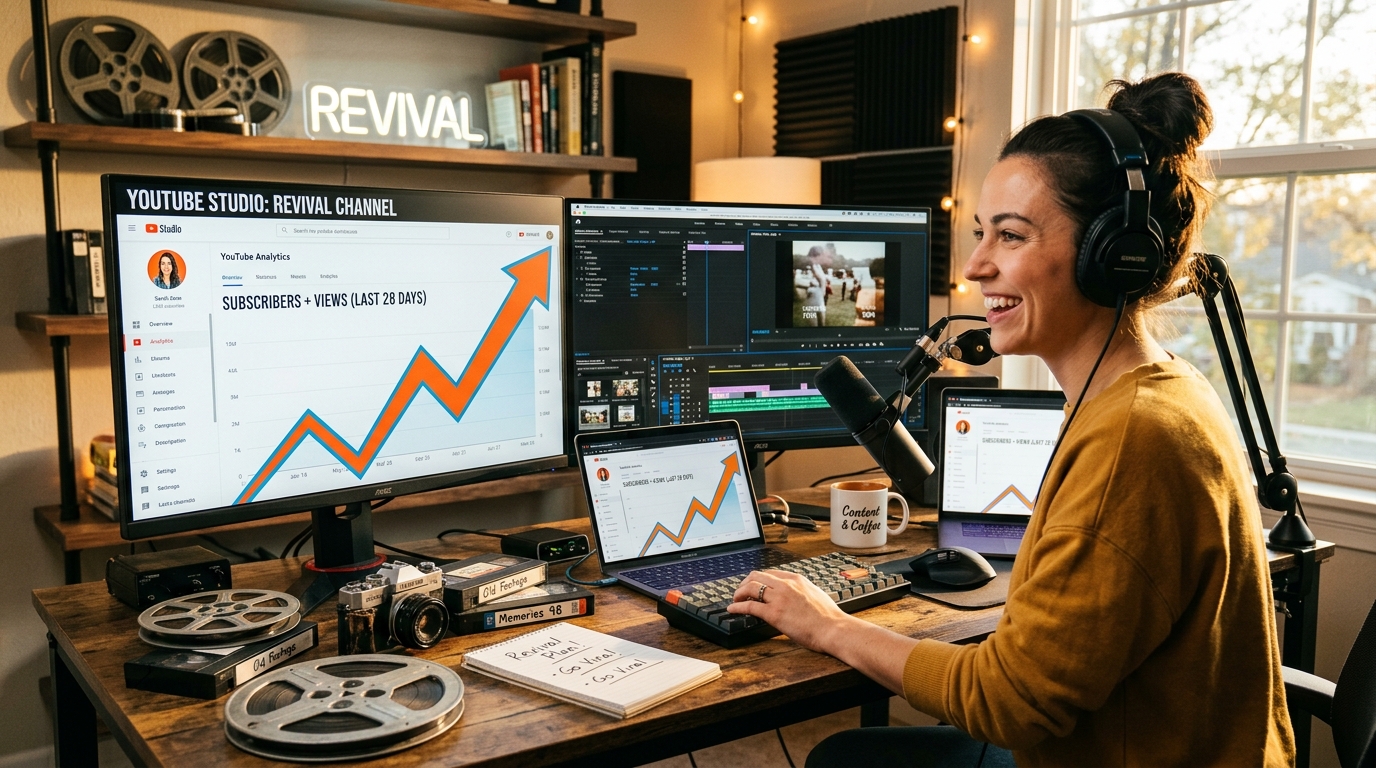
Most YouTube creators focus almost entirely on publishing new content. That's understandable. But your existing video library is a traffic asset that's already indexed, already has watch history, and already carries some algorithmic weight. Re-optimizing old videos often produces faster results than uploading something brand new, because you're working with a foundation that already exists.
Here's the process, from identifying which videos to prioritize to the specific changes that move the needle.
Why old videos lose momentum
YouTube's algorithm doesn't reward age. A video from three years ago competes directly with one uploaded last week. When click-through rates drop, watch time stagnates, or search behavior shifts, YouTube stops recommending the video. The result is a slow fade into irrelevance.
The good news is that most of this is fixable. YouTube's own documentation confirms that the platform continuously re-evaluates metadata and engagement signals, meaning a video published years ago can regain traction if the right signals improve. The algorithm responds to engagement regardless of when the video was published.
Step 1: Identify which videos are worth the effort
Not every old video deserves your time. You want to find ones with realistic upside.
Open YouTube Studio and go to Analytics. Sort your videos by the following signals:
-
Impressions with low CTR: The video is being surfaced but people aren't clicking. A better thumbnail or title could unlock a lot of traffic quickly.
-
Decent watch time but low views: The content holds attention, but discovery is the problem. This is a strong re-optimization candidate.
-
Ranking on page 2 or 3 in search: A small SEO improvement could push it to page 1.
-
Traffic from search dropping over time: This usually signals a keyword shift or outdated metadata rather than a content problem.
-
Videos on topics that are trending again: Seasonal content, news cycles, or renewed interest in a niche.
Avoid spending time on videos with consistently low watch time and no impressions. Those usually have a content problem, not a metadata problem.
Step 2: Research keywords again
Search intent changes. A keyword that made sense in 2021 might have a completely different competitive picture now. Before touching anything, redo your keyword research for each video.
Use YouTube's search autocomplete to see what people are actually typing today. Tools like TubeBuddy, vidIQ, or Google Trends can show you whether search volume for your topic has grown, shrunk, or shifted to a different phrasing. A topic that was searched as "how to edit videos" in 2020 might now see far more volume under "how to edit videos on iPhone" or "free video editing for beginners."
Look specifically for:
-
Long-tail variations with less competition but decent volume
-
Questions people are searching that your video already answers
-
Related terms your original metadata missed entirely
Once you have a refreshed keyword list, you're ready to update the actual metadata.
Step 3: Rewrite titles for clicks and search
Your title does two jobs: it tells the algorithm what the video is about, and it convinces a human to click. Most old titles fail at one or both.
A strong title in 2024 tends to be specific, benefit-oriented, and front-loaded with the primary keyword. Vague titles like "My experience with X" don't compete well against "How to fix X in 10 minutes."
Some practical rules:
-
Keep titles under 60 characters so they don't get cut off in search results.
-
Put the main keyword as close to the front as possible. Every word before it is a word the algorithm has to read past.
-
Add a specific outcome, number, or time frame when it's honest. "5 fixes" outperforms "some fixes" every time.
-
Skip clickbait that doesn't match the content. It tanks watch time, which directly hurts ranking.
Don't be afraid to test. YouTube doesn't penalize title changes, and you can always revert if CTR drops.
Step 4: Redesign thumbnails with a clear visual hierarchy
Thumbnails are the single highest-impact change you can make. For example, a 1-2% CTR improvement on a video getting 100,000 impressions per month translates to an extra 1,000-2,000 clicks with zero additional effort.
The most effective thumbnails share a few traits. Think about what actually stops your own scrolling when you're browsing YouTube.
-
One dominant visual element: Usually a face with a strong expression, or a clear product or result. Cluttered thumbnails lose at small sizes.
-
Minimal text: Three to five words maximum, large enough to read on a phone screen. If someone needs to squint, it won't convert.
-
High contrast: Your thumbnail needs to stand out against YouTube's white or dark background. Muted palettes disappear.
-
Consistency with your channel brand so subscribers recognize your content instantly, even before reading the title.
Look at what's currently ranking for your target keyword. Your thumbnail needs to stand out in that specific context, not just look good in isolation.
Step 5: Rewrite descriptions with real SEO value
Most YouTube descriptions are either blank or stuffed with irrelevant links. Neither helps. A well-written description gives YouTube more context about your video's topic and can capture additional long-tail search traffic.
Write the first 2-3 sentences as a genuine summary of the video. YouTube shows this text in search results, so treat it like meta description copy. Include your primary keyword naturally in the first sentence.
After the summary:
-
Add 3-5 related keywords in natural sentences, not a keyword dump
-
Include timestamps if the video is over 5 minutes long
-
Link to related videos on your channel to improve session time
-
Add a call to action (subscribe, comment, watch next)
The description won't single-handedly revive a dead video, but it's a fast change that compounds with everything else.
Step 6: Update tags and chapters
Tags are widely reported to carry less weight than they used to, but they still provide context. Audit your existing tags and remove irrelevant ones. Add the specific long-tail phrases you found during keyword research. Keep the total under 15 tags and make sure every one is directly relevant.
Chapters (timestamps in the description) are worth adding if you haven't already. They create chapter markers in the progress bar, which improves the viewing experience. According to Google Search Central documentation, chapters can also help your video appear in Google's video search results with specific segments marked and surfaced for relevant queries.
Format them like this: 0:00 Introduction, 1:45 Step 1: Topic, and so on.
Step 7: Improve engagement signals
Metadata changes tell the algorithm what your video is about. Engagement signals tell it whether people like it. Both matter.
After re-optimizing, give the video a traffic boost to generate fresh engagement:
-
Share it in relevant communities: Reddit threads, Facebook groups, Discord servers, newsletters
-
Pin a comment with a question or key takeaway to encourage replies
-
Add end screens and cards pointing to your newest content (and vice versa)
-
Mention it in a new video if the topic connects naturally
Fresh comments, likes, and watch time after re-optimization send a strong signal that the content is still relevant. Even a modest push of a few hundred views in the first week can restart algorithmic distribution on a video that had gone completely cold.
Step 8: Turn old videos into Shorts
Long-form videos often contain 30-60 second segments that work well as Shorts. This is one of the fastest ways to drive new traffic to old content, and it costs almost nothing if the footage already exists.
The process:
-
Rewatch the video and identify the most quotable or visually interesting moment
-
Clip it (YouTube Studio has a built-in clip tool, or use CapCut or Premiere)
-
Add captions, since most Shorts are watched without sound
-
Crop to a 9:16 aspect ratio if the original was filmed in landscape
-
In the Short's description, link back to the full video
-
Title the Short with a hook that makes people want to see the full version
Shorts get their own algorithmic distribution. A well-performing Short can introduce your channel to a completely new audience and funnel them to older long-form content that would otherwise never surface again.
Step 9: Use analytics to guide ongoing decisions
Re-optimization isn't a one-time event. After making changes, give the video 2-4 weeks and then check the data.
|
Metric |
What it tells you |
|
Impressions |
Whether YouTube is surfacing the video more |
|
CTR |
Whether the new title and thumbnail are working |
|
Average view duration |
Whether the content still holds attention |
|
Traffic sources |
Where new viewers are finding the video |
|
Subscriber conversion |
Whether new viewers are following through |
If impressions went up but CTR didn't improve, the thumbnail needs more work. If CTR improved but watch time dropped, the title is probably overpromising. Use the data to diagnose the specific problem. Guessing wastes time that the numbers can save.
What not to do
A few common mistakes that can hurt more than help:
-
Deleting and re-uploading: This loses all existing watch history, comments, and backlinks. Almost never worth it.
-
Changing everything at once: If you update the title, thumbnail, description, and tags simultaneously, you won't know which change caused the result.
-
Over-optimizing for keywords at the expense of readability: Titles that read like keyword strings get lower CTR, not higher.
-
Ignoring the content itself: If the video's hook (first 30 seconds) is weak, no amount of metadata work will fix the watch time problem. Sometimes you need to add a new intro card.
How often should you revisit old content?

Is there a schedule that actually works? Yes, and it doesn't have to be complicated.
-
Monthly: Check your top 20 videos for CTR drops or impression changes
-
Quarterly: Do a full audit of videos ranked on page 2-3 for target keywords
-
Annually: Review your entire library for outdated information, expired links in descriptions, or topics that have shifted significantly
Channels that treat their video library as a living asset consistently outperform those that only think about what's going up next. The math is simple: if you have 100 videos and each one averages 500 views per month, that's 50,000 monthly views sitting in your back catalog. Improving average CTR across that library by even 1% compounds fast.
Frequently Asked Questions
How should I optimize thumbnails, titles, descriptions, and tags for old videos?
Start with the thumbnail and title since they have the most direct impact on CTR. Redesign thumbnails with high contrast, minimal text, and a clear focal point. Rewrite titles to front-load the primary keyword. Then update descriptions with a natural keyword-rich summary and refresh tags based on current search data.
How long does it take to see results after re-optimizing old YouTube videos?
Most creators see initial data shifts within 2-4 weeks. Thumbnail and title changes can affect CTR within days if the video is still getting impressions. Description and tag updates typically take 4-8 weeks, based on typical creator reports, because YouTube needs time to re-evaluate the content in search results.
Does changing the title or thumbnail of an old YouTube video reset its ranking?
No. YouTube keeps the video's existing watch history, engagement data, and backlinks intact. A new title or thumbnail can actually improve rankings if the changes lead to better CTR and watch time, which are direct ranking signals. There's no penalty for testing different versions.
How do I know which old YouTube videos are worth re-optimizing?
Look for videos with high impressions but low CTR (under 4%, which YouTube's Creator Academy cites as a general benchmark), decent watch time but limited views, or search rankings on page 2-3. Avoid videos with both low impressions and low watch time since those typically have a content quality issue that metadata alone can't fix.
How do I turn old YouTube videos into Shorts?
Find a 30-60 second segment from the full video that stands alone as a tip, story, or visual moment. Extract it using YouTube Studio's clip tool or a video editor. Add captions, crop to 9:16, and write a hook-driven title. Link to the full video in the Short's description so interested viewers can watch the complete content.
How can I use analytics to improve the performance of old YouTube videos?
In YouTube Studio, track impressions, CTR, average view duration, and traffic sources after making changes. Rising impressions with flat CTR points to a thumbnail or title problem. Good CTR with low watch time means the content isn't delivering on what the title promises. Traffic source data shows whether search or browse is driving new views.
Should I delete old underperforming videos or re-optimize them?
Re-optimize in almost every case. Deleting removes accumulated watch time, comments, and any external links pointing to the video. That history has real algorithmic value. Only remove content that's factually wrong or completely off-brand. For everything else, a metadata refresh costs nothing and often produces results within a few weeks.